Table of Contents
While Tiny11 serves as an option, some experts advise against it. Zorin OS is a great alternative.
People have been using Windows 10 for years, and with Microsoft ending support for the operating system, some computers like the old 2015 HP EliteBook 850 G2 are going to be left behind. These systems aren't bad, but they simply don't meet the demanding hardware requirements. The only viable option is to switch to a familiar operating system that doesn't require a hardware upgrade.
While Tiny11 is an option, some experts advise against it. Zorin OS is a great alternative. It's built on Linux but offers a Windows-like interface, with great performance on older computers that don't qualify for Windows 11 by default. It may not be as popular as Linux Mint, but if you want to replace Windows 10 with an operating system that belongs in the Linux ecosystem, Zorin OS should be your first choice.
What Makes Zorin OS Stand Out to Windows 10 Users
The perfect balance between familiarity and freedom
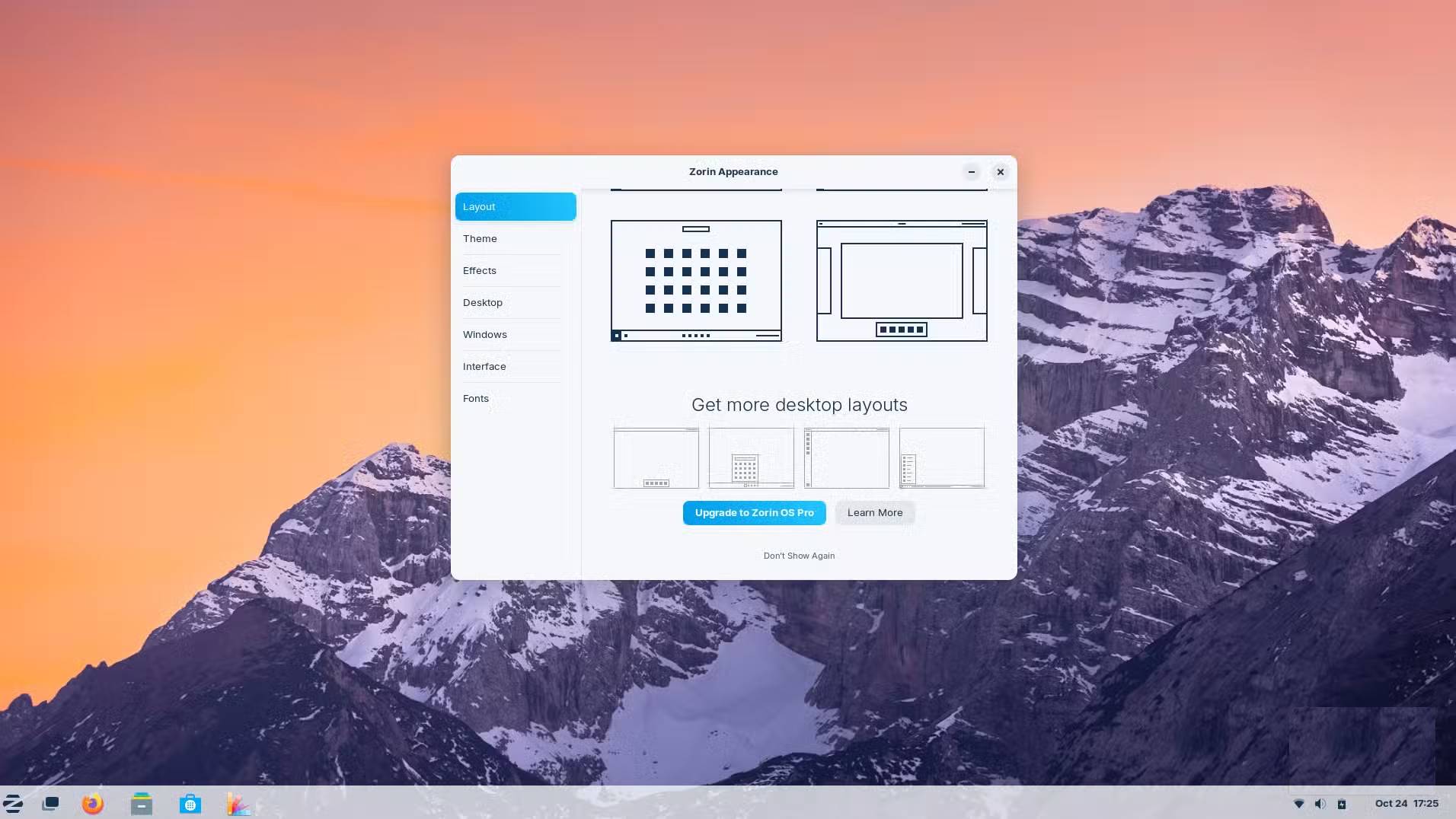
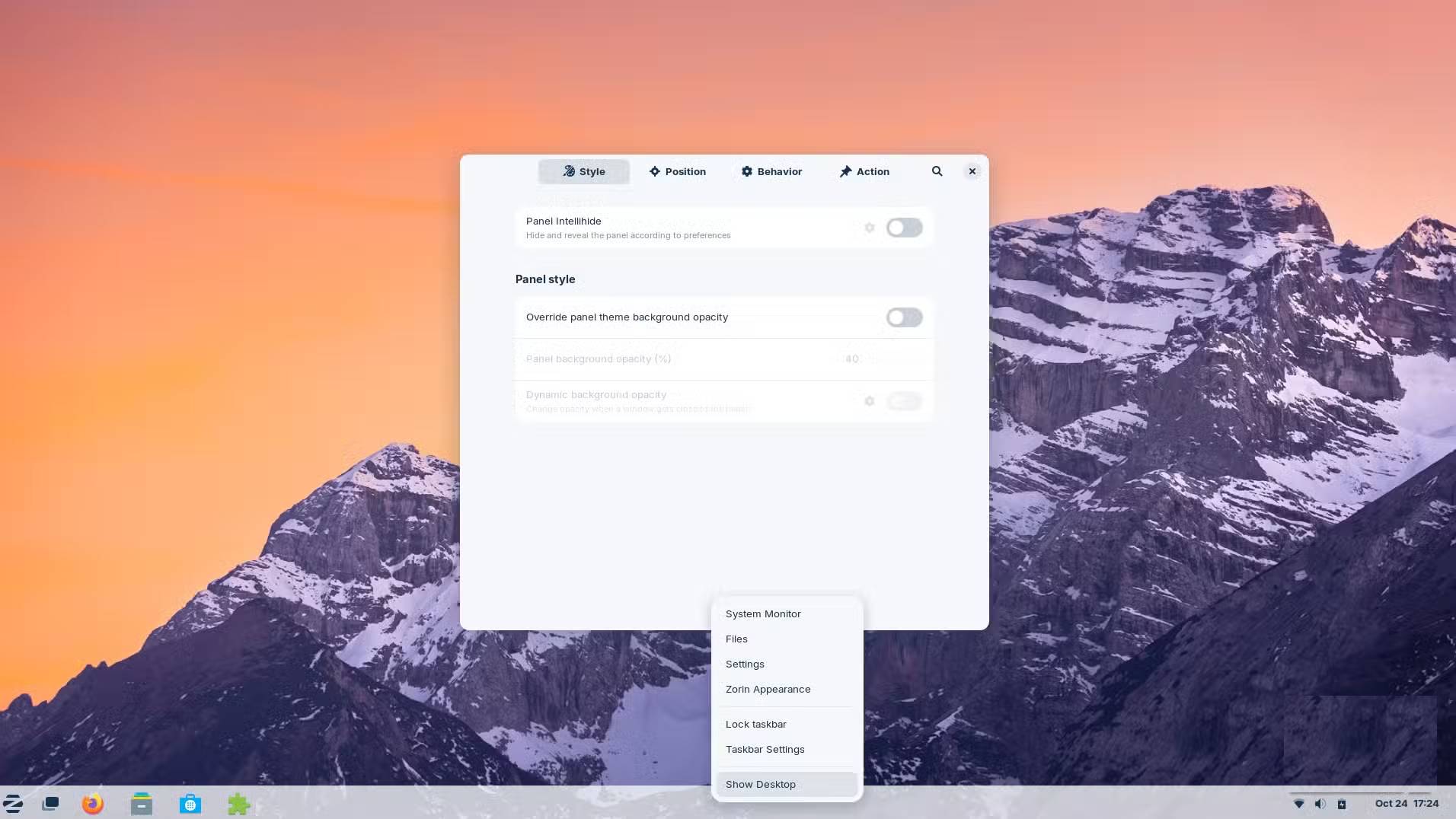
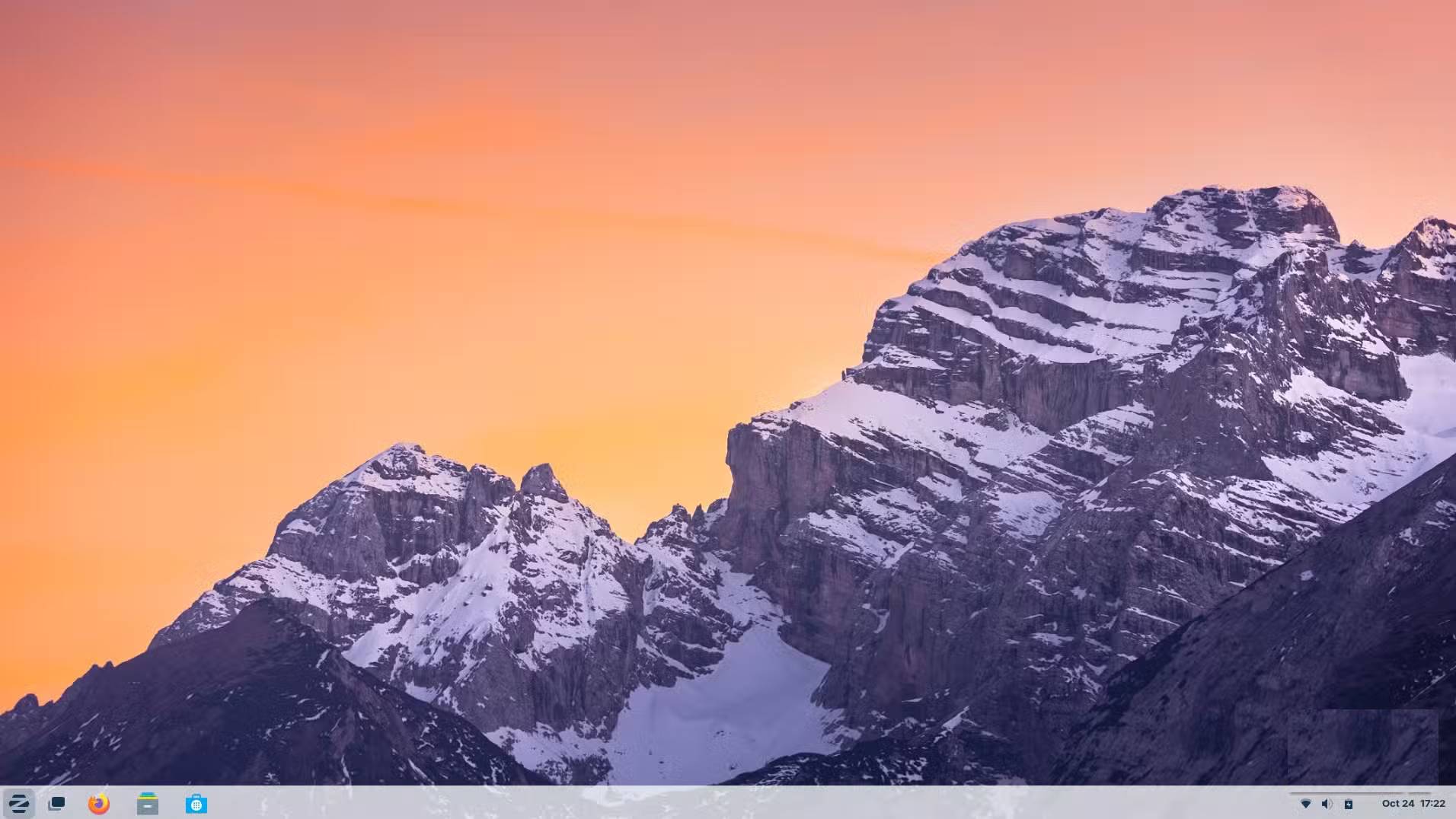
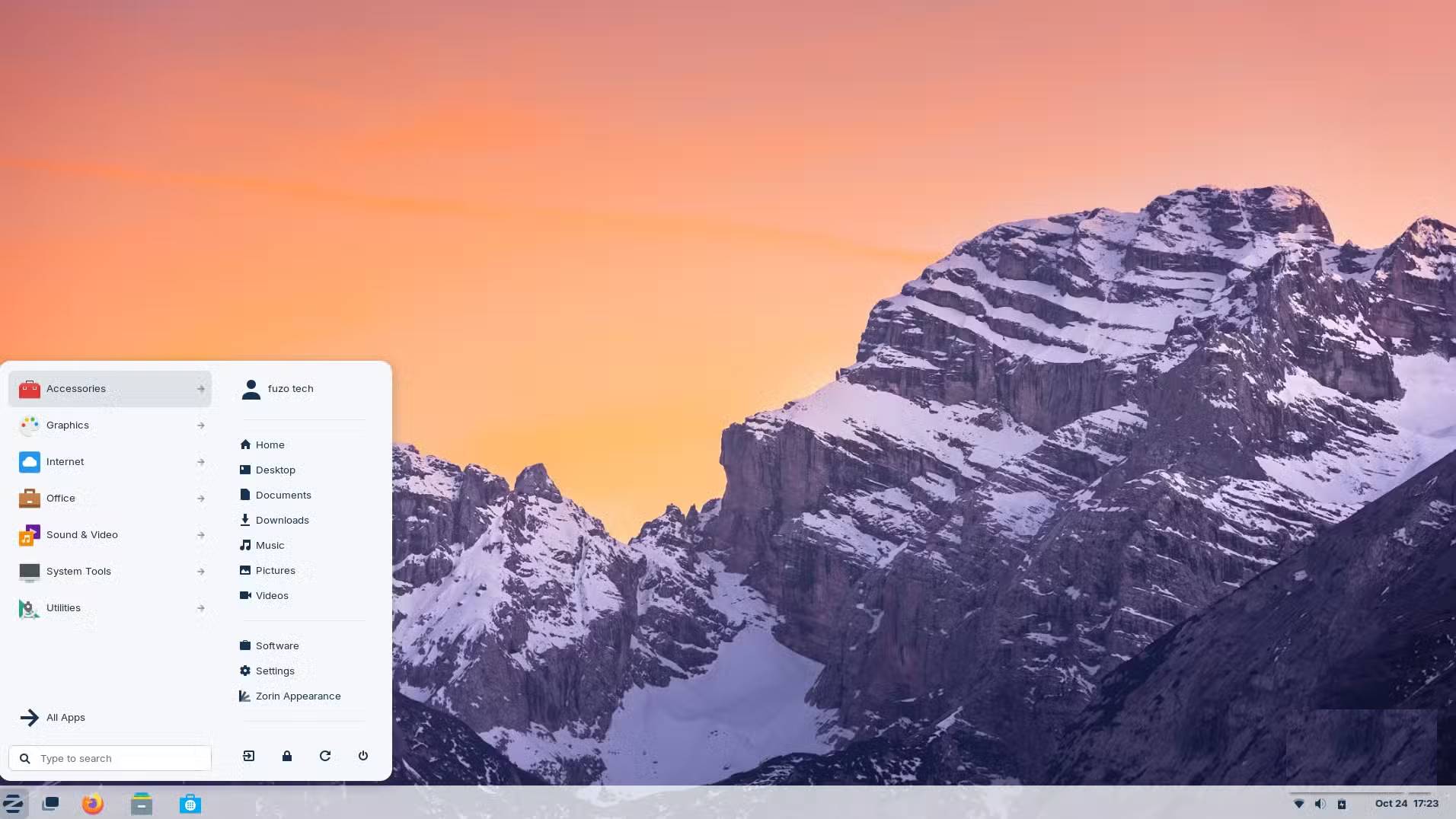
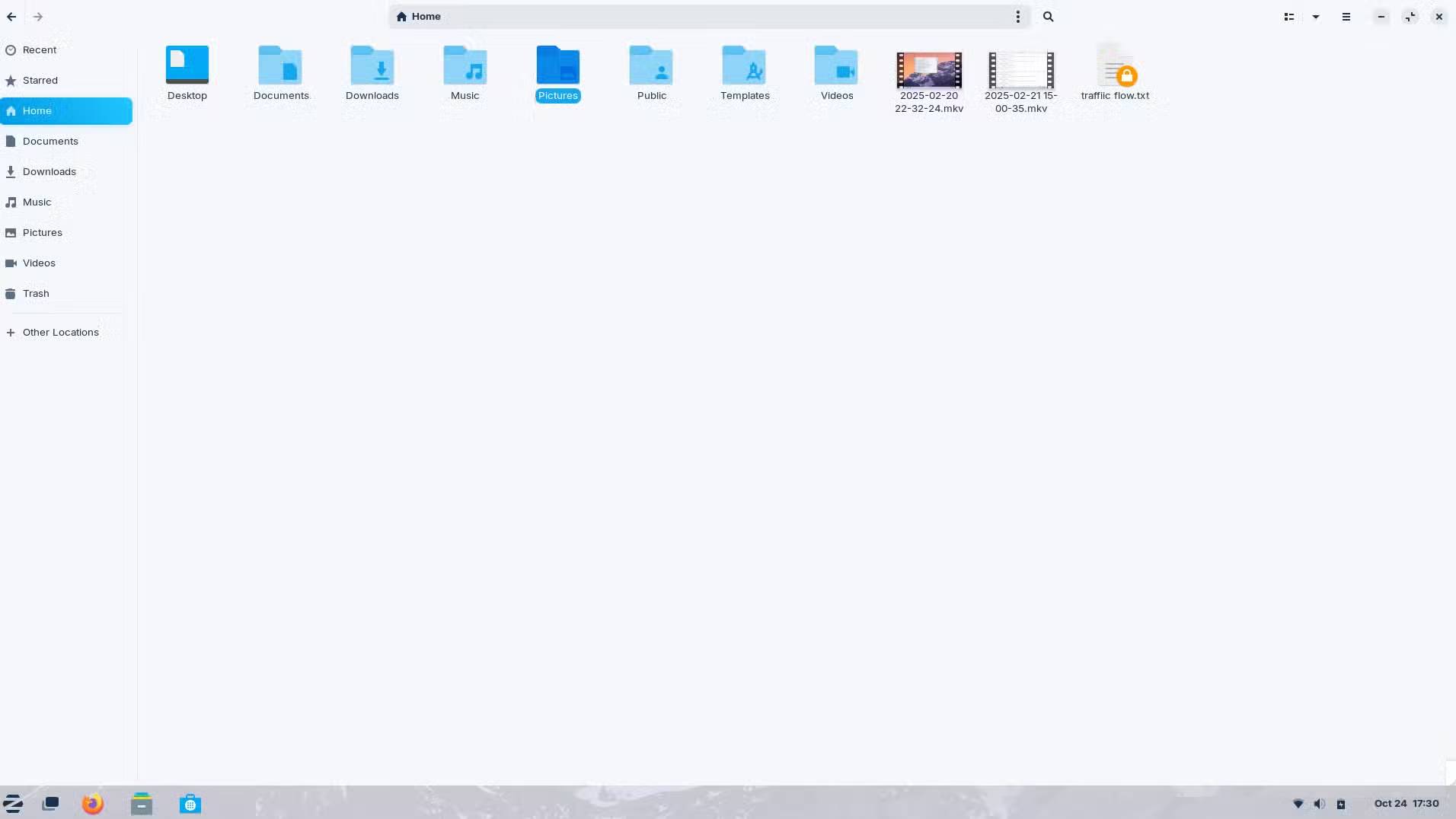
Zorin OS is a Linux distribution built for people who are already fully immersed in the Windows ecosystem but want more privacy and don't feel pressured to upgrade. Some Linux distributions will require you to adapt to a new workflow, but the team behind Zorin OS has designed it to be easy to migrate. It has similar layout options to Windows 10 and offers simple app installation through the Software Store.
A popular distribution like Linux Mint aims to be a stable, traditional Linux desktop with its own classic and comfortable interface. Tiny11 is a stripped-down version of Windows. However, Zorin OS finds a middle ground. It closely resembles Windows while inheriting years of security updates and compatibility from Ubuntu. This distribution packs these benefits in an approachable way.
An instantly familiar desktop
No time wasted getting used to it again
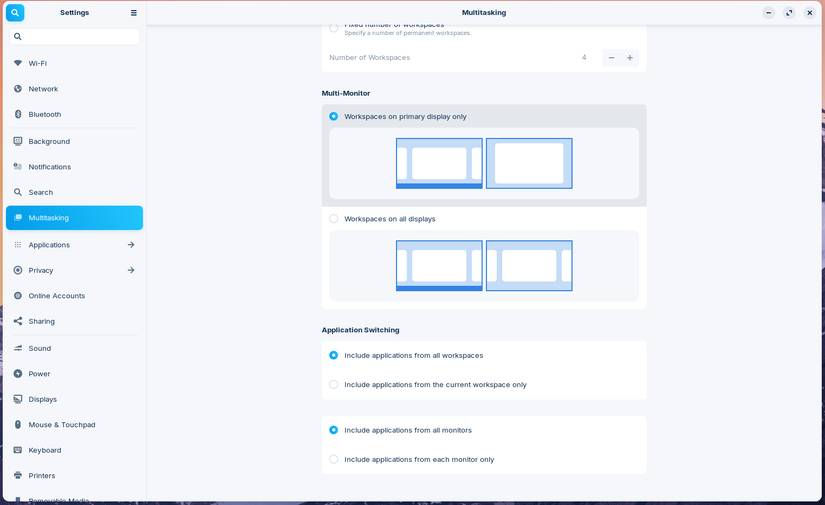
The unfamiliar Linux interface is a big barrier for people switching from Windows. Zorin solves this problem by making the desktop look and work like Windows 10. You get a taskbar at the bottom, a similar Start menu, and best of all, quick access to system settings and file navigation.
The Zorin Appearance tool allows for one-click layout switching between Windows 10, 11, macOS, and GNOME styles. If you rely on muscle memory to navigate folders or menus, the flexibility of this feature will make the transition smooth. While many would suggest Mint as a perfect Windows alternative, Zorin Appearance gives Zorin OS an edge.
Performance that makes old computers feel new again
Optimize speed and performance for legacy hardware
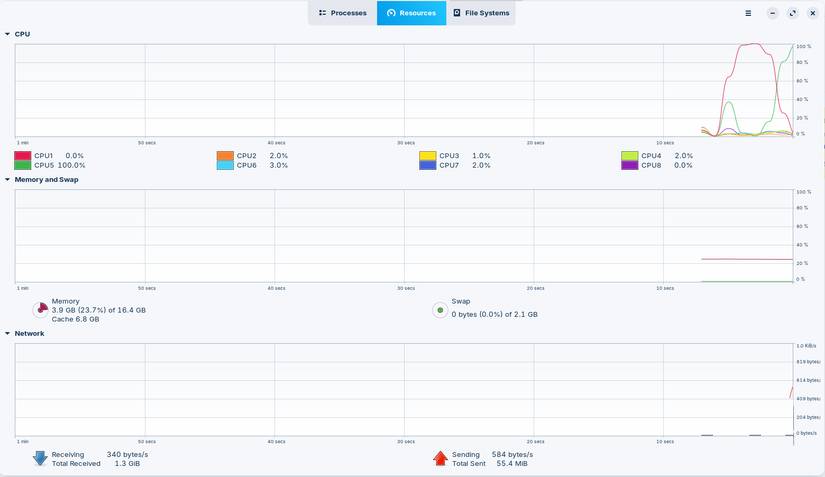
While Windows 11 requires TPM 2.0 and newer processors, Zorin OS works well on older systems. While Zorin OS Core offers a richer experience for modern computers, the Xfce-based Zorin OS Lite version is specifically optimized for low-end CPUs with limited RAM.
Zorin OS also has the advantage of not having any bloatware or unnecessary telemetry data that eats up system resources. If you've ever been frustrated by Windows updates taking up too much disk space or causing occasional CPU spikes, Zorin OS will give you a fresh feeling.
Superior compatibility, Windows and Linux connectivity
Run essential apps and explore smarter alternatives
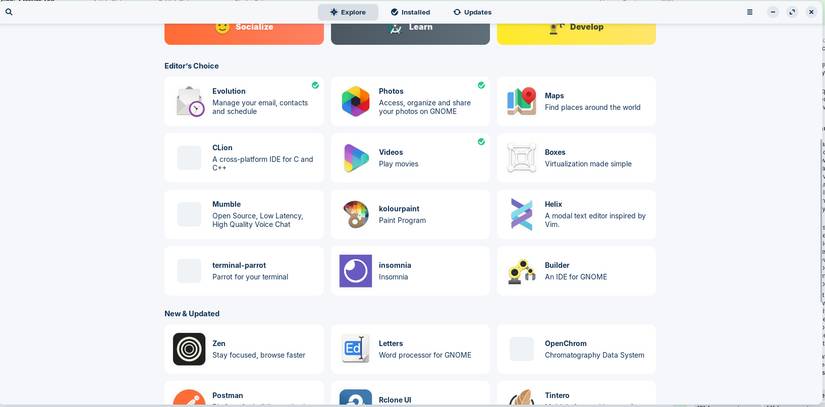
One of the biggest problems when switching operating systems is uncertainty about your applications. Zorin has built-in Windows application support through Wine. When you install an application, the OS will detect if you try to open an.exe or.msi file and will support you in a compatible environment.
This allows Zorin to run Microsoft Office installers, legacy productivity apps, and other essential Windows software with minimal setup in most cases. However, like any Wine-based compatibility layer, some apps may still require some tweaking or configuration.
Zoriin OS also supports Chrome, Edge, and Firefox, making it easy to sync your bookmarks and extensions. And if you're already familiar with the Android ecosystem, you can create seamless integration between your phone and PC with Zorin Connect, then start sharing files or replying to messages from your computer.
FAQ
What should you know about forget linux mint! zorin OS is the Windows alternative you need!?
In practical terms, while Tiny11 is an option, some experts advise against it. Zorin OS is a great alternative.
Why does forget linux mint! zorin OS is the Windows alternative you need! matter?
The article highlights that what Makes Zorin OS Stand Out to Windows 10 Users The perfect balance between familiarity and freedom Zorin OS is a Linux distribution built for people who are already fully immersed in the Windows ecosystem but want.
What is the main takeaway?
The main takeaway is that while many would suggest Mint as a perfect Windows alternative, Zorin Appearance gives Zorin OS an edge.
Related Articles
 Zorin Os 15, a User-friendly Version of Linux Operating System3 minutes read
 10 Reasons You Can't Not 'Love' Linux Mint4 minutes read
 How to Upgrade from Linux Mint 19.3 to Linux Mint 208 minutes read
 6 Best New Features in Linux Mint 21.2 ''victoria''6 minutes read
 Linux Mint 20.2 'Uma' Released: What's Notable?5 minutes read
 Why Linux Mint Is the Best Distro to Start Migrating from Windows 118 minutes read
Reader Comments 0
Sign in with email or Google to join the discussion.