Table of Contents
A free VPN can be a reasonable choice for occasional use if you trust the provider and its limits suit your needs. A VPN sends network traffic through the provider’s servers. Before installing one, find out who runs it, what data they collect and how the free service is funded.
What a VPN protects
A VPN encrypts traffic between your device and the VPN server when that traffic goes through the tunnel. Sites generally see the VPN server’s IP address. If you sign in to a website, it still knows which account you use. Cookies and other browser identifiers can also remain. See what a VPN can and cannot do for privacy.
How to evaluate a free plan
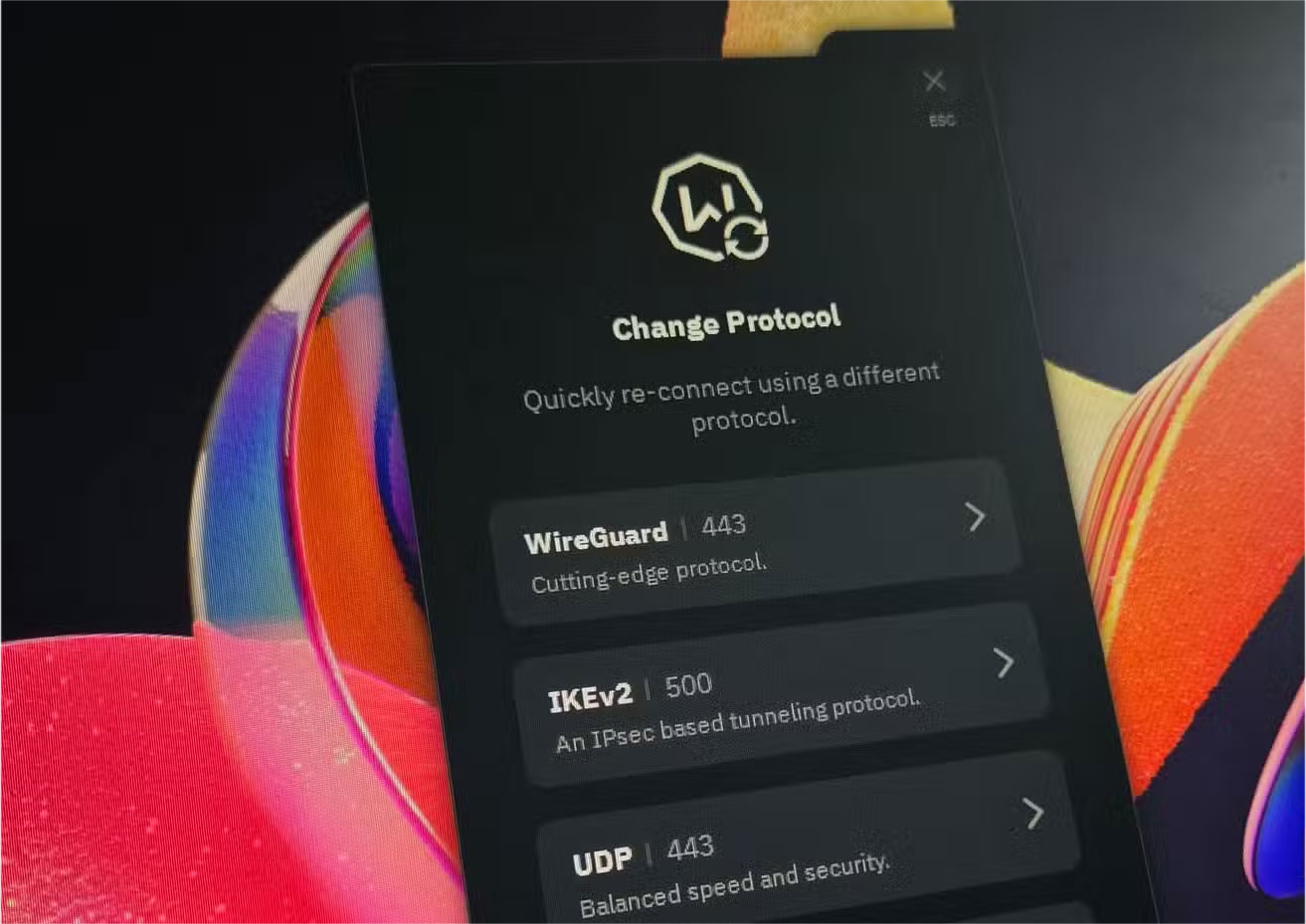
- Check the publisher. Install from the official store listing or the provider’s site. Confirm the developer name and review requested permissions.
- Read the logging policy. Look for what the company records about account activity, connections and browsing. If it cites an audit, check its date, scope and which products were reviewed.
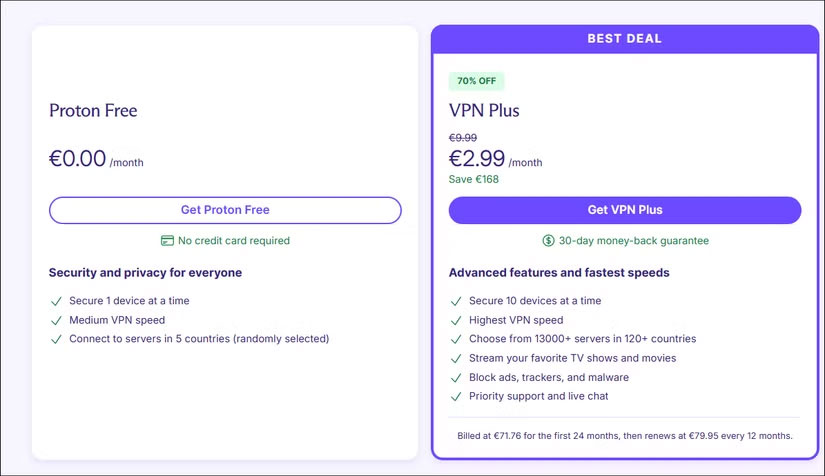
- Check the plan limits. Compare data, server choices, simultaneous devices and functions such as a kill switch on your platform. For example, Proton VPN documents no bandwidth or data cap on its free tier, but other features differ by plan.
When paying may make sense
Consider a paid service if you need several simultaneous connections, a specific server region or capacity for frequent large transfers. Check the policy and software even when you pay. For phones, compare Android VPN options and their limits before choosing.
Related Articles
 Can free VPNs be trusted?
 5 Free VPNs for Windows: Limits, Privacy, and Best Uses
 Top 2021 best free VPNs for computers, phones
 Best Free VPNs for PCs and Phones: Options and Limits
 What is fine dust? The harmful effects of inhaling ultra-fine dust in the air you need to know
 Fast VPNs Compared: How to Choose and Test Six Services
Reader Comments 0
Sign in with email or Google to join the discussion.