Table of Contents
A free VPN can encrypt traffic between your Windows PC and the VPN server, which is useful on public Wi-Fi or when you do not want the local network to see your destinations. It does not make you anonymous, replace antivirus software, or make every download trustworthy.
The five services below use a freemium model: paid subscribers fund a limited free tier. That is generally easier to evaluate than a VPN with no clear business model, but you should still read the provider’s current privacy notice and plan details before trusting it with sensitive traffic. Limits change often, so this comparison focuses on the provider-published Windows plans rather than unverified speed or streaming claims.
Free-plan comparison
| Service | Free data | Free locations | Simultaneous use | Best fit |
|---|---|---|---|---|
| Proton VPN Free | Unlimited | Limited automatic pool | 1 connection | Regular browsing without a data cap |
| PrivadoVPN Free | 10GB at full speed every 30 days; slower mode afterward | Limited global servers | 1 connection | Occasional use with location choice |
| Windscribe Free | 2GB without email; 10GB with verified email | 10 countries | Unlimited devices | Several personal devices and advanced controls |
| hide.me Free | Unlimited | 8 locations | 1 connection | Configurable, data-cap-free use |
| Hotspot Shield Basic | Unlimited on Windows | 5 choices | 1 connection | Simple browsing with limited location choice |
“Unlimited” does not mean guaranteed speed or unrestricted streaming. Free servers can be busy, location selection is smaller, and features such as optimized streaming or priority support may remain paid.
1. Proton VPN Free: best when unlimited data matters
Proton VPN Free has no monthly data cap, does not place ads in the VPN app, and publishes open-source clients. On Windows, the free plan automatically connects to a server from a limited free pool rather than giving the same location choice as a paid account.
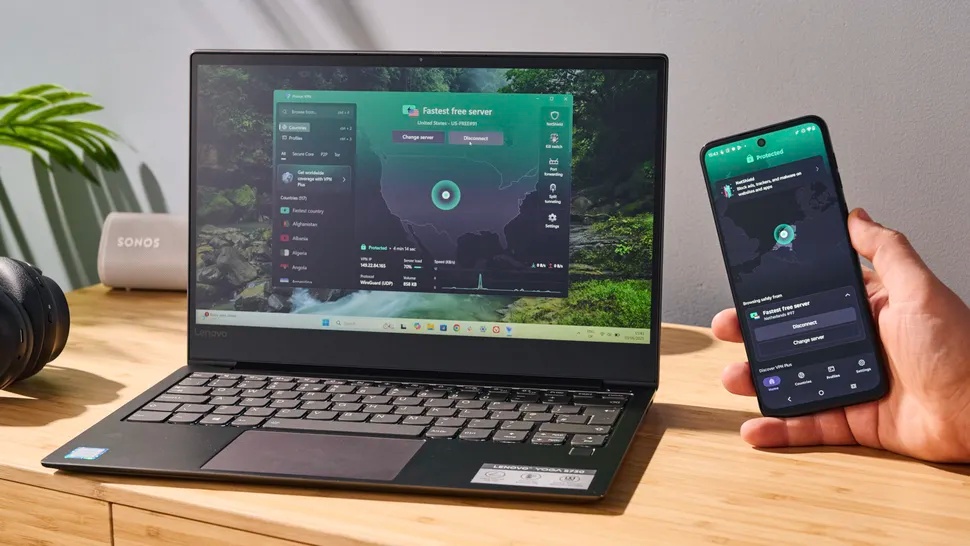
Good for: routine web browsing, messaging, and public Wi-Fi use when a 10GB allowance would be too small.
Limitations: one VPN connection at a time, limited server control, and no promise that a particular streaming service or peer-to-peer workflow will work on the free tier.
Proton states that the free plan has no data limit, ads, or activity logs. Verify the current countries and features on the official free-versus-paid page.
2. PrivadoVPN Free: best for occasional high-speed use
PrivadoVPN Free supplies 10GB of full-speed data every 30 days. Its support documentation says that after the allowance is used, the connection can continue in a 1Mbps limited-speed mode until renewal. You can install the app on several devices, but the free account allows one active connection at a time.
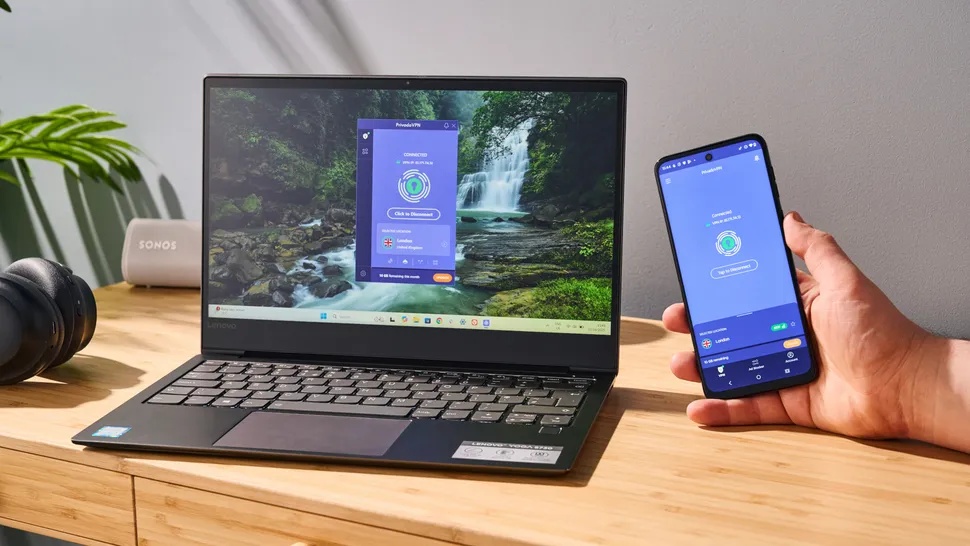
Good for: short trips, occasional public Wi-Fi sessions, or a task that benefits from choosing among a small set of global servers.
Limitations: the 10GB full-speed allowance is easy to exhaust with video, cloud backups, or large downloads; streaming support and server availability can change.
See PrivadoVPN’s official free-plan comparison for the current cap, protocols, server count, and post-cap behavior.
3. Windscribe Free: best for multiple devices
Windscribe’s free account provides 2GB per month without an email address or 10GB after verifying an email. It offers free servers in 10 countries and permits an unlimited number of personal devices on the account.
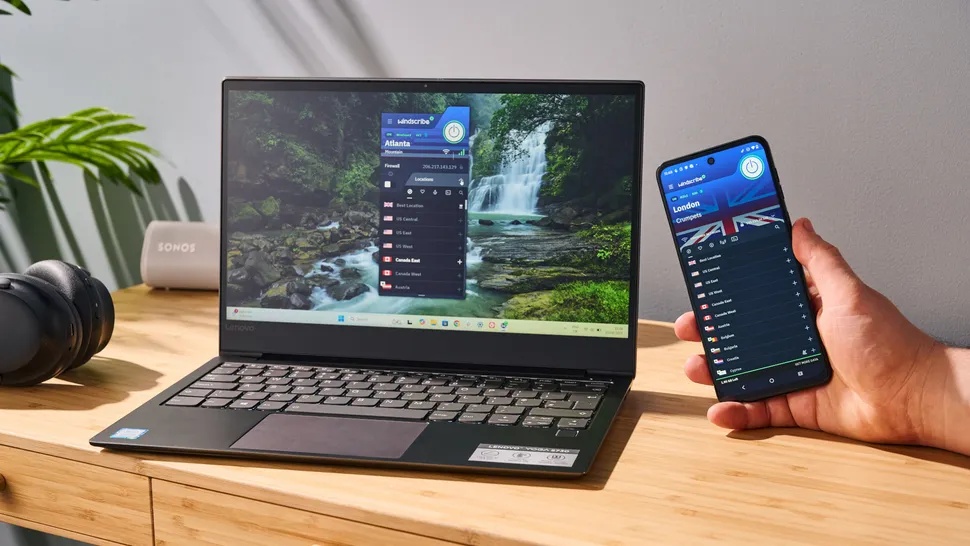
The Windows app includes protocol choices, a firewall-style connection safeguard, split tunneling, and access to Windscribe’s R.O.B.E.R.T. domain blocker. More controls are useful only if you understand them; the default automatic protocol is the safer starting point for most users.
Good for: protecting a PC and phone under one free account, or users who want more connection controls.
Limitations: monthly data cap, shared free servers, and a smaller location pool than the paid plan.
Windscribe publishes the exact free allowance and feature table on its official free-plan page.
4. hide.me Free: best for configurable unlimited use
hide.me currently advertises unlimited data on its free plan, eight server locations, no in-app ads, and one connection at a time. The free tier uses a smaller server pool and does not receive the same speed and location access as Premium.
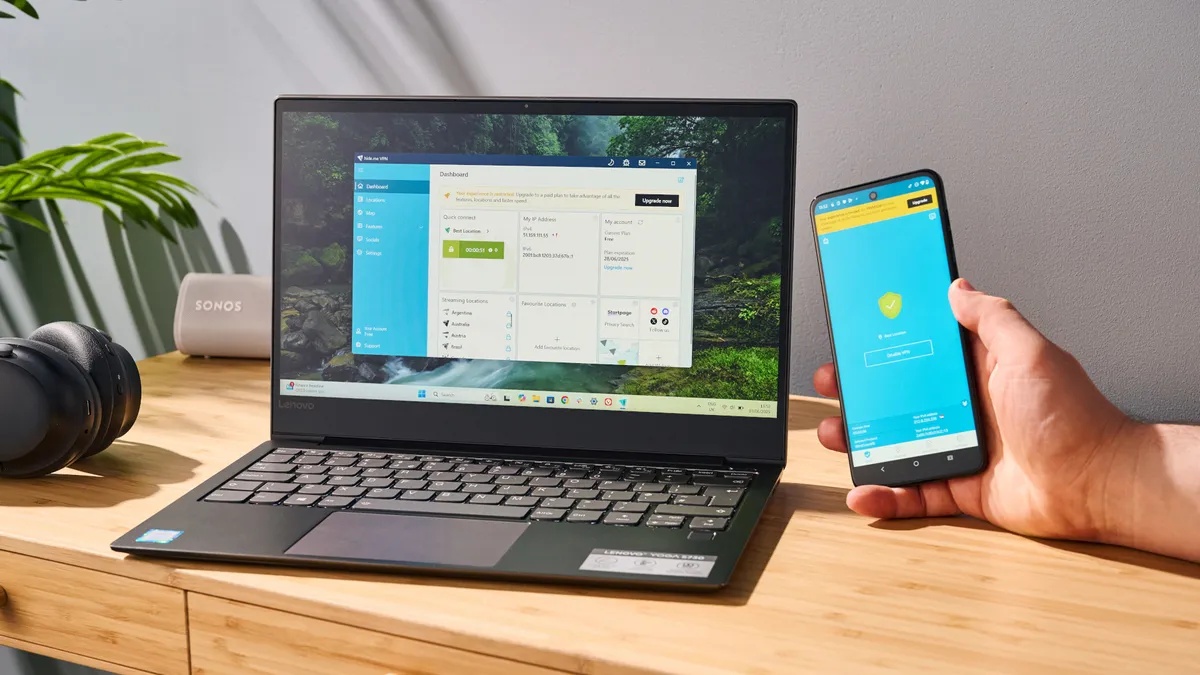
Good for: users who want no monthly data cap and appreciate protocol or connection customization.
Limitations: one device connected at a time, fewer locations, and potentially busier or slower free servers. Do not assume streaming access based on an old review; test the service you use and expect platforms to block VPN addresses.
Check the official hide.me Free page before installing because the provider can change location and performance limits.
5. Hotspot Shield Basic: simple, but read the free-product terms
Hotspot Shield Basic currently offers unlimited data on Windows, one connected device, and five free location choices: automatic selection, Los Angeles, New York, Singapore, and the United Kingdom. Streaming-optimized access and the larger server list are paid features.
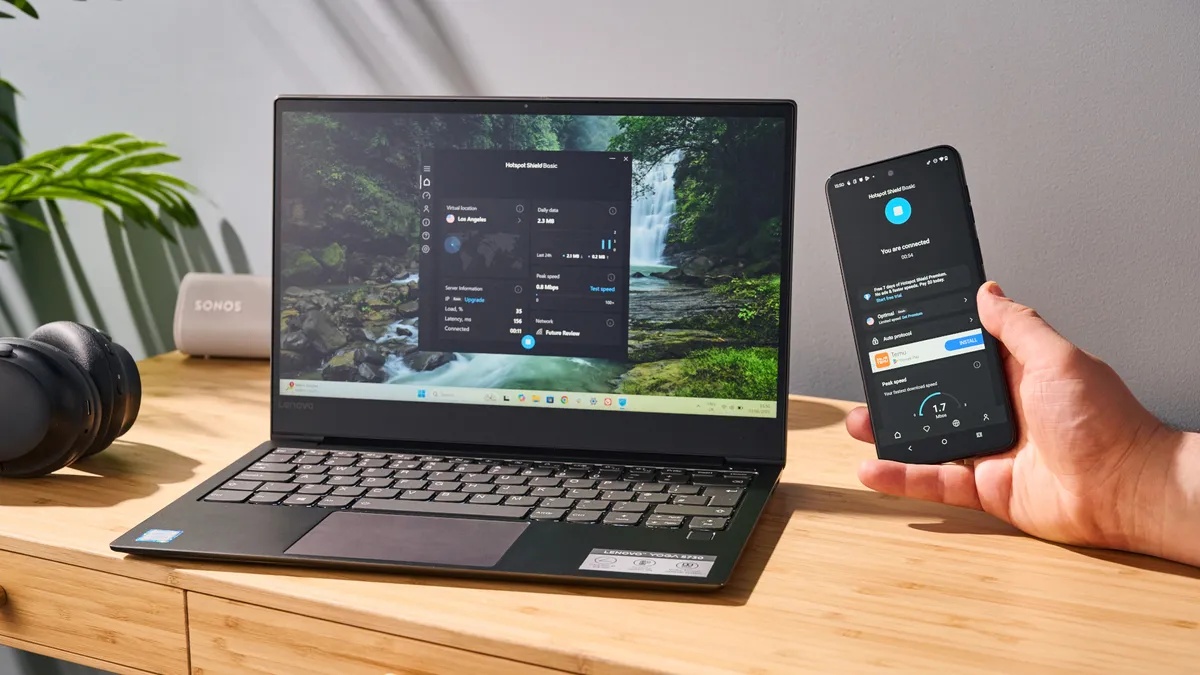
Good for: straightforward browsing when you want a simple connect button and no Windows data cap.
Limitations: small free location set and differences between desktop and mobile plans. Hotspot Shield’s May 2026 support page says the Android Basic app is ad-supported, while its privacy notice permits third-party advertising services for free VPN products. Review those terms if you use the same account on a phone.
Confirm the latest five free locations on the official Basic-plan support page and read the VPN privacy notice. TipsMake’s separate Hotspot Shield overview provides more background, but use the provider pages for current limits.
How to choose a free VPN safely
- Identify the job: public Wi-Fi protection, a different IP region, routine browsing, and heavy streaming have different data and server needs.
- Read the privacy notice: look for what is collected, how long it is retained, whether free users receive ads, and which company and jurisdiction operate the service.
- Use the official installer: download from the provider’s site or Microsoft Store, not a “premium unlocked” package.
- Enable the kill switch: if the app offers one, test that traffic stops when the VPN disconnects.
- Check for leaks: after connecting, verify the displayed IP and DNS resolver with reputable test pages; do not enter sensitive data into an unknown “VPN test” site.
- Keep HTTPS: a VPN does not make an unencrypted website safe and does not prevent phishing.
- Review startup behavior: decide whether the VPN should auto-connect on untrusted Wi-Fi and whether it should launch with Windows.
Which free VPN should you pick?
Start with Proton VPN Free if unlimited data and a simple privacy-focused plan matter more than choosing a specific country. Choose PrivadoVPN or Windscribe when you can stay within a monthly allowance and want more location control. hide.me is another unlimited-data option with more settings, while Hotspot Shield Basic is easy to use but deserves a close reading of the free-product advertising and platform differences.
Plans can change after this article is published. Recheck the linked plan and privacy pages at installation time, and compare TipsMake’s broader free VPN list for computers and phones if none of these limits fit your use.
Related Articles
 Can Free Vpns Be Trusted?: Can Free VPN Be Trusted6 minutes read
 Top 2021 Best Free Vpns for Computers, Phones12 minutes read
 List of the Best Free Vpns Currently Available for Computers and Phones5 minutes read
 Don't Believe the Hype: Free VPNs Can Be Just Fine!8 minutes read
 minutes read
 What Are Vpns and How to Use Them to Your Advantage7 minutes read
Reader Comments 0
Sign in with email or Google to join the discussion.