Table of Contents
This updated guide answers the question 'Should I Use 2 VPNs at the Same Time' with clear explanations and practical context. Using two VPNs is better than one, right? Not necessarily. While using two VPNs might seem like a good way to double your security, there are many reasons why it complicates your online experience.
4 Reasons You Shouldn't Use 2 VPNs
VPNs encrypt your Internet traffic so that your Internet provider and other prying eyes cannot see what you're doing online. VPNs encrypt the data sent from your computer to their servers, ensuring your privacy and security online. While no one can read the data encrypted by your VPN provider, if you log into accounts and services that identify you, your personal information will be exposed.
By adding a second VPN, you are creating another encrypted tunnel and therefore another layer of security. Still, security experts do not recommend running two VPNs at the same time for a number of reasons.
Running Two VPN Apps Is Difficult
VPN apps are not designed to run in pairs or groups. While you can chain VPNs, most people only use one VPN, and that provides enough security. When you have two VPNs running, they are both working to encrypt your traffic and send it to their own servers at the same time. In short, they are competing for your traffic, with both VPNs trying to route your traffic independently, which can lead to conflicts or dropped connections.
Also, you may find it impossible to use the Internet with two VPNs active if you have a kill switch enabled on both. One VPN will prevent you from connecting to the other VPN and vice versa. If you must run two VPNs, you can try setting up one VPN on your router and one VPN on your device. That way, your traffic will go through both the router's VPN and the device's VPN.
Double encryption increases security and privacy online, which is useful if you're concerned about your online safety or trying to bypass strict censorship. Still, it can result in slower connection times.
Your Connection Time May Be Affected.
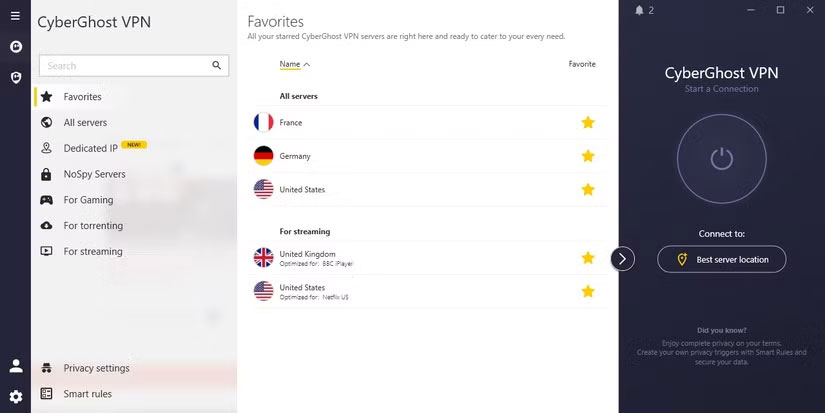
These days, reputable VPNs typically encrypt your data on the fly before connecting to a website or app. This means you do not have to deal with slow loading times because of the encryption process. With two VPNs active, your data needs to go through an additional round of encryption, which slows down your connection time. How much slower your connection speed is will depend on your VPN service and the specific remote servers you're connecting to.
Encryption time depends on a variety of factors. It only takes a few seconds for your device to connect to the server, and then encryption happens almost instantly. Factors that can affect this include the demand on the server, the server's bandwidth, and the quality of your device's connection.
May Be More Expensive
There are plenty of free VPN apps, but many use paid options because they are more reliable and effective. Many free VPNs have fewer server options and security features, data limits, and can be less safe to use. There are also stories of free VPNs selling your online data.
to use two paid VPN apps, the cost will increase. for instance, if you use ExpressVPN and NordVPN together on a monthly subscription, you will have to pay more than $25/month (which only covers the basic NordVPN plan).
Even if you opt for the cheaper annual subscription, you're still paying an extra $60 to $80 per year (depending on which VPN you're already signed up for and which VPN you're buying). Since VPN apps are unlikely to work together, you run the risk of wasting money on two apps instead of one if you cannot run them at the same time.
The Battery Will Drain Faster.
The more your device has to do, the faster your battery will drain. Like any app, using a VPN app will drain some of your device's battery. According to SurfShark, a VPN can use 1% to 7% more of your device's battery per hour than if no VPN was running. So adding another VPN will drain twice that amount of battery.
This can be especially annoying if you use two VPNs on your smartphone and do not have a charger on hand.
Can You Use 2 VPN Browser Extensions at the Same Time?
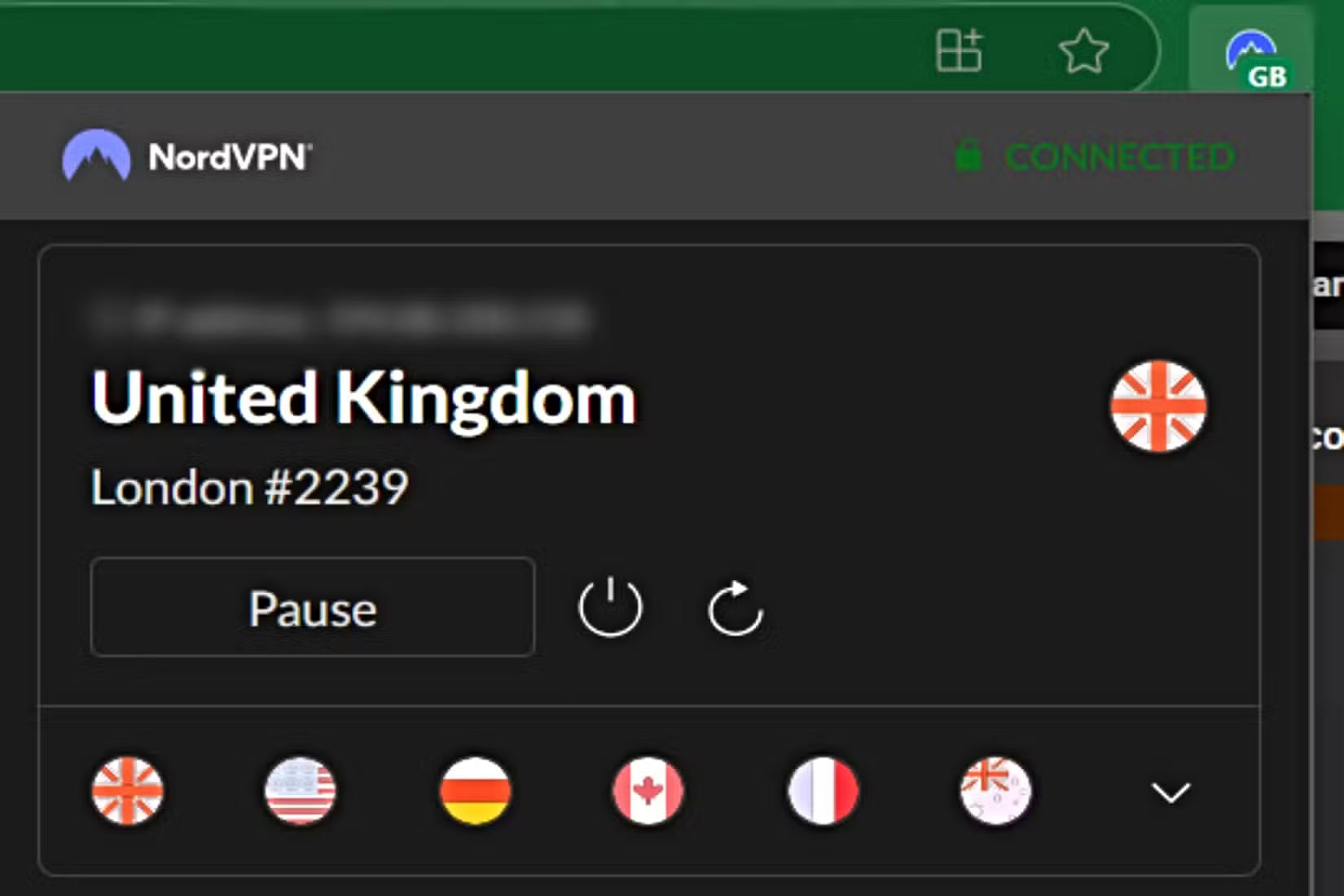
Using two VPN apps at the same time is difficult, but what about two VPN browser extensions? Again, the situation is similar. Both extensions will struggle to route your traffic to their encrypted servers, resulting in slower connection times. You may not be able to turn on another VPN extension if one is already active.
Try Double VPN Instead!
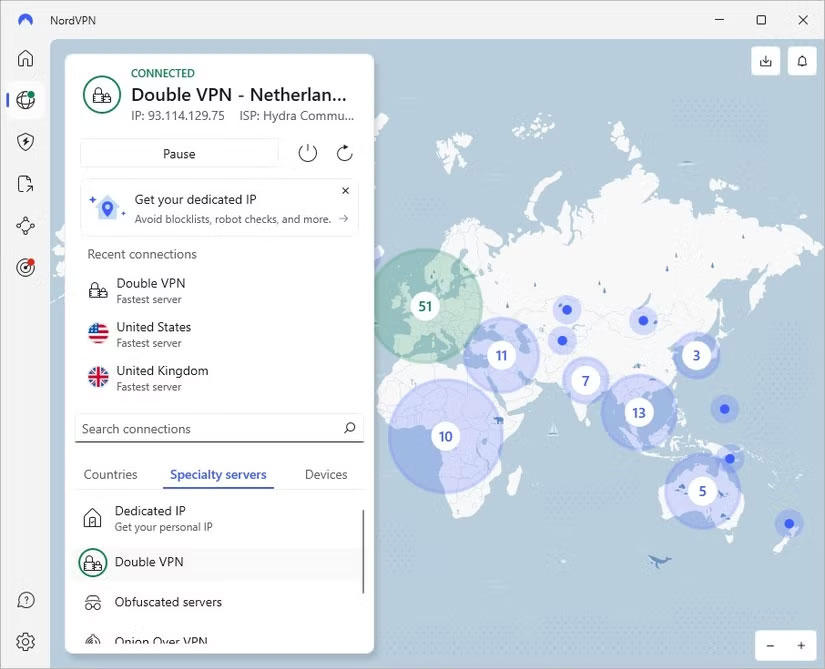
If you really want extra security, instead of having two separate VPNs do the work, some companies offer dual (or multihop) VPNs. Dual VPNs encrypt your internet traffic twice without using two separate VPN apps. Unlike dual VPNs, dual VPNs are designed to provide two layers of encryption using just one VPN app.
Since you're only using one VPN client to encrypt your traffic, you do not have to deal with the complexity of two separate apps fighting to encrypt your data at the same time. This means your traffic can be seamlessly routed through two encrypted tunnels. Some VPN apps have a built-in double VPN setting that you can turn on and off at no extra cost. for instance, NordVPN has a double VPN option that you can easily access under the Specialty servers option on the home page.
Check to see if your current VPN app offers double VPN before you sign up for another service. Some examples of popular VPN apps that offer some form of double VPN setup include:
- NordVPN
- SurfShark
- ProtonVPN
- Windscribe
- Hide.me
Double VPNs can make your loading times slower because they encrypt your data twice, so keep this in mind if a fast connection is important to you.
NordVPN recommends using a double VPN if you:
- Be a political activist or journalist
- Trying to avoid government surveillance
- Protect your data sources
You may not need a double VPN if you do not fall into any of these categories. You can get the benefits of double encryption if you use a VPN app and its browser extension at the same time, but again, this can slow down your connection speeds.
Alternatively, you can use a dual VPN app or set up dual VPN in the app on your smartphone. If you are using dual VPN settings in the VPN app, ensure you open the server settings or use the server list to enable dual VPN.
FAQ
What is the main takeaway about Should I Use 2 VPNs at the Same Time?
The key is to understand the core idea, compare the available options, and apply the practical guidance that matches your situation.
What should beginners know about Should I Use 2 VPNs at the Same Time?
Start with the essential steps and terminology. Avoid changing advanced settings until you understand how they affect performance, privacy, cost, or compatibility.
How can I use this information in practice?
Follow the relevant section in order, test one change at a time, and confirm the result before moving to the next step or recommendation.
Related Articles
 minutes read
 What Are Vpns and How to Use Them to Your Advantage7 minutes read
 Can Free Vpns Be Trusted?: Can Free VPN Be Trusted6 minutes read
 Top 2021 Best Free Vpns for Computers, Phones12 minutes read
 Top 5 Best Free VPNs for Windows7 minutes read
 List of the Best Free Vpns Currently Available for Computers and Phones5 minutes read
Reader Comments 0
Sign in with email or Google to join the discussion.