Table of Contents
Count what you want to connect at the same time: a console, streamer, disc player or soundbar. A soundbar that uses ARC or eARC typically occupies one HDMI port, so include it in the count. Then verify what each physical port on the exact TV model supports.
1. HDMI inputs for video devices
Use HDMI for most consoles, streaming boxes and Blu-ray players. If you need 4K at 120 Hz or variable refresh rate, check which numbered ports support it. The capabilities can differ on one TV. Check the cable and input setting as well.
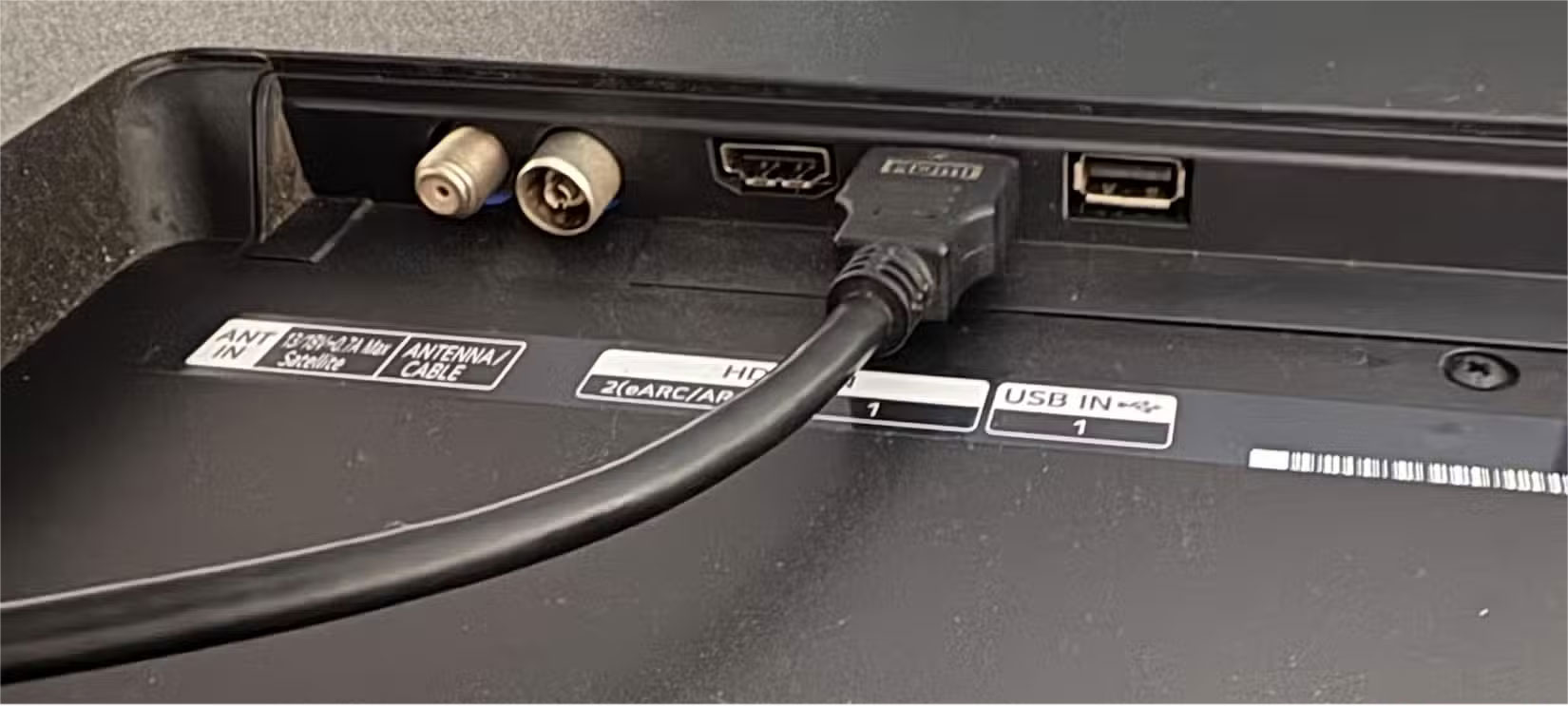
2. HDMI ARC or eARC for audio
Connect a soundbar or receiver to the HDMI port labeled ARC or eARC. It sends TV audio back to the sound system over HDMI. eARC can carry more audio formats on compatible equipment. See the guide to finding the correct TV port and the HDMI eARC overview.
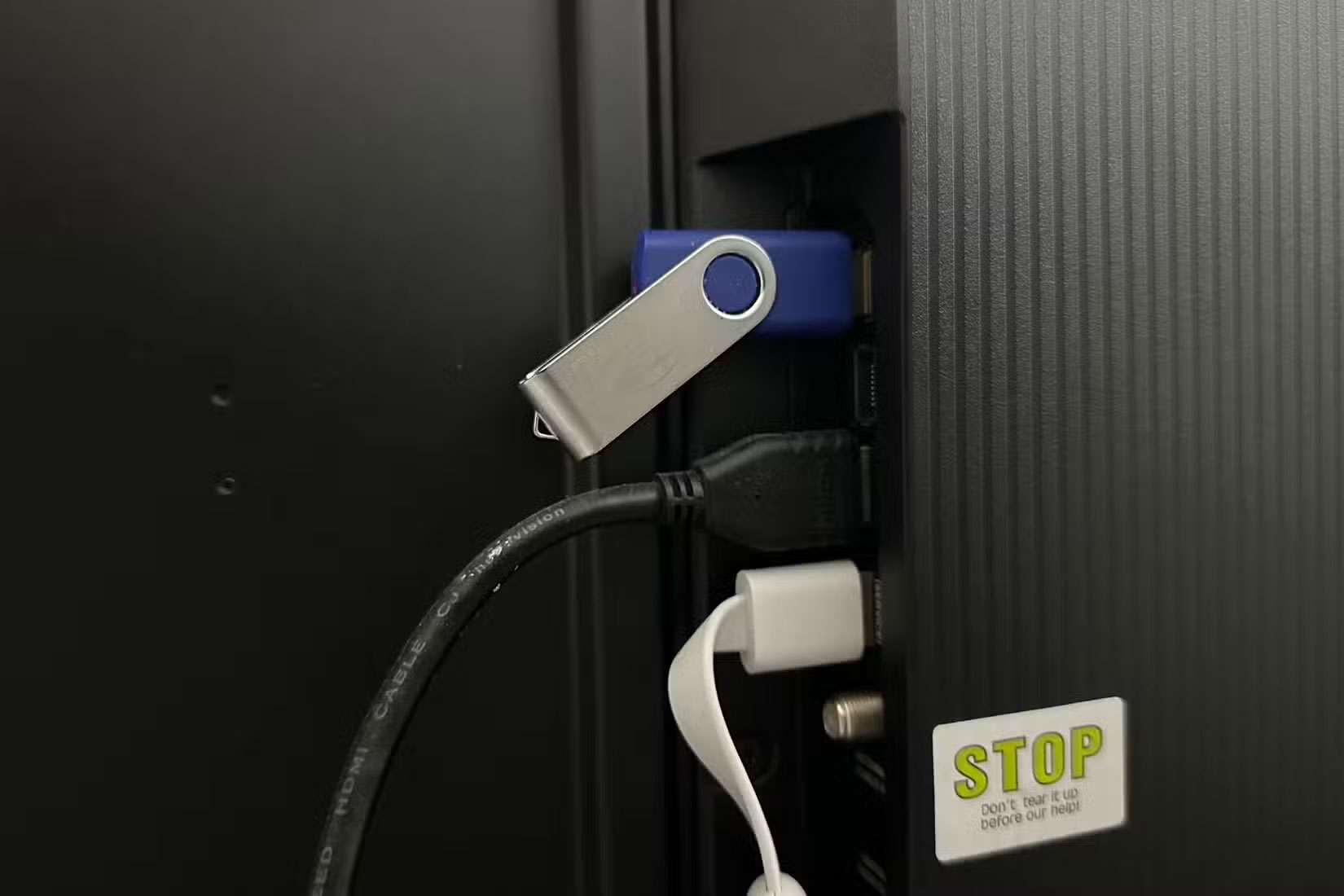
3. USB for media and supported accessories
Check which file systems and media formats the TV plays, what accessories it supports and how much current the USB port supplies. Use the accessory’s own power adapter if required. TV recording through USB depends on model and region.
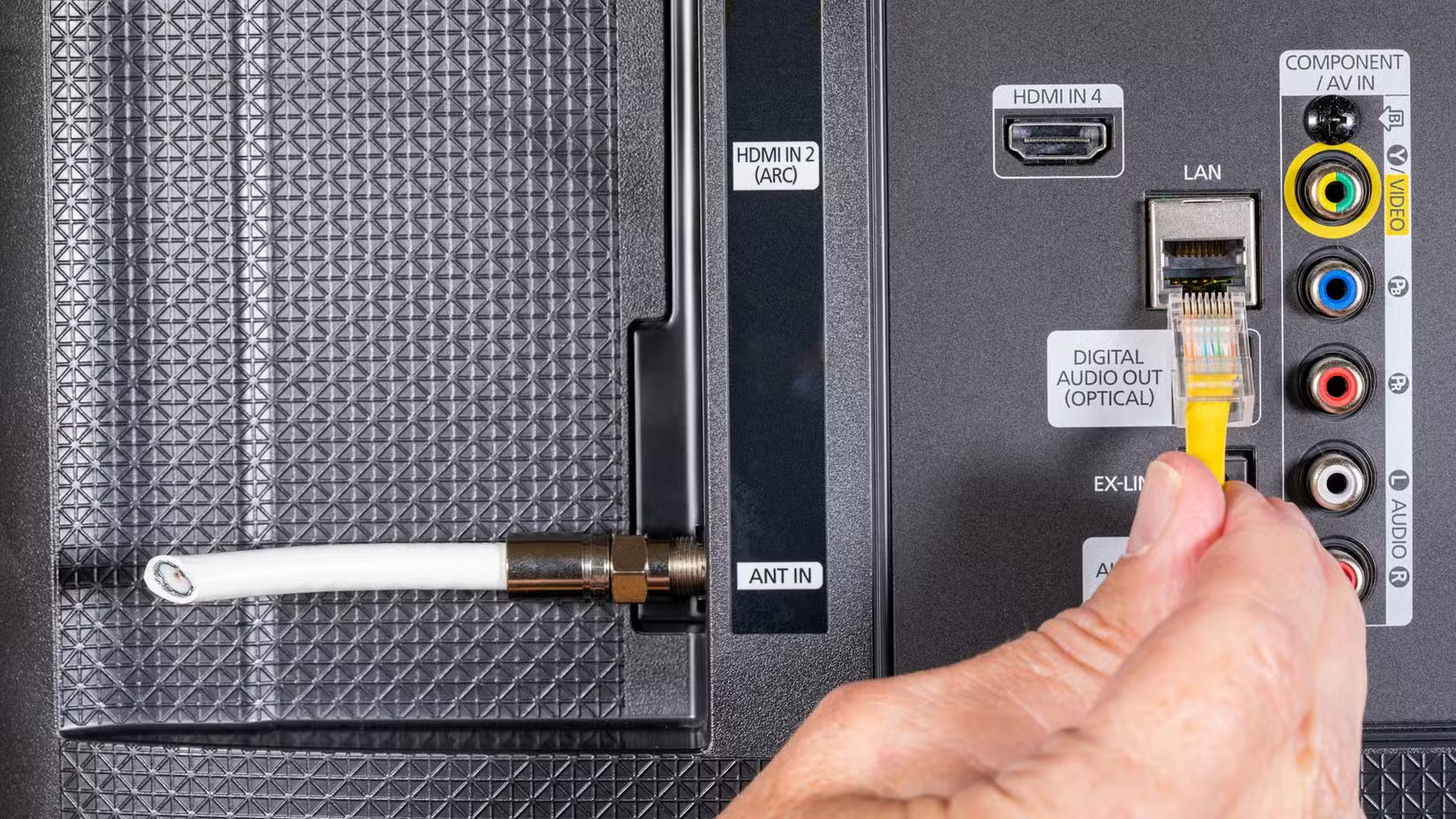
4. Ethernet for a wired network
Use Ethernet if Wi-Fi is unreliable or you prefer a wired connection. Most streaming services work over ordinary wired links, but high-bitrate local video can need more throughput. Check the port speed if you plan to stream from a local media server.
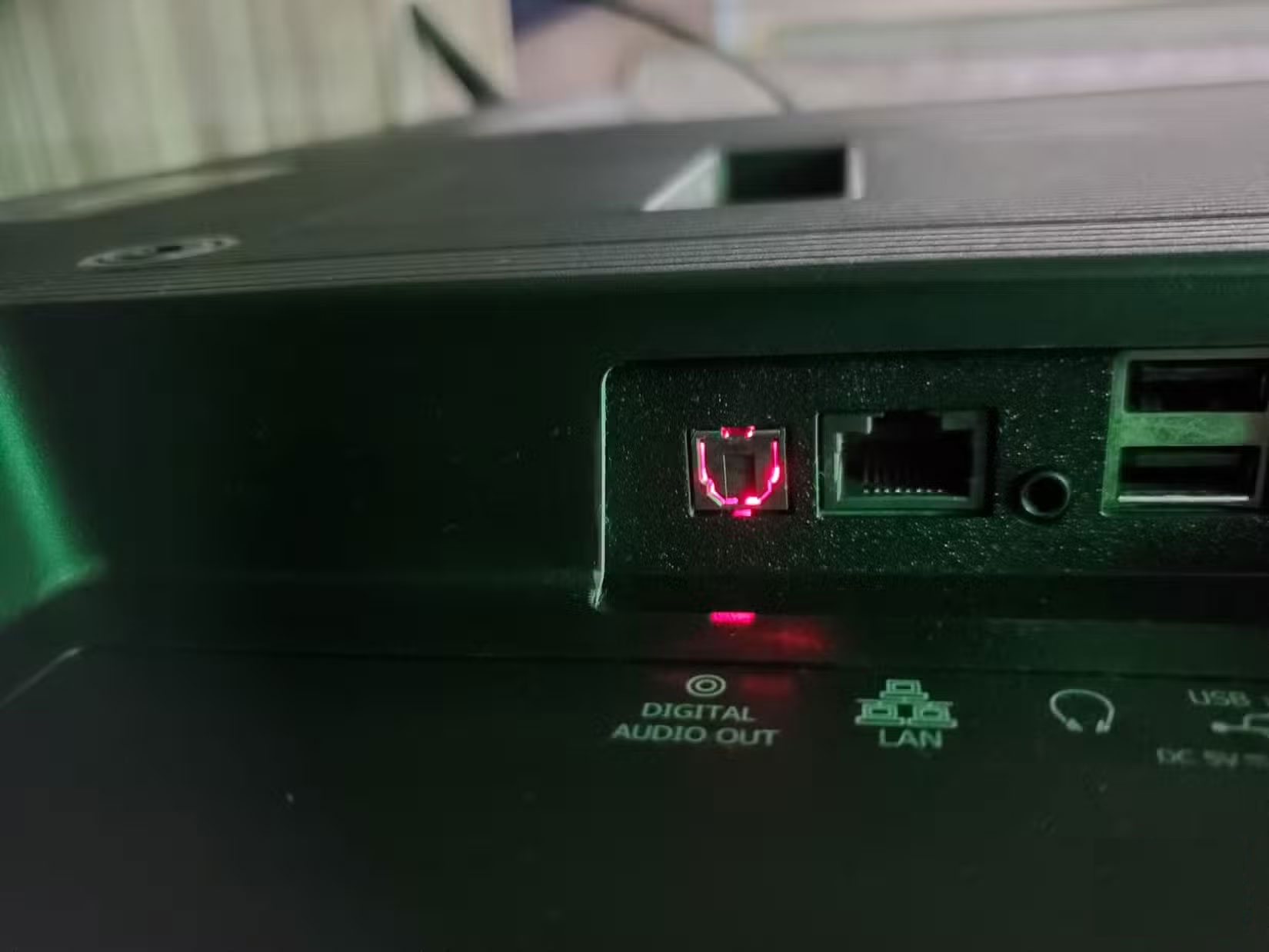
5. Optical digital audio output
An optical TOSLINK port can connect an older soundbar or receiver. Check the audio formats supported by both devices. Use HDMI eARC if you need a format the optical connection cannot carry.
6. Coaxial RF input for an antenna or cable feed
Look for an antenna or cable input and verify that the TV tuner supports the local broadcast standard. Direct satellite reception requires a compatible satellite tuner and input. Otherwise use the provider’s receiver.
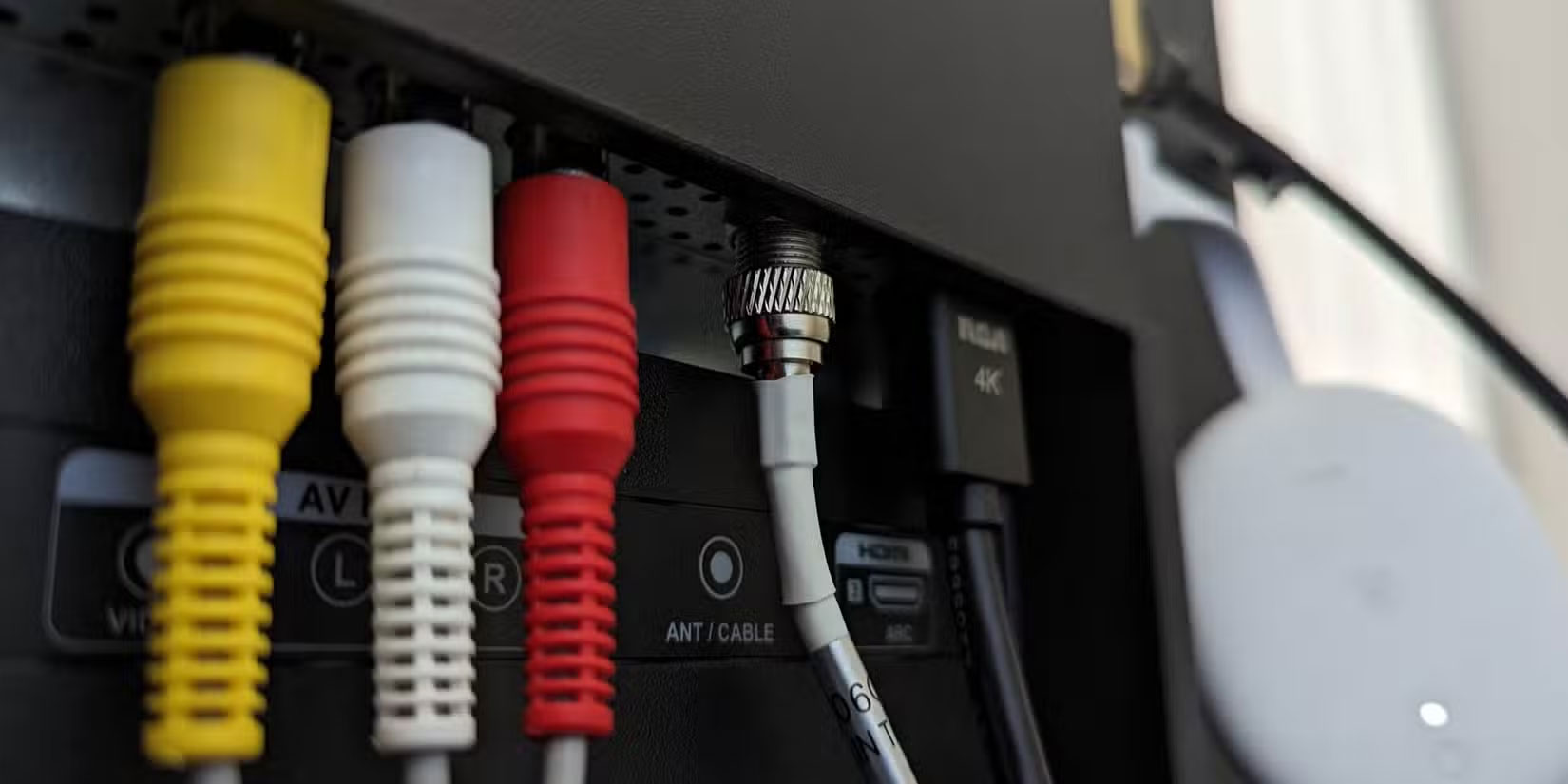
7. Component or composite inputs for older devices
Component video usually uses red, green and blue video plugs. Composite uses one yellow video plug. Both may use separate red and white audio plugs. If the TV lacks the input you need, check the signal direction and resolution of an active converter before buying it.
8. A 3.5 mm headphone or analog audio output
Check whether the jack is a headphone output, a fixed-level audio output or an input for an adapter. If you use wired headphones or older powered speakers, the label and manual matter more than the connector shape.
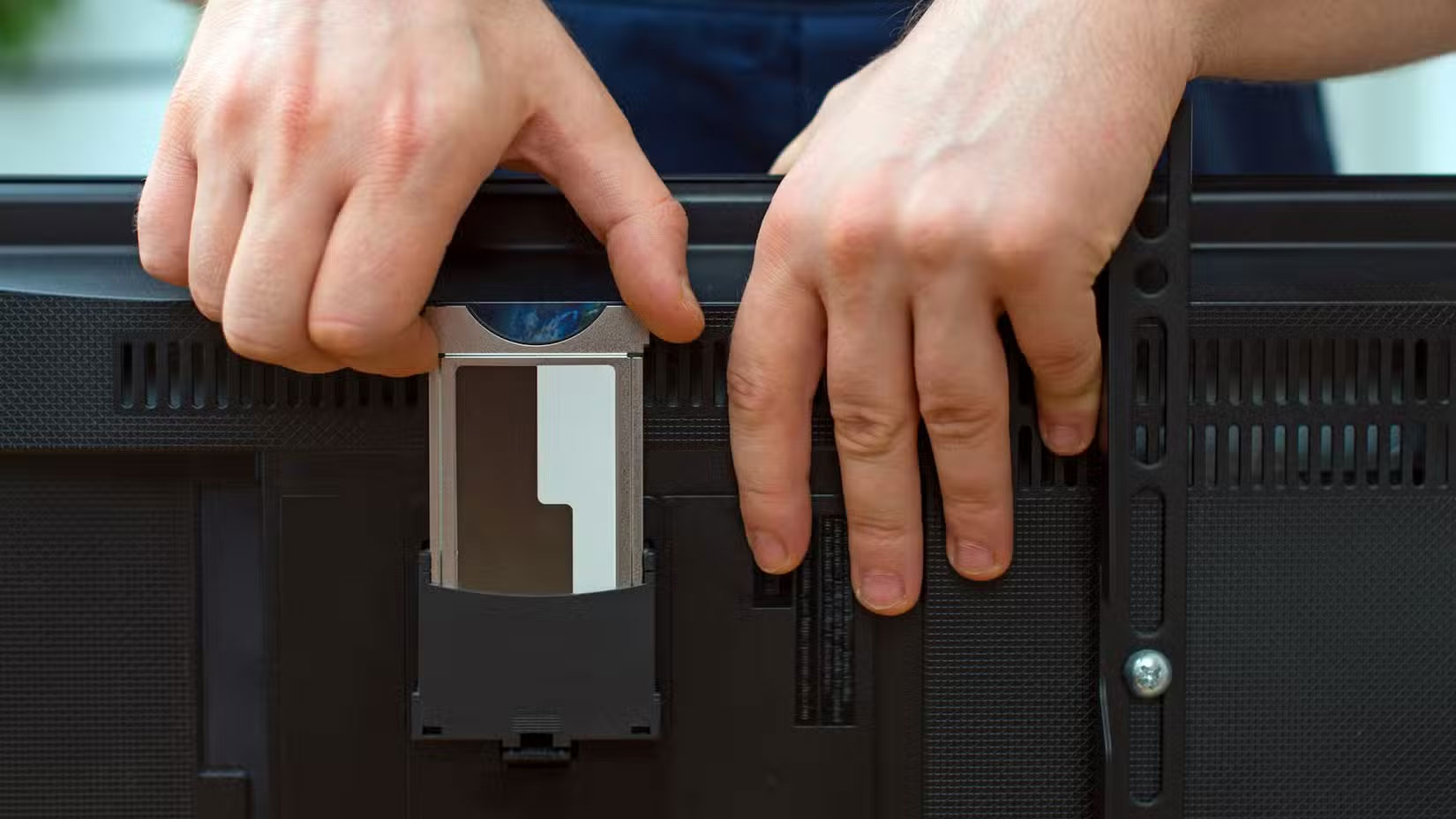
9. A CI+ slot for compatible pay TV
In markets that use CI+, the slot can accept a compatible conditional-access module. Confirm that your provider and TV support the same module and service before relying on it.
If a connected player still loses signal, see how to test an HDMI cable before assuming the port is faulty.





Reader Comments 0
Sign in with email or Google to join the discussion.