What you will learn
- Map how important accounts recover access.
- Remove stale email addresses and phone numbers.
- Store recovery codes outside the primary device.
- Avoid circular recovery dependencies and test safely.
What you need
- Current access to important account security settings.
- A secure place for offline or separately protected recovery material.
Map recovery dependencies
Microsoft recovery codes are single high-value credentials that can help regain access; generating a new code invalidates previous ones, and Microsoft advises storing the code away from the sign-in device.
Start with the primary email because it often resets other services. Draw arrows from each account to its recovery email, phone, trusted device, security key and codes. Circular dependencies occur when Account A recovers through B while B recovers only through A.
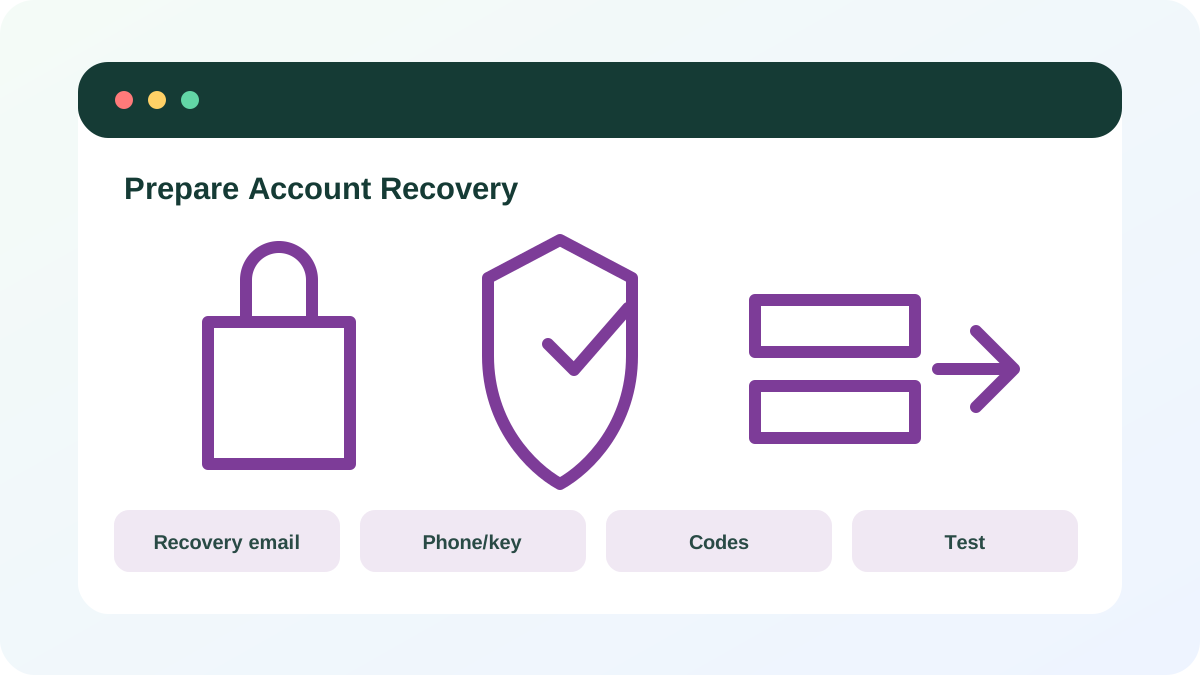
Review current recovery information
Open the official security page rather than a link in a notification. Check recovery addresses, phone numbers, trusted devices, security questions and delegated contacts. Remove methods you do not recognize or no longer control. An old phone number can be reassigned to someone else.
- 1
Review primary email recovery first.
- 2
Confirm recovery email access.
- 3
Confirm the phone number and carrier account protection.
- 4
Review trusted devices and security keys.
- 5
Remove unknown or obsolete methods.
- 6
Generate a new recovery code if the existing one is exposed or missing.
Store recovery material separately
Do not keep the only recovery code as a screenshot on the same phone that provides MFA. Store it in a protected password manager with an independent recovery path, or print and secure it physically. For families or businesses, document emergency access with clear authority rather than sharing daily passwords.
- 1
Label each code with account and generation date.
- 2
Store it outside the primary sign-in device.
- 3
Do not place the password beside the code.
- 4
Secure physical copies against casual access and loss.
- 5
Destroy invalidated old codes.
Test without creating a lockout
Use a second browser or device while keeping the current session open. Confirm you can reach the official recovery page and that contact methods are recognized, but do not intentionally fail repeated sign-ins or consume one-time codes unless necessary. Some providers limit recovery attempts and support agents may be unable to bypass identity checks.
- 1
Keep the current session open.
- 2
Open a private window to the official sign-in page.
- 3
Confirm the expected recovery options appear.
- 4
Test a normal MFA backup method.
- 5
Record the provider recovery help page.
- No recovery method depends only on the lost primary device.
- Primary email recovery is current.
- Recovery codes are stored separately.
Build a recovery map for five accounts
Start with the accounts that control other accounts.
- 1
List primary email, password manager, cloud, financial and social accounts.
- 2
Draw recovery dependencies.
- 3
Remove one stale method.
- 4
Store or regenerate recovery codes.
- 5
Test one backup sign-in method.
- 6
Document the official recovery page.
Common mistakes to avoid
- Using the same mailbox as the only recovery path for itself.
- Keeping codes only on the MFA phone.
- Leaving old phone numbers attached.
- Repeatedly guessing recovery answers until the provider rate-limits attempts.
Key takeaways
- Recovery paths are part of account security.
- Separate storage prevents one lost device from removing every option.
- Primary email deserves the strongest recovery design.
Frequently asked questions
Can support simply reset my account if recovery fails?
Often no. Providers restrict support access to protect account contents. Accurate current recovery methods are more reliable than assuming an agent can override controls.
Should I email recovery codes to myself?
That can create a circular dependency if the mailbox is the account being recovered. Use separately protected storage or a secure physical copy.
Sources and further reading
- How to get a Microsoft account recovery codeMicrosoft Support
- Recover a hacked or compromised Microsoft accountMicrosoft Support
Ready to continue?
Mark the lesson complete so your Learning Path progress stays current on this device.