Table of Contents
In fact, the Apple Watch has some notable features that other smartwatch manufacturers don't offer.
The Apple Watch is more than just a step tracker and notifications. Apple has built it with useful tools that most people never find—hidden shortcuts and emergency features that really matter.
In fact, the Apple Watch has some notable features that other smartwatch makers don't offer. Here are seven Apple Watch features you should start using.
Compass Backtrack takes you back to the starting point
How Compass Backtrack Works
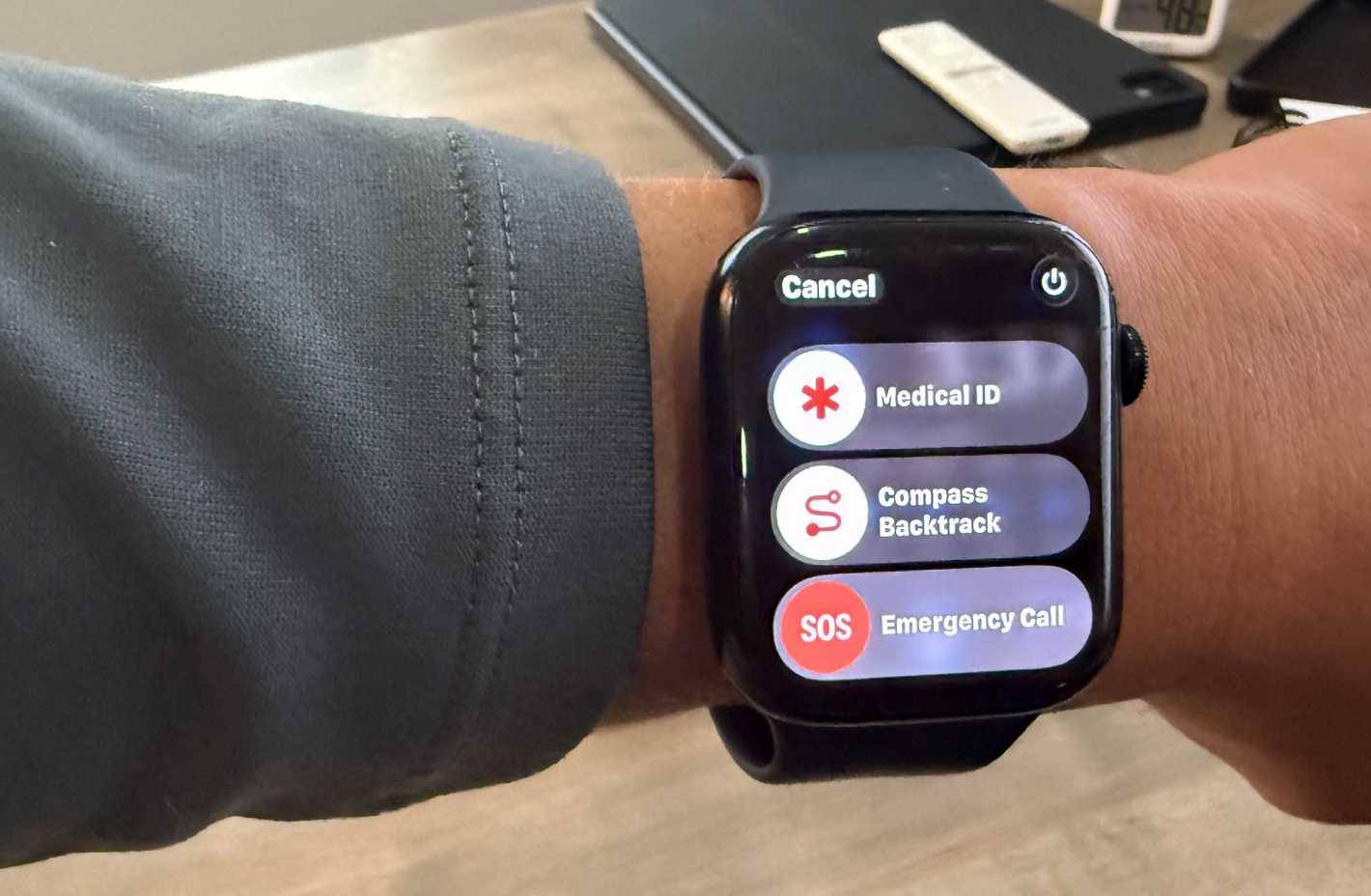
Backtrack automatically deletes GPS points as you walk, so you can trace them back to your starting point. This is useful for long hikes, large parking lots, or when you're wandering around somewhere new.
Backtrack works with pure GPS data stored on the device, meaning no memory or cellular signal is required.
Send ping messages to iPhone with added flashlight feature
Advanced iPhone Ping Tips
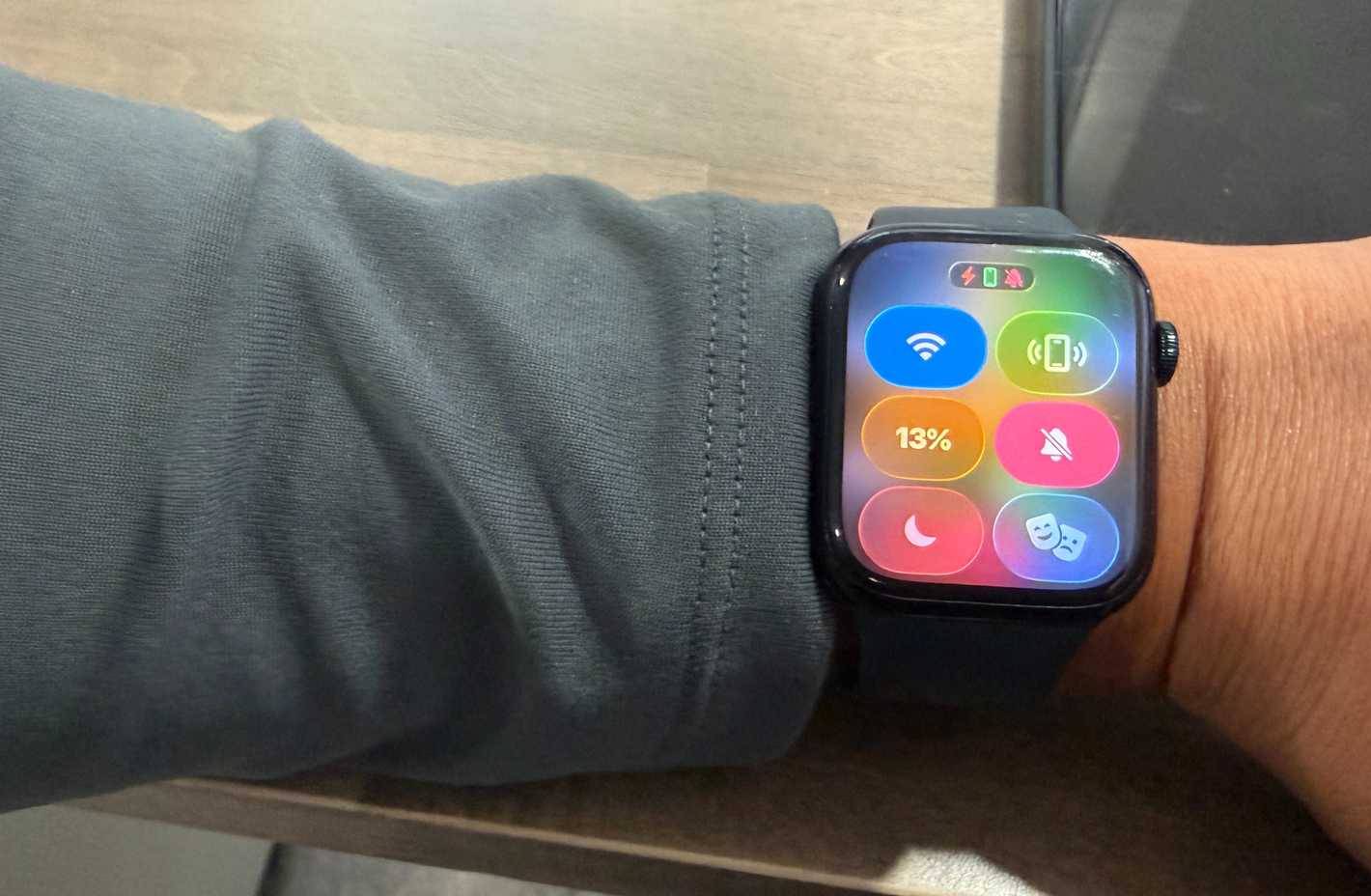
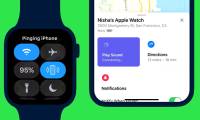
Most Apple Watch users know the basic ping feature—tap the phone icon in Control Center and your iPhone will make a sound. But if you hold down the ping button, your iPhone will make a sound and flash its flashlight repeatedly.
Swipe up from the bottom of the watch to access Control Center. Tap the phone icon to play just a sound, or hold it to ping with a flashing flashlight.
Medical ID can save your life in an emergency
Set up and access Medical ID
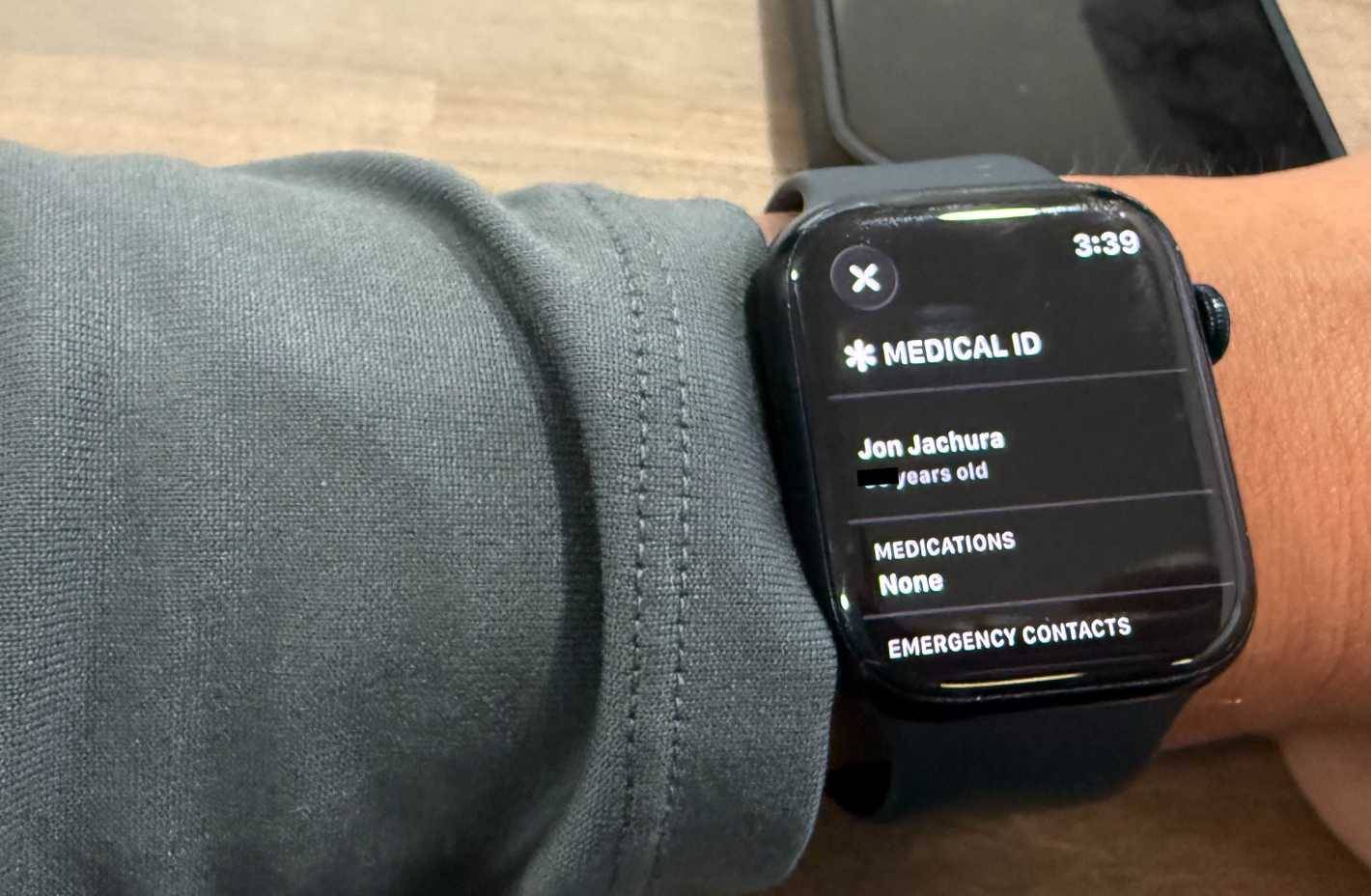
Medical ID stores important health information on your lock screen. Healthcare workers and hospital staff can check your allergies, medications, who to call, your blood type, and health status without unlocking your phone.
Open the Health App on your iPhone, tap your profile, then select Medical ID . Fill in your vital information and turn on Show When Locked . To enable this feature on your watch, hold the side button until you see the Emergency SOS slider, then swipe to Medical ID .
Emergency SOS works even without an iPhone
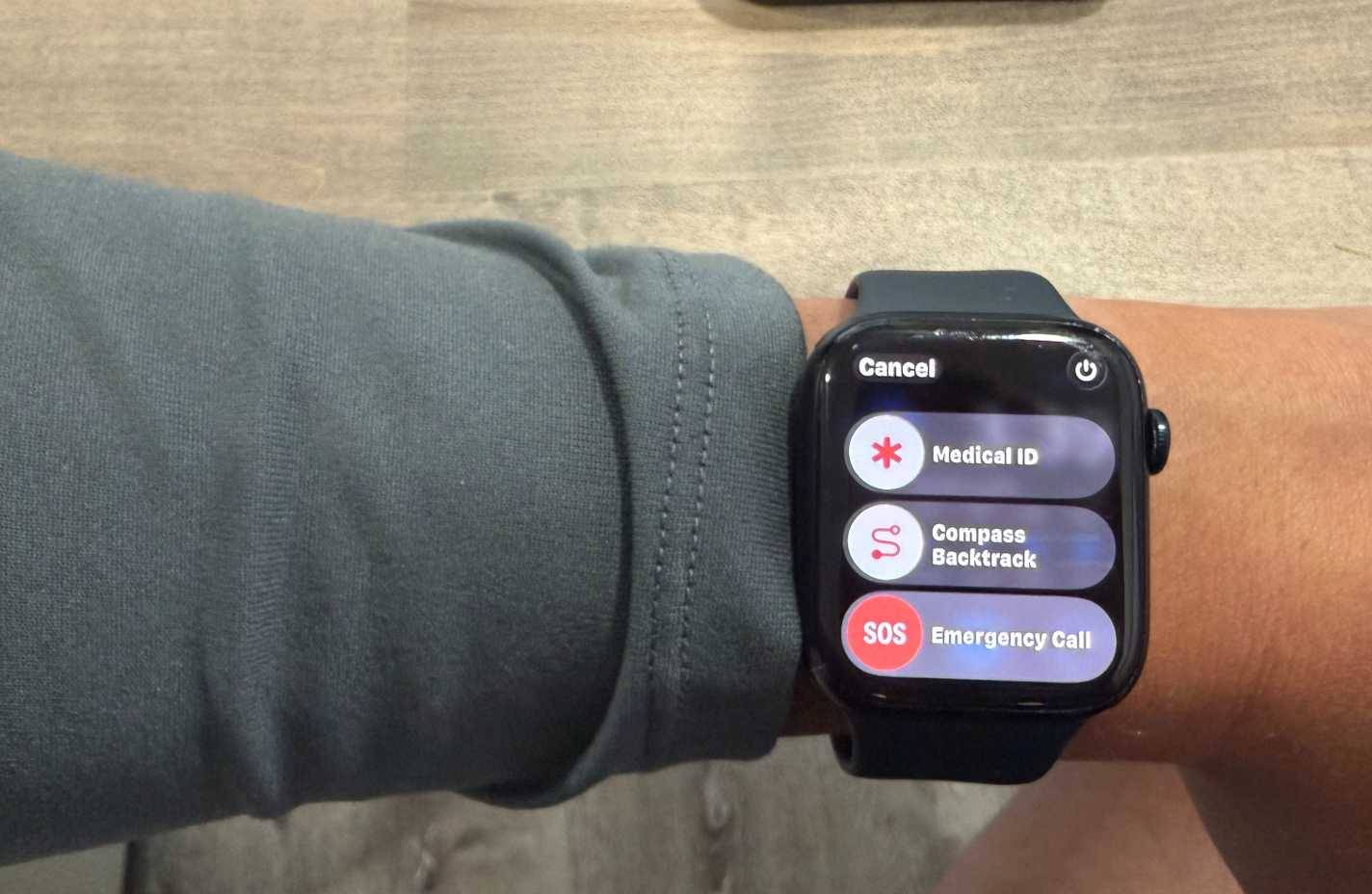
Hold down the side button and the Emergency SOS slider will appear. The app will call emergency services, send your location, and text your emergency contacts. If you have a cellular watch, it can work without your phone nearby. GPS-only models work when connected to Wi-Fi or when your iPhone is within Bluetooth range.
Control iPhone camera from your wrist
Taking photos from a distance is easy
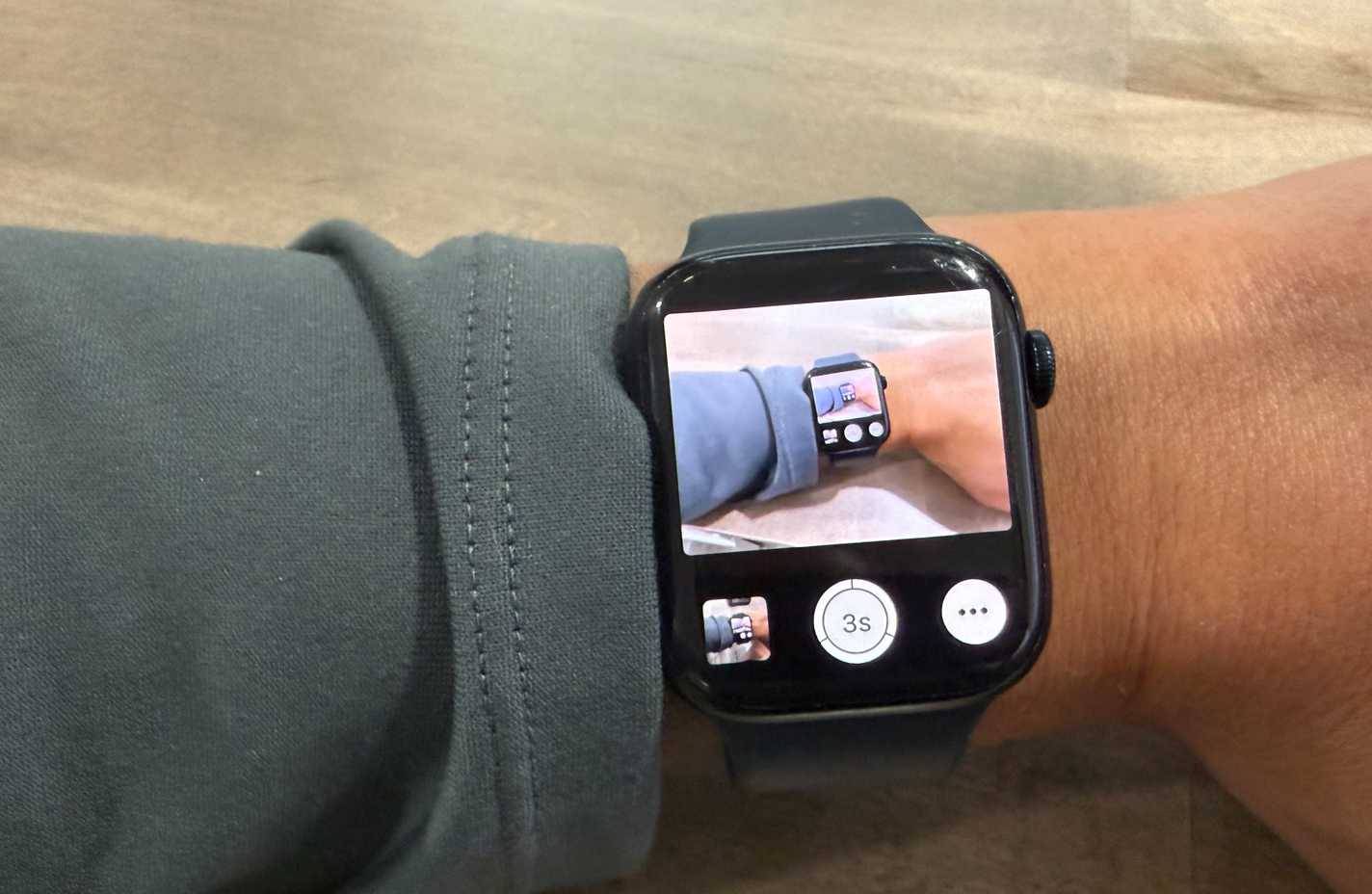
Camera Remote lets you use your watch as a wireless shutter release. Launch the app and your iPhone camera will automatically open. You'll get a live preview on your wrist and precise control over when you'll take a shot—great for when you don't have to rush to take a shot.
Place your iPhone on a tripod or prop it up and frame your shot using the watch's preview. Then tap the shutter button when you're ready. You can switch between cameras, set a timer, and review your most recent shots, all from your wrist.
Electrocardiogram right from the wrist
Heart health monitoring goes beyond exercise
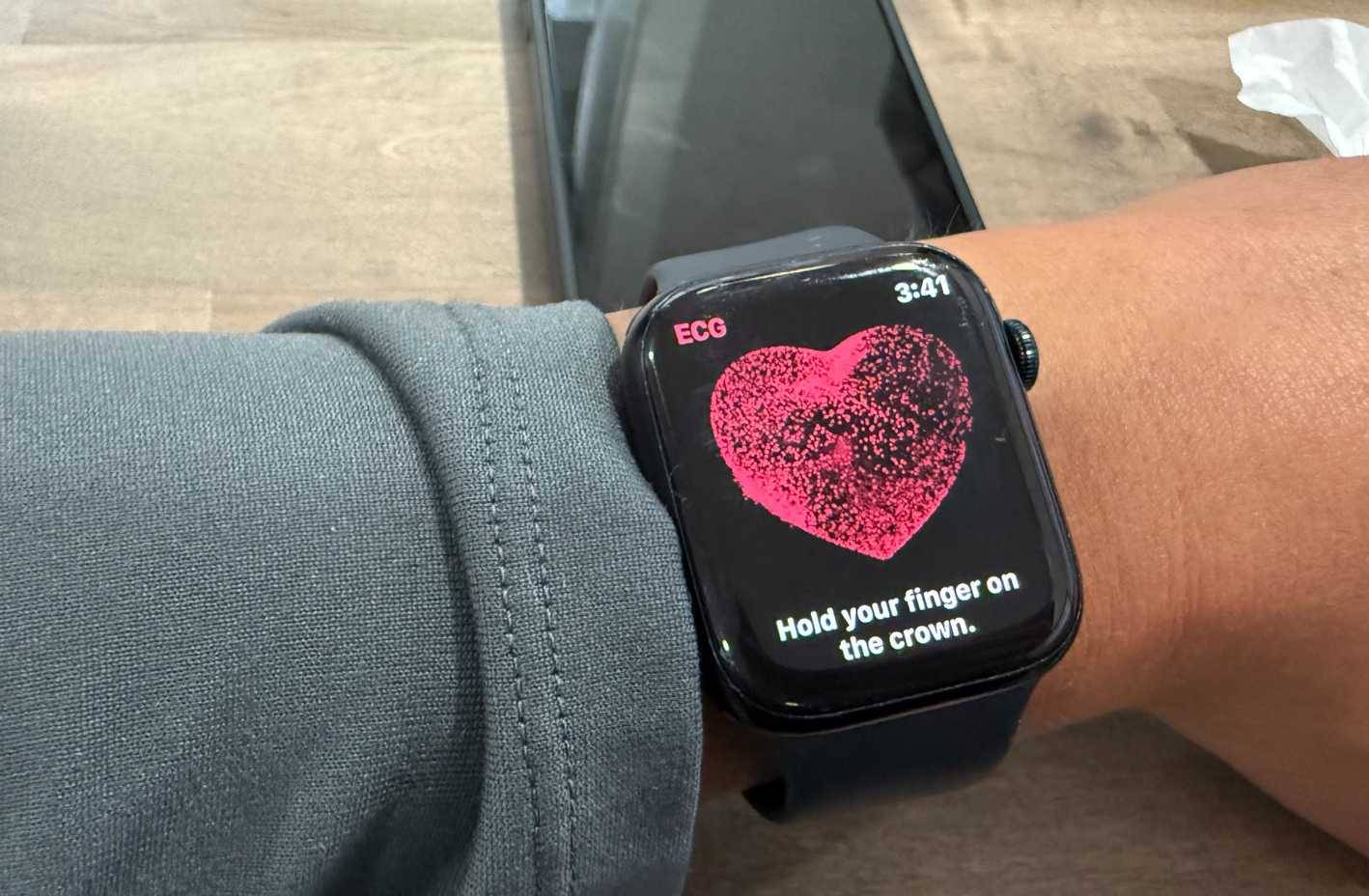
If you have a Series 4 or newer, the EKG feature can check for AFib (irregular heartbeat). This is an FDA-cleared feature, not just a gimmick. It has helped people detect previously unknown heart conditions.
Open the ECG app, place your hand on a table, and press the Digital Crown with a finger from your other hand for 30 seconds. Sensors on the back and crown will read your ECG activity. If your heart is showing signs of irregularities, this feature will give you real-time data to show your doctor.
Water Lock and Theater Mode keep the watch running smoothly
Two essential modes for different situations
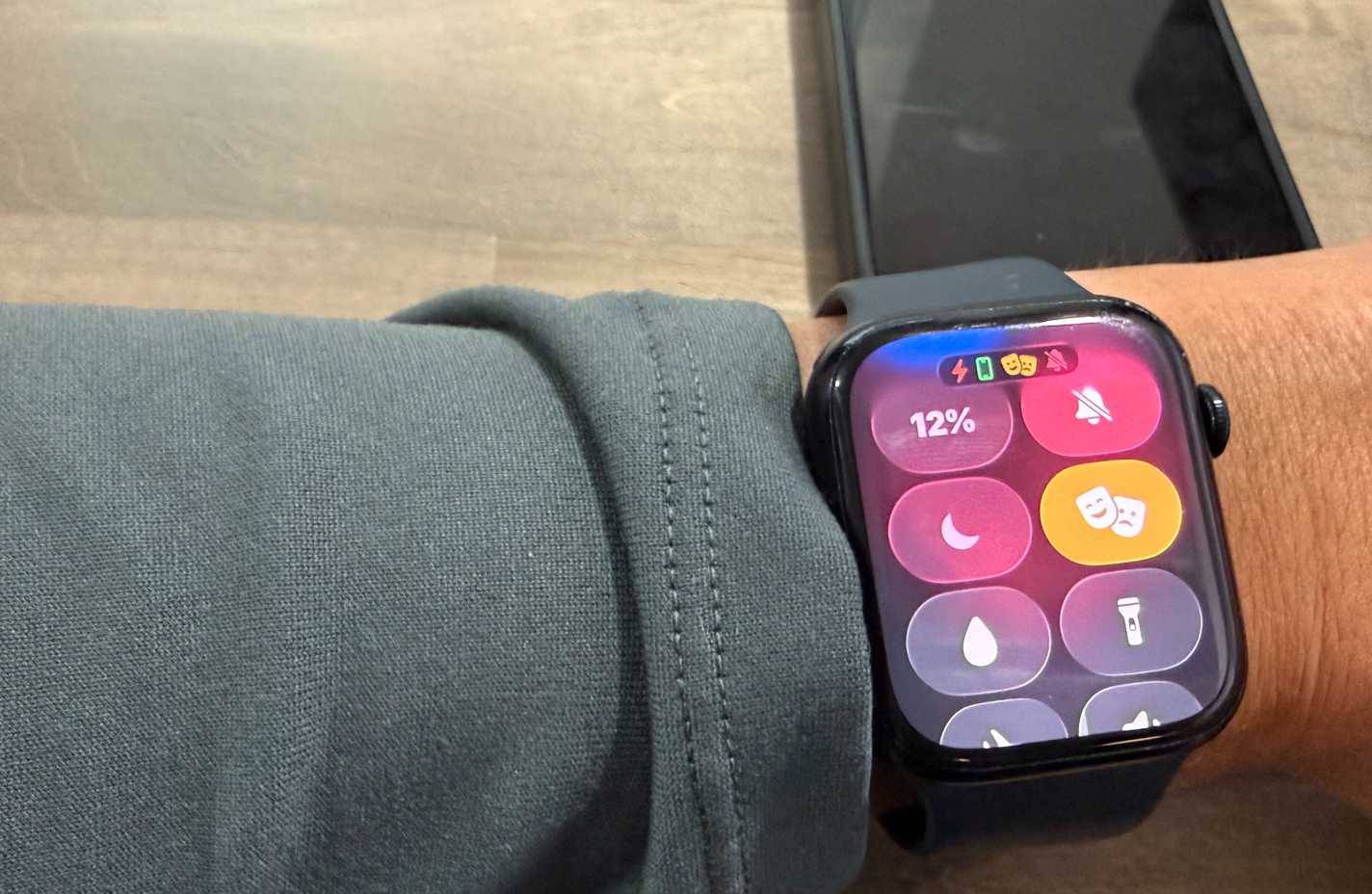
Water Lock keeps water from damaging your display and speakers—whether you're swimming, showering, or doing the dishes. Pull up Control Center and tap the water droplet. When you're done with your water activities, turn the Digital Crown to unlock. Your watch will "eject" the water by vibrating the speaker.
Theater Mode turns off the screen completely until you tap it and mutes all sounds. Regular silent mode still lights up when you move your wrist, while Theater Mode keeps everything dark until you actively activate it.
FAQ
What should you know about the options in this guide?
In practical terms, in fact, the Apple Watch has some notable features that other smartwatch manufacturers don't offer.
Which option is the best choice?
The best choice depends on your priorities, compatibility, budget, and the specific features discussed in the comparison.
What should you compare before deciding?
Compare core features, limitations, ease of use, compatibility, and long-term value before making a decision.
Related Articles
 How to Unpair Your Apple Watch5 minutes read
 How to Calibrate Your Apple Watch to Improve Workout Tracking4 minutes read
 Ways to Fix Apple Watch Not Receiving Notifications5 minutes read
 Why Does Your Apple Watch Stop Charging at 80%: Main Insights5 minutes read
 How to Ping Apple Watch from iPhone4 minutes read
 3 Things to Do Before Selling Apple Watch5 minutes read
Reader Comments 0
Sign in with email or Google to join the discussion.