Table of Contents
This guide provides a practical overview of 7 New iOS 14 Features Coming to the iPhone That Android Already Has, including its main features, benefits, limitations, and important considerations.
While many of these iOS 14 features might feel new Apple iPhone users, those familiar with Android devices could be feeling deja vu. Here's a list of all the new Apple iOS 14 features that Android already had.

Translate
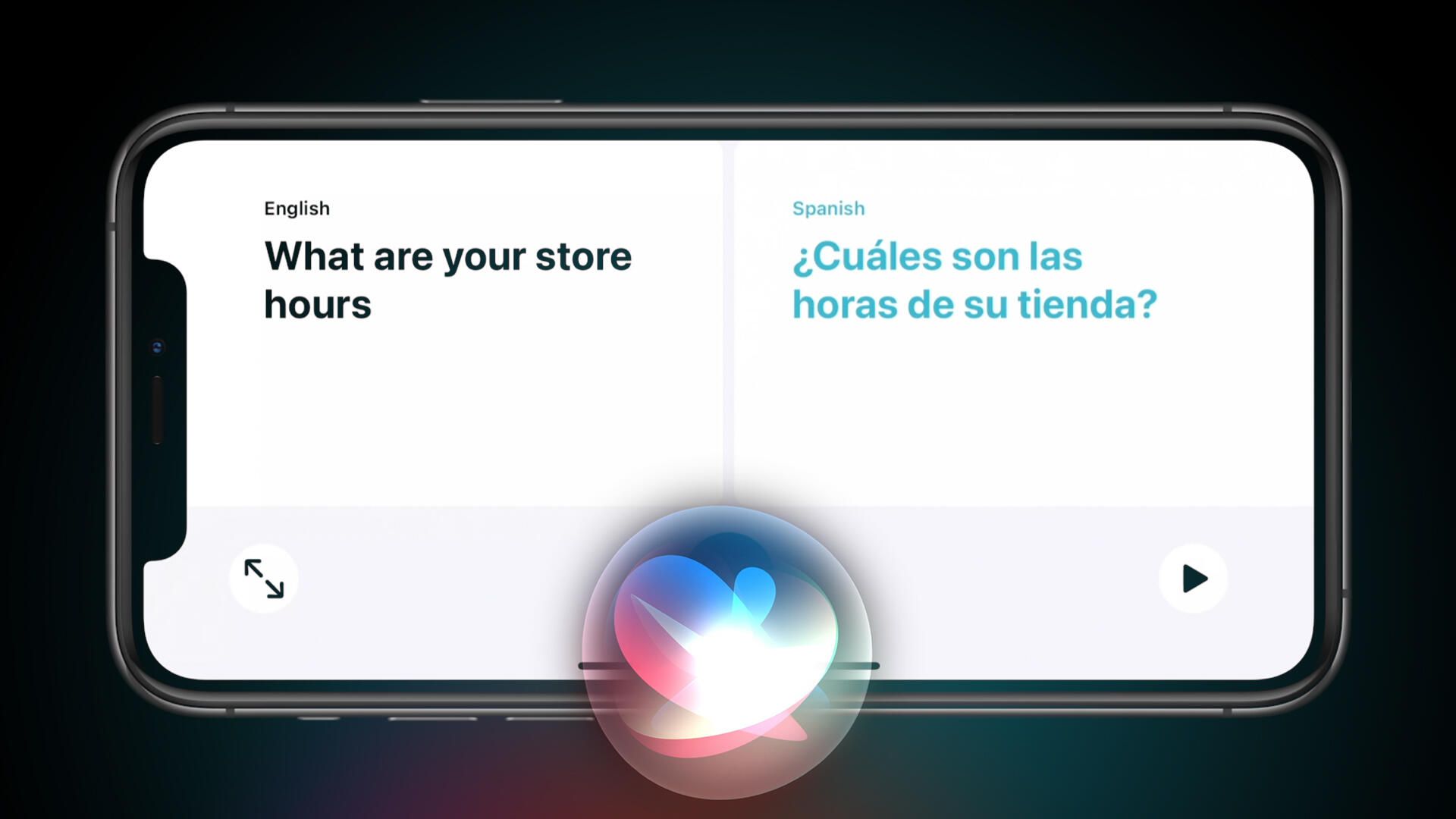
With iOS 14, Apple introduced a new Translate app that's designed for use in real-time conversation. It can translate between 11 languages, including English, Mandarin Chinese, French, German and Korean. As of March 2020, Google's 14-year-old dedicated translate app could transcribe conversations in eight languages in real time.
Widgets
With the new operating systems, the revamped iPhone ($699 at Apple) and iPad ($340 at eBay) home screens will include widgets, which let you see information like the weather on your home screen at a glance. Prior to the announcement at WWDC, iPhone users could only have apps on the iPhone home screen. But widgets, which contain more information and are more functional than app icons, have been a mainstay feature on Google's Android since its inception in 2008.
App Clips
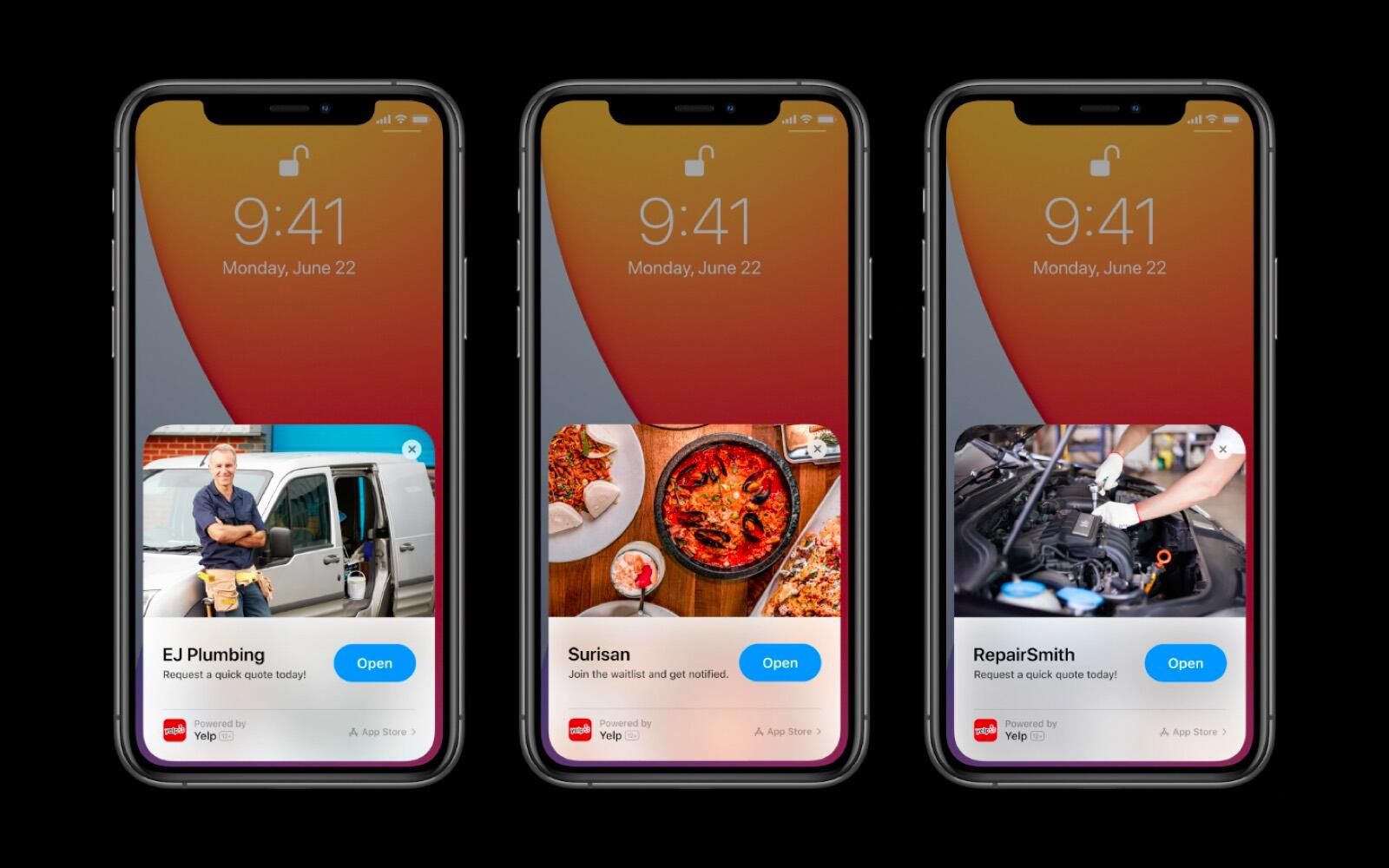
Apple's App Clips let users preview "small parts" of apps quickly without downloading them. This can come in handy when trying to pay for takeout or parking, since App Clips is compatible with Apple Pay and Sign In with Apple. Google introduced a similar feature, Instant Apps, in 2016. Instant Apps gives apps their own URL so users don't have to download an entire app for a single transaction, like buying concert tickets for example.
App Library
Another part of Apple's redesigned home screen is an App Library that organizes your apps into groups and lists. With the new home screen in iOS 14, users can also "hide" apps from their main home-screen. This is similar to Android's app drawer, sans the grouping features.
Apple Maps cycling directions
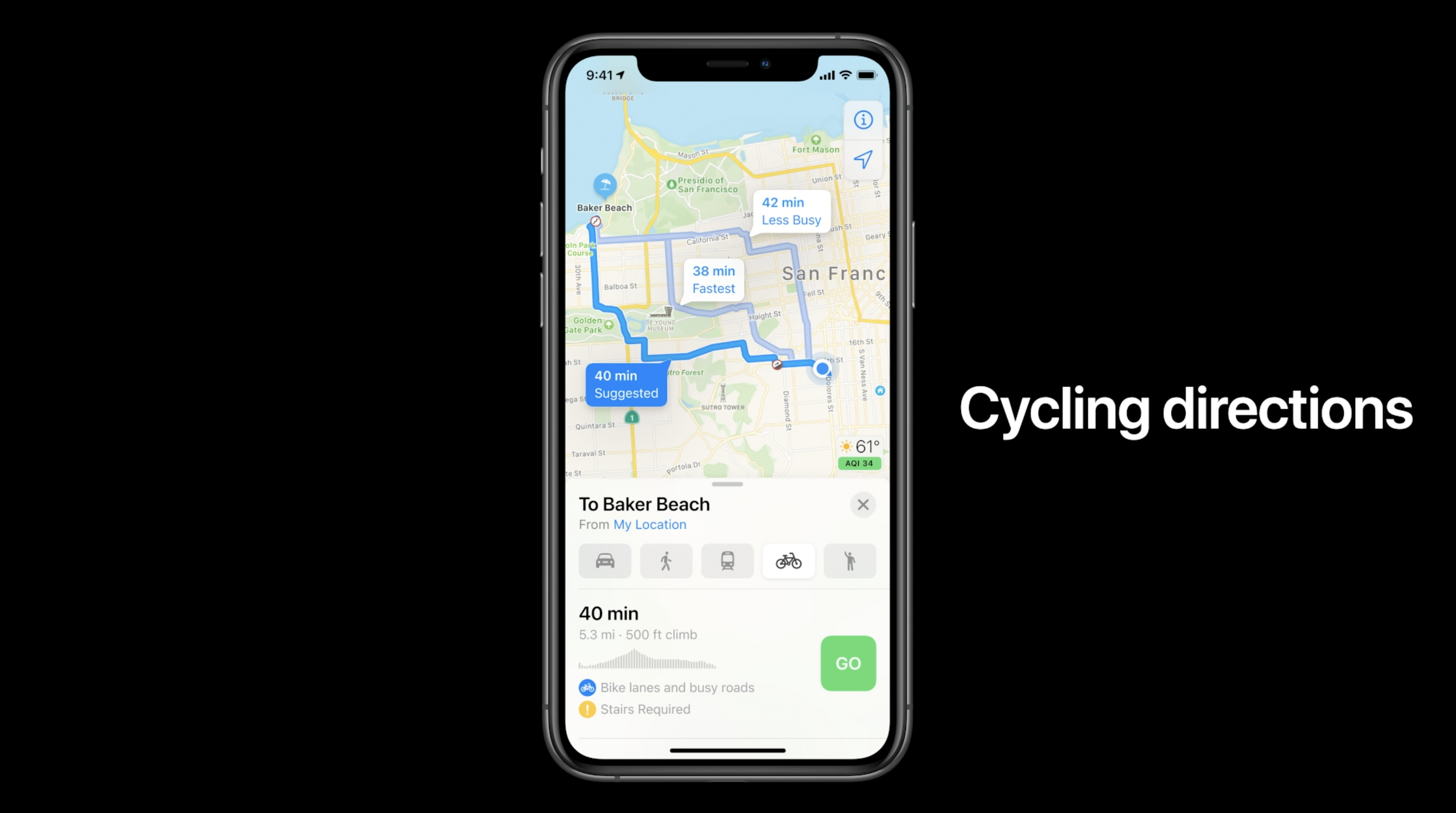
The updated Apple Maps app will provide ways to travel in a more eco-friendly fashion in iOS 14 and WatchOS 7. The dedicated Cycling option will help users find bike paths while taking into account elevation, whether the route you take its busy or quiet, and if you'll encounter any stairs. While Google Maps doesn't factor in stairs, there has been the option to select "cycling" since 2010. When I tried it on my Pixel 3 ($474 at Amazon), the step-by-step directions offer a look at elevation on a trip, too.
Picture-in-picture
Apple also announced a new picture-in-picture feature coming to iOS 14, which will allow users to be able to watch a video while using other apps. The video will shrink and be able to float anywhere on the screen. It can also be swiped away and the video's audio can still play. While the audio doesn't continue to play if the video is swiped away, Android phones already have the ability to float videos over other apps.
Wind Down mode
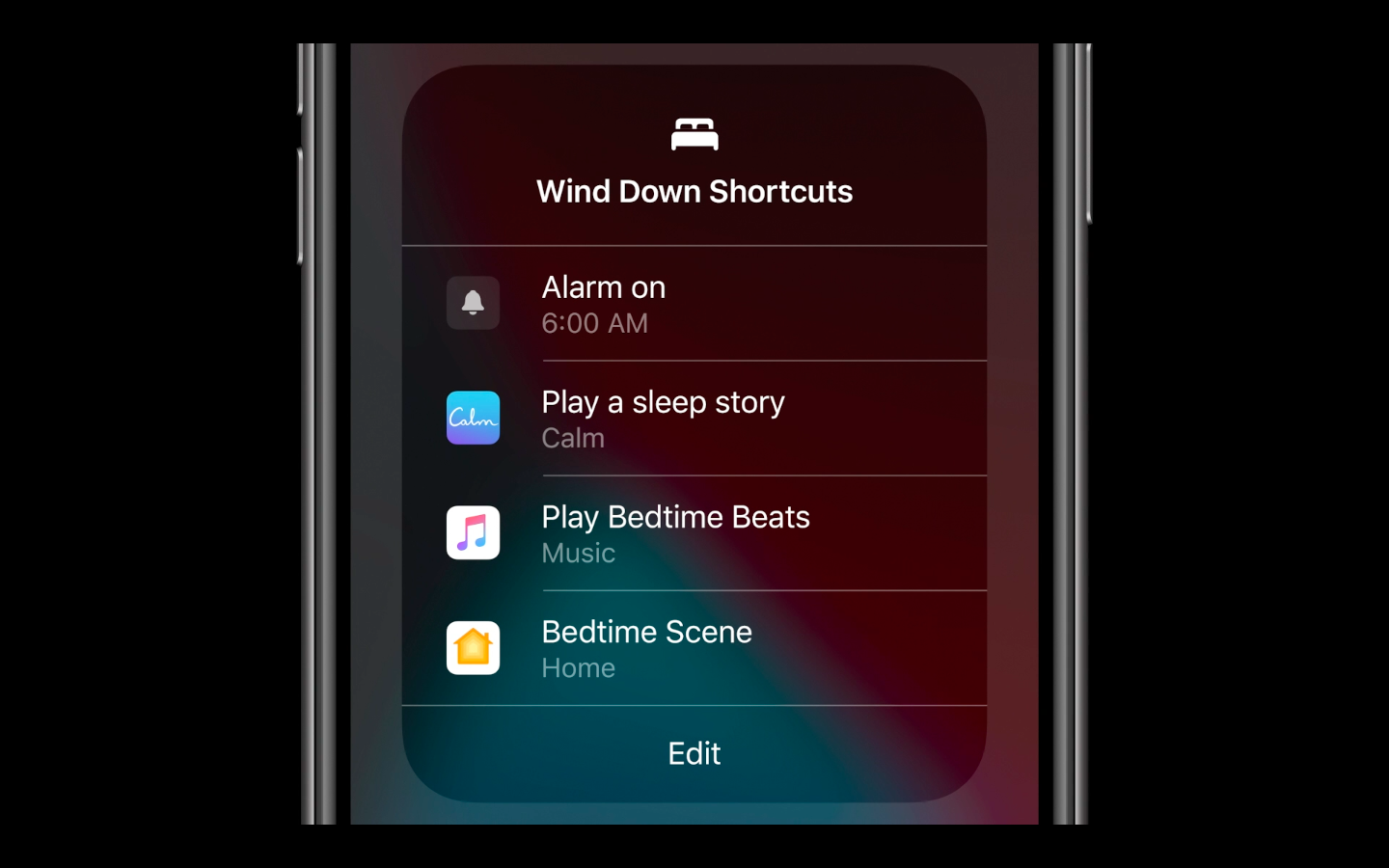
Another new feature announced Monday was a Wind Down mode that helps users get ready for bed. The feature, which works for iPhone and Apple Watch ($399 at Apple), lets you set a desired bed time and wake-up time, and puts your phone into Do Not Disturb mode. There are also options to add shortcuts for meditation or playing relaxing music. Google doesn't have a dedicated app for this, but there is a way to set up a bed time routine through the Google Home app.
FAQ
What should I know about 7 New iOS 14 Features Coming to the iPhone That Android Already Has?
Focus on the key features, requirements, limitations, and practical use cases explained in this guide.
How do I get the best results with 7 New iOS 14 Features Coming to the iPhone That Android Already Has?
Follow the recommended steps, use current software or information, confirm compatibility, and review settings before major changes.
Are there any risks or limitations?
Potential limitations depend on compatibility, data quality, cost, privacy, support, and how the product or method is used.
Related Articles
 The iPhone Finally Gets 6 Features Android Has Had for Years7 minutes read
 5 iOS and Android Games Coming Soon in 20204 minutes read
 Apple Still Has Two Unannounced Features for iOS 263 minutes read
 3 Newly Changed Settings of Android P5 minutes read
 Unique Features on Smartphones That You Don't Know Yet7 minutes read
 9 Underrated Android Features You Probably Aren't Taking Full12 minutes read
Reader Comments 0
Sign in with email or Google to join the discussion.