Table of Contents
This guide provides a practical overview of List of Devices Updated to iOS 14 and IPadOS 14: Support from iPhone 6s and, including its main features, benefits, limitations, and important considerations.
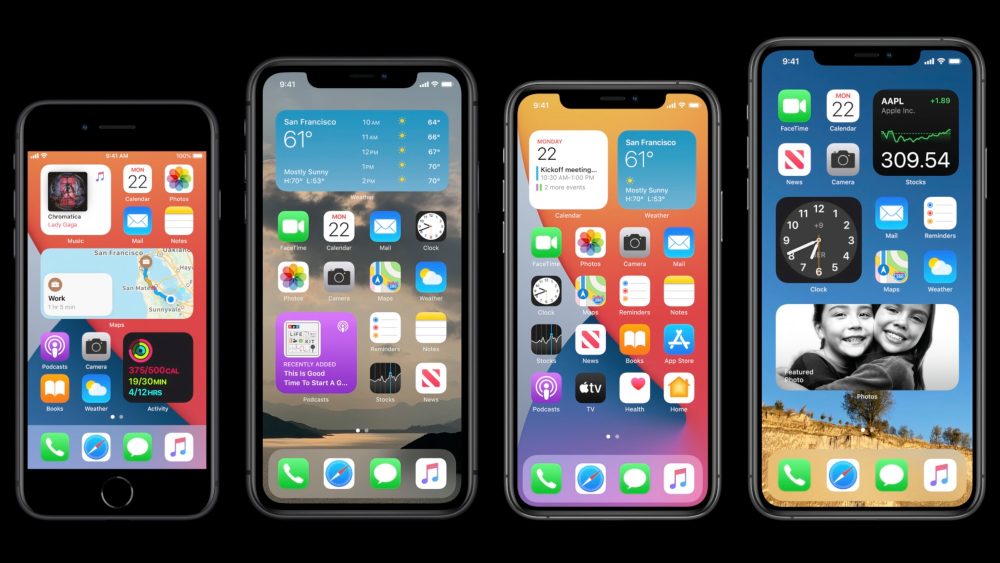
Below is the official list of devices that will be supported by Apple to update to iOS 14 and iPadOS 14:
iPhone
- iPhone 11, iPhone 11 Pro and iPhone 11 Pro Max
- iPhone XS, iPhone XS Max and iPhone XR
- iPhone X
- iPhone 8 and iPhone 8 Plus
- iPhone 7 and iPhone 7 Plus
- iPhone 6s and iPhone 6s Plus
- iPhone SE
iPod touch
- iPod touch gen 7
iPad
- All iPad Pro models
- iPad 7th generation (2019), iPad 6th generation (2018) and iPad 5th generation (2017)
- iPad mini 5 and iPad mini 4
- iPad Air 3 and iPad Air 2
In general, all devices running iOS 13 currently will be supported to update to iOS 14. In other words, Apple did not abandon any older iPhone models, because even the iPhone 6s, 6s Plus Launched in 2015 and iPhone SE released in 2016 can still be updated to iOS 14.
The first beta of iOS 14 and iPadOS 14 for developers will be released today. As planned, Apple will release the public beta later this summer, as well as the official iOS 14 and iPadOS 14 versions this fall.
FAQ
What should I know about List of Devices Updated to iOS 14 and IPadOS 14: Support from iPhone 6s and?
Focus on the key features, requirements, limitations, and practical use cases explained in this guide.
How do I get the best results with List of Devices Updated to iOS 14 and IPadOS 14: Support from iPhone 6s and?
Follow the recommended steps, use current software or information, confirm compatibility, and review settings before major changes.
Are there any risks or limitations?
Potential limitations depend on compatibility, data quality, cost, privacy, support, and how the product or method is used.
Related Articles
 List of iPhone and iPad Devices That Support iOS 156 minutes read
 List of Devices That Support iOS 14, IPadOS 14, WatchOS 7, TvOS 14 and4 minutes read
 Apple Officially Launched Its Own Operating System for Ipad3 minutes read
 Here Is the List of iPhones and iPads That Support iOS 16 and iPadOS5 minutes read
 Top 10 Changes and New Features on iOS 14.2 and Ipados 14.25 minutes read
 Ipados 15: Release Date, Features and Supported Devices4 minutes read
Reader Comments 0
Sign in with email or Google to join the discussion.