Table of Contents
This guide provides a clear, practical overview of "Why OLED Displays Aren't as Great as You Think". It organizes the most useful details, explains important considerations, and highlights the steps or choices that matter most.
5. Burn-in is still a real concern with OLED displays
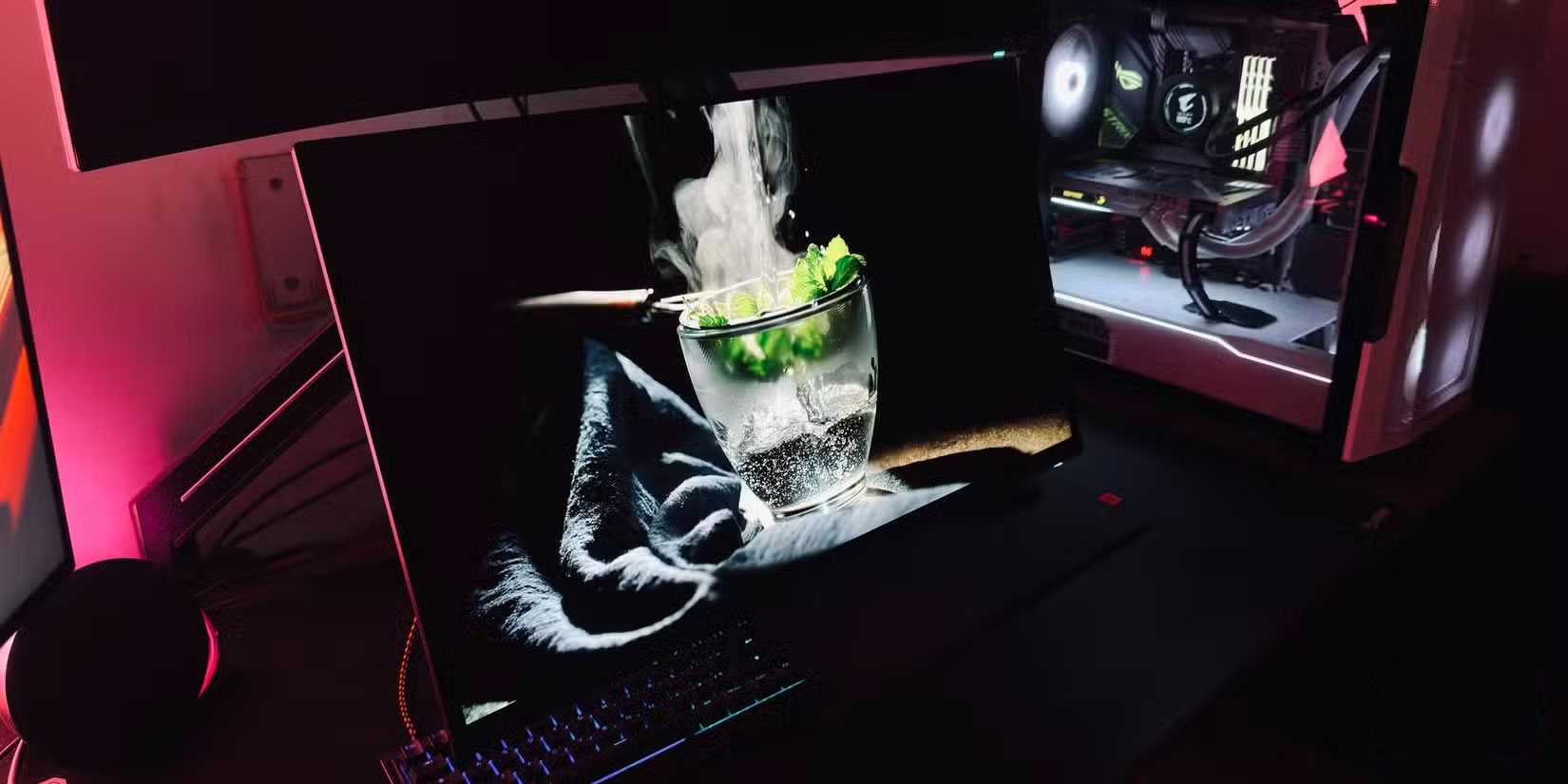
You may have heard that modern OLED panels have 'solved' the burn-in problem, but that's not entirely true. No matter how many safeguards manufacturers claim to have in place, if you display static elements—like a taskbar, an app dock, or even a static browser window—for long periods of time, there's a real risk of permanent burn-in on an OLED display.
This doesn't appear immediately, but over the next few months you may notice a faint ghosting that never completely goes away.
4. Most OLED displays struggle with maximum brightness
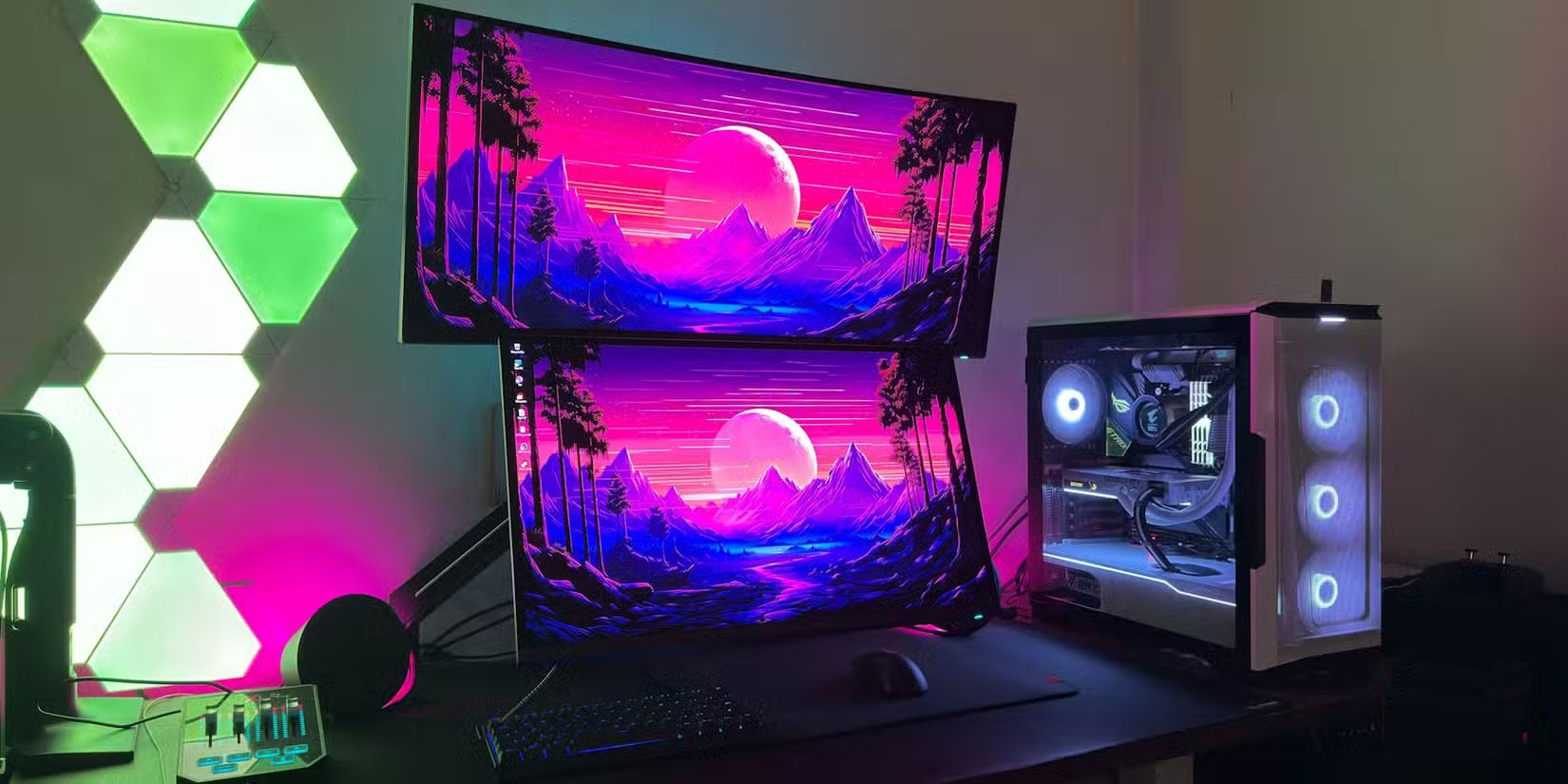
OLED TVs are known for their incredible HDR performance, but that doesn't always translate to displays. In fact, if you check out the best-selling OLED displays from major retailers like Amazon or Best Buy, most don't even list peak brightness in their spec sheets.
OLED screens are built differently, which is why they can't reach the same peak brightness as their TV counterparts — or even some high-end LCDs.
3. Text clarity on OLED displays is not as sharp as expected
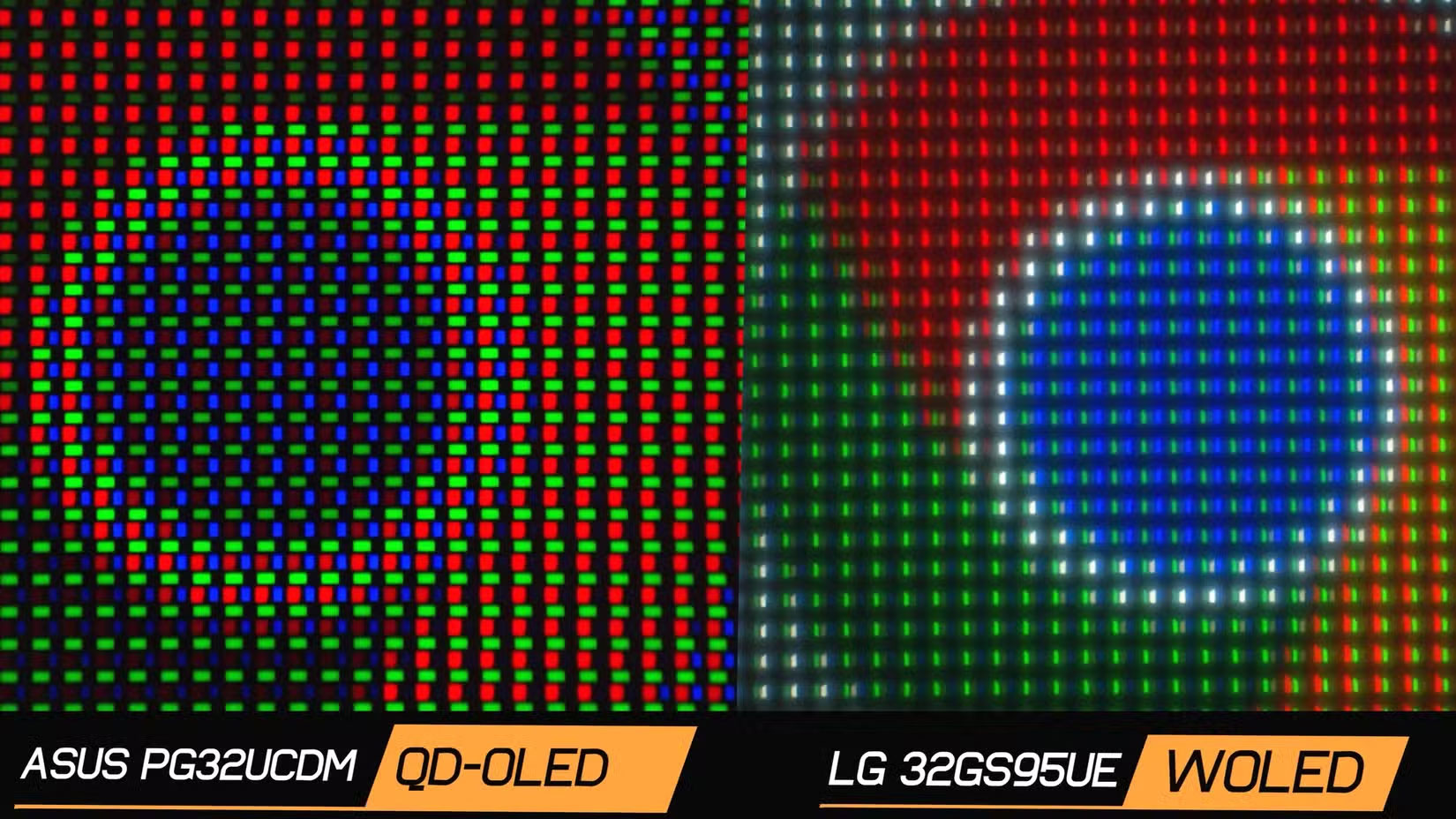
One of the downsides of OLED displays is the way they handle text. In theory, you'd expect them to be just as sharp—if not sharper—than LCDs. However, because of the subpixel arrangement in many OLED panels, text often appears a bit fuzzy or pixelated.
This isn't always noticeable at first, but once you do, it's hard to ignore. If your daily work involves writing, reading, or programming for long hours, you'll probably prefer an LCD display for more accurate color reproduction over a typical OLED display.
2. OLED panels degrade faster than LCD screens
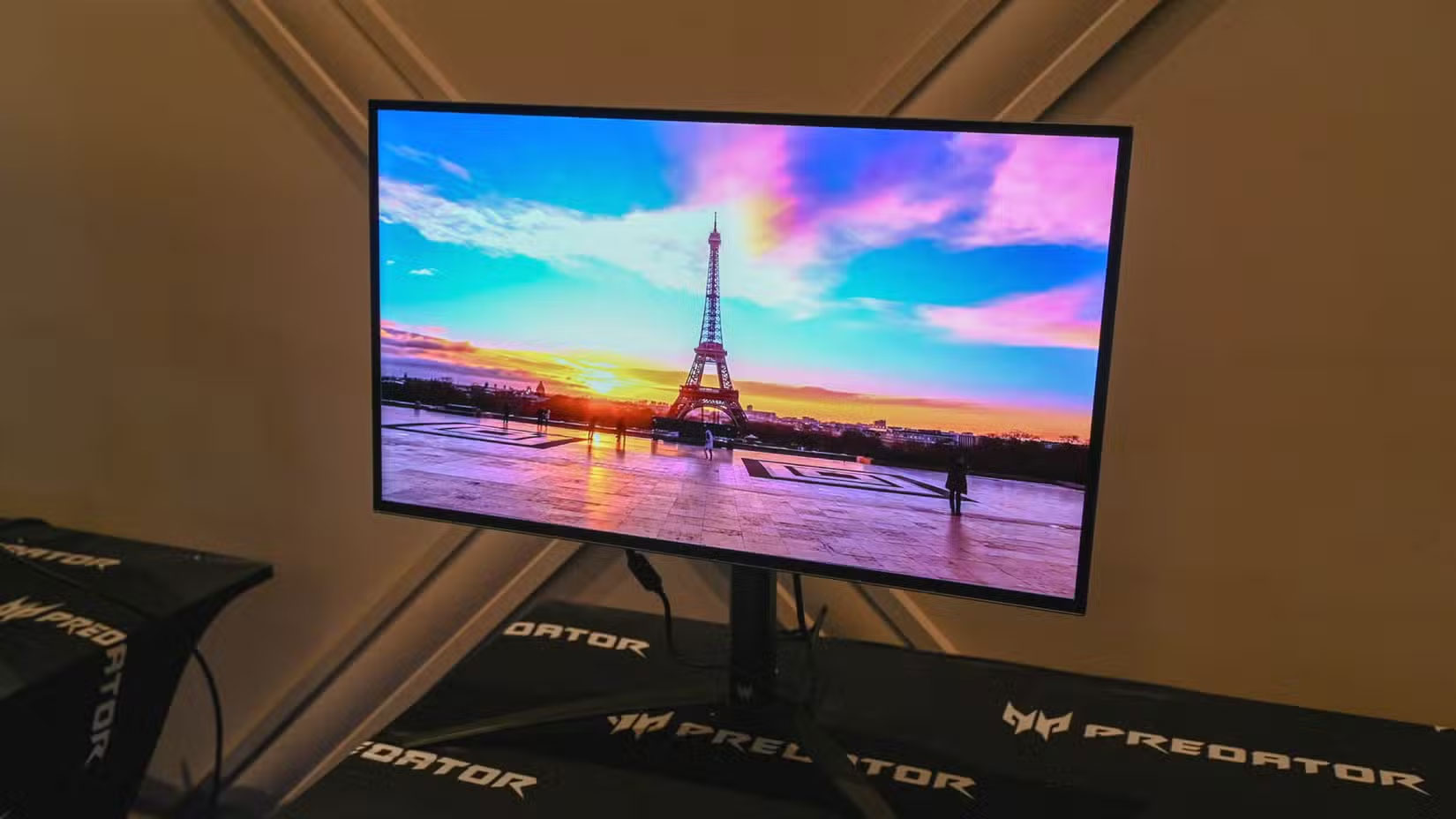
The most fundamental difference between OLED and LCD panels lies in the type of display technology used underneath. The 'O' in OLED stands for 'Organic'—and that's not necessarily good news. Unlike LCD panels, which use more stable materials, the pixels on OLED displays degrade over time. That means brightness decreases and, in some cases, colors start to change.
If you plan on using an OLED display for more than 5 years, you may eventually notice that it is no longer as bright and vibrant as it was when you first bought it.
1. You're paying a premium, but quality doesn't always equal better quality
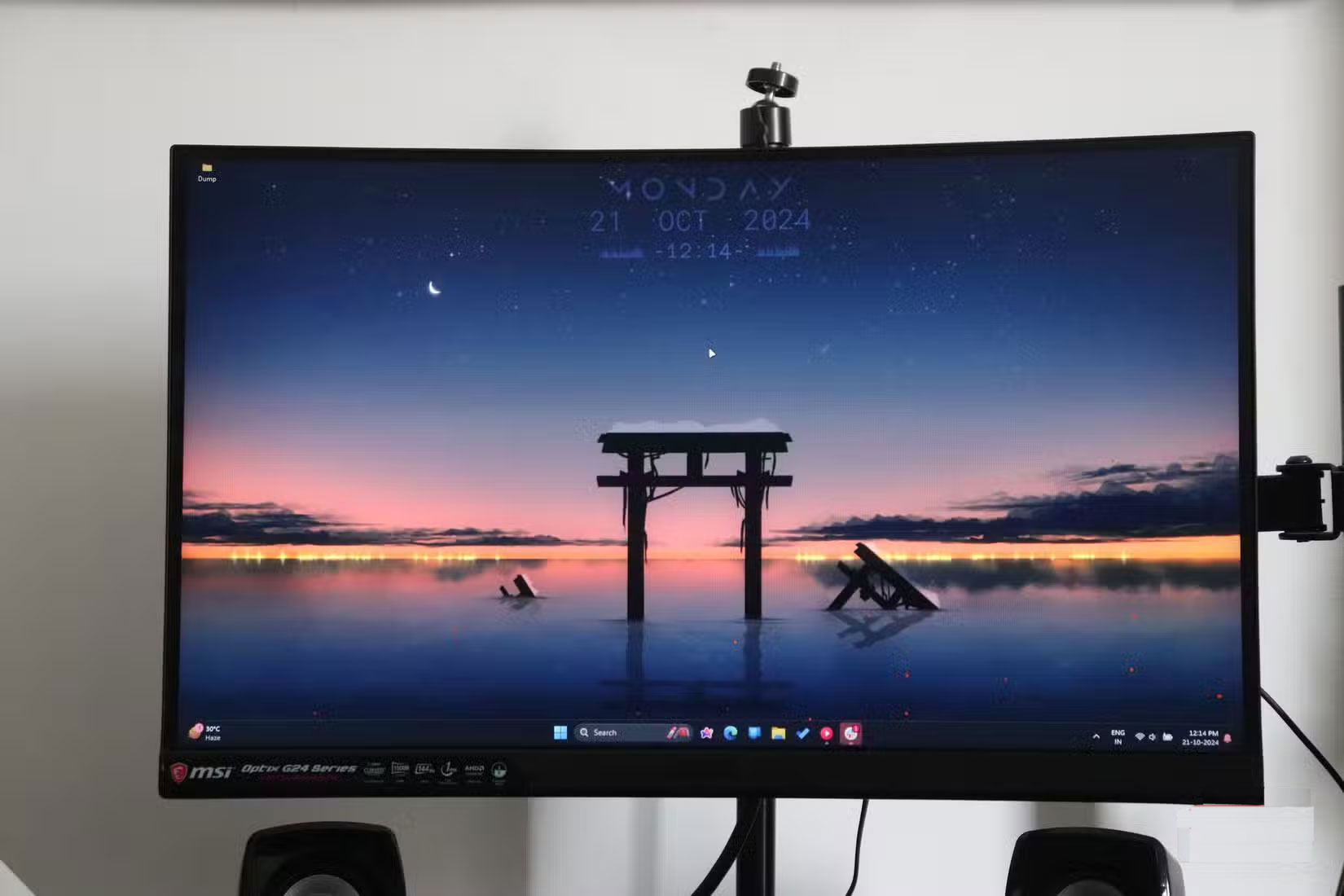
And finally, one of the main reasons people avoid buying OLED displays for their systems is cost. OLED displays aren't cheap. In fact, most OLED displays cost nearly twice as much as LCD displays. And for that kind of money, many people aren't entirely convinced that they're the best value.
Sure, you get deep blacks and sharp contrast, but when you factor in the risk of burn-in, lower peak brightness, and faster degradation, it's worth it.
If you're still thinking about buying an OLED display, it's important to find the one that best suits your needs. There are a few easy ways to tell the difference between different types of OLEDs, which brands sell which types of OLED displays, and which one is best for your needs.
FAQ
What should you know about 5. Burn-in is still a real concern with OLED displays?
You may have heard that modern OLED panels have 'solved' the burn-in problem, but that's not entirely true. No matter how many safeguards manufacturers claim to have in place, if you display static elements—like a taskbar, an app dock, or even a static browser window—for long periods of time, there's a real risk of permanent.
What should you know about 4. Most OLED displays struggle with maximum brightness?
OLED TVs are known for their incredible HDR performance, but that doesn't always translate to displays. In fact, if you check out the best-selling OLED displays from major retailers like Amazon or Best Buy, most don't even list peak brightness in their spec sheets.
What should you know about 3. Text clarity on OLED displays is not as sharp as expected?
One of the downsides of OLED displays is the way they handle text. In theory, you'd expect them to be just as sharp—if not sharper—than LCDs. However, because of the subpixel arrangement in many OLED panels, text often appears a bit fuzzy or pixelated.
What should you know about 2. OLED panels degrade faster than LCD screens?
The most fundamental difference between OLED and LCD panels lies in the type of display technology used underneath. The 'O' in OLED stands for 'Organic'—and that's not necessarily good news. Unlike LCD panels, which use more stable materials, the pixels on OLED displays degrade over time. That means brightness decreases and, in.
Related Articles
 OLED Screen Burn-In Is Not a Myth: Complete Guide7 minutes read
 Samsung Will Have Laptops with OLED Displays by the End of 20103 minutes read
 What Is Evo OLED Panel? What's Different from OLED?6 minutes read
 Should I Choose NanoCell or OLED TV Technology: Key Facts10 minutes read
 Done, Samsung and LG Will Be the Makers of OLED Displays for the iPhone4 minutes read
 Scientists Have Found a Way to Make OLED Screens Brighter Without Consuming More Battery Power6 minutes read
Reader Comments 0
Sign in with email or Google to join the discussion.