Table of Contents
This updated guide answers the question 'Are You Missing Out on the Best Features of Smart TV' with clear explanations and practical context. Smart TVs are packed with features, but most of us have only scratched the surface. In reality, they are a powerful media hub, productivity tool, smart home controller, and entertainment tool that offers a wide range of practical applications.
6. Alternative Uses of Screen Projection Feature
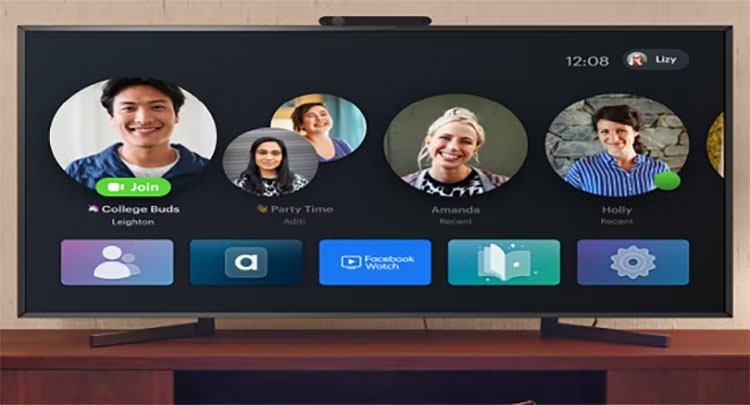
People regularly cast movies and shows from their devices to their TVs, using Chromecast, AirPlay, and the Amazon Fire TV Stick. Sometimes people even use screen mirroring to show off holiday photos. But these features have powerful benefits, and it seems like you've overlooked the potential they offer.
- Present via screen mirroring : Project your phone or laptop screen to your TV to make your Microsoft PowerPoint or Google Slides presentation engaging on the big screen.
- Mobile Gaming : Mobile gaming can provide a console-like experience when mirrored to a TV and paired with a Bluetooth controller.
- Video calls and virtual online meetings : Zoom, Google Meet, or FaceTime can be much more engaging when projected on a big screen. You can amplify the fun factor in virtual gatherings with a group of friends.
- Extend your desktop : By using an extended monitor setup, you can turn your laptop screen into a second monitor, allowing you to manage your creative projects more efficiently.
Once you start using these, you can watch a lot more on your Smart TV.
5. Deeper Voice Control and AI Integration
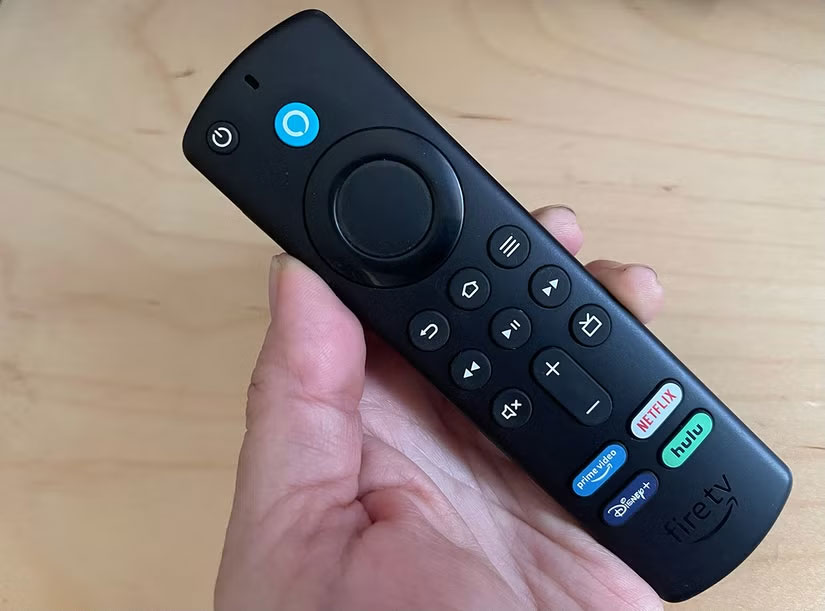
Voice assistants are built into most Smart TVs these days, but they often go unused. They can do more than just ask for a show or turn up the volume, and with AI built in, these digital assistants offer a whole suite of useful tools.
- Search for cross-platform content : If you often find yourself scrolling through different app menus, try saying 'Show me action movies across all apps,' and the assistant will scan all your libraries and list them, saving you the effort.
- Smart home integration : Your TV can be a hub for controlling smart home devices with voice commands. This can include everything from adjusting lights and temperature to locking doors, depending on how invested you are in your smart home ecosystem.
- Set timers and reminders : Many people are not good at remembering important tasks and events. Luckily, the voice assistant on your TV comes in handy when you need to take something out of the oven while watching your favorite TV show, and it even reminds you of calendar events through Samsung SmartThings.
- On-demand information : Thinking about going out? Ask the TV for the weather forecast and traffic. Ask for the latest news headlines while drinking your morning coffee so you do not have to wait hours for the news.
You will be amazed at how much more you can do with your Smart TV using voice control. It has transformed your TV from a Smart TV into a true information hub for the entire home.
4. Advanced Image and Sound Settings
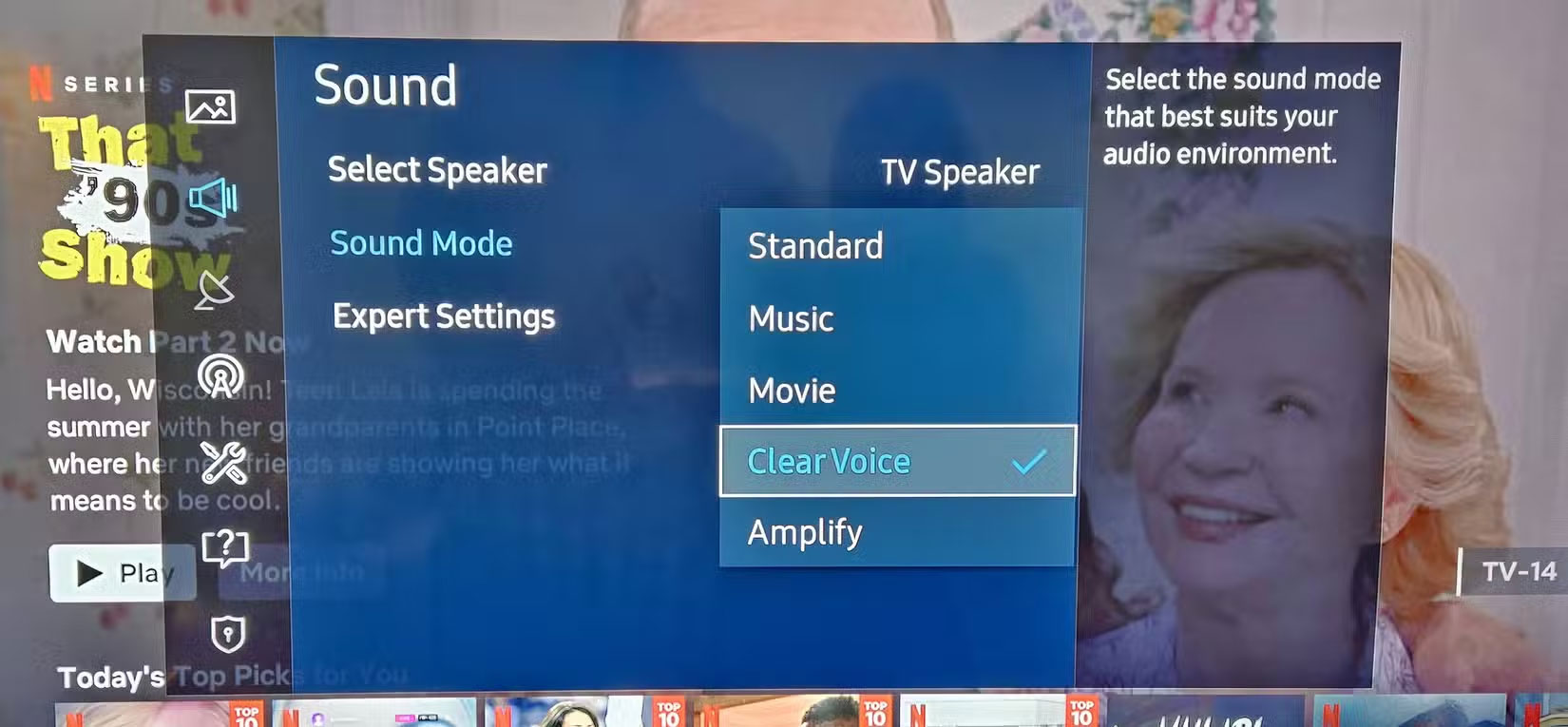
When you first get a TV out of the box, it comes with default settings that are probably more suited to a showroom floor than a cozy living space. it is worth tinkering with the picture and sound settings, making the most of any built-in enhancement tools to dramatically improve the sound.
- AI Enhanced Upscaling : The latest TVs use artificial intelligence to upscale (digitally enhance) low-resolution content. This setting enhances sharpness and detail, especially on 4K and 8K panels, so ensure it is enabled.
- Filmmaker Mode : This mode turns off motion smoothing and artificial enhancements—essentially making the content look more like the director intended. It makes movies come to life, but it is often hidden deep in the settings.
- Premium audio support : If you have a soundbar or surround sound system that supports Dolby Atmos or DTS:X, ensure your TV's audio is set to that format. Immersive audio technology can dramatically improve your sound, but it often does not turn on automatically.
Every Smart TV is different, so you'll have to fiddle with the controls. But every Smart TV has a variety of options designed to make your viewing experience much better.
3. Play and Record Media Content to USB
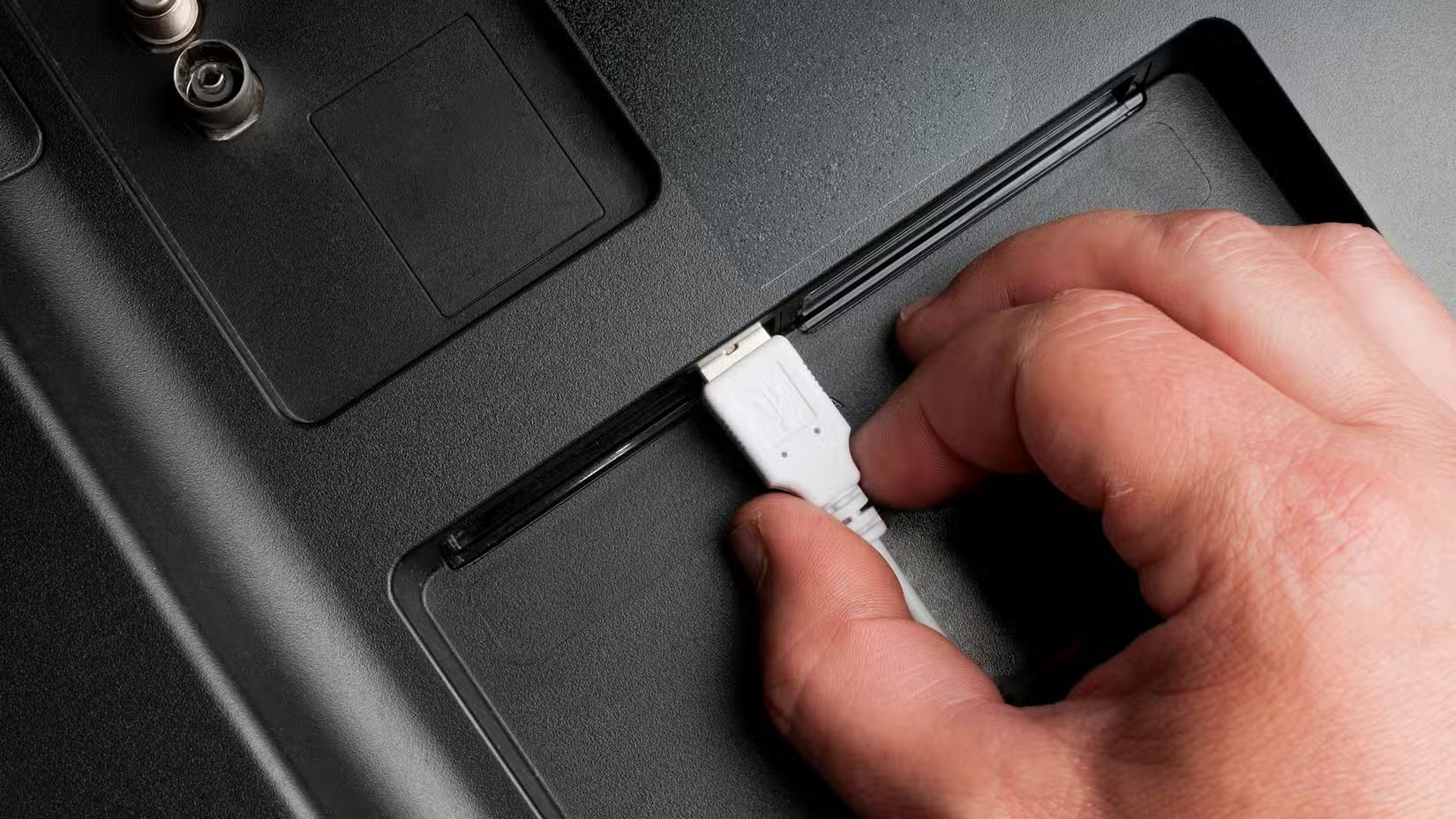
Remember that USB port on the back of your TV? it is often overlooked, with HDMI being the primary connection protocol. If you only use USB to power peripherals like devices and streaming sticks, you might find it is actually more useful than it looks.
- Stream media files directly : Smart TVs can read video, audio, and photo files from USB or external hard drives without streaming. This is great for watching videos, viewing vacation photos, or playing downloaded content, especially if the TV is occasionally used offline.
- Record Live TV : Many TVs support a Personal Video Recorder (PVR) feature, which lets you record live TV directly to a USB storage device. This feature is perfect for recording live sports or entertainment events and requires only an external hard drive to set up.
- Digital Art Display : Many people like to use their TV as a digital photo frame. Simply upload high-resolution images to a USB drive and turn your screen into a rotating gallery of your favorite photos or artwork.
The ports on the back of your Smart TV have many potential, so make the most of them.
2. Web Browsers and Non - streaming Apps
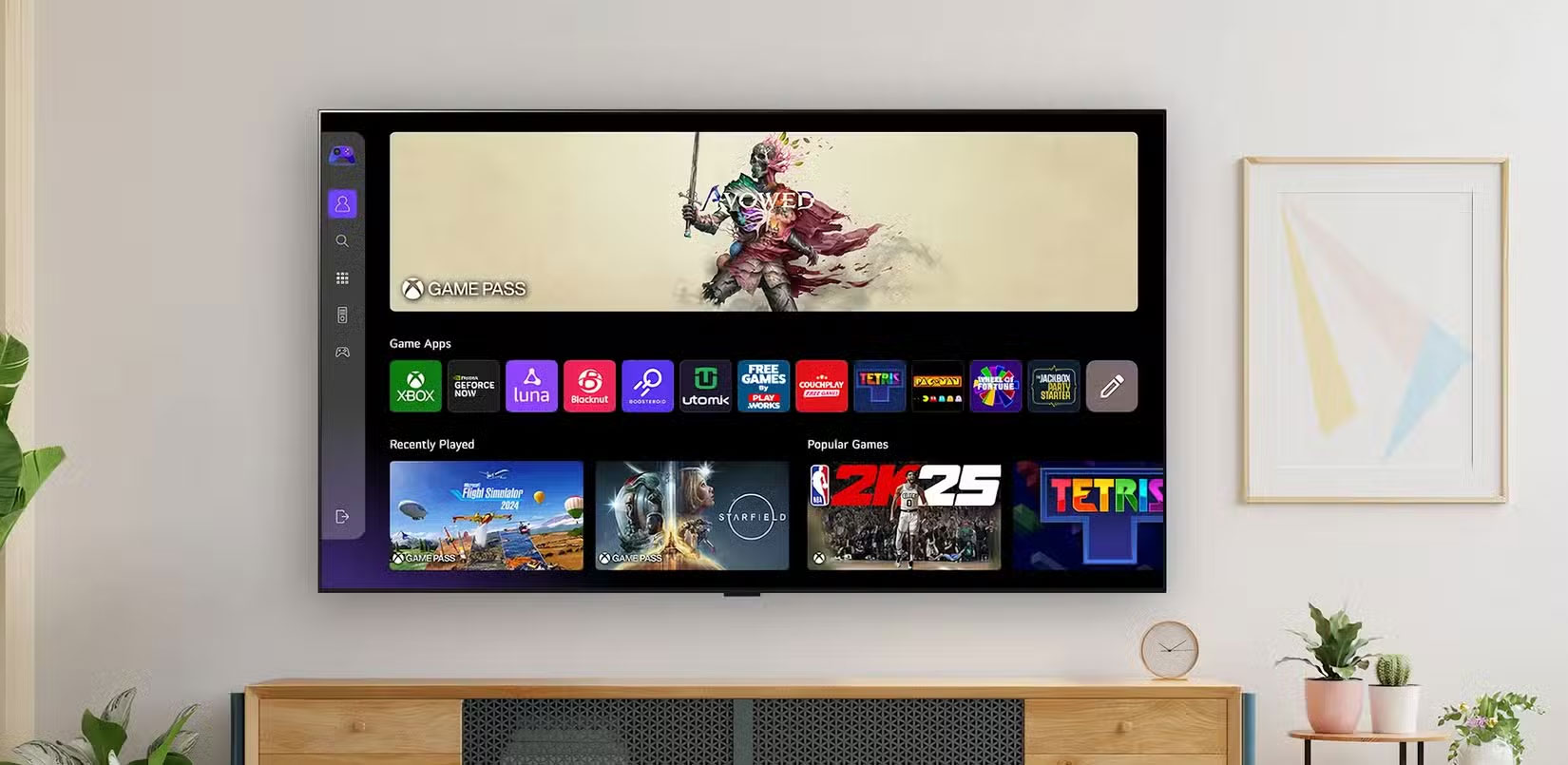
While Smart TV apps are certainly dominated by on-demand streaming services, there's a vast app ecosystem that offers many services you might not be taking advantage of. Here are some useful features that go beyond basic entertainment:
- Browsing the web : Did you know that your Smart TV can have a full web browser? it is not ideal for typing long emails, but it is useful for reading the news, browsing recipes in the kitchen, or looking up information on IMDb.
- Productivity apps : Some Smart TVs support Microsoft Office or Google Workspace apps, allowing you to access your documents, spreadsheets, and presentations. Simply pair your TV with a Bluetooth keyboard and mouse and it becomes a giant workstation.
- Fitness and health : Fitness is more accessible than ever in the digital age. Apps like Peloton, Calm, and YouTube fitness classes make it easy to work out in the comfort of your own living space. The big screen of your TV makes your workouts easier to follow and more immersive.
- Cloud gaming : Services like Xbox Cloud Gaming and NVIDIA GeForce Now stream games directly to your TV. All you need is a controller and a stable internet connection to enjoy the game without having to spend money on expensive and bulky hardware.
Cloud gaming is one of the favorite ways to use a Smart TV. No more messy wires hanging behind your TV.
1. Control Smart Home Devices
Despite its oddly vague name, the Internet of Things has revolutionized modern life. Your Smart TV can act as a smart home hub, serving not only as an entertainment interface but also as a control center for all the connected devices in your home.
- Manage lights, locks, and thermostats : Compatible TVs can integrate with major smart home platforms, allowing you to change room lighting, adjust the temperature, and even lock doors with a remote control or voice command.
- Security camera monitoring : Some Smart TVs support live feeds from security cameras, allowing you to check who's at the front door or monitor the outside of your property while watching something on the big screen.
- Smart home dashboard : TVs that integrate with systems like Samsung SmartThings or Apple HomeKit often provide a dashboard-style view of your connected devices, where you can manage your entire smart ecosystem through one intuitive interface.
Our Smart TVs are often the centrepiece of our living spaces and one of the most expensive pieces of electronics we own. You may have been using your TV as a streaming hub for years, but it can do so much more. By tapping into these overlooked features, you'll dramatically improve your home entertainment experience and feel like you're getting more for your money. So do not let all these capabilities go unnoticed – dig deeper into your Smart TV and unlock its true potential.
FAQ
What is the main takeaway about Are You Missing Out on the Best Features of Smart TV?
The key is to understand the core idea, compare the available options, and apply the practical guidance that matches your situation.
What should beginners know about Are You Missing Out on the Best Features of Smart TV?
Start with the essential steps and terminology. Avoid changing advanced settings until you understand how they affect performance, privacy, cost, or compatibility.
How can I use this information in practice?
Follow the relevant section in order, test one change at a time, and confirm the result before moving to the next step or recommendation.
Related Articles
 5 Features That Need to Change to Make Your Smart TV Perfect8 minutes read
 What Is a Smart Blind?4 minutes read
 Essential Features Still Missing on Spotify8 minutes read
 4 Favorite Features on Samsung Smart TV6 minutes read
 Alternative Solutions When Losing Smart TV Remote Control8 minutes read
 What Is the Error Msvcr110.dll Missing? How to Prepare?7 minutes read
Reader Comments 0
Sign in with email or Google to join the discussion.