Table of Contents
This practical guide explains how to know if smart tv is infected with malware. Follow the steps in order, review the requirements first, and use the troubleshooting notes when a setting or option does not work as expected.
Unexpected pop-ups or irrelevant ads
Smart TVs infected with malware can display annoying pop-ups, often on the home screen, in the system menu, or even immediately after booting up. These ads often promote shady antivirus tools, fake streaming platforms, or gambling services that are clearly unrelated to the TV. What makes them so worrisome is that they look a lot like real system notifications or app prompts.
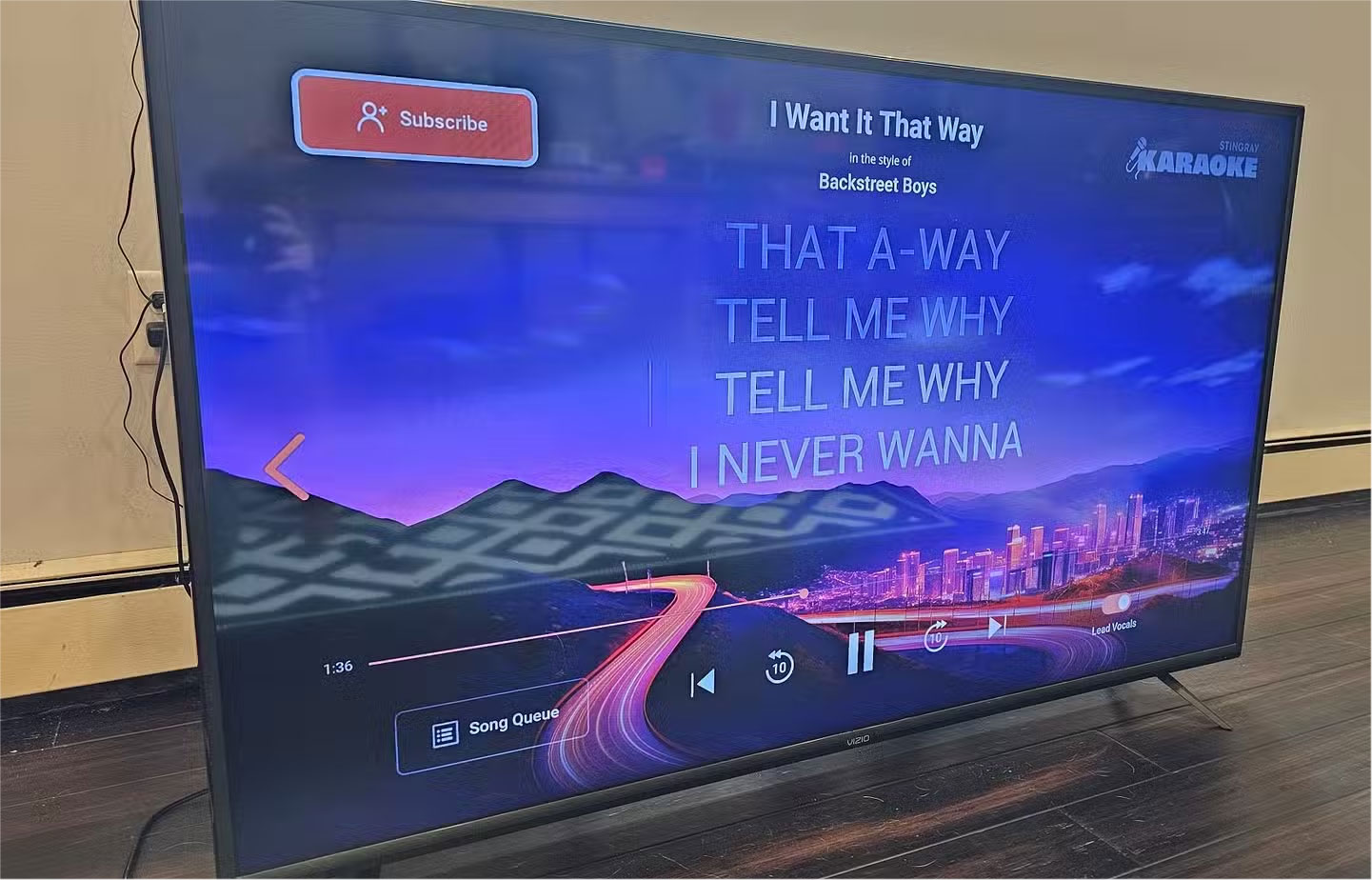
You may see an alert that looks like a software update or app recommendation, but selecting it will redirect you to a suspicious website. These pop-ups often have clunky layouts and low-resolution graphics, and may not respond to remote commands. If they continue to appear after a reboot, it's a clear sign that your TV's software has been compromised.
Suspicious or strange apps suddenly appear
Smart TVs (especially those running Android TV or a similar platform) allow for app installation, but that also opens the door to malware. If your TV starts showing apps you haven't downloaded, something is clearly wrong. These apps may have strange names, off-brand logos, or links to questionable content, like pirated streams or adult content. They often look out of place next to your regular list of apps and can appear out of nowhere, even after a reboot.
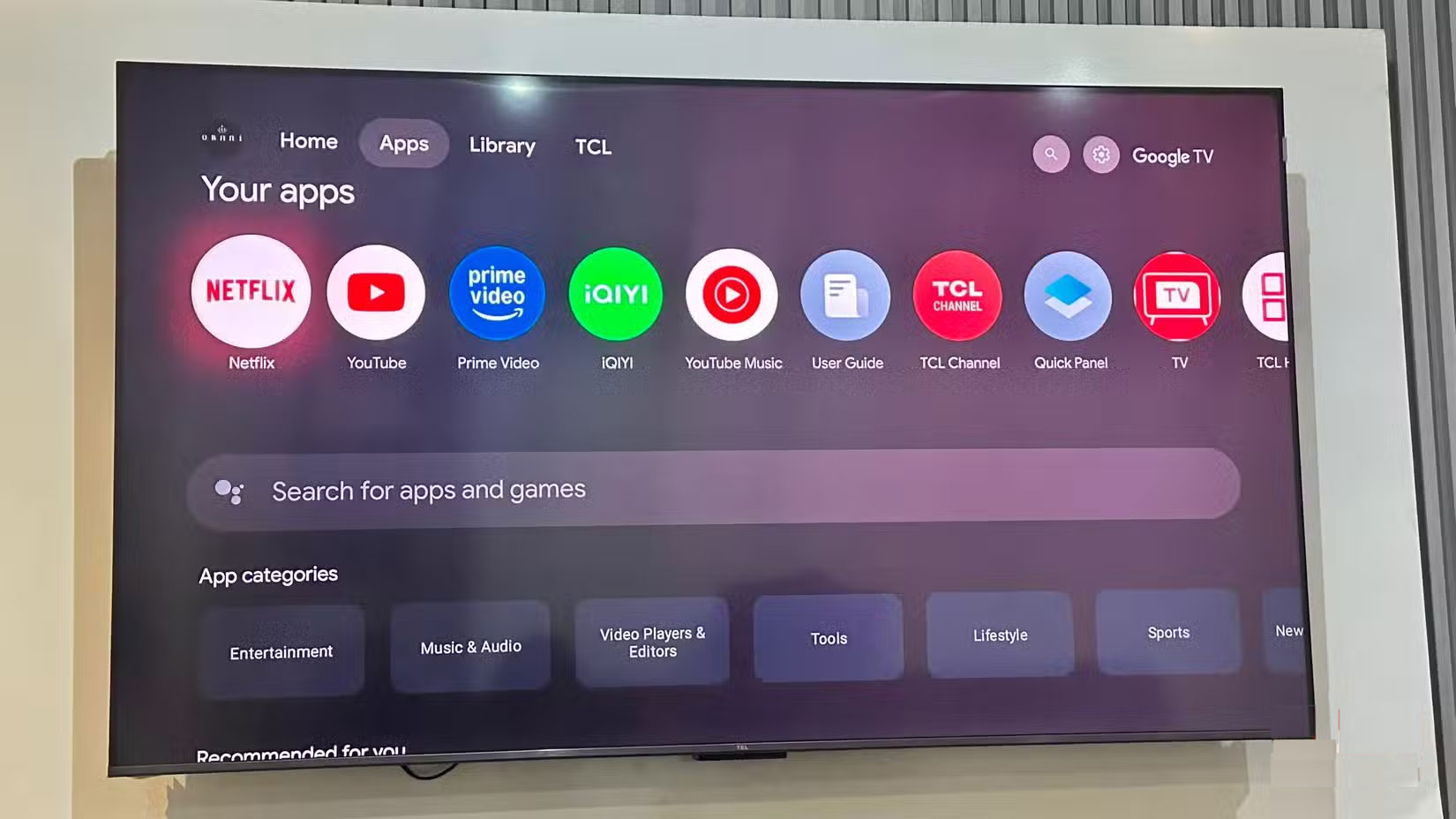
This usually indicates that malware is exploiting loose permissions to install apps in the background. Once installed, they could be tracking your activity or connecting to external servers without your knowledge (but there are ways to prevent your Smart TV from tracking you).
Slow performance or frequent crashes
Smart TVs typically slow down due to lack of storage space, too many apps running in the background, or outdated software. These issues develop over time and can often be resolved with basic fixes like restarting the device, clearing app caches, or performing a system update.
But if your TV suddenly freezes in menus, freezes while playing, or crashes when switching between apps, and none of the usual fixes seem to work, it might be more than just a bug. Malware can overload system resources, causing apps to freeze, input to lag, and the interface to become unstable during everyday use.
Unusual network activity in the background
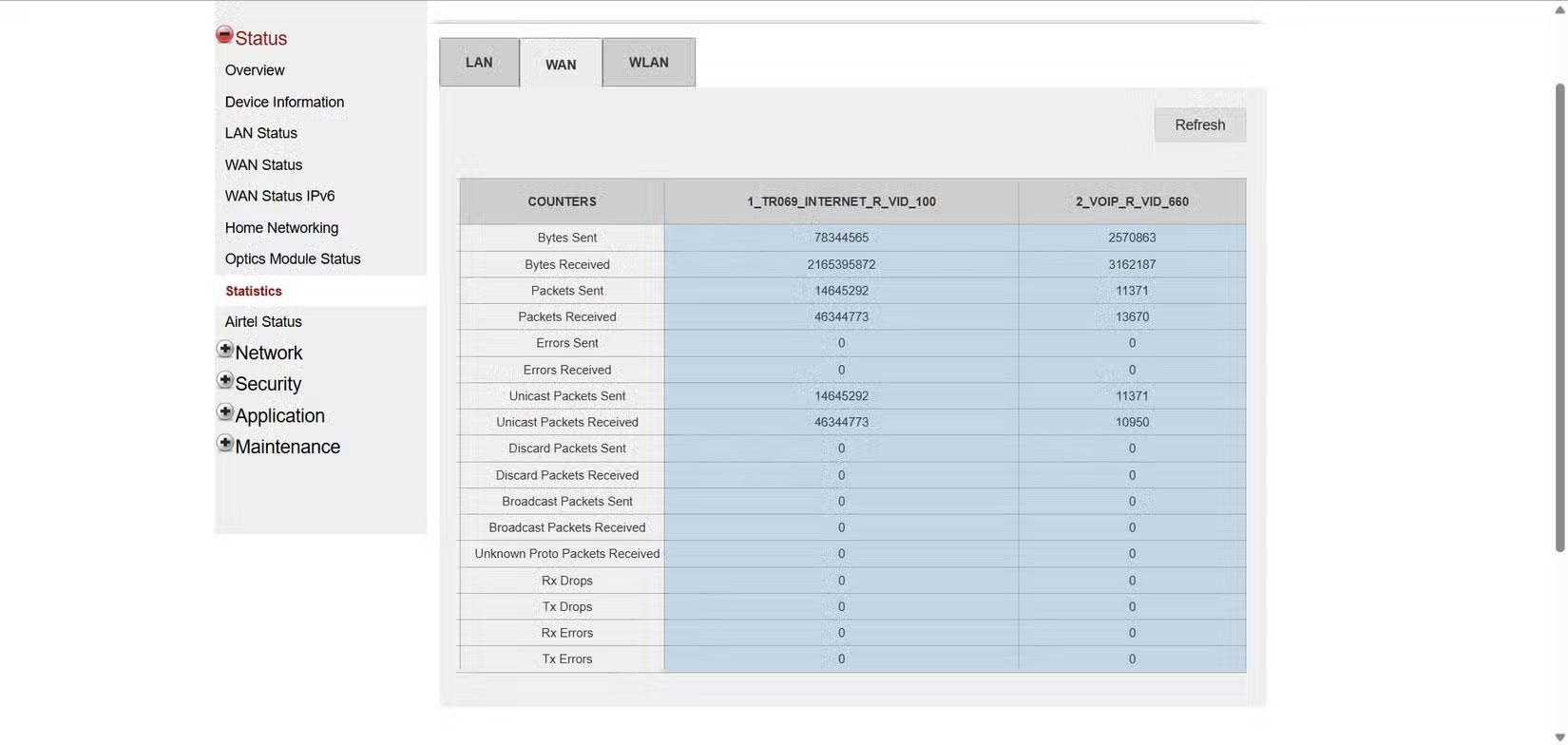
Smart TVs are always connected to check for updates, sync apps, or preload content, so it's normal for them to use some background data even when they're in standby or idle. However, consistently slow internet or unusually high network activity could indicate a deeper problem.
To check for unusual behavior, visit your router 's admin panel or use the included app to monitor connected devices and their real-time data usage.
Strange prompts or access requests you didn't activate
Sometimes, your Smart TV may ask for access to your microphone, camera, or Bluetooth — even if you're not using any of the features that require them. These prompts may appear when you're watching a show, browsing settings, or even when your TV is in standby mode.
During normal use, you can easily ignore them as harmless errors. However, if they keep appearing for no apparent reason, especially when you haven't actively changed the settings, it could be a sign of a program running in the background.
You may also notice pairing attempts with unrecognized devices or connection requests from nearby phones or speakers that you don't recognize. Often, these little prompts are the only visible clues that something is trying to do more than you expect.
FAQ
What should you know about unexpected pop-ups or irrelevant ads?
Smart TVs infected with malware can display annoying pop-ups, often on the home screen, in the system menu, or even immediately after booting up. These ads often promote shady antivirus tools, fake streaming platforms, or gambling services that are clearly unrelated to the TV. What makes them so worrisome is that they look a.
What should you know about suspicious or strange apps suddenly appear?
Smart TVs (especially those running Android TV or a similar platform) allow for app installation, but that also opens the door to malware. If your TV starts showing apps you haven't downloaded, something is clearly wrong. These apps may have strange names, off-brand logos, or links to questionable content, like pirated streams.
What should you know about slow performance or frequent crashes?
Smart TVs typically slow down due to lack of storage space, too many apps running in the background, or outdated software. These issues develop over time and can often be resolved with basic fixes like restarting the device, clearing app caches, or performing a system update.
What should you know about unusual network activity in the background?
Smart TVs are always connected to check for updates, sync apps, or preload content, so it's normal for them to use some background data even when they're in standby or idle. However, consistently slow internet or unusually high network activity could indicate a deeper problem.
Related Articles
 Is Smart TV Infected with Virus?7 minutes read
 What Is Malware? What Kind of Attack Is Malware?10 minutes read
 Downloaded Malware? Try These Fixes Before Factory Reset!8 minutes read
 Click: How to Remove Malware from a Mac6 minutes read
 7 Signs Your Computer Is Infected with Malware8 minutes read
 How to Check If Your PC Is Infected with Emotet Malware5 minutes read
Reader Comments 0
Sign in with email or Google to join the discussion.