Table of Contents
5 Features That Need to Change to Make Your Smart TV Perfect brings together practical options worth considering. Below, you'll find clear explanations, useful context, and tips for deciding which choices best match your needs.
Key Takeaways
- Review perfect black levels, higher brightness and no risk of burn-in on OLED screens.
- Explore automatic calibration with contextual environment integration.
- Understand excellent sound quality, no external speakers needed.
1. Perfect Black Levels, Higher Brightness and No Risk of Burn-in on OLED Screens
Many consider OLED to be the best display technology. It has deeper blacks, better contrast ratios, faster response times (for gaming), and wider viewing angles than other display technologies. However, while it is considered the best, it is not perfect. One of the main concerns with OLED panels is the risk of burn-in, especially since most manufacturers don't cover this defect under warranty.
They are not a perfect solution while there are ways to fix or avoid burn-in on OLED displays. Therefore, improving OLED to eliminate the risk of burn-in and improve longevity while retaining all the advantages of the technology would be a real breakthrough. Also, imagine if OLED could deliver the coveted peak brightness on an LCD panel. That way, we get all the benefits of OLED without the drawbacks.
2. Automatic Calibration with Contextual Environment Integration
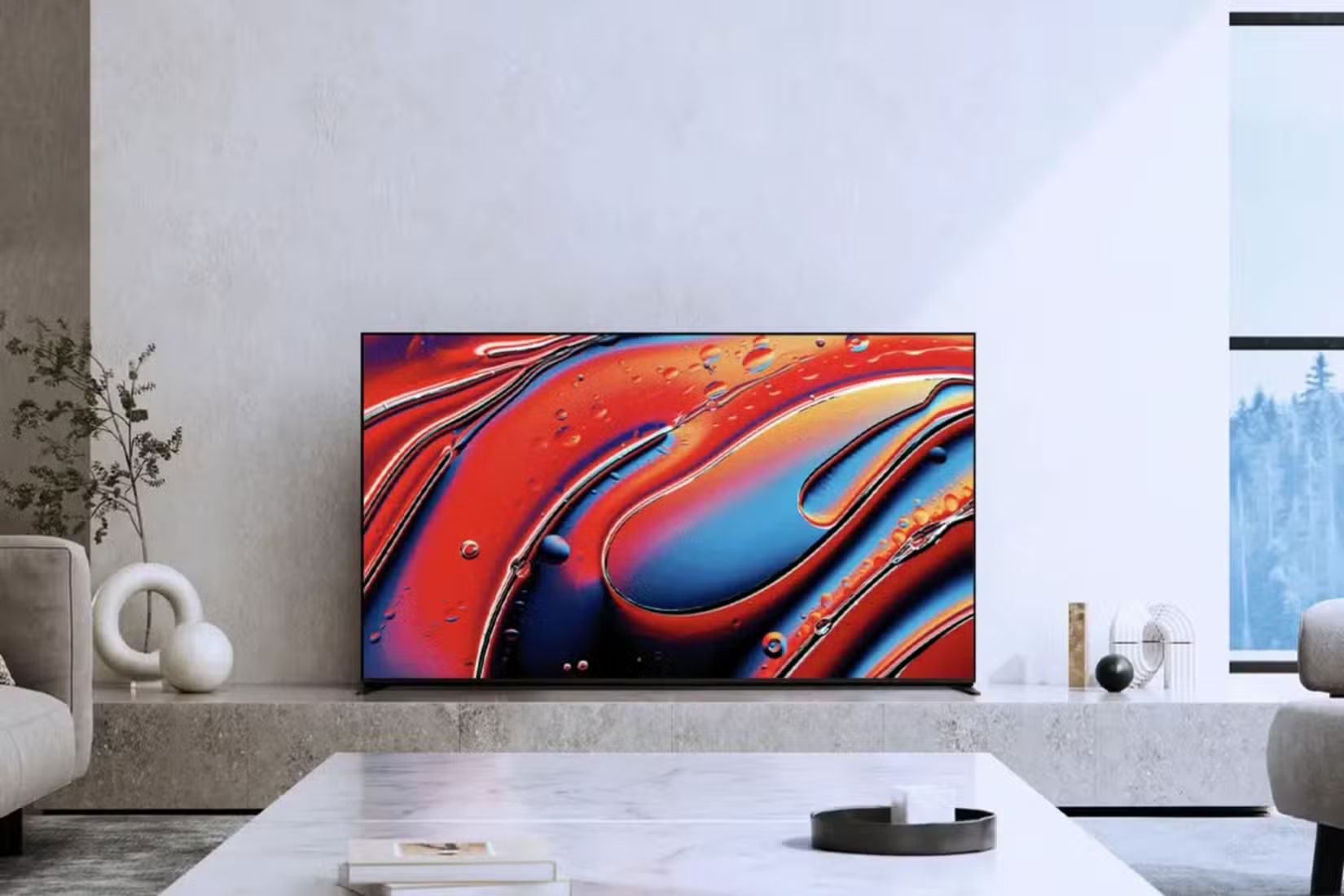
It is often not well optimized for the best picture quality when you buy a new TV. That is why some people seek the help of professionals to calibrate their TV. This process involves adjusting the brightness, contrast, black levels, gamma, temperature, tint, etc. With so many variables to adjust, calibration is not easy, which is why professionals exist.
The best thing TV manufacturers can do to help everyday users is to offer auto-calibration. So when you buy a new TV and put it in your living room, bedroom, or wherever you'll be watching it, you can simply use the auto-calibration feature to adjust various variables for the best picture quality.
With a built-in light sensor, the TV can detect temperature and brightness throughout the day and automatically recalibrate for the best viewing experience. Samsung Smart Calibration does offer this feature, but I'd like to see it become a universal option on all TVs. This helps you be fair. Then no one has to endure a bad viewing experience.
3. Excellent Sound Quality, No External Speakers Needed
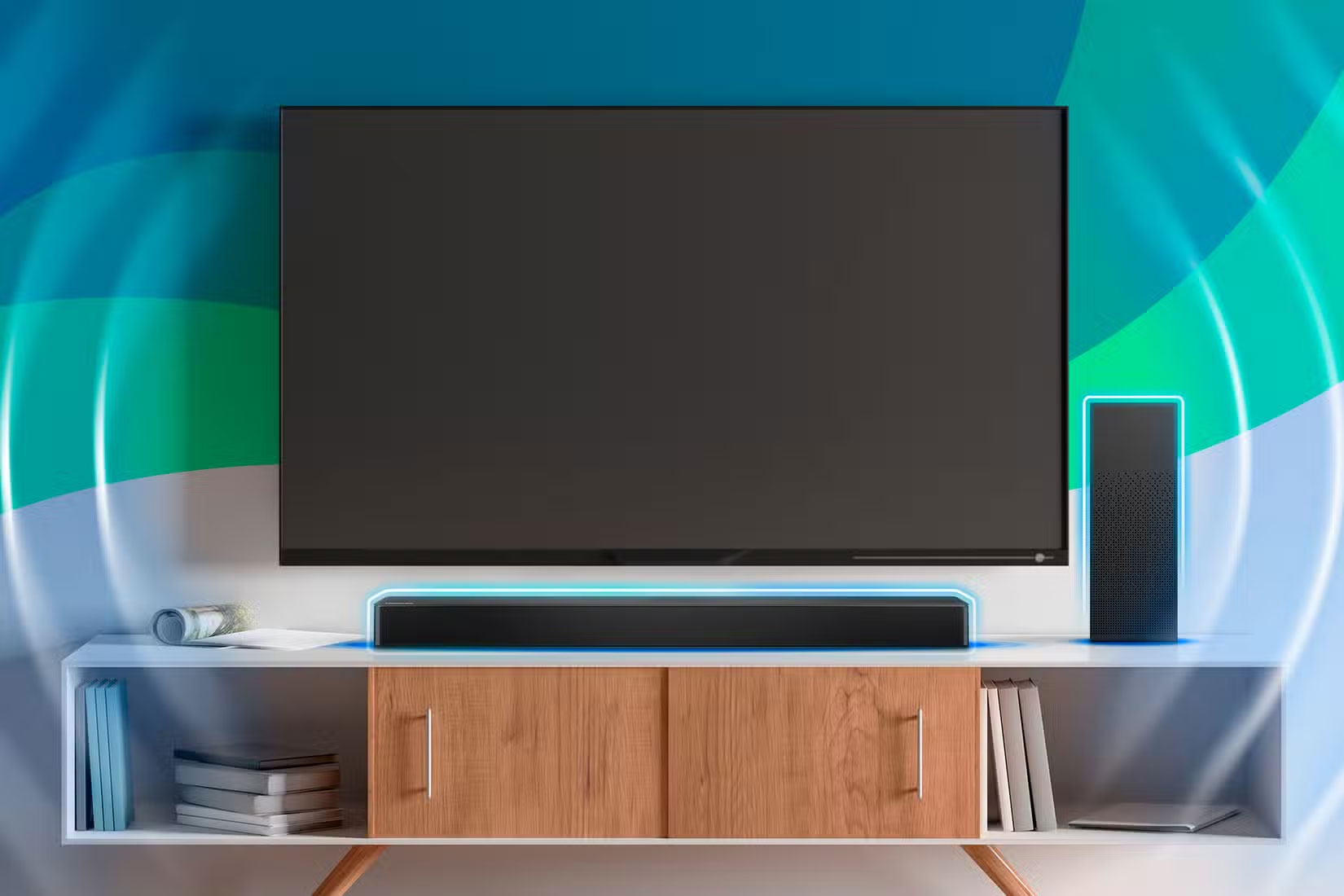
One of the biggest issues with TVs today is built-in audio. You'll often see manufacturers touting how their new TVs are getting even better built-in audio by including speakers from reputable audio brands like Bose. But don't be fooled. Regardless of price, you'll need to buy a dedicated audio system if you want great sound from your brand new TV.
It's no surprise that the same company that makes TVs also sells different sound systems like soundbars and speakers. Whether you buy a soundbar or speakers, they will deliver superior sound quality than the built-in sound of your TV. But what if companies invested in improving the built-in sound system so that you don't need to buy a soundbar to get great sound?
Having great picture and sound quality in one device would be great. And let's say you are an audiophile or have high-end audio taste. In that case, you can supplement it with an external sound system.
4. Modular Upgradeable Hardware
You don't upgrade your TV often, and for good reason. TVs are more durable, upgrades are incremental, and they have limited uses beyond content viewing, gaming, etc. So it doesn't make sense to upgrade your TV every few years just because a few hardware components like the processor and memory are outdated, especially as apps demand more storage space and processing power over time.
It would be great if companies created a modular, upgradeable hardware system with replaceable components like memory, storage, and processors. Then, if your TV feels sluggish, you can add more memory or swap out the processor to improve performance.
This would be much better than relying on software tweaks to improve Android TV performance. Upgradable hardware would also help improve longevity, which is good for the environment.
5. "Dumb TV Mode" to Turn Off Smart Features on Demand
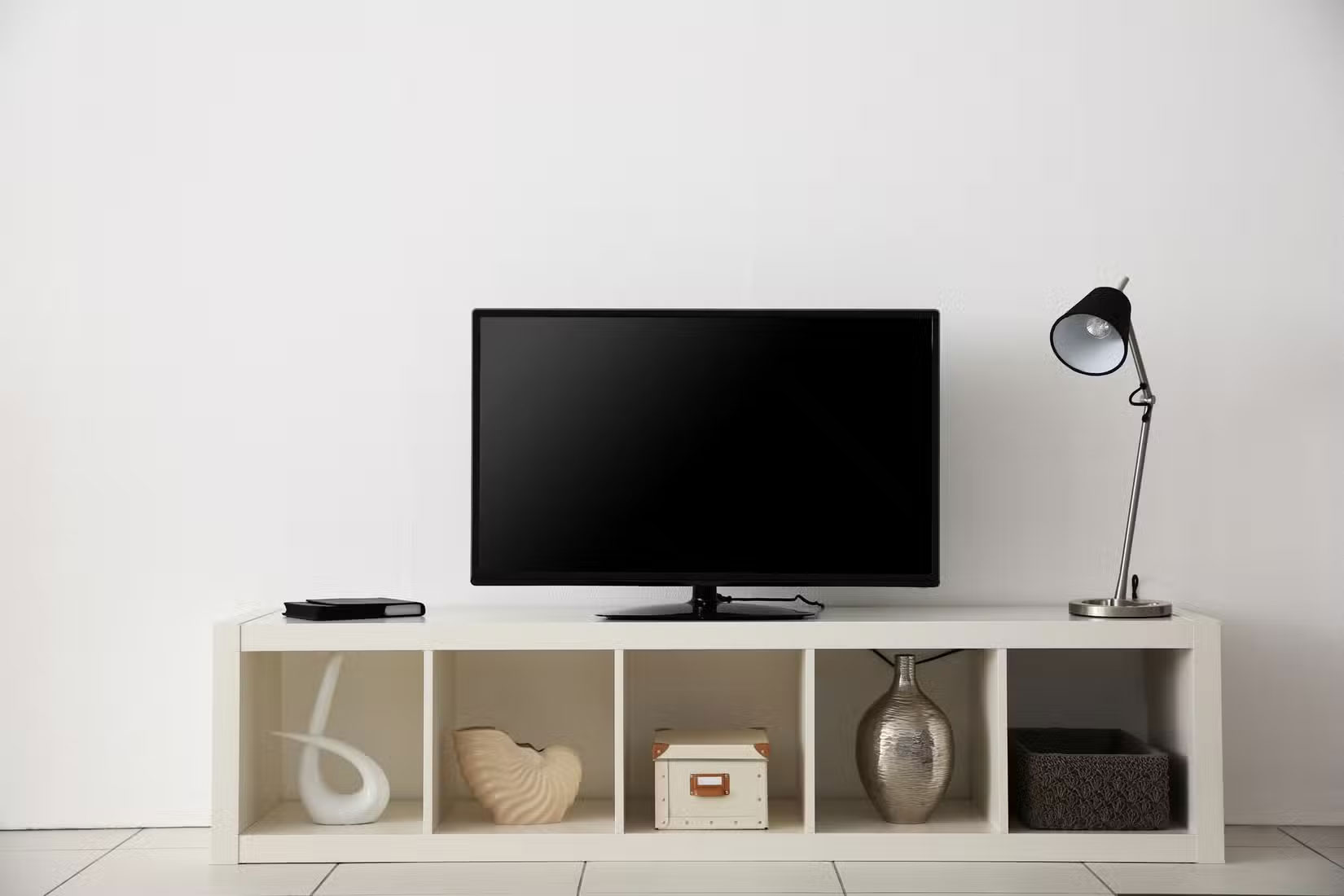
It's hard to find a traditional TV these days. There are far fewer models on the market than there are Smart TVs while there are a few places you can buy them. Worse still, you probably won't find any with large screen sizes like 55 inches or more. Smart TVs have their downsides, though, so it's no wonder many people want traditional TVs to make a comeback. But it's not necessarily a revival of traditional TVs.
A better approach would be to combine the two. For instance, they could create a regular Smart TV but give users a 'Dumb TV Mode' that turns off all the smart features and turns the TV into a basic display without all the apps, data tracking, internet connectivity, etc.
This will make the TV more versatile and work best for both users who want smart features and those who prefer to have a traditional TV.
Final Thoughts
The most reliable way to handle features that need to change to make your smart TV perfect is to follow the process in order, verify each important setting, and test the result before moving on. Use the guidance above as a practical reference, then adjust the details for your device, software version, or specific goal.
FAQ
What should I know first about Features That Need to Change to Make Your Smart TV Perfect?
In fact, Smart TVs are missing many features to be truly perfect.
How do I get the best results with Features That Need to Change to Make Your Smart TV Perfect?
Use current software or equipment, follow the steps in order, review the recommended settings, and test one change at a time so you can identify what improves the result.
What should I do if Features That Need to Change to Make Your Smart TV Perfect doesn't work as expected?
Check compatibility, permissions, connectivity, and version-specific settings. Restart the relevant device or app, then repeat the process carefully before trying a more advanced fix.
Related Articles
 Change These 5 Settings to Make Your Smart TV More Private Instantly!6 minutes read
 4 Automation Features That Make Smart Lights Useful7 minutes read
 Are You Missing Out on the Best Features of Smart TV?11 minutes read
 The Best Smart Thermostats of 20205 minutes read
 What Is a Smart Blind?4 minutes read
 Simple Ways to Speed up Old Smart Tvs: Make Your TV Run Fast and Smooth Like6 minutes read
Reader Comments 0
Sign in with email or Google to join the discussion.