Table of Contents
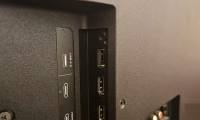
A TV’s USB port can play supported media or power some low-draw devices, depending on the model. A USB socket does not guarantee support for a camera, microphone, or charging accessory. Check the label and the TV manual first. HDMI is usually the right connection for video sources.
Use USB for photos, media, and supported controls
- Flash drive: Copy a few photos or compatible videos to the drive and open the TV’s media player. Check the file system and codecs your model supports. A slideshow can turn the screen into a temporary photo display.
- Keyboard or mouse: Supported models let you use some wired or wireless USB peripherals. App controls can still vary. See how to test a keyboard or mouse on a smart TV.
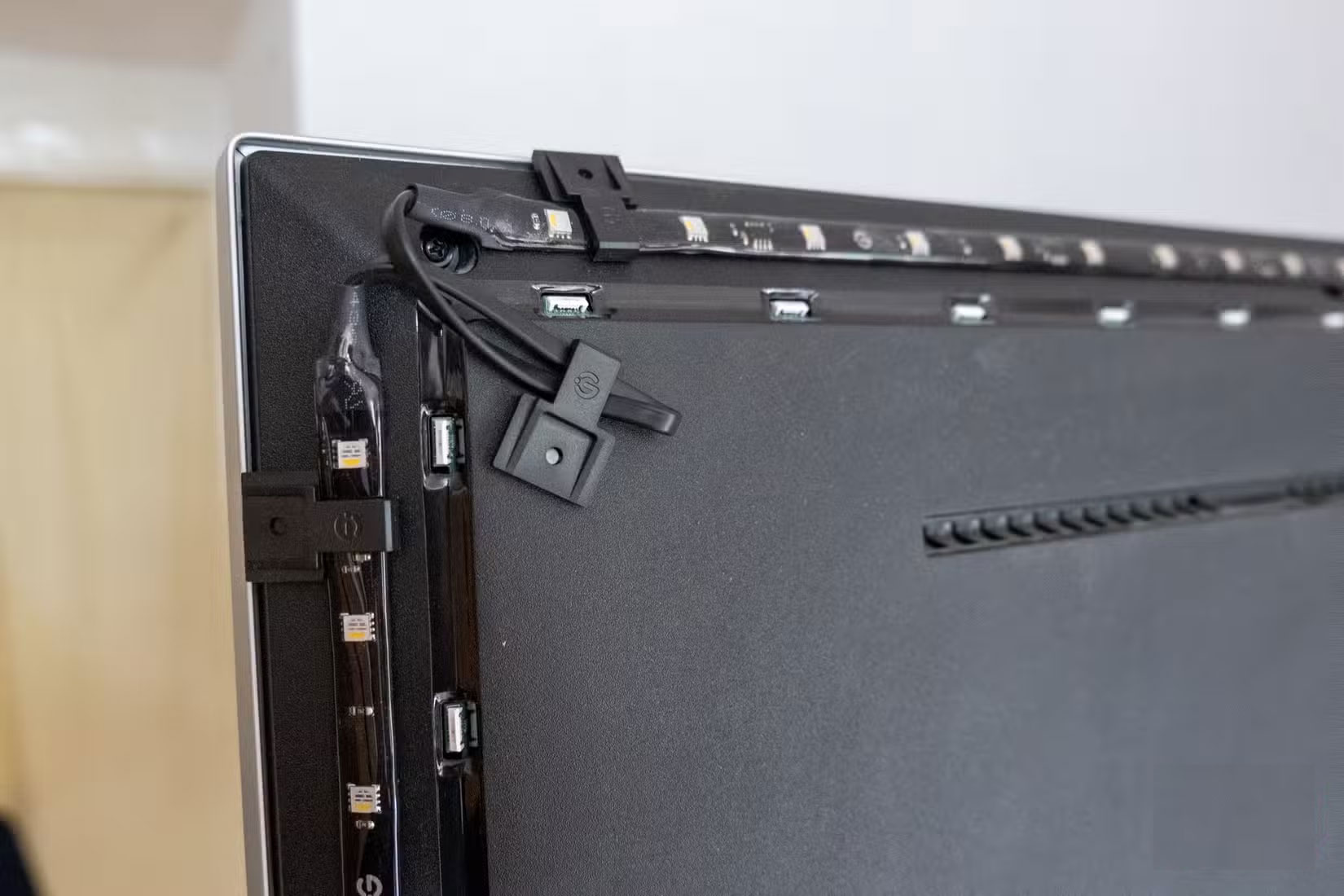
- LED backlight: Use a strip only if its voltage and current requirements fit the port’s printed rating. Test whether the port switches off with the TV. Use the strip’s own approved adapter if the TV cannot supply enough power.
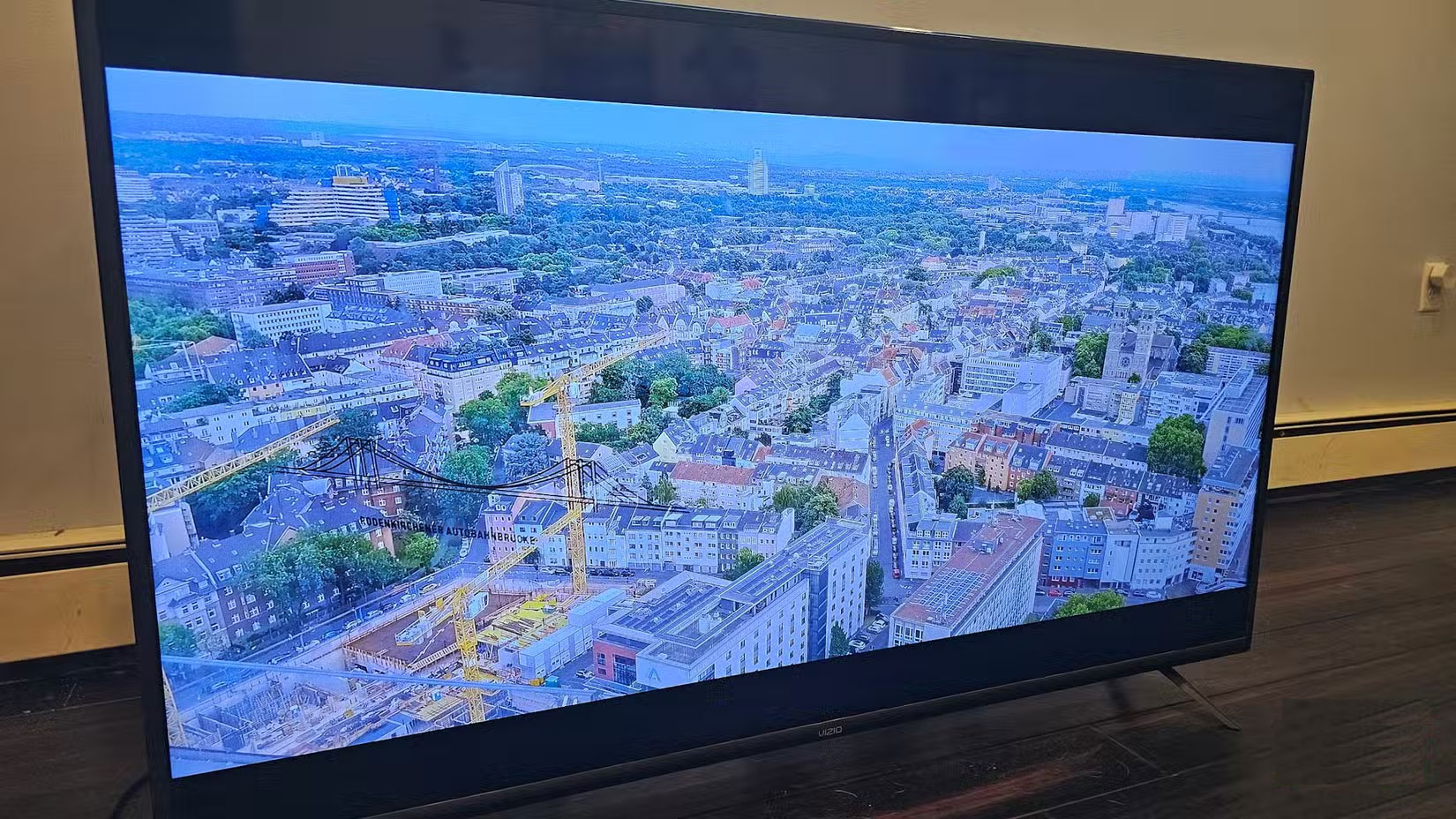
Use HDMI for consoles and compatible microscope cameras
Connect a console or a digital microscope with HDMI output to a TV input, then select that input. Use the device’s specified power supply. For a USB-only microscope, check whether the TV expressly supports it. Otherwise connect it to a computer and display that computer’s output over HDMI.
Match karaoke and speakers to the audio output
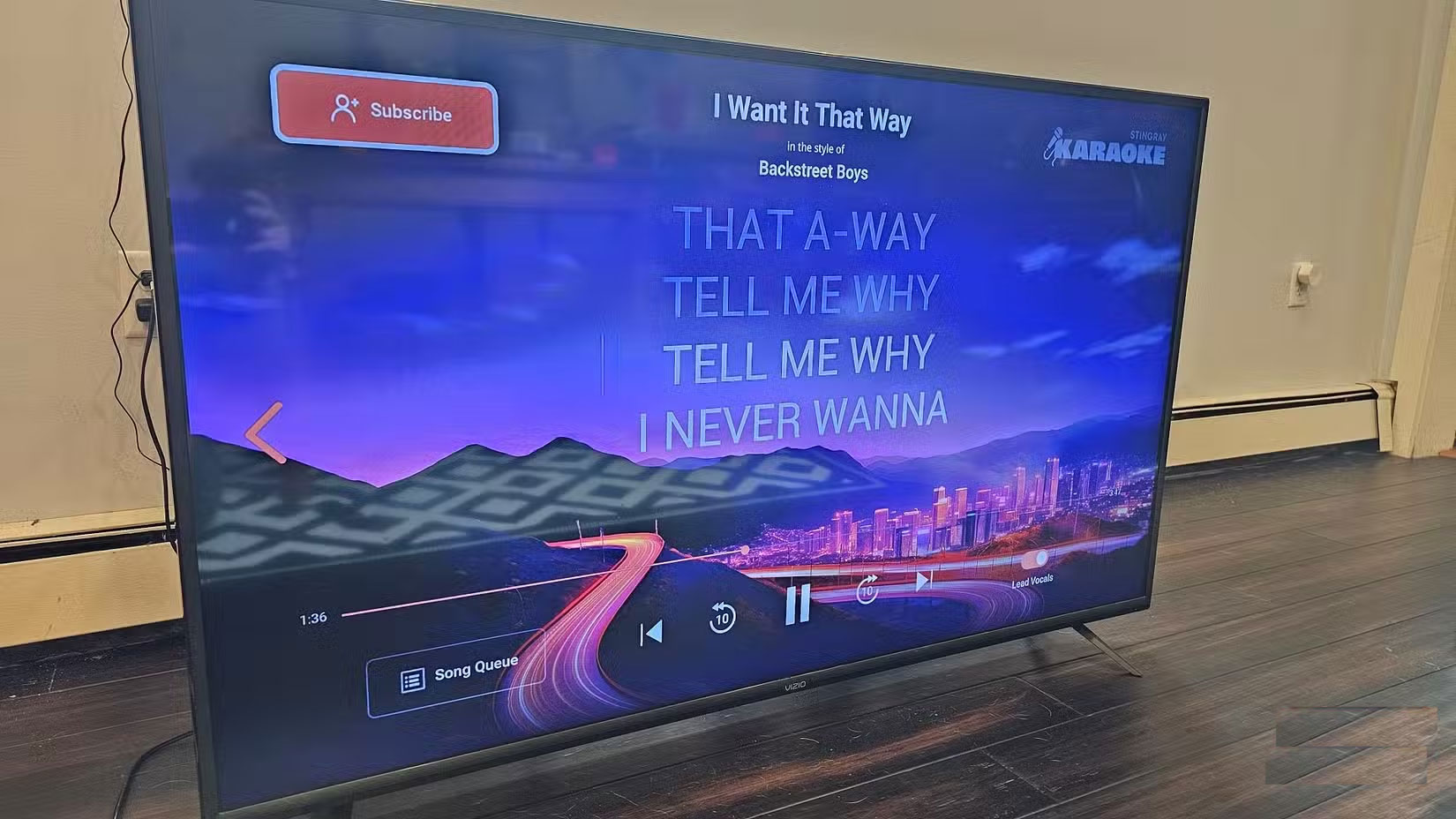
A karaoke machine may need its own microphone input and a compatible connection to the TV for video or sound. Check whether your TV and accessory use HDMI ARC/eARC, optical audio, Bluetooth, or another connection. A chair or neck speaker can also be useful for personal listening if the TV supports its transmitter or audio protocol.
Give higher-draw devices their own power
Handheld vacuums, air purifiers, and fans are better powered with the supplies specified by their manufacturers. A TV USB port may supply limited current or turn off in standby. Never assume a port marked Service can be used like a standard media or power port. See which devices to keep off your TV’s USB port.



Reader Comments 0
Sign in with email or Google to join the discussion.