Table of Contents
An E Ink tablet can be worth considering if most of your tablet time involves reading documents or writing handwritten notes. It is less suitable as your only tablet if you also need smooth video, fast browsing, accurate color work, or demanding apps.
The main decision is whether its focused reading and writing experience fits your workflow well enough to justify another device.
A reflective screen can suit reading
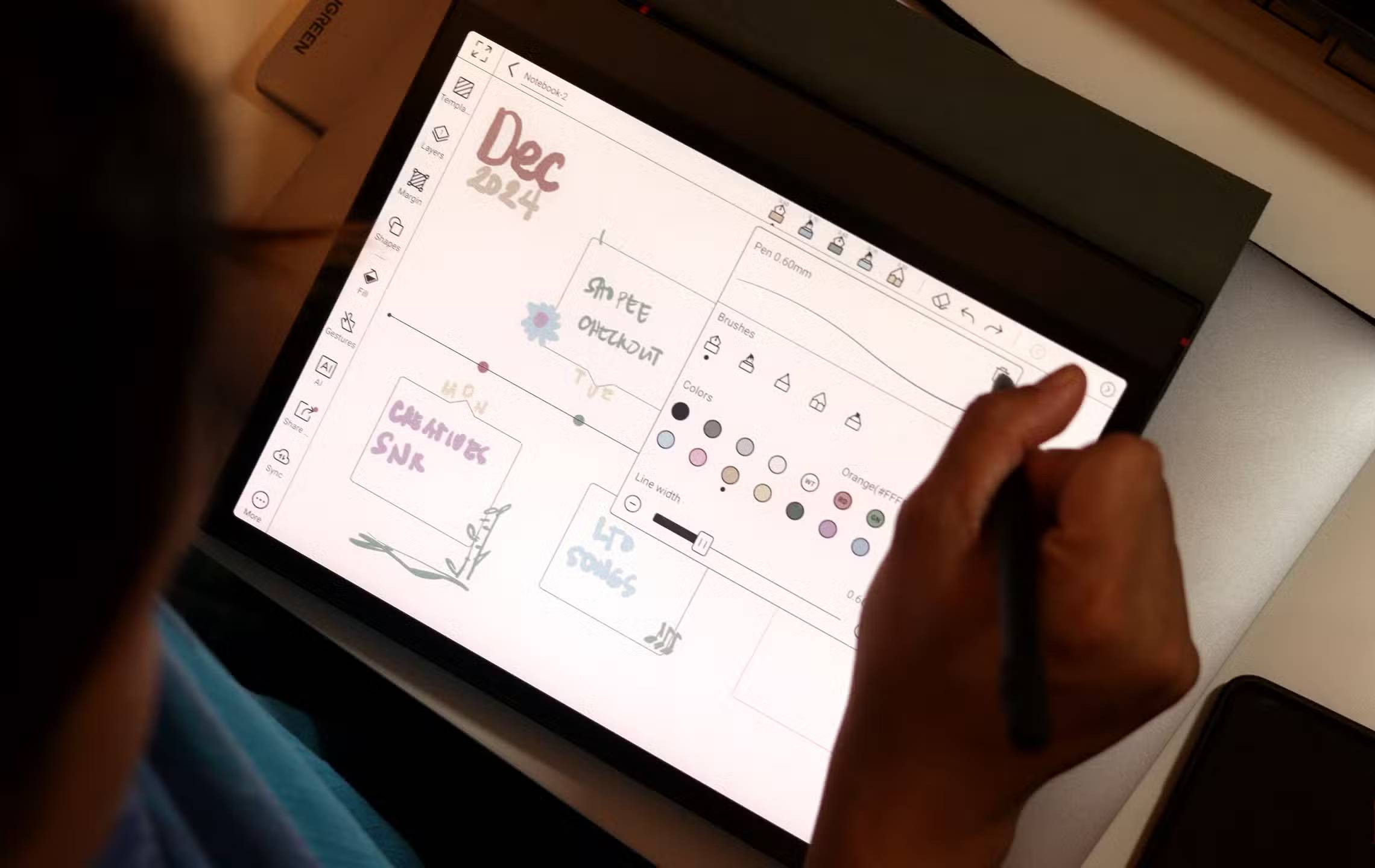
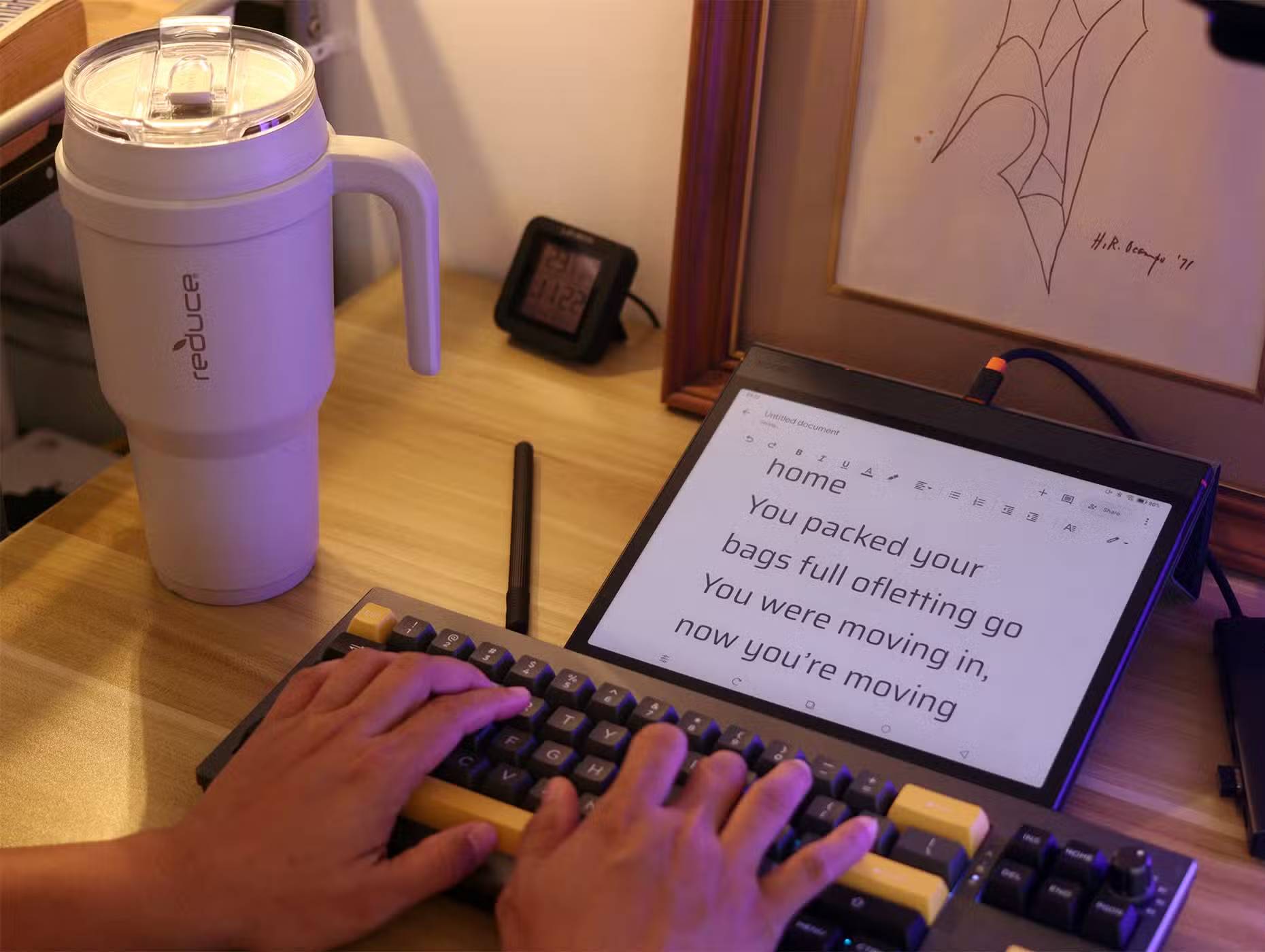
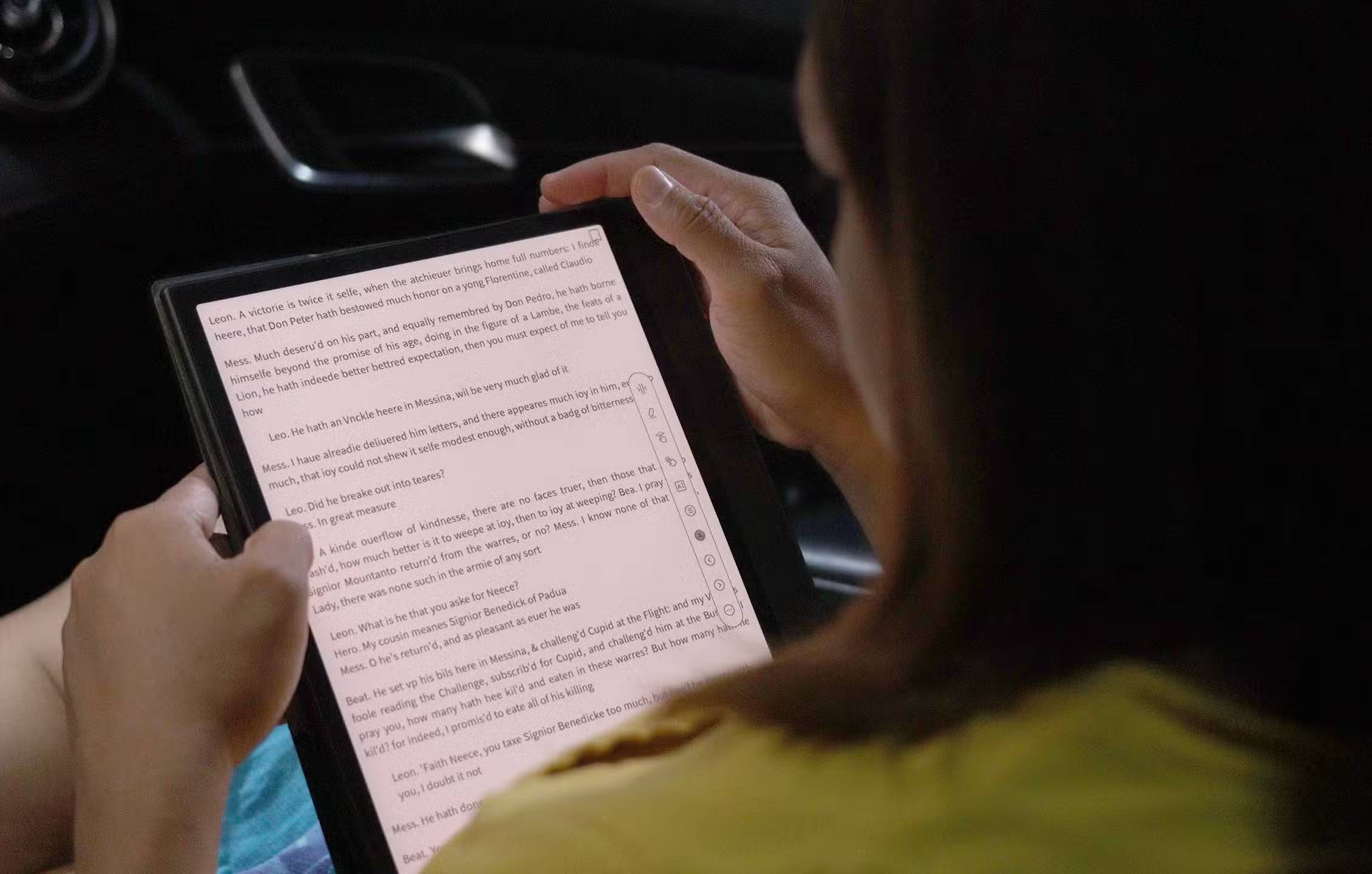
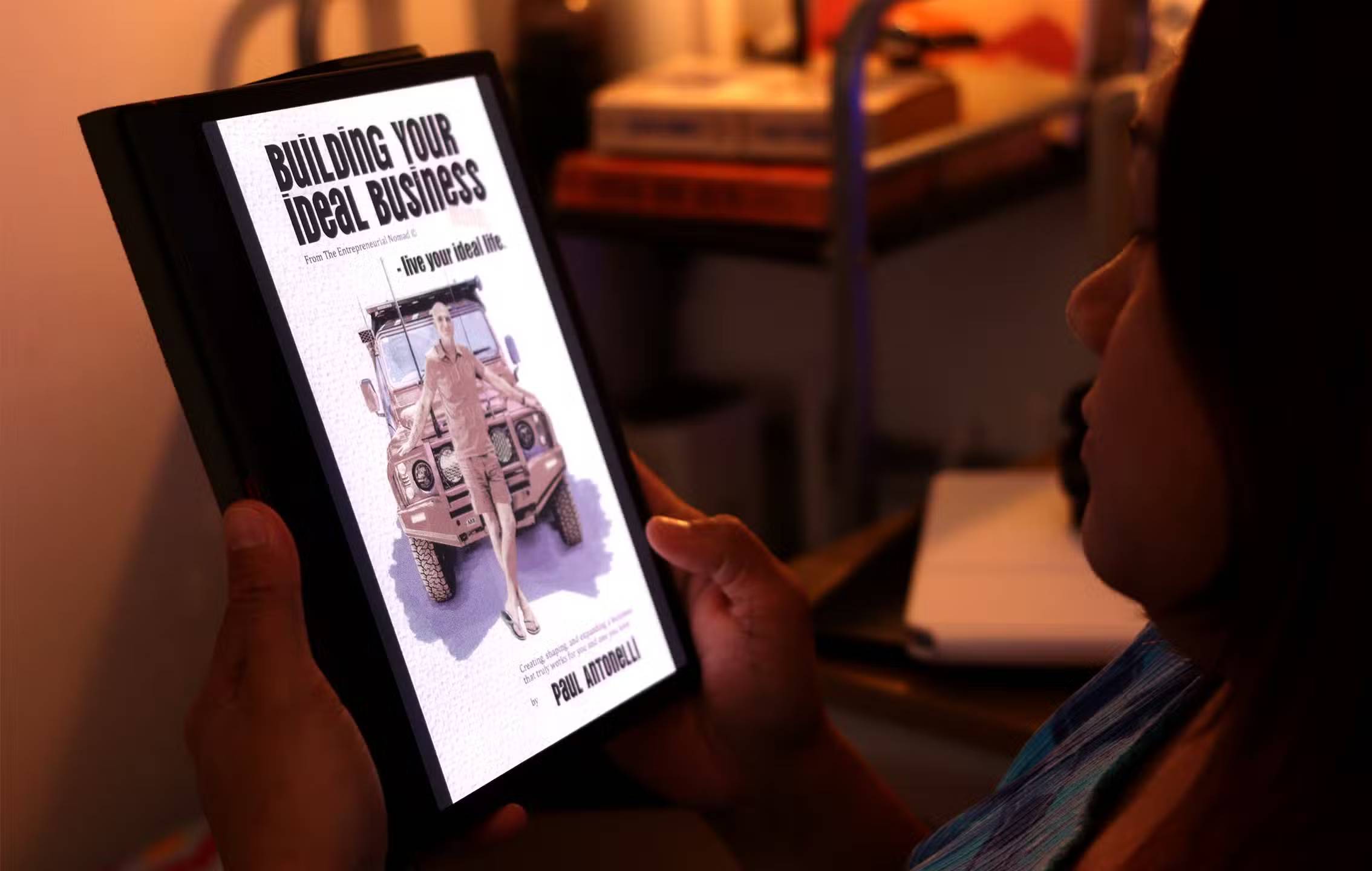
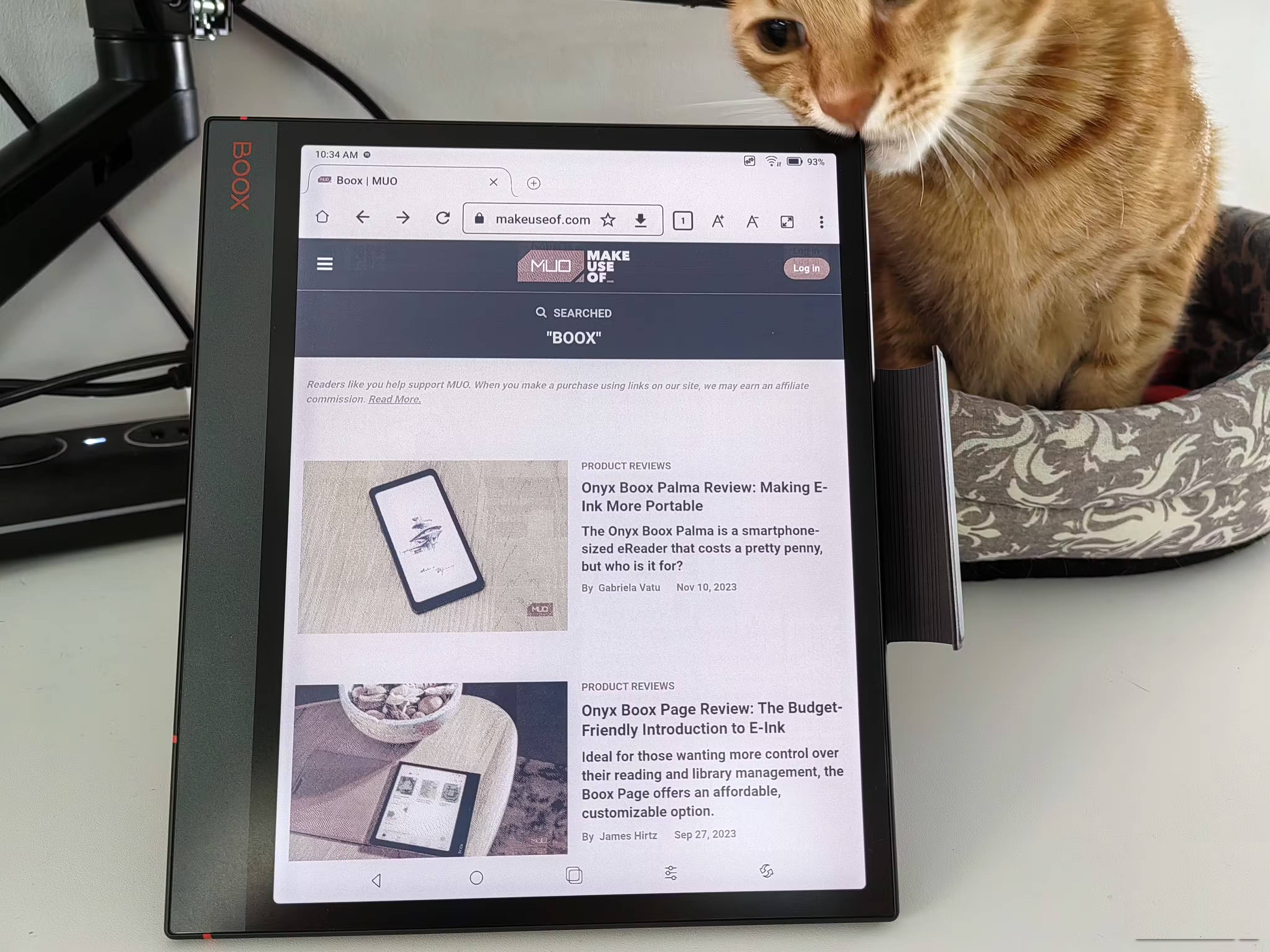
E Ink displays form images with electronic ink rather than a conventional tablet backlight. As E Ink explains, the panel reflects ambient light and can retain a static image without continuously refreshing it. Some devices add a front light for dim conditions.
Some readers prefer this appearance for long passages of text. It does not guarantee freedom from eye strain, headaches, or fatigue. Font size, contrast, lighting, posture, and breaks still matter. Persistent discomfort is a reason to stop and address the cause rather than assume a different screen will solve it.
Color models can help with highlights and diagrams, but examine a real sample if color is important. Color saturation, contrast, and resolution can differ from an LCD or OLED tablet. A monochrome device may be sufficient for ordinary text and black-and-white notes.
Battery life depends on what you do
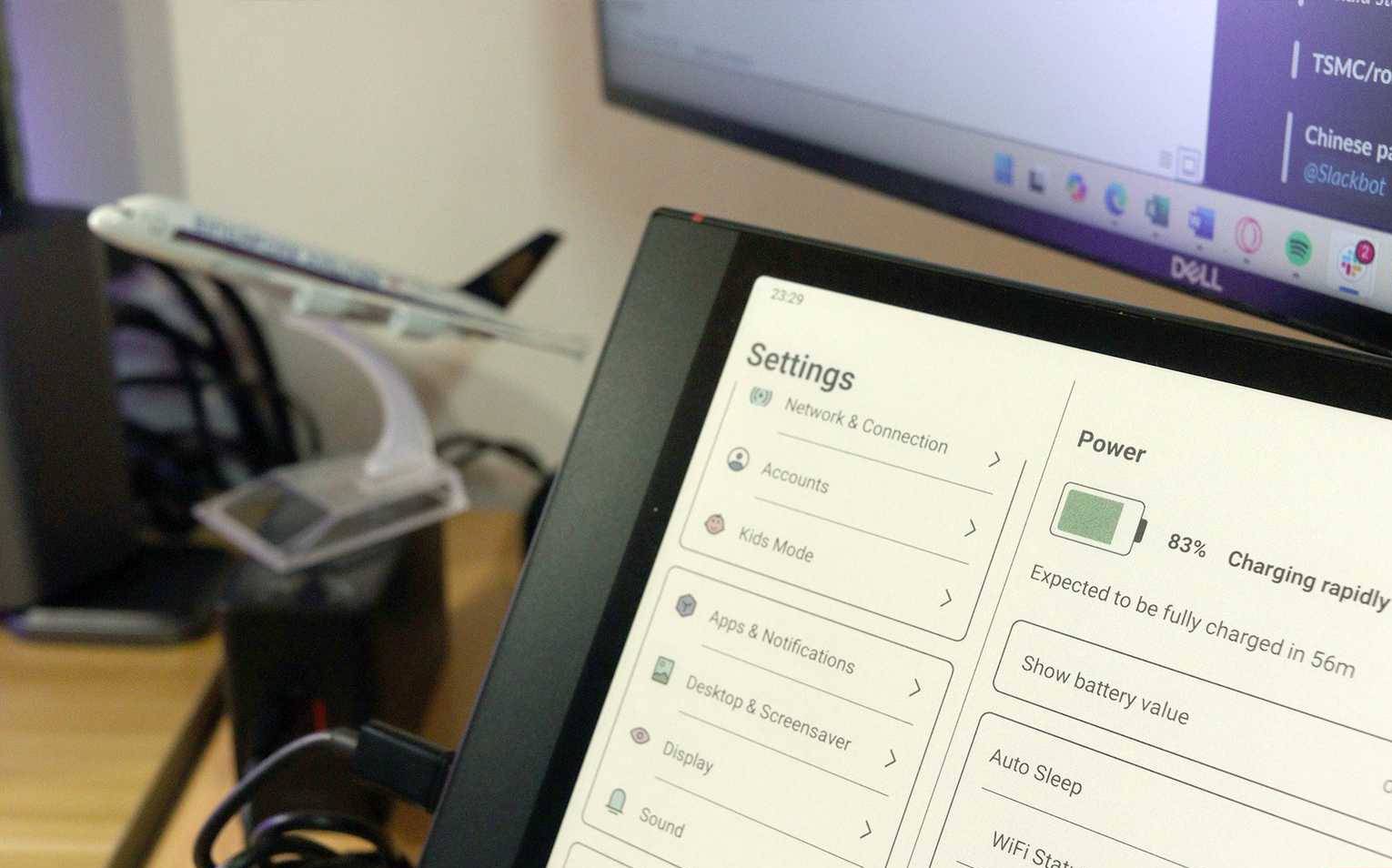
A static reading page is well suited to E Ink's low-power display behavior. The whole device still uses energy for its processor, lighting, wireless connections, and applications. Frequent page updates, handwriting, syncing, and fast-refresh modes can change battery life substantially.
For example, the older BOOX Note Air4 C has a manufacturer-listed 3,700mAh battery. That capacity does not establish that it will last two weeks in your workload. Compare battery tests for the model you are considering and check the conditions behind any “weeks of use” claim.
A focused device can reduce distractions

Slower screen updates can make rapid scrolling and video less appealing. Some devices also have a deliberately limited app environment. Others, including some BOOX models, run Android and support third-party apps, so an E Ink screen alone does not remove notifications or distractions.
Check the actual operating system, supported app store, and software-update policy. Not every E Ink tablet runs Android, and installing an app does not mean its handwriting or scrolling will work well on that display.
If browser reading is your main problem, try simpler software changes first. TipsMake's reading-focused Chrome extensions describes options for making web content easier to read.
Writing feel is only part of the experience
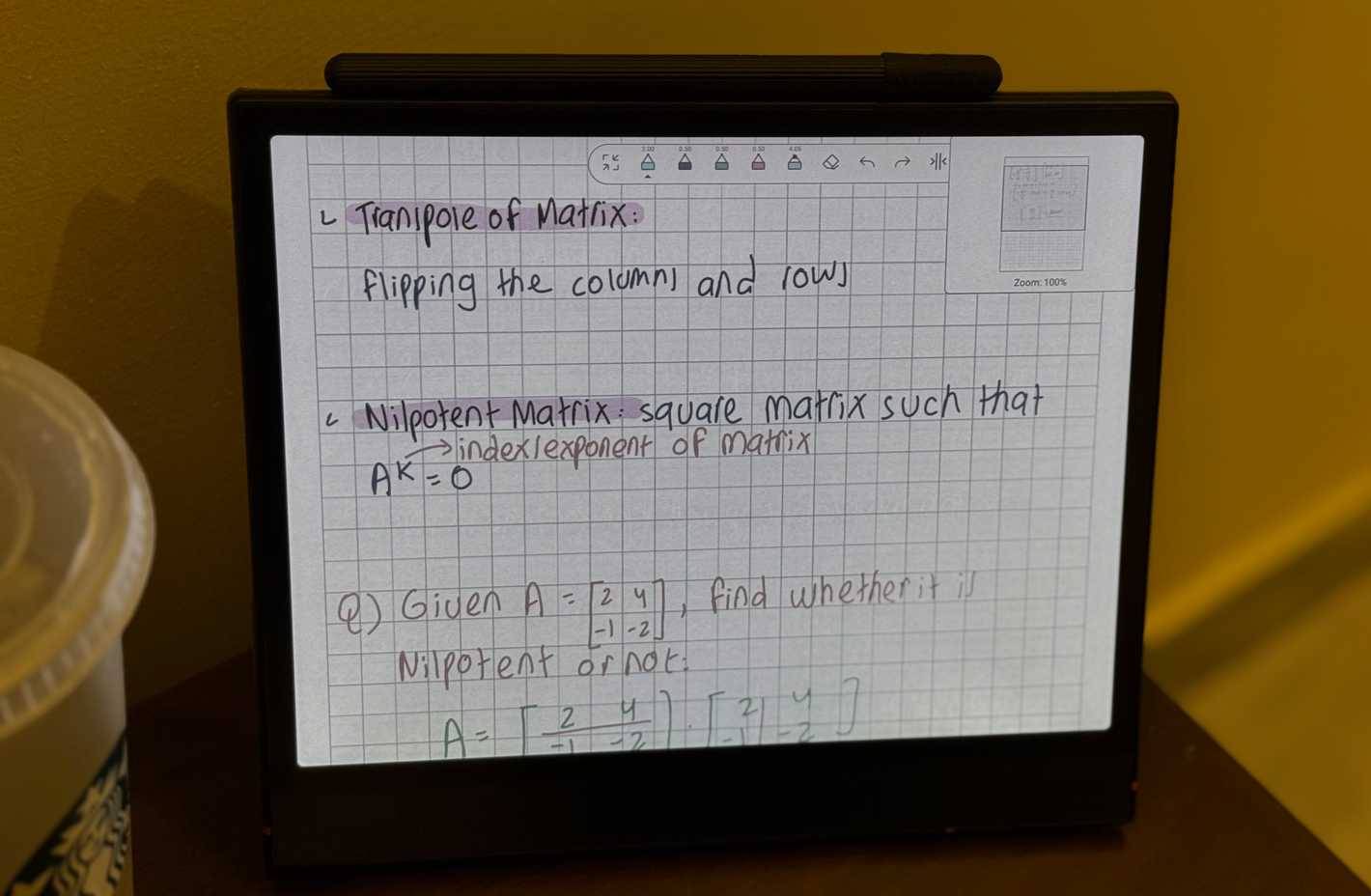
A textured surface and compatible pen may feel closer to paper than a smooth tablet screen. That experience varies with the screen coating, nib, pen, and app. E Ink does not eliminate nib wear, replacement costs, or the possibility of damage.
Try the built-in notes app with your normal handwriting. Check palm rejection, line tracking, erasing, page navigation, and whether writing remains responsive in third-party apps. A good built-in notebook can behave differently from a general Android note app.
Check the workflow before buying
- Your documents: Open a typical textbook, scanned PDF, and diagram. Can you read them without excessive zooming?
- Your notes: Test search and handwriting recognition if you need them, including your language and writing style.
- Your exports: Confirm that annotations and notebooks export to formats you can use elsewhere. Test a sample PDF on another device.
- Your accounts: Check whether cloud services, subscriptions, or an internet connection are required for features you need.
- Your total cost: Include the pen, cover, replacement nibs, and any paid software.
Choose an E Ink tablet for a reading-and-handwriting workflow you have tested. A conventional tablet remains more versatile, and paper may still be enough if digital search, storage, and sharing are not important to you.




Reader Comments 0
Sign in with email or Google to join the discussion.