Table of Contents
Microsoft has simplified the Start menu in Windows 11 to make it easier to find, just like on a smartphone. Despite the best efforts, it's still quite cumbersome, has a slight delay when launching, and is a bit basic for many people's needs.
Some people have spent time customizing the Start menu to better navigate Windows, but even with tweaks, it's still slow and limited. So they decided to replace the Start menu with Flow Launcher, an open-source launcher app, and they love it. It can find files, launch apps, run system commands, and even play Spotify playlists without launching an app. Exactly what's needed for a workflow that relies primarily on the keyboard.
Launch and search everything
From apps to files, it can find anything
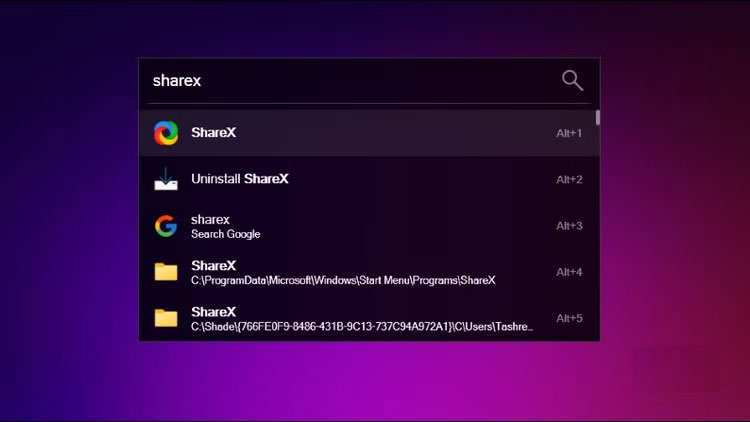
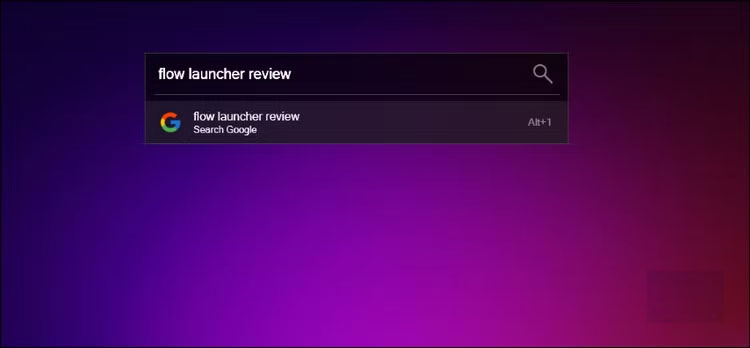
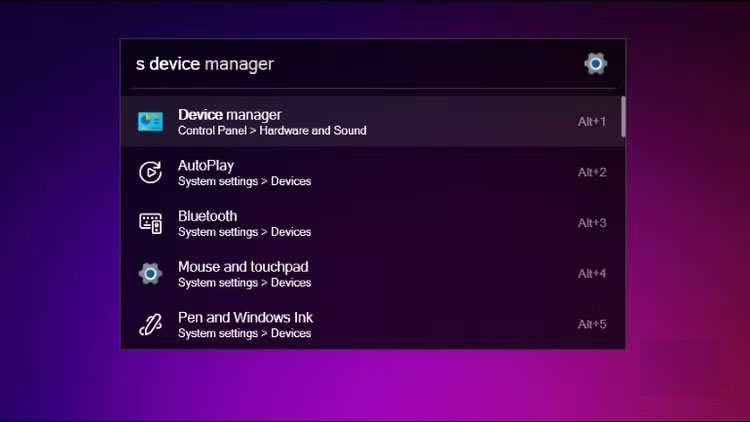
Flow Launcher makes launching apps and finding files a breeze. Press Alt + Space , and it opens instantly with a soothing ticking sound, reminiscent of the Netflix startup sound on a Smart TV.
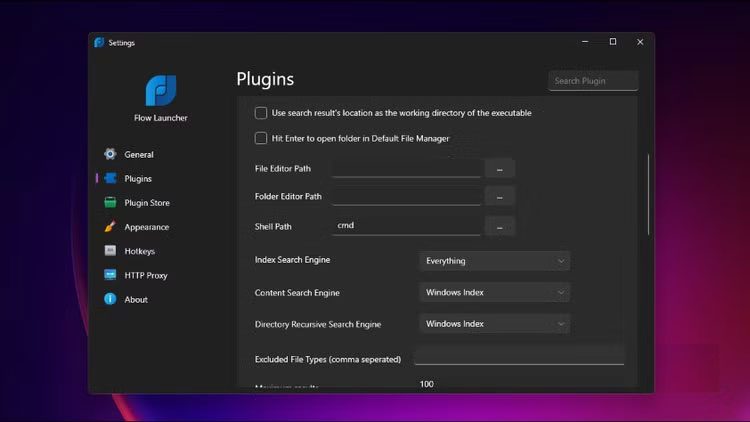
To launch an app, type the app name and press Enter . But that's just the tip of the iceberg. Flow Launcher integrates with our favorite Windows search utility, Everything Search, to find files instantly. Type any part of a file name and it'll pop up instantly. You can search for documents hidden deep in folders, configuration files, or even System32 files that Windows Search can't reach.
Perfect for keyboard workflows
You can do a lot of things without using a mouse
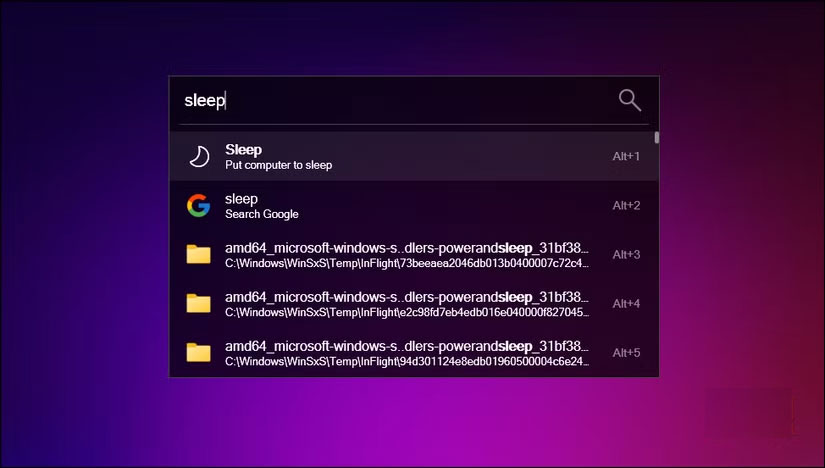
Most people will love the keyboard workflow that Flow Launcher provides. The whole experience keeps your hands on the keyboard, making things incredibly fast once you get used to it.
Alt + Space will open the launcher instantly. From there, the search function takes over — you can type sare for ShareX and obsi for Obsidian , and Flow Launcher will know exactly what you want. Even if you misspell it, it will still find the right app. When multiple results appear, you can press Alt + Number ( Alt + 1 , Alt + 2 , etc.) to select what you need without using the mouse.
Plugins add a lot of functionality
It's more than just an app launcher
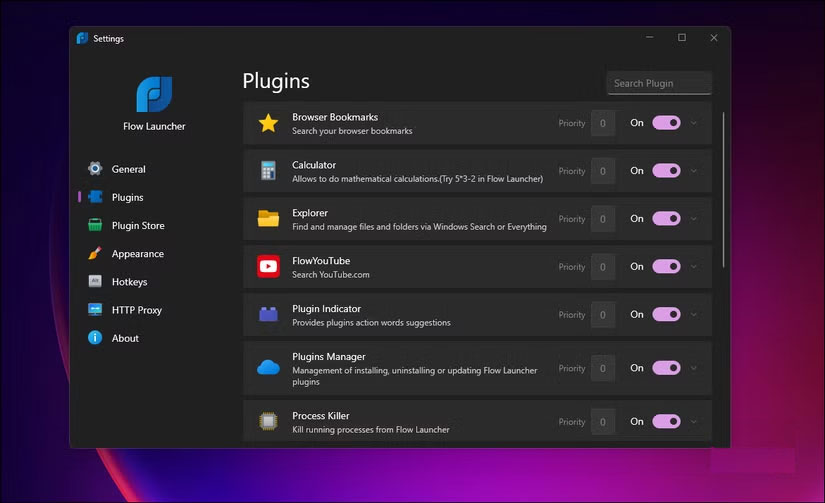
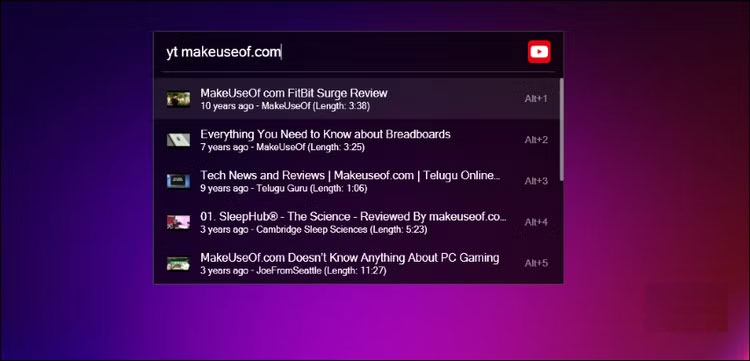
In addition to the Everything Search plugin mentioned earlier, Flow Launcher comes with pre-installed plugins like Browser Bookmark, Calculator, Explorer, Process, and Shell. However, you can extend the functionality by adding other plugins from the Plugin Store.
You can add a currency converter for quick conversions, Todoist integration to add tasks without opening the app, or access PowerToys widgets directly. The Spotify Premium plugin lets you play and control music entirely with keyboard commands. You can search for songs, pause, and skip all without opening Spotify.
Tons of customization options
Custom and personalized shortcuts
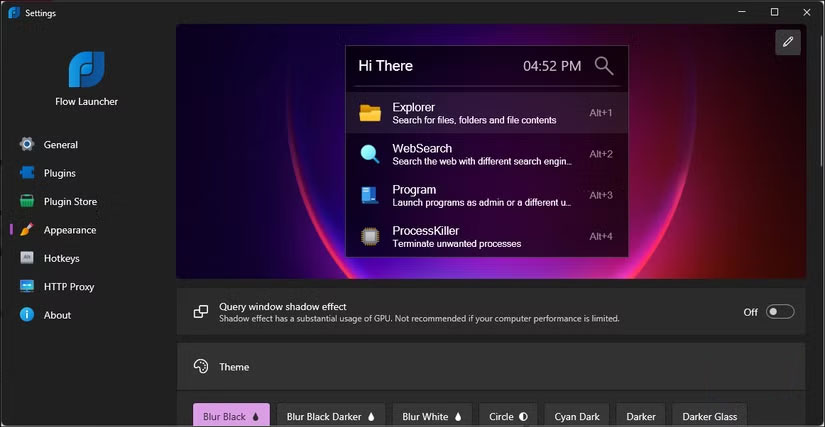
Flow Launcher is also highly customizable. You can configure the default file manager to open folders and choose whether web searches open in a new tab, window, or private mode. Likewise, choose from a pre-defined theme, including Dracula, Sublime, and a variety of dark and light options, to make it look like a part of your desktop. You can adjust the transparency, animation speed, and even the date format displayed in the launcher.
The Hotkey tab is where you set up different shortcuts for specific plugins or actions. The shortcut can be configured to replace the Windows key entirely, so pressing it opens Flow Launcher instead of the Start menu. You can set up hotkeys for desktop mode, file search only, or any specific plugin.
Each plugin also has its own settings. You can change the keyword prefix, adjust search parameters, and tweak the behavior to suit your preferences.
Final Thoughts
The key takeaway is that Why Users Are Replacing Their Windows Start Menu with Flow Launcher is easier to evaluate when its benefits, limitations, and real-world use are considered together. Review the details above before applying the information to a specific situation.
FAQ
What is the main point of Why Users Are Replacing Their Windows Start Menu with Flow Launcher?
Microsoft has simplified the Start menu in Windows 11 to make it easier to find, just like on a smartphone. Despite the best efforts, it's still quite cumbersome, has a slight delay when launching, and is a bit basic for many people's needs.
What should you know about From apps to files, it can find anything?
Flow Launcher makes launching apps and finding files a breeze. Press Alt + Space, and it opens instantly with a soothing ticking sound, reminiscent of the Netflix startup sound on a Smart TV.
What limitations should readers keep in mind?
The answer can depend on the product version, source, use case, and date of publication. Review the article's context and confirm time-sensitive details before applying the information.
Related Articles
 3 Ways to Fix Start Menu on Windows 10 Stopped Working5 minutes read
 Invite to Admire Start Menu on Windows 10 Completely New with Modern Design and More Elegant3 minutes read
 Windows 11 Is Hiding a Second Start Menu: Why Should You Use It?8 minutes read
 Activity Launcher: App to Create Shortcuts on Home Screen6 minutes read
 How to Pin Any File to Start Menu on Windows 103 minutes read
 How to Use the Windows 10 Start Menu7 minutes read
Reader Comments 0
Sign in with email or Google to join the discussion.