Table of Contents
Brave can be the better everyday choice if you mainly want familiar browsing with built-in tracker blocking. Comet is worth evaluating if its integrated assistant saves you time on tasks involving pages and tabs. Choosing between them should depend on your workflow and data preferences, not a claim that users as a whole are abandoning one browser.
What Comet is designed to do
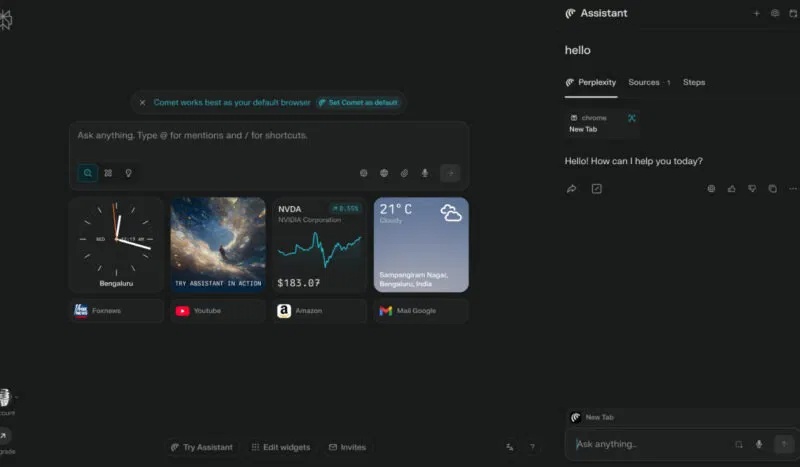
Comet is Perplexity’s AI-focused browser. Its assistant can use browsing context to answer questions and help with supported tasks. That makes it different from opening a separate chatbot and manually copying every passage you want analyzed.
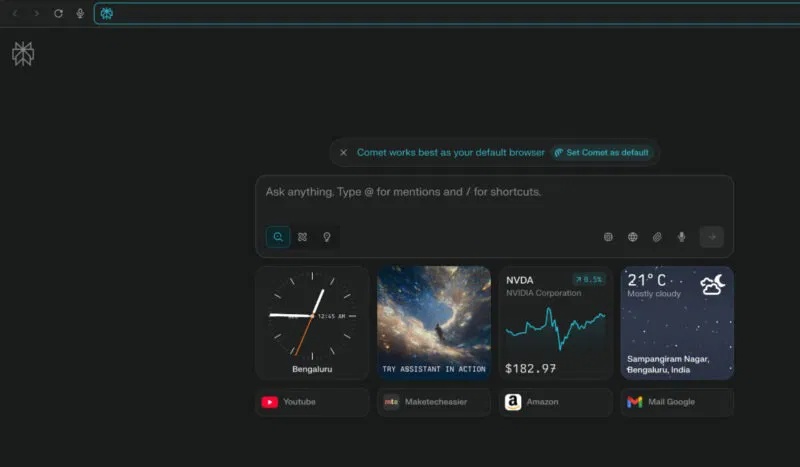
Comet is no longer limited to its initial early-access launch: Perplexity has made it available more broadly. Check current platform support, account requirements and limits on the official download page rather than assuming every assistant feature is included in every plan.
Where an integrated assistant can help
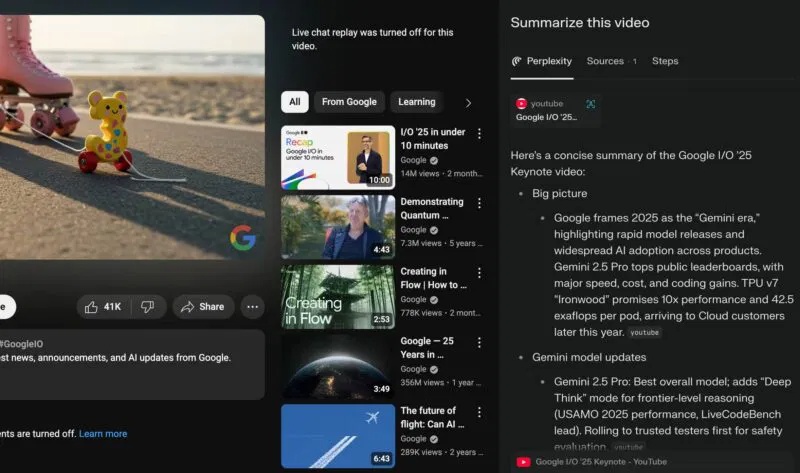
Page summaries, comparisons across tabs and questions about material you are reading are sensible tasks to try. Automation is most useful when it reduces repeated navigation while preserving your ability to check the sources.
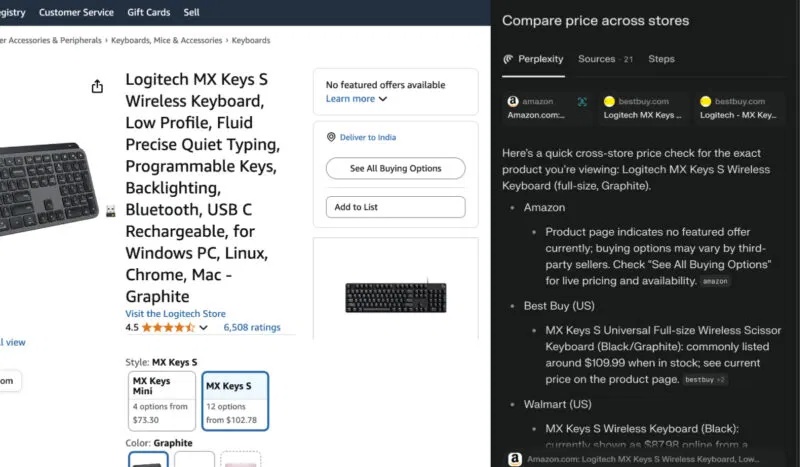
For a shopping comparison, specify the exact model and ask for source links. Check variant, stock, shipping and final price yourself. A plausible summary is not proof that the assistant compared equivalent products.
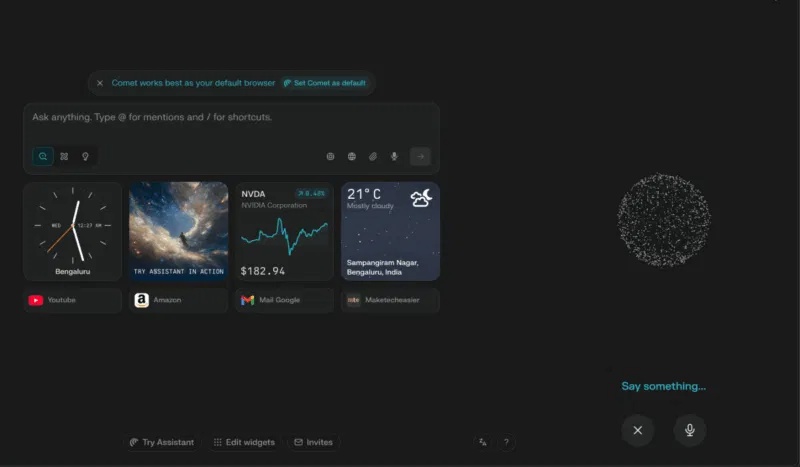
Test important extensions and bookmark imports before switching your default browser. Chromium compatibility does not guarantee that every extension or workflow behaves identically.
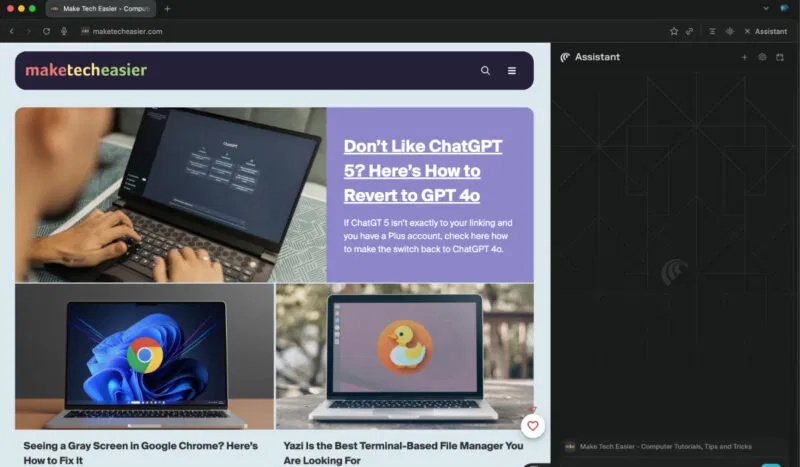
Why you might keep Brave as your default
Brave’s Shields provides built-in ad and tracker blocking. If your usual tasks are reading, searching and using web apps, those controls may matter more than an assistant that performs multistep actions.
Brave also has Leo, so the choice is not simply “AI browser versus browser without AI.” Its assistant features and agentic capabilities have their own availability and privacy rules. A familiar browser can still offer optional AI help without making it the center of every task.
Compare data handling by feature
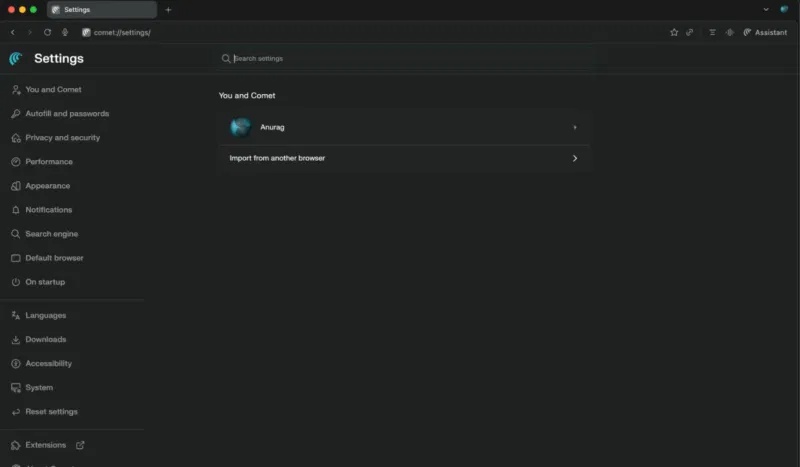
Do not assume that all activity remains local because some browser data is stored on your device. Perplexity explains that assistant requests can transfer relevant page and browsing context to its servers. Its privacy notice also describes collection that depends on settings and account use.
Review Perplexity’s privacy notice and Brave’s browser privacy policy for the features you intend to enable. Local history, synchronization, search and AI processing are separate issues. Neither browser makes you anonymous to every website.
Try a limited comparison before migrating
- Choose three routine tasks, such as summarizing an article, comparing products and using a work web app.
- Measure whether the assistant saves time after you verify its answer.
- Review permissions before connecting email, calendars or other accounts.
- Keep final control of messages, purchases and other consequential actions.
- Check whether the browser still works well when you do not use its AI tools.
Use Brave if its browsing controls and established workflow meet your needs. Keep Comet as a separate tool if its assistant is valuable for specific tasks. There is no need to move every account before you have tested it. For more alternatives, see the browser comparison guide and common browser privacy misconceptions.
Related Articles
 Learn Brave browser, what makes Brave special?
 6 Comet Browser Keyboard Shortcuts for Mac
 Brave Search will now let users 'downvote' bad website results
 Perplexity Comet browser: features, uses, and privacy considerations
 Why is Perplexity Comet a worthy AI browser replacement for Safari?
 Why is Brave the best web browser?
Reader Comments 0
Sign in with email or Google to join the discussion.