Table of Contents
While most sound good right out of the box, soundbars can perform much better with just a few quick tweaks.
Whenever you see a flat-screen TV set without a soundbar, you wonder, 'Why?' They're stylish, relatively inexpensive, easy to install, and much more powerful than built-in TV speakers. While most sound great out of the box, soundbars can perform much better with just a few quick adjustments.
5. Place the soundbar in the correct position
Hear clear dialogue and a more balanced soundstage
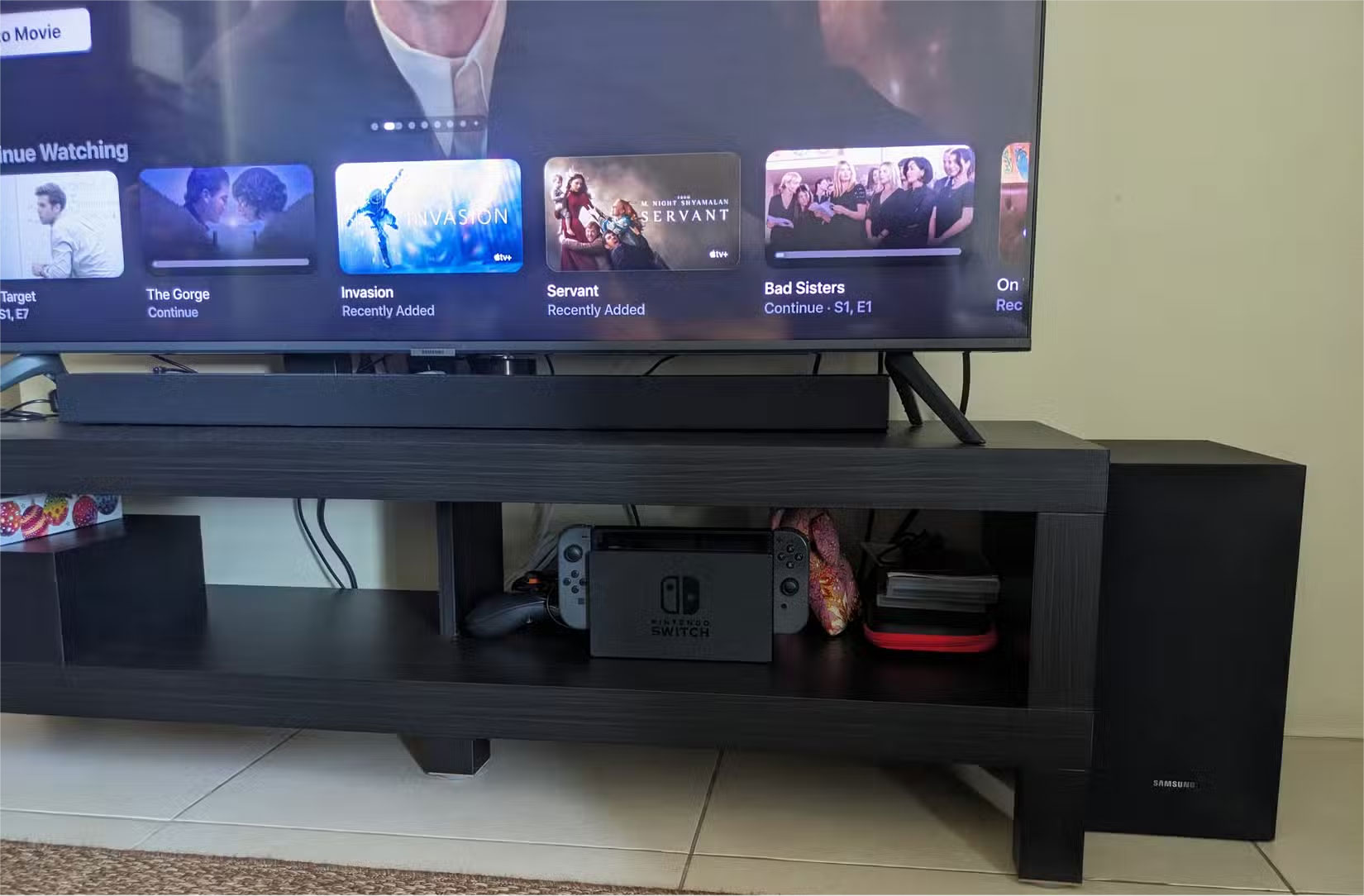
Speaker placement plays a big role in sound quality. If the soundbar is obscured by furniture, placed too low, or pushed against a wall, it will not be able to project sound effectively. Ideally, the soundbar should be placed at ear level and in the center of the room; however, this is often not practical since the TV should be placed at eye level.
Placing the soundbar directly below the TV is usually fine, but consider tilting it up slightly for optimal range. If you wall-mount the speaker, make sure it's not too high above your viewing position.
4. Adjust TV and soundbar settings
Discover hidden features for sharper sound, more customization
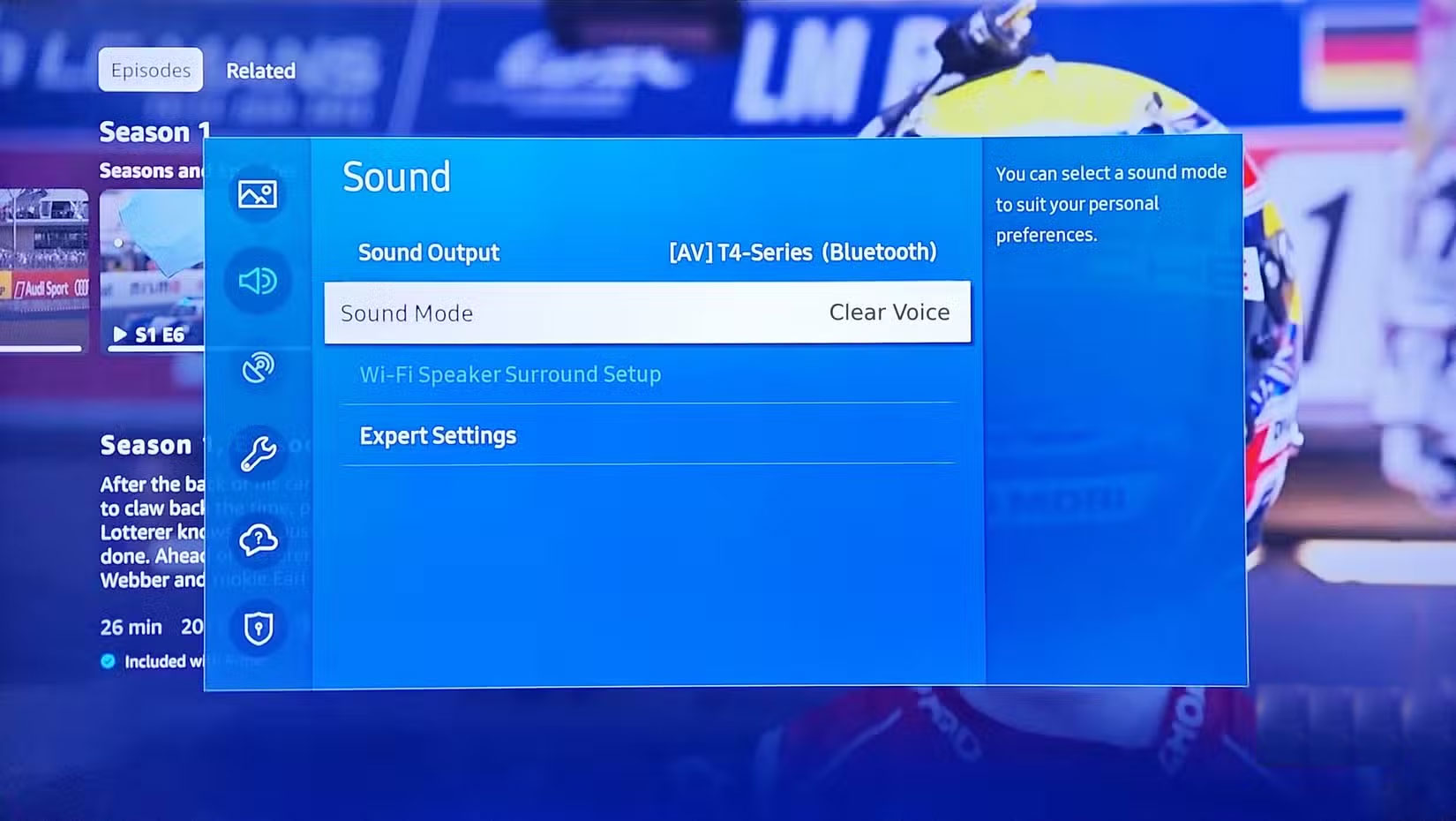
Most soundbars have some form of audio enhancement, such as sound modes, equalizers, or dialogue enhancements, that should be adjusted to suit your viewing habits and living space. You should also check your TV's audio output and make sure it's set to "auto," "bitstream," or "passthrough" instead of "PCM," so the soundbar can process the audio instead of the TV.
Changing the soundbar's preset modes, such as "Movie," "Music," and "Game," can make a significant difference.
3. Use HDMI ARC or eARC instead of optical cable
Experience higher quality audio formats with improved connectivity
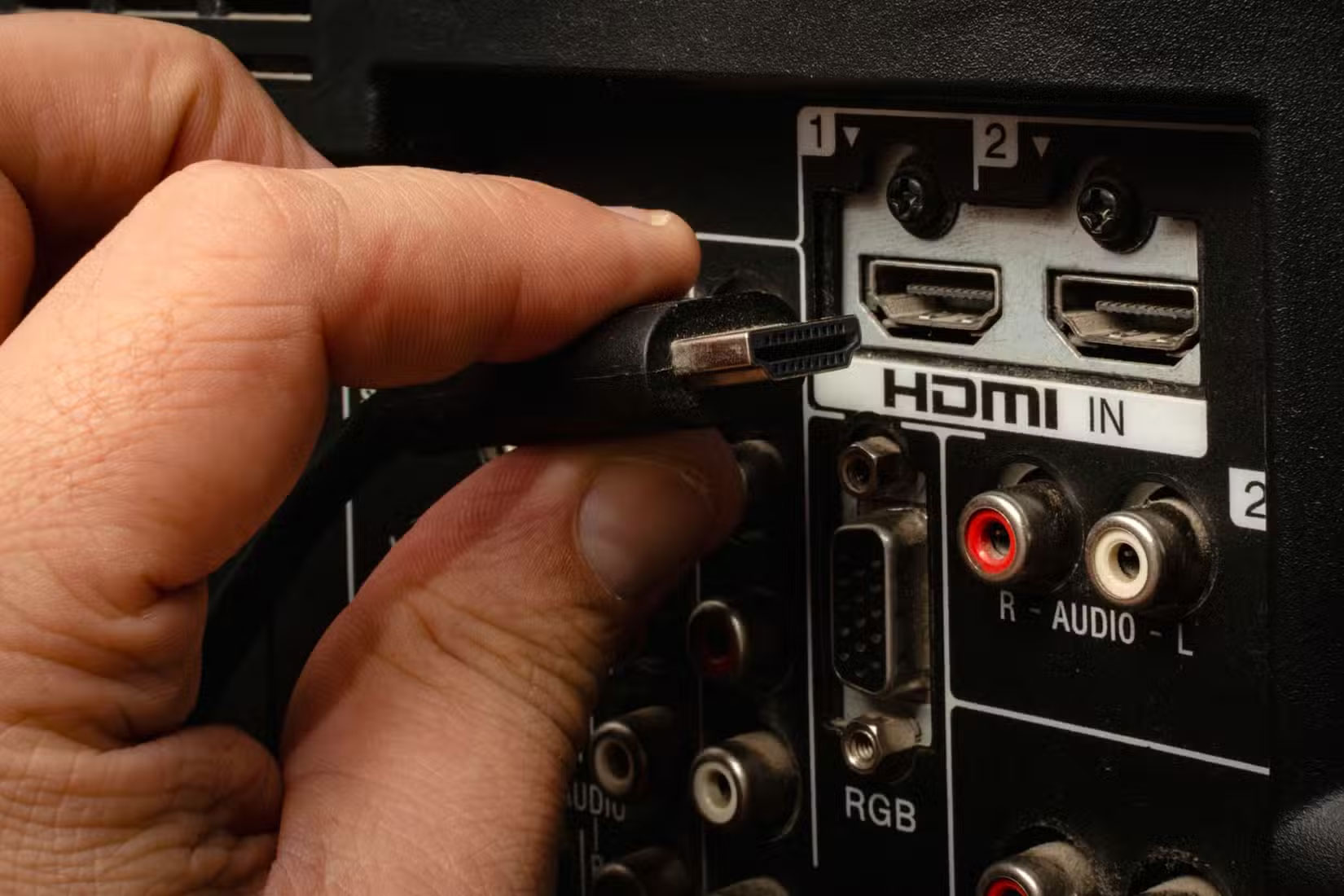
It may not be the first solution that comes to mind, but the type of audio connection is a big factor in determining sound quality. Optical cables are fine, but if you really want to optimize your audio quality, consider using HDMI ARC or eARC connections. They provide a superior signal path and support advanced audio formats like Dolby Atmos and DTS:X.
HDMI ARC or eARC connection ensures your soundbar receives uncompressed audio from your TV or media device.
2. Add a subwoofer or surround speakers
Create deeper bass and experience truly immersive surround sound
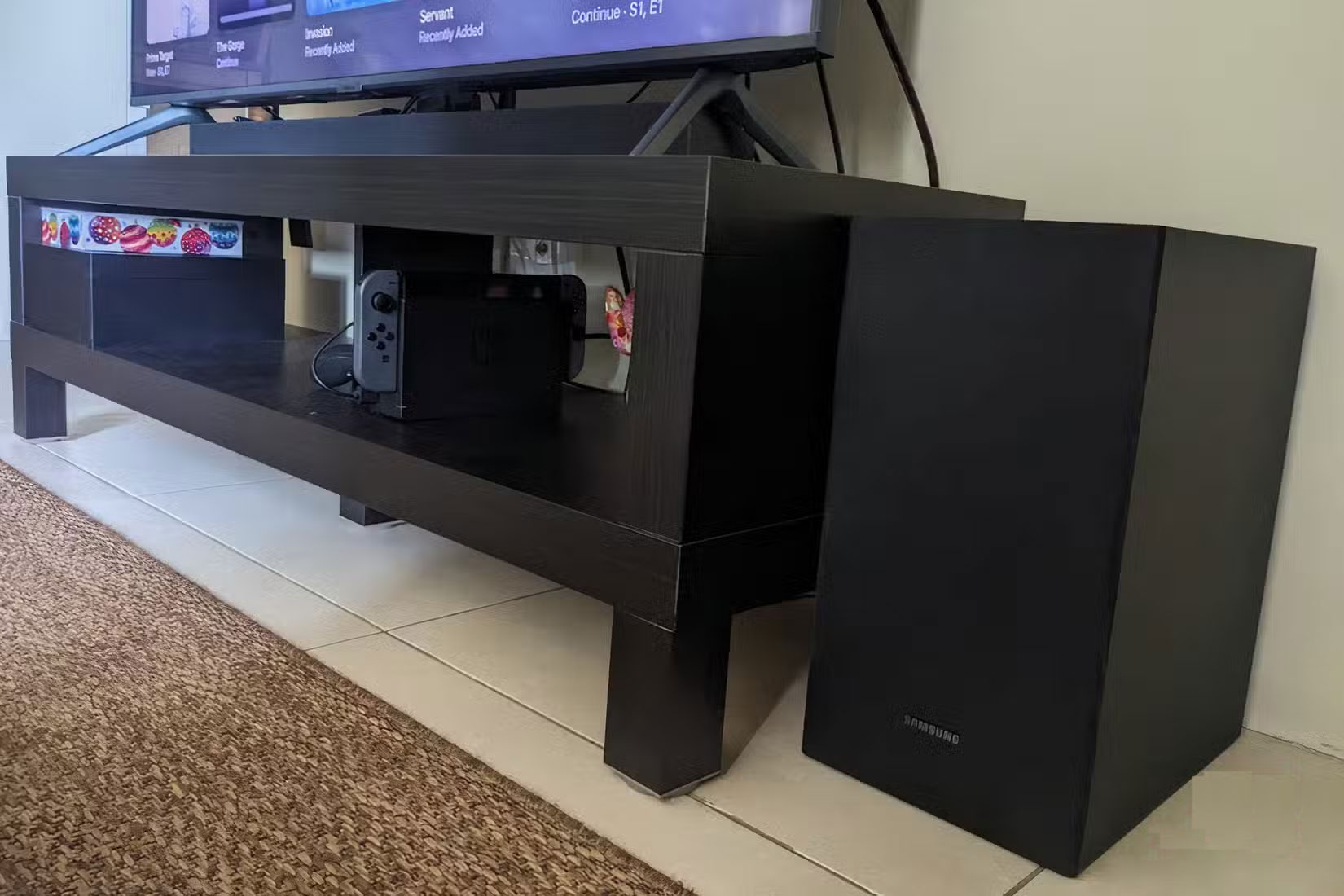
Many soundbars, including speakers, come with a subwoofer in their package. If your speakers support an outboard, consider adding one, as this will significantly improve the sound quality by deepening the bass, making action scenes, bass, and sound effects more immersive.
On the other hand, the rear speakers create a true surround sound effect, greatly improving the immersive experience and giving your home a theater-like feel.
1. Reduce noise and echo in the room
Enjoy clearer, more natural sound, tailored to your room.
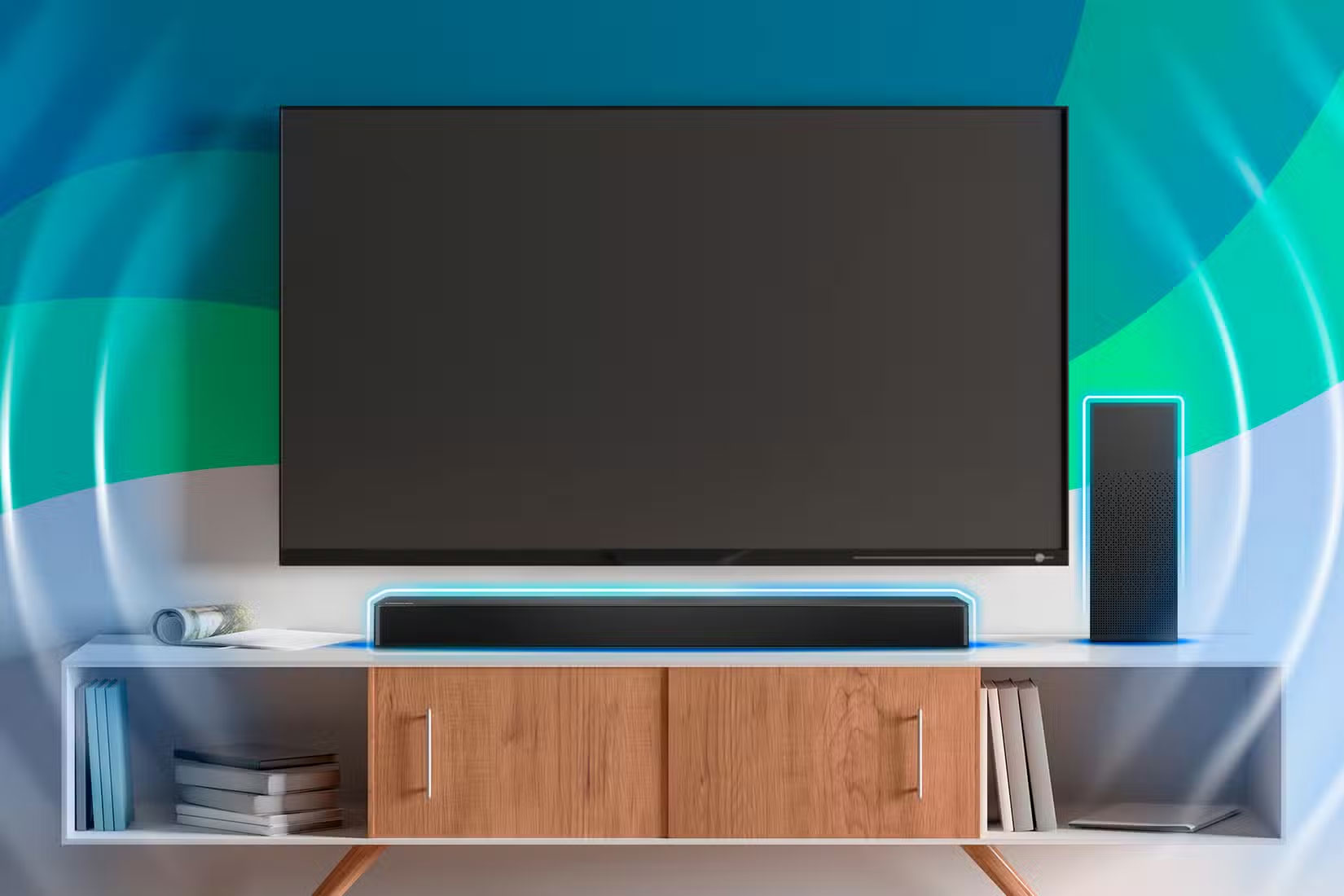
This last tip is often overlooked, but room acoustics can have a significant impact on a soundbar's performance. Hard surfaces reflect sound, so placing your speakers near bare walls, glass tables, and tile floors can create echoes and muffled sound. To counteract this, position your soundbar away from hard obstructions and place it near soft furnishings, such as curtains, rugs, or wall hangings.
Some soundbars have room correction capabilities via a built-in microphone or an accompanying app. If this is the case, make sure you run the app to adjust the sound output to suit your living space.
FAQ
What should you know about the options in this guide?
In practical terms, while most sound good right out of the box, soundbars can perform much better with just a few quick tweaks.
Which option is the best choice?
The best choice depends on your priorities, compatibility, budget, and the specific features discussed in the comparison.
What should you compare before deciding?
Compare core features, limitations, ease of use, compatibility, and long-term value before making a decision.
Related Articles
 Change This Setting to Get the Best Sound from Your Soundbar!7 minutes read
 Which JBL Soundbar Speaker Is Best to Buy?4 minutes read
 4 Easy Ways to Connect Your New Soundbar to Your TV: Top Picks and Buying Guide10 minutes read
 Which Soundbar or AV Receiver Is Better for Your Home?9 minutes read
 Why Do Audiophiles Often 'Hate' Soundbars: Is This View Right or Wrong?6 minutes read
 Why Do Many People Regret Buying a Soundbar?6 minutes read
Reader Comments 0
Sign in with email or Google to join the discussion.