Table of Contents
This guide organizes the entries in "Which Calendar App Helps You Stay on Schedule Best" and explains what each option, idea, or example offers. It also highlights practical details that matter when comparing the choices.
6. Better app sync on mobile devices
One of the things people love most about using Apple Calendar is how easy it is to sync events with the mobile app. If you have an iPhone, all of your major events will be instantly added to the app once you give it permission.
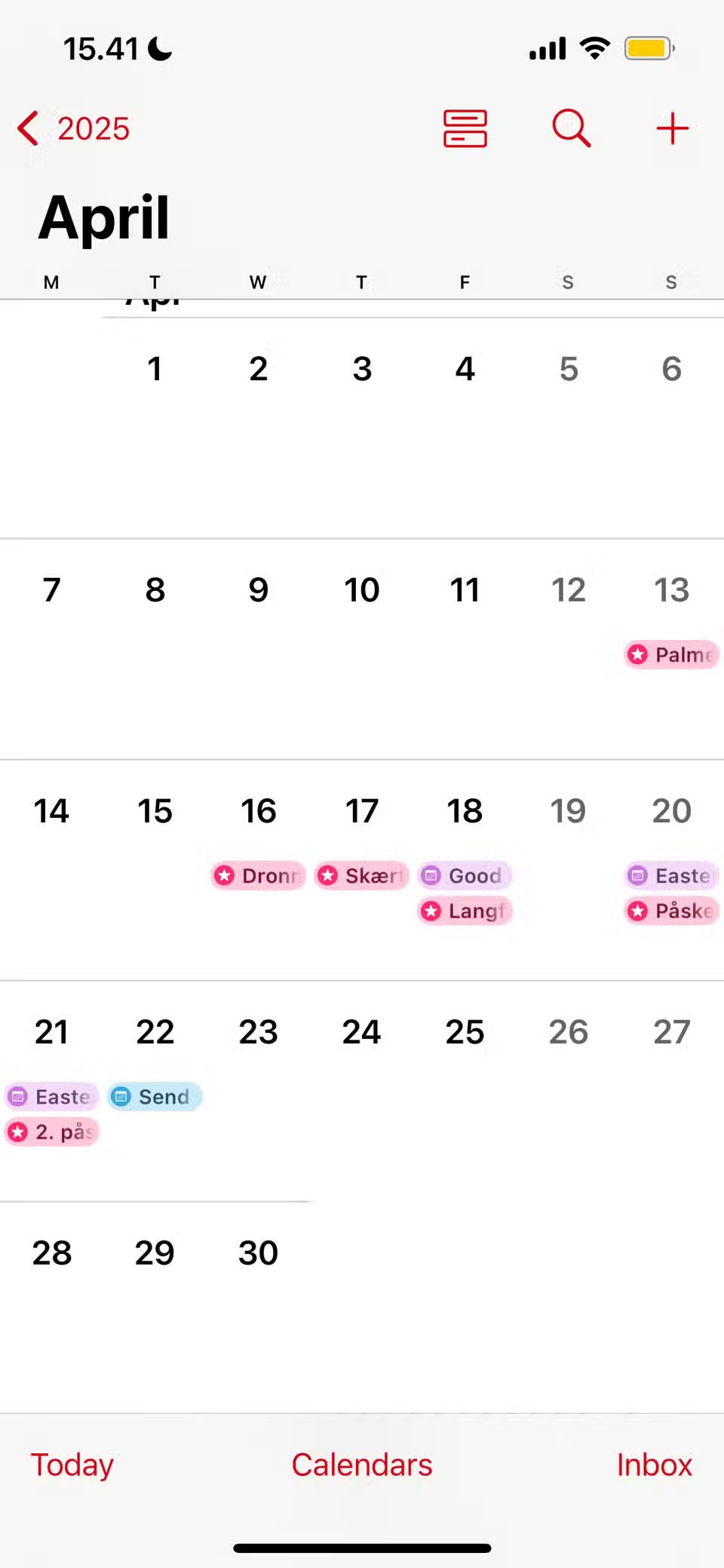
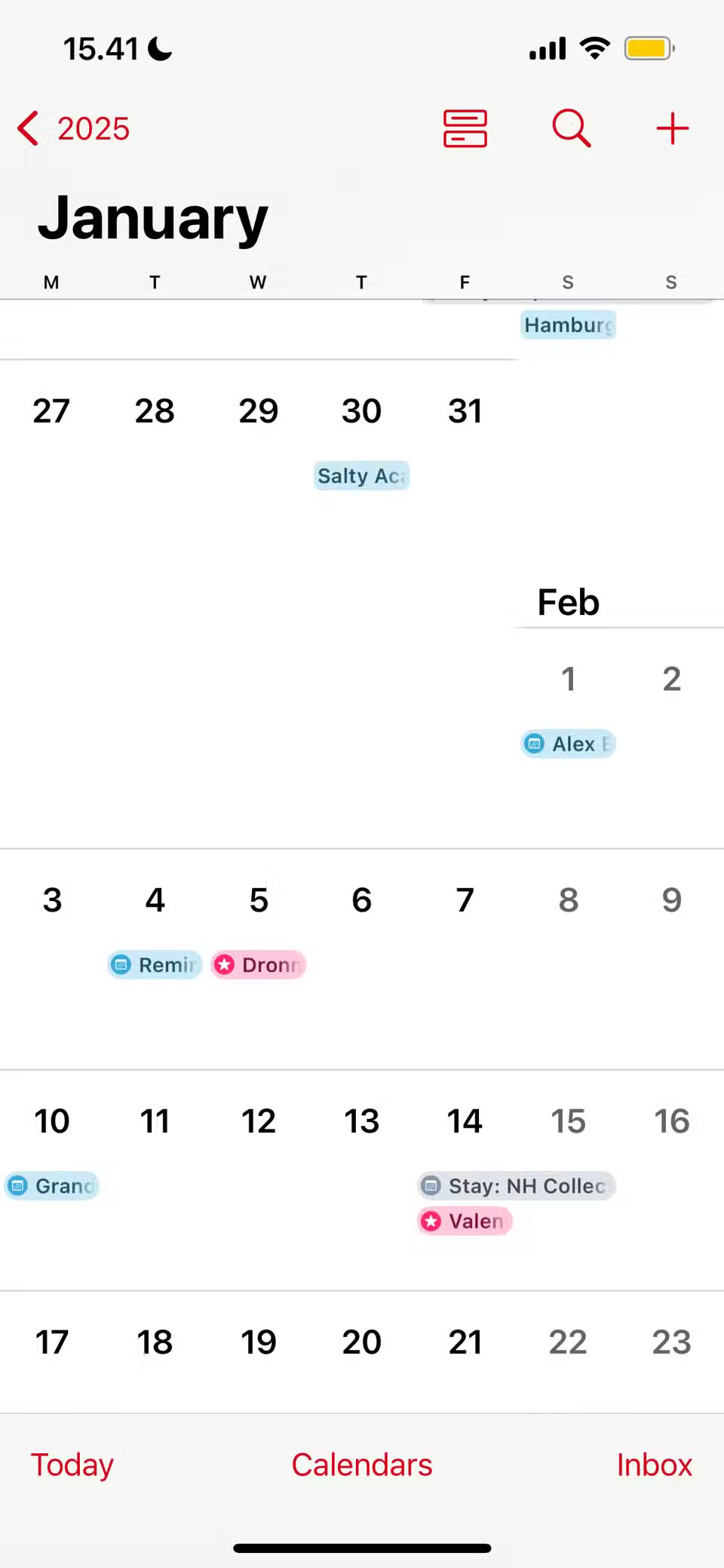
If you have the Apple Calendar widget on your phone, this sync feature lets you see your upcoming events for the day at a glance. Another benefit is that when you cancel an event in the app, it's automatically removed from your calendar.
If you also use Apple Calendar on your Mac and iPad, you can sync your events across all your devices and add widgets if you need them, so you can easily see everything you need to get done.
5. More intuitive interface
When using any calendar app (or calendar apps in general), the interface is one of the most important aspects. You're not going to use a tool for long if it's hard to navigate or doesn't look good. The same goes for if the app looks clunky.
Apple Calendar is a prime example of what a calendar app should look like. Notion Calendar is clunky, and most business calendar tools are difficult to navigate. You'll often feel like you're working twice as hard to build a basic schedule with these apps; Google Calendar is the only exception.
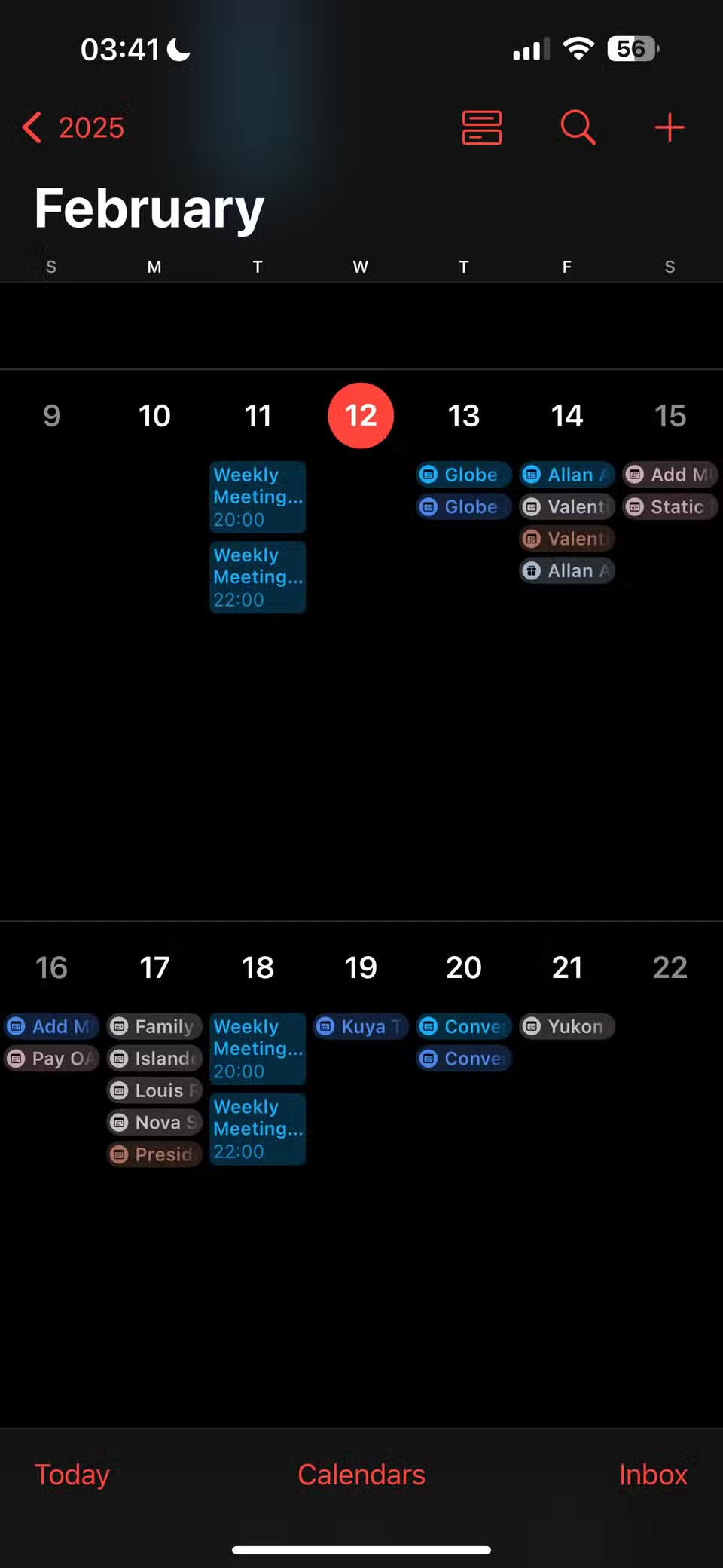
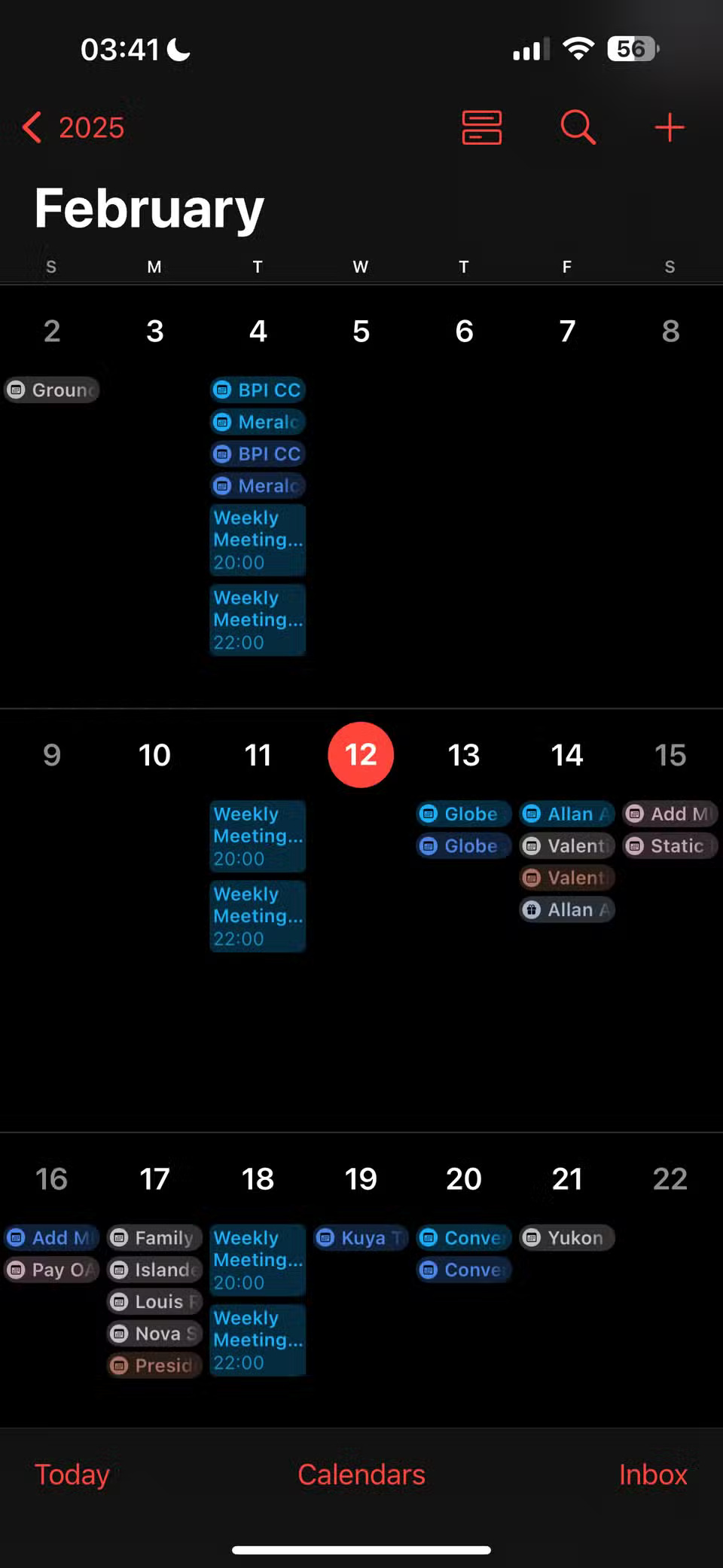
The Apple Calendar interface is intuitive across all apps. You can even use simple tips to make your Apple Calendar app more useful.
4. Unobtrusive core features
Extra features in apps are welcome, but only if they work. When apps add random 'tools' that you know you'll never use, it can be frustrating. Just like most creative software doesn't need AI, many calendar apps shouldn't have gimmicky features.
For example, while people like many aspects of Notion Calendar, adding the Notion database to the app is too cumbersome. Calendar apps don't need to do everything at once, but unfortunately, many of them try to.
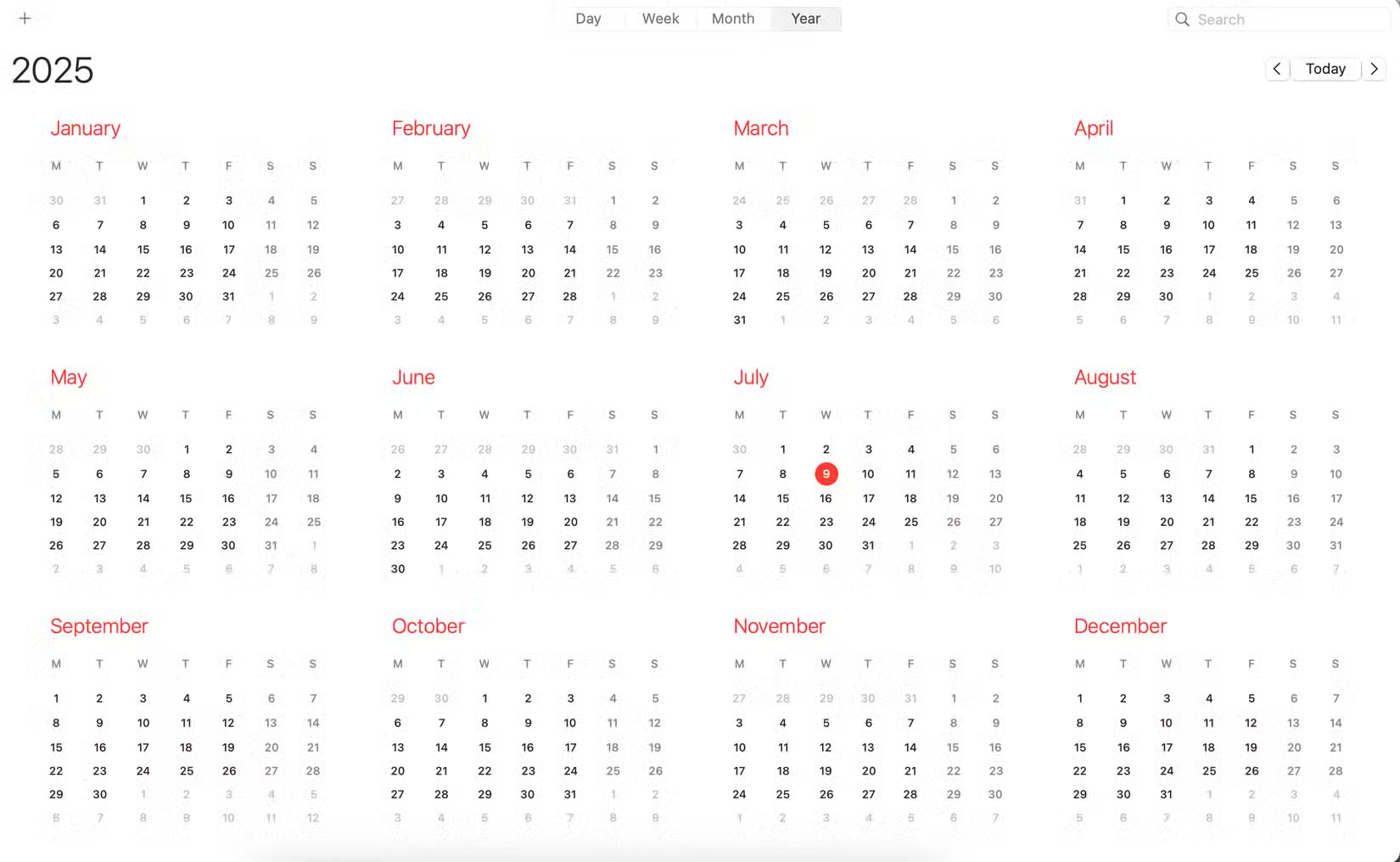
One of the many reasons people love using Apple Calendar is that it doesn't come with too many gimmicky features. The app is simple, but it does everything you need it to do. You can create events, show or hide your calendar as needed, and get an overview of your tasks for the day, week, and month.
3. Use Siri Suggestions with Apple Calendar
Siri isn't used much, but it's still useful for some things. Siri Suggestions in Apple Calendar is one of my favorite features, it's simple but incredibly effective.
With Siri suggestions, you can add events from other apps based on what Siri thinks should be included. For example, if you use hotel booking apps on your phone to find a place to stay when you travel. After you complete your trip, Siri will suggest you add the travel dates to Apple Calendar.
Thanks to this feature, organizing your daily schedule will be much less effort than usual.
2. Calendar app inbox
One of the only things many people dislike about Google Calendar is that they can't access their inbox within the app, despite its great integration with Gmail. Notion Calendar also has this tool, which is a bit disappointing since Google Calendar doesn't have it.
With Apple Calendar's inbox, you can see any potential events that you might have missed. When these events appear, you can choose whether or not to add them to your calendar. Sometimes these events will be temporary events that you're not entirely sure about, so sometimes you just leave them there until further notice.
1. FaceTime integration
People use FaceTime for a lot of interactions with friends and family because there is no better video communication app than it, including Zoom, Google Meet, and even some open source alternatives.
One of the things people like most about Apple Calendar is that because it's part of the Apple ecosystem, it integrates well with FaceTime. When you set up an event, you can choose FaceTime from a list of options, so if you want to schedule a call with someone in advance, this is a great option.
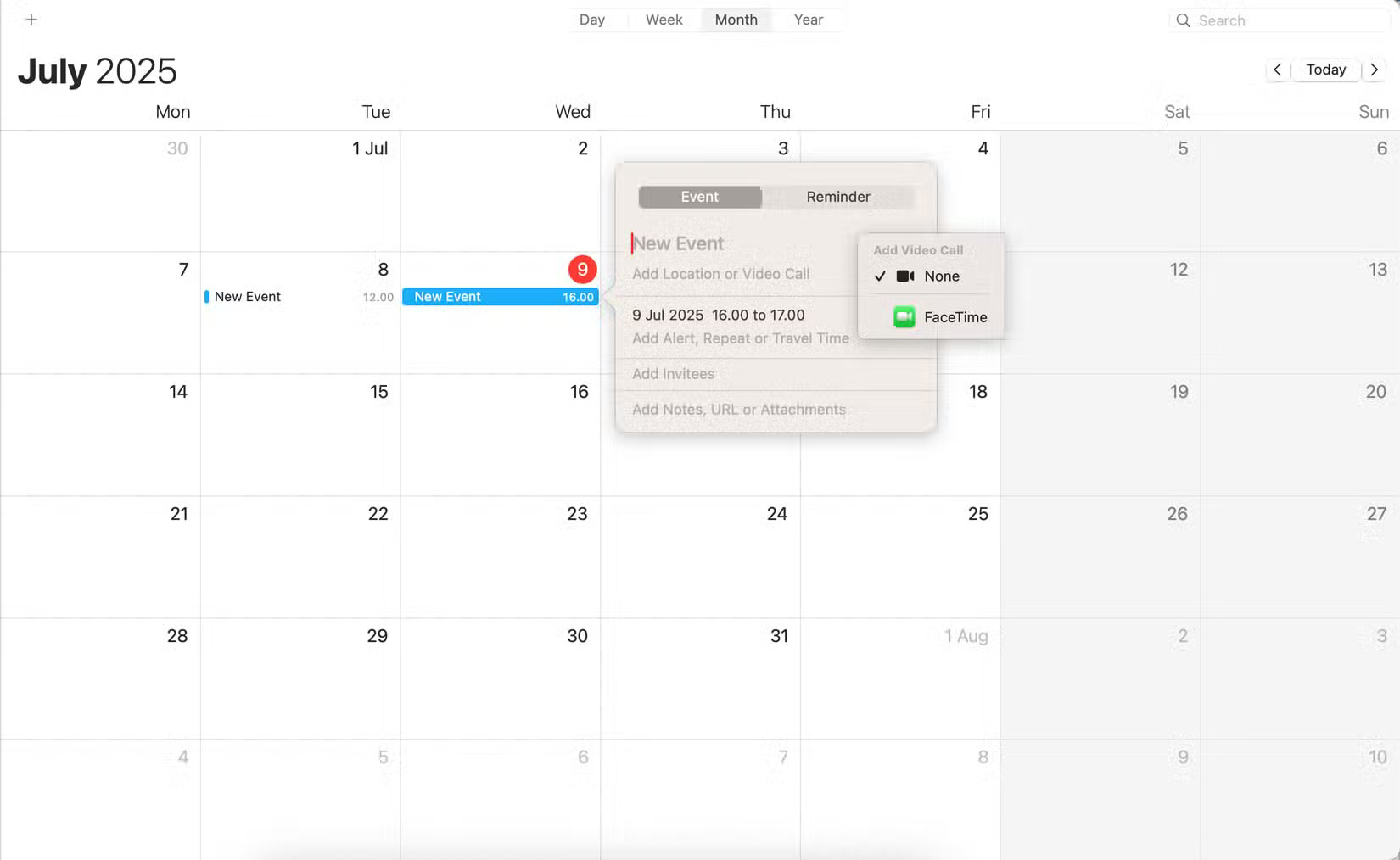
While other calendar apps have their merits, none of them are as good at keeping track of your schedule as Apple Calendar. It integrates well with the entire Apple ecosystem, and you'll love how Siri can automatically pick and add events without much intervention. Plus, people love it because it's simple yet effective.
FAQ
What should you know about 6. Better app sync on mobile devices?
One of the things people love most about using Apple Calendar is how easy it is to sync events with the mobile app. If you have an iPhone, all of your major events will be instantly added to the app once you give it permission.
What should you know about 5. More intuitive interface?
When using any calendar app (or calendar apps in general), the interface is one of the most important aspects. You're not going to use a tool for long if it's hard to navigate or doesn't look good. The same goes for if the app looks clunky.
What should you know about 4. Unobtrusive core features?
Extra features in apps are welcome, but only if they work. When apps add random 'tools' that you know you'll never use, it can be frustrating. Just like most creative software doesn't need AI, many calendar apps shouldn't have gimmicky features.
What should you know about 3. Use Siri Suggestions with Apple Calendar?
Siri isn't used much, but it's still useful for some things. Siri Suggestions in Apple Calendar is one of my favorite features, it's simple but incredibly effective.
Related Articles
 How to Use Google Calendar to Schedule Classes8 minutes read
 How to Schedule Tet Events with Calendardc Calendar7 minutes read
 5 Tools and Tricks for Google Calendar7 minutes read
 Top Vietnamese Calendar Application, See the Best Sound Schedule8 minutes read
 Spanish Football Schedule 2018/194 minutes read
 5 Tools to Help Manage and Schedule11 minutes read
Reader Comments 0
Sign in with email or Google to join the discussion.