Table of Contents
Subnetting divides an IP address block into smaller networks. Each subnet has a prefix that identifies its network portion. Devices use the prefix to decide whether a destination is on their local subnet or should go to a router.
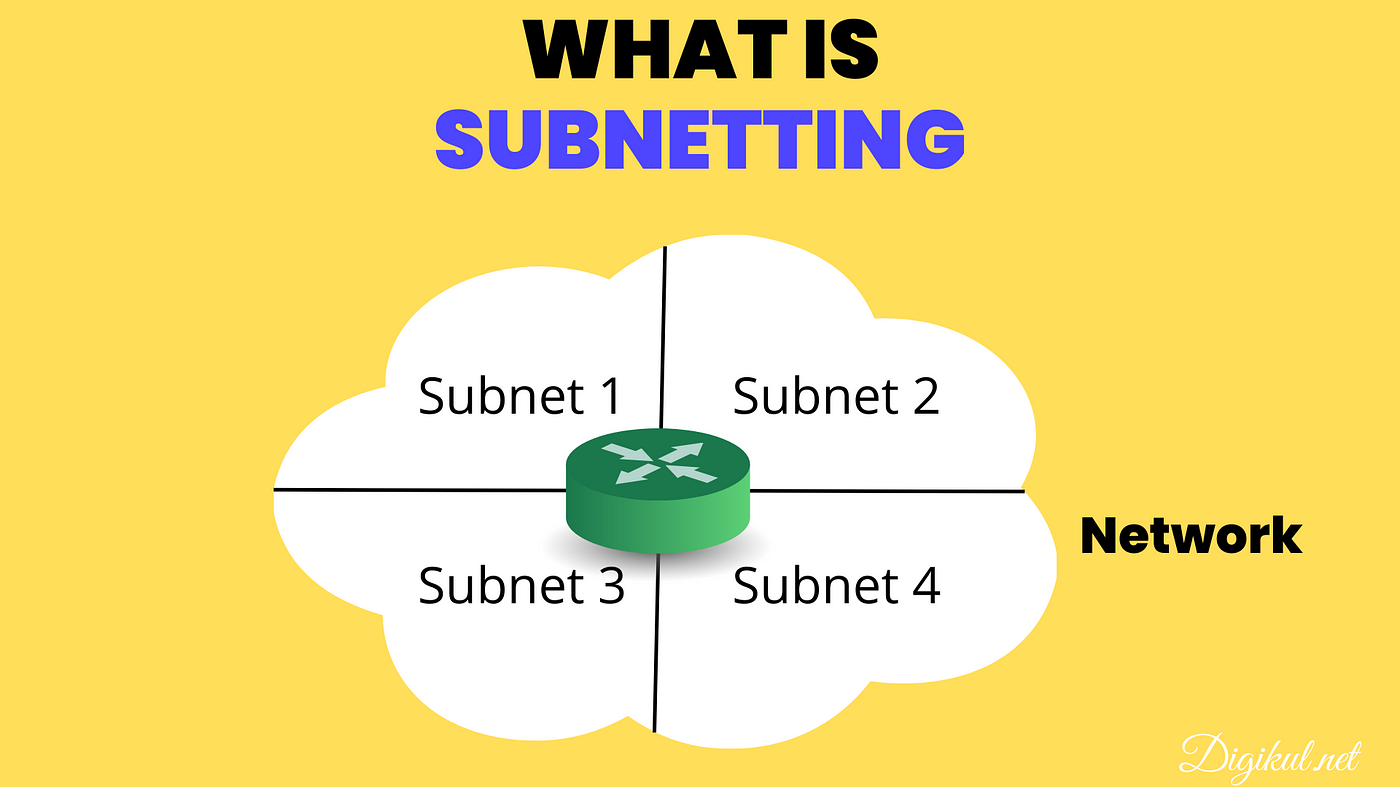
How an IPv4 prefix works
IPv4 addresses have 32 bits. In 192.168.10.0/24, the first 24 bits belong to the network prefix and eight bits are left for addresses within it. A /26 uses two more bits for the prefix, leaving six. Each resulting subnet has 26, or 64, addresses. In a conventional IPv4 LAN, the lowest address identifies the network, the highest is the broadcast address, and the remaining 62 can be assigned to hosts.
Example: split one /24 into four /26 subnets
Each /26 uses subnet mask 255.255.255.192. The subnets start 64 addresses apart.
| Network | Assignable host range | Broadcast |
|---|---|---|
| 192.168.10.0/26 | 192.168.10.1–62 | 192.168.10.63 |
| 192.168.10.64/26 | 192.168.10.65–126 | 192.168.10.127 |
| 192.168.10.128/26 | 192.168.10.129–190 | 192.168.10.191 |
| 192.168.10.192/26 | 192.168.10.193–254 | 192.168.10.255 |
A gateway uses an assignable address. For the second subnet, 192.168.10.65 is a possible choice, but the first assignable address is a convention. Use the CIDR calculator to check another prefix or learn to calculate the network and broadcast addresses. Special cases exist, such as /31 point-to-point links.
Benefits and trade-offs
Separate subnets let you allot addresses to groups of different sizes and limit the scope of broadcasts when the network provides distinct Layer 2 segments. To restrict traffic across subnets, apply routing or firewall policy. A subnet mask by itself does not block access.
Plan the host count, gateway, DHCP range, reservations, and room for growth before changing a network. Document each range and check that it does not overlap existing or remote networks. Smaller subnets make addressing more precise but can add routing, DHCP, and troubleshooting work.
Related Articles
 How to divide the subnets and the benefits of subnetting
 Advantages and disadvantages of dual boot (dual boot)
 Free online subnet exercises
 What is VPN? Advantages and disadvantages of VPN virtual private network
 What is AMD CPU? Advantages and disadvantages of AMD CPU
 Advantages and disadvantages of the Internet
Reader Comments 0
Sign in with email or Google to join the discussion.