Table of Contents
Octopus Gamepad is an Android app intended to map inputs from a gamepad, keyboard, or mouse to on-screen controls in supported games. It can make touch-based games easier to play with external hardware, but compatibility and available features depend on the app version, device, and game.
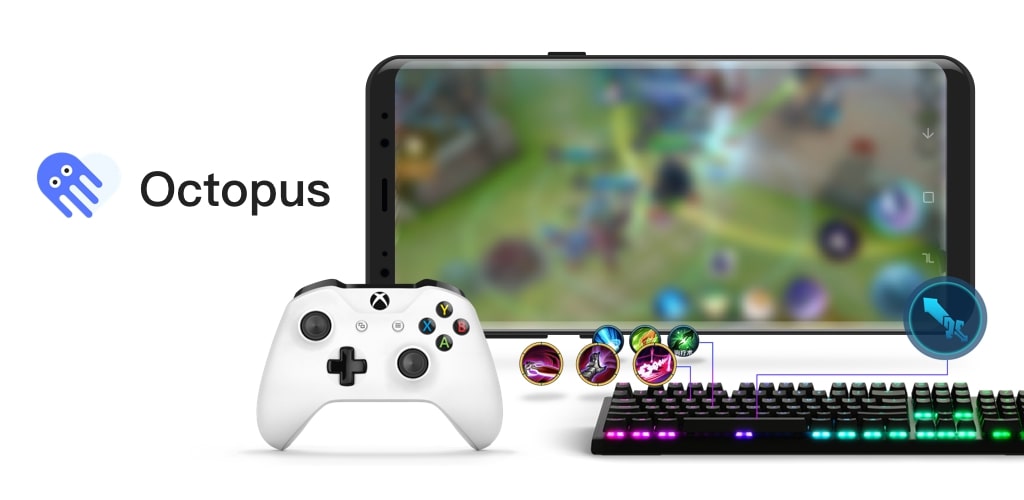
How input mapping works
A mapping profile links physical buttons or stick movement to touch locations and gestures. Some apps provide preset layouts; users may also be able to adjust controls for a particular game. Expect to review and calibrate a layout after setup, since screen size, game updates, and interface changes can affect where controls appear.
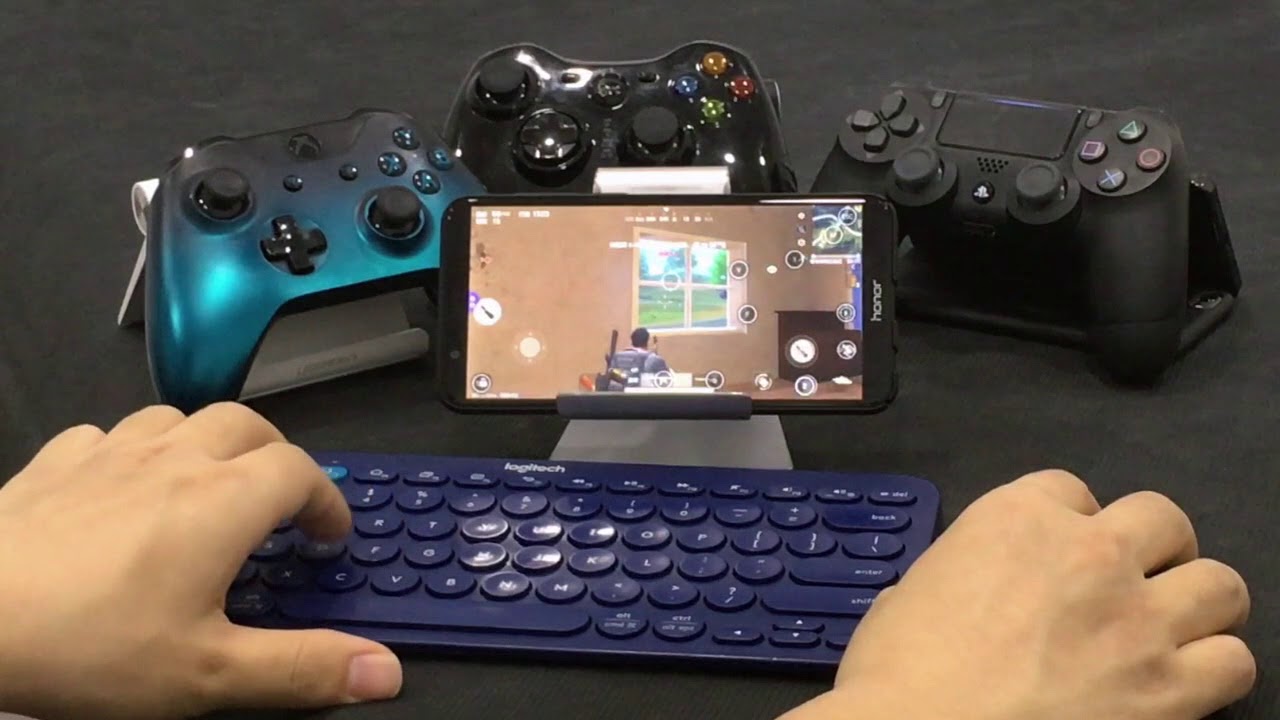
Devices and features to check
The source describes support for gamepads, keyboards, and mice, along with custom mappings, controller calibration, and gameplay recording. These claims can change over time. Check the current app listing and documentation for supported devices, game profiles, and whether a feature is available in the version you install.
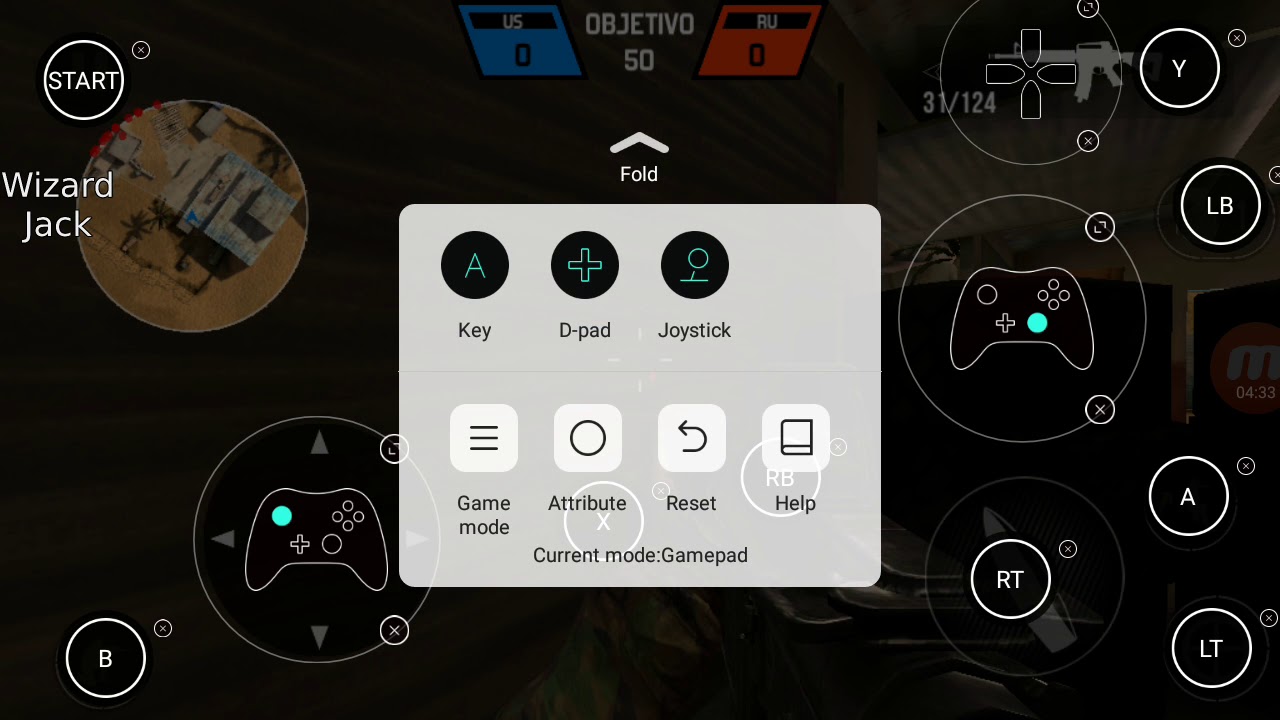
Check permissions and game rules
- Install from a trusted source and review the permissions requested by the app.
- Follow the current setup instructions; some mapping tools may require special access or activation.
- Check the game’s terms before using overlays, macros, or input-mapping tools. Some games restrict third-party input software.
- If a game has native controller support, try its built-in option first.
Do not rely on old claims about a specific number of supported games or devices. Verify current compatibility before purchasing a paid feature or accessory.
Related Articles
 Octopus seize and drown seagulls at a glance
 The blue-spotted octopus has 50 times more venom than a cobra that kills people in an instant
 How to use a gamepad as a mouse in Windows
 Spectacular escape screen of giant octopus through small holes
 It turned out that the octopus gave up its ability to evolve to become smarter
 What is Mantis Gamepad Pro? How to use Mantis Gamepad Pro
Reader Comments 0
Sign in with email or Google to join the discussion.