Table of Contents
Network security protects the devices, services, and data that depend on a network. It controls who can connect, what connected devices can reach, and how suspicious activity is detected. For example, a guest may need internet access without needing access to a shared work drive.
What network security protects
- Confidentiality. Encryption protects data in transit and access controls limit who can reach private services.
- Integrity. Restricted administrative access helps prevent unauthorized changes to network settings and services.
- Availability. Separating critical services from less trusted devices can limit the disruption when a device is compromised.
Common network security controls
| Control | What it does |
|---|---|
| Firewall | Allows or blocks traffic according to rules. For example, it can keep internet traffic away from an internal admin interface. |
| Segmentation | Divides the network into groups and limits traffic between them. A guest Wi-Fi network is a simple example when local network access is disabled. |
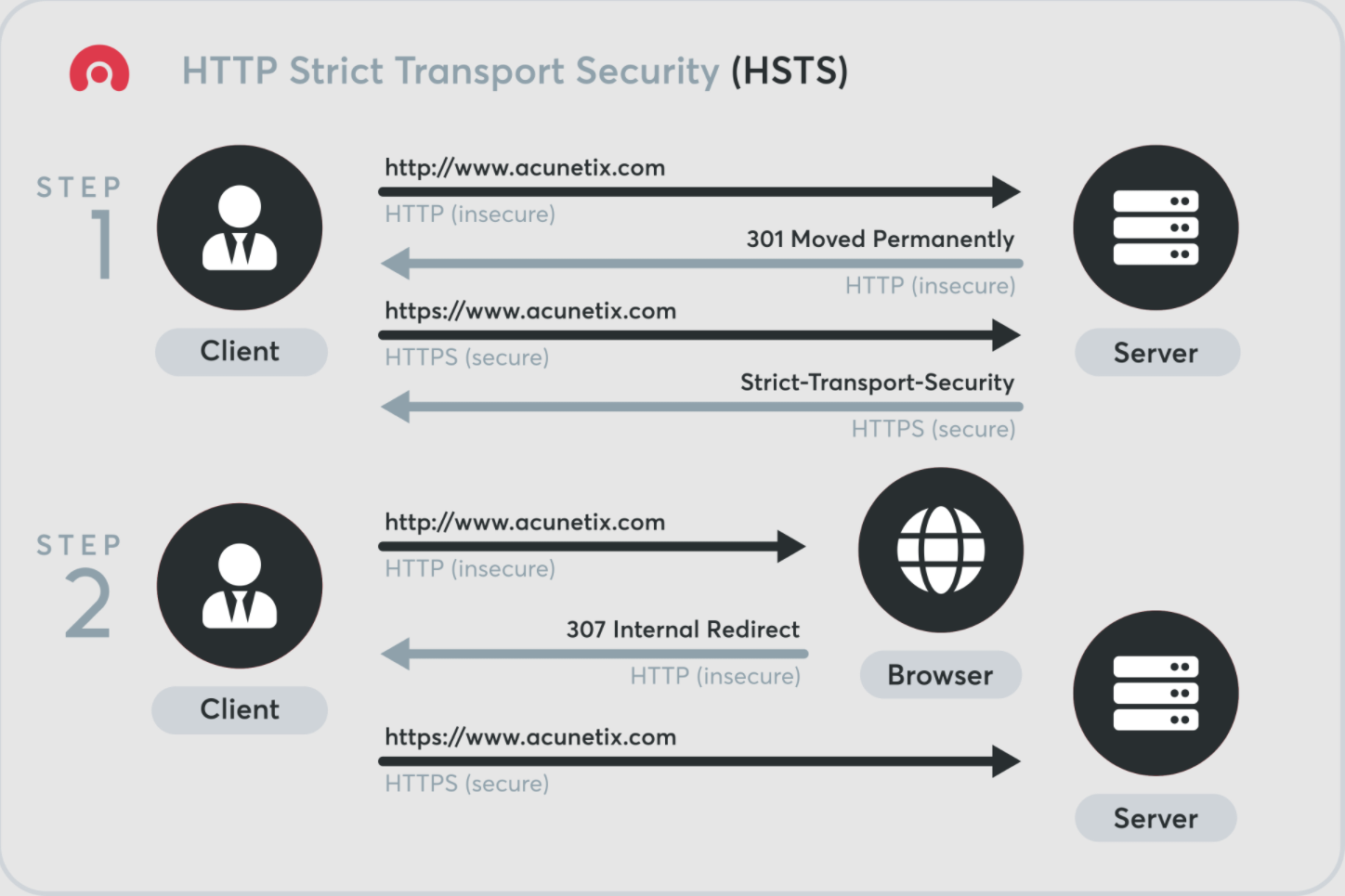
| Encryption | Protects data on a connection. Wi-Fi encryption covers the wireless link, while HTTPS protects traffic between a browser and a web server. |
| Intrusion detection and prevention | An intrusion detection system (IDS) alerts on suspicious traffic. An intrusion prevention system (IPS) can also block matching traffic when deployed and configured to do so. |
How network security fits into cybersecurity
Network security focuses on connections, traffic, and access to networked resources. Cybersecurity also covers the software, accounts, and devices using those connections. For example, endpoint antivirus may stop malware on a laptop, while network segmentation can limit what that laptop reaches if it becomes infected.
Where to start at home or in a small office
- List the devices and services on the network and identify which ones need to communicate.
- Update router firmware, replace default administrator credentials, and review any remote-access settings or port forwards.
- Put visitors or less trusted devices on a guest network where possible. Test that they can reach the internet and that private devices remain inaccessible.
- For an office, review connection logs and assign responsibility for investigating alerts and updating access rules.
For a home router, follow the home network security checklist. For a larger network, see CISA's guide to network segmentation.
Related Articles
 Security with ICT Infrastructure in Vietnam: Security overview - Part I
 Learn about terminal security (endpoint security)
 What is IPS? The network security benefits that IPS brings
 Guidelines for securing computer network systems
 What is Network TAP? How does it help secure the system?
 [Infographic] 5G network security: What service providers need to know
Reader Comments 0
Sign in with email or Google to join the discussion.