Table of Contents
Understanding DesignBold requires more than a headline. The overview below breaks down the key facts, changes, and user impact.
The online design tools have now grown extremely rich, opening up more new options for users, besides the installation software like Photoshop. DesignBold is a professional online graphic design website, with a number of designs reaching more than 60 million.
DesignBold supports users to create professional presentation slides, job applications,. In all areas of work and life. DesignBold owns a design interface that is not too complicated, easy to implement operations. The following article will guide you how to use DesignBold online design.
- Websites that create free online logos
- Using DesignEvo to design online logo
- How to design online advertising by Canva
How to Design Online with Designbold
Step 1:
Click on the link below to access the main interface of DesignBold.
- Https://www. Designbold. Com/
Step 2:
At the interface first click the Sign Up button to register an account using DesignBold.

Here we will choose to create a new account via email address, or use Facebook, Google or Twiiter accounts.

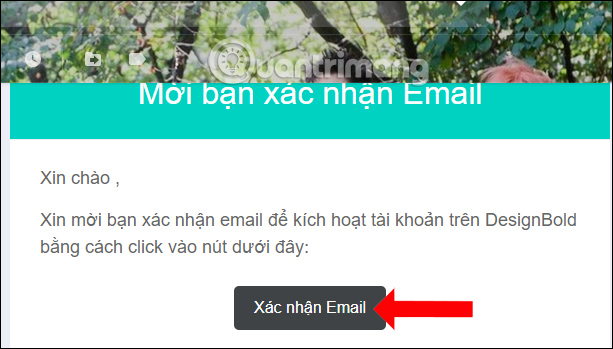
You need to access the email address to verify your account, click Confirm Email.
Step 3:
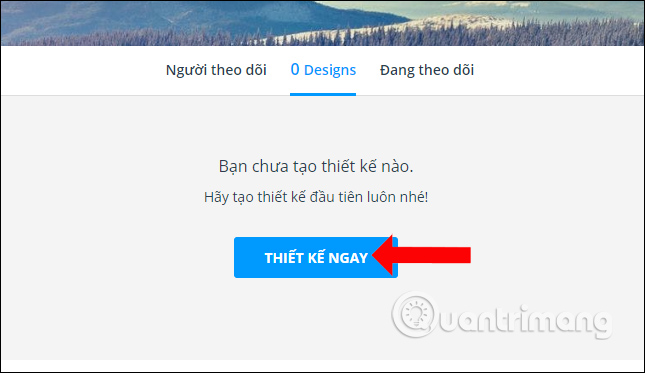
Switch to the new interface and click on the Design button now.
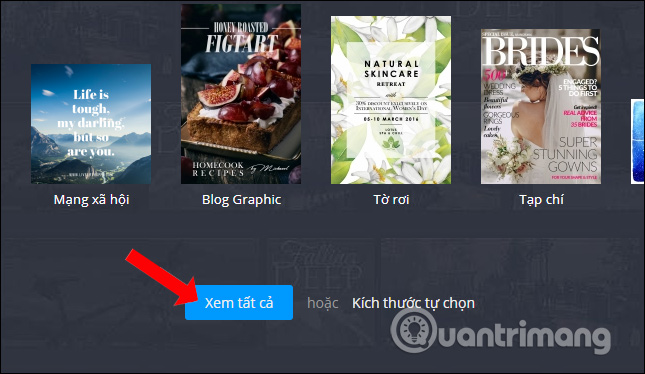
DesignBold will provide topics designed for users to choose from such as Postcards, Social Networks, Blog Graphic, Leaflets, Magazines, Cards. To select more design themes click View all.
There will be many different design sizes, as well as the available design layout that DesignBold provides. In case the user wants to create their own size, click Size self-selected.
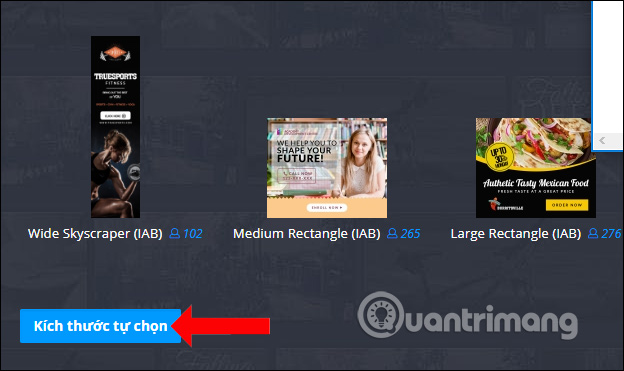
Enter the height and width dimensions and then click Create design.

Step 4:
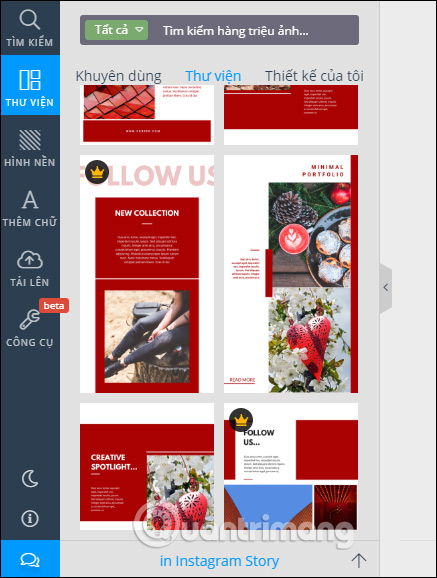
Go to design interface on DesignBold. First of all, we will see a variety of support templates with many different styles. We can click on each template to see the preview image in the template.
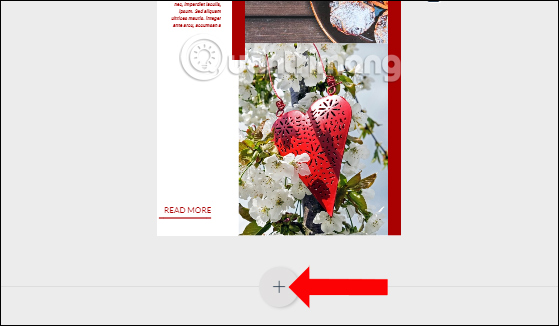
In case you design slides with multiple pages, just press the plus sign below to add a design page.
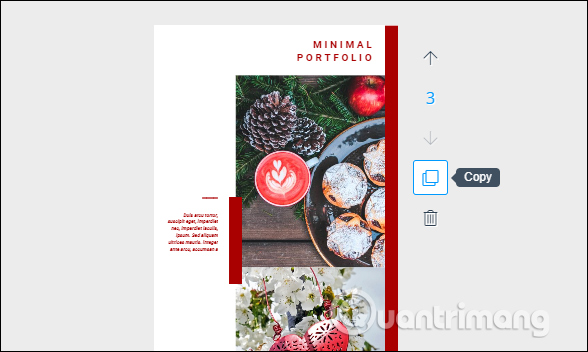
Right next to it will be the tools for use, with moving arrows if multiple design pages, Copy icon to copy design and trash icon to delete.
Step 5:
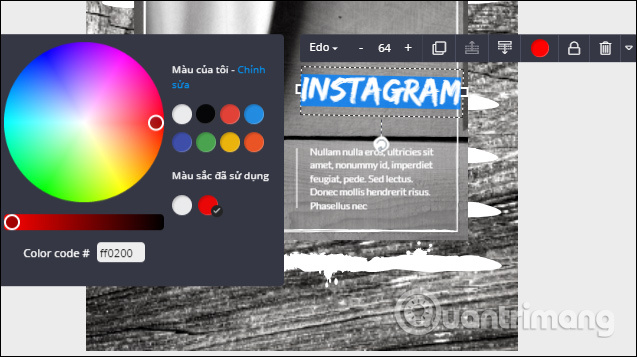
Next you can edit the design content with the design content provided by DesignBold. When clicking on the image, we will have the editing bar as shown below.
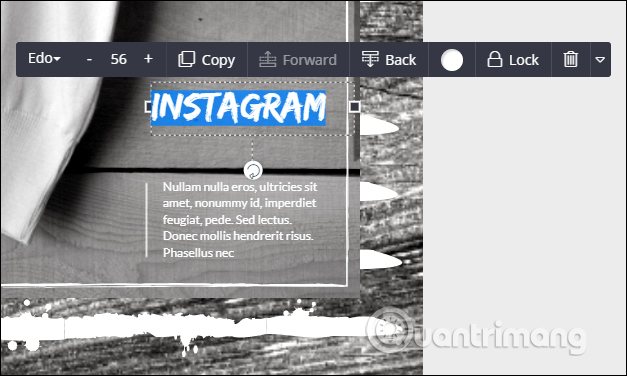
You can change the text content team in the picture, choose the font you want to use, change the position of the text, select the font color, or even delete the object in the picture.
Step 6:
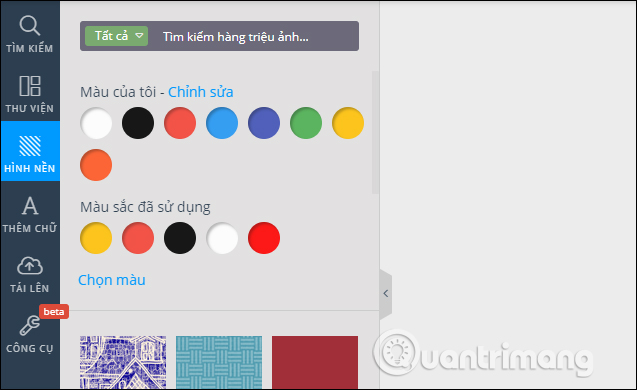
With the wallpaper item you can choose the background colors available to change the design image.
Step 7:
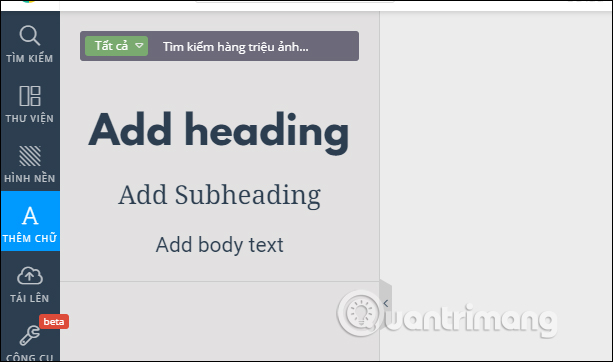
In case you want to add content to the design image, in the section Add text can insert content into the section Add heading, Add Subeading or Add body text.
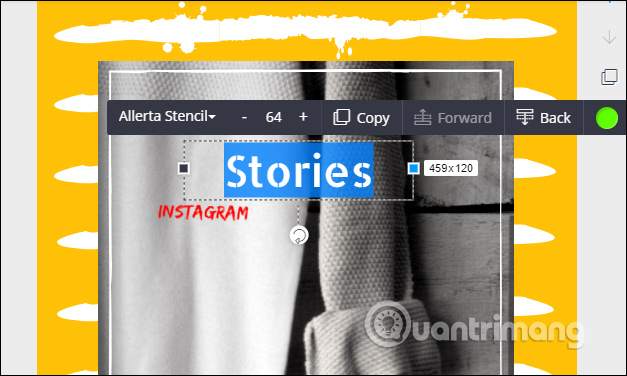
Text position and text size can be changed to suit each person's design ideas.
Step 8:
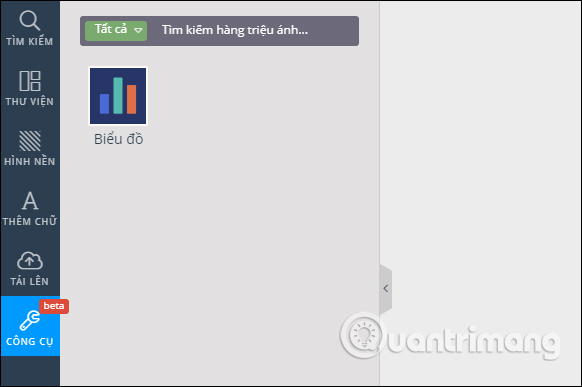
The Upload section will be used to download images from your computer or on the Facebok. The Tools section will be a Chart, but at the time this feature only uses column charts, in the process of research.
Step 9:
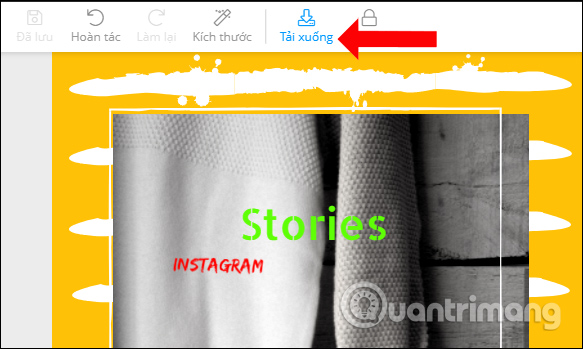
After you have finished editing and designing, click the Download button at the top of the interface.
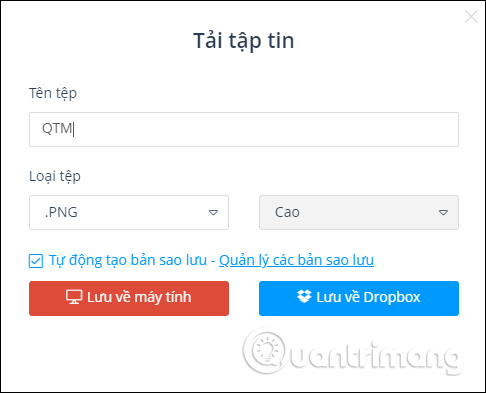
In the save image interface, enter a new name for the design, choose a format for the design, choose to save the design to Dropbox, or click Save to computer. The default download quality will be High.
Finally we wait for the download process to finish.

DesignBold is at the time one of the most user-friendly design websites, helping you create designs in a variety of new and diverse styles with different themes. We can rely on pre-designed layouts or create new designs with new dimensions.
- 11 ways to improve your design skills
- 17 tips that any graphic designer must know
- Professional logo design software
I wish you all success!
FAQ
What does Using Designbold to Design Banner, Slide, CV,. explain?
Understanding DesignBold requires more than a headline.
Who is most affected by DesignBold?
The overview below breaks down the key facts, changes, and user impact.
What are the key takeaways from this topic?
The online design tools have now grown extremely rich, opening up more new options for users, besides the installation software like Photoshop.
Related Articles
 5 Best Most Beautiful and Professional Banner Design Software5 minutes read
 Top 5 Websites to Help Design the Most Beautiful and8 minutes read
 Design Your Own Slide in PowerPoint3 minutes read
 Instructions for Creating 3D Balloon Effect Banner3 minutes read
 Macromedia Flash - Complete Flash Banner Design4 minutes read
 9 Principles of Slide Design in PowerPoint8 minutes read
Reader Comments 0
Sign in with email or Google to join the discussion.