Table of Contents
This updated overview organizes the essential information about Unexpected Ways to Hone Your Smartphone Photography Skills, including practical uses, key features, setup considerations, and common questions.
What This Guide Covers
- 1. Streetbounty's '1,000 images'
- 2. Convert to black and white
- 3. Click Community's 90-day challenge for better photos
Free photography challenges are an option and they will bring you surprising results!
1. Streetbounty's '1,000 images'
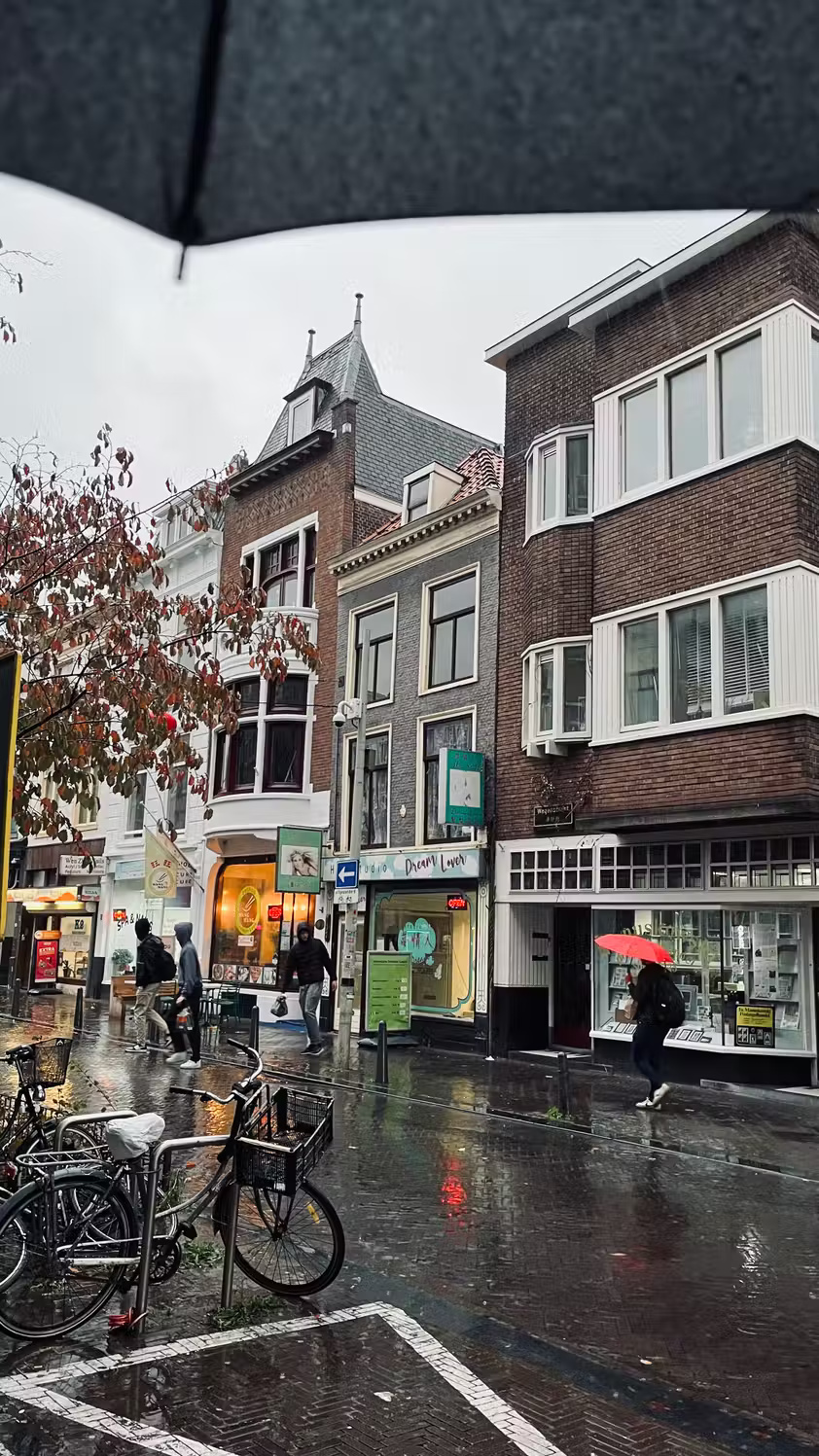
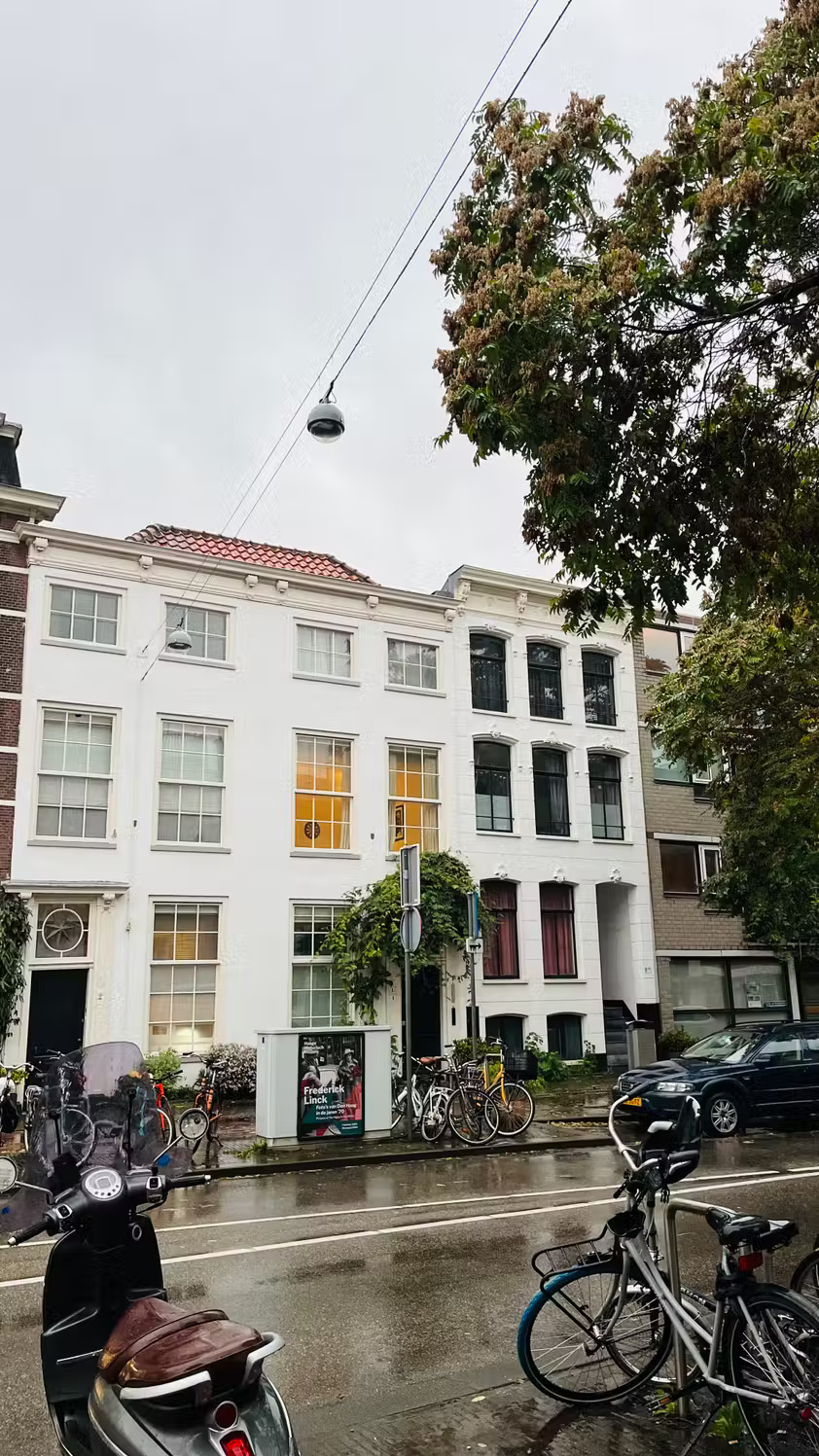
Many of Streetbounty's street photography challenges are for DSLR and mirrorless cameras, but you can complete device-free challenges using your smartphone. Even for some device-related challenges, such as using the same lens and camera for a month, you still do it by default using your smartphone.
The 1,000 image challenge is as simple as it sounds: Your goal is to take 1,000 photos. As mentioned in the introduction, the only way to improve your photography is to practice. You can learn all the theory and watch all the YouTube videos you want; But that information is useless if not applied.
You should take 1,000 photos at whatever your natural pace is. After taking 1,000 photos, you will naturally learn how to compose better when taking photos with a smartphone and other factors.
2. Convert to black and white

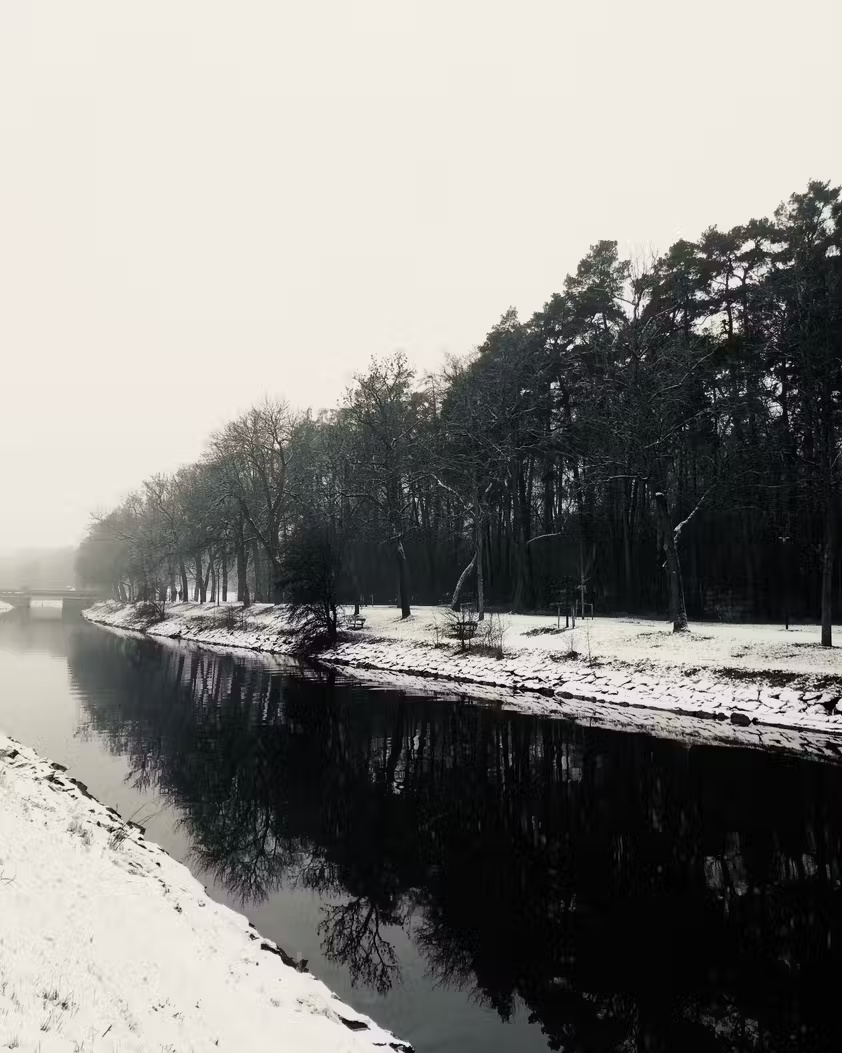
This experiment is interesting because many people rarely take black and white photos. Converting photos to black and white is a great way to practice these skills.
When you first start black and white photography, you might think you'll just need to desaturate the image or add a monochrome filter without worrying too much about other aspects. However, you will quickly realize that it is a completely different skill. You need to think more about contrast and telling a good story is also essential.
If you want a better start, start by checking out these tips for taking impressive black and white photos on your smartphone.
3. Click Community's 90-day challenge for better photos
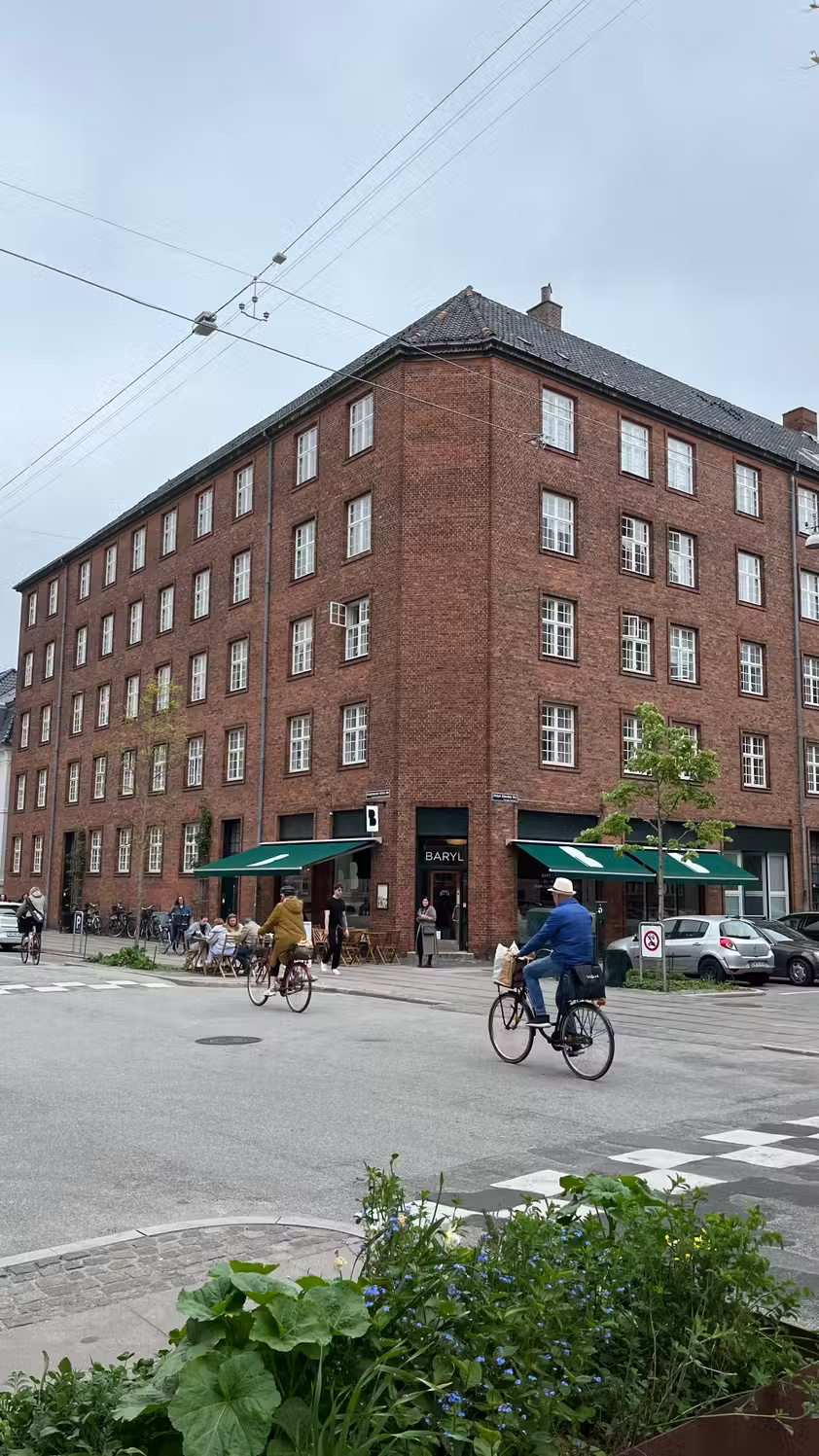
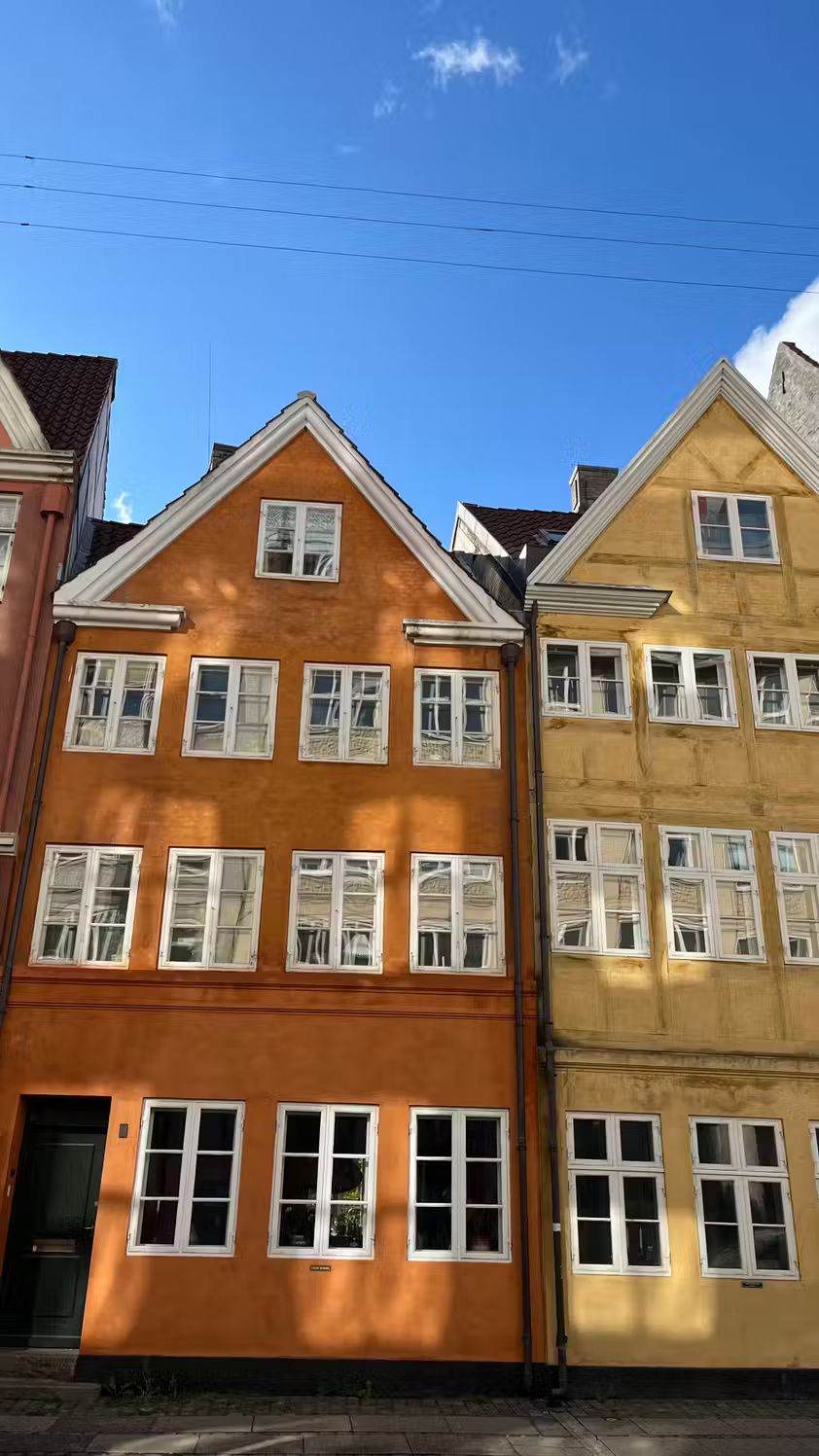
The 90-day challenge for better photos is similar to the 1,000 photos challenge, but there's no specific number of photos you have to take. One photo a day is enough, which is great if you're busy because it only takes a few seconds to take a photo.
Click Community recommends doing this challenge in the summer, but it will also work in the fall and winter. Here are some ideas you can jot down:
- Celebrate the holiday season
- How the landscape changes with the seasons (e.g., recording the same location multiple days in a row)
- Change the color scheme in your home (for example, change up your wardrobe and bring out wool blankets in the cold months)
Click Community also offers a number of recommendations, some of which can be applied year-round. Using your phone helps reduce pressure when participating in this challenge. You'll feel more creative and realize that while your phone will never replace your camera, it's still a powerful tool when used properly.
4. Expert Photography's 30-day photography challenge
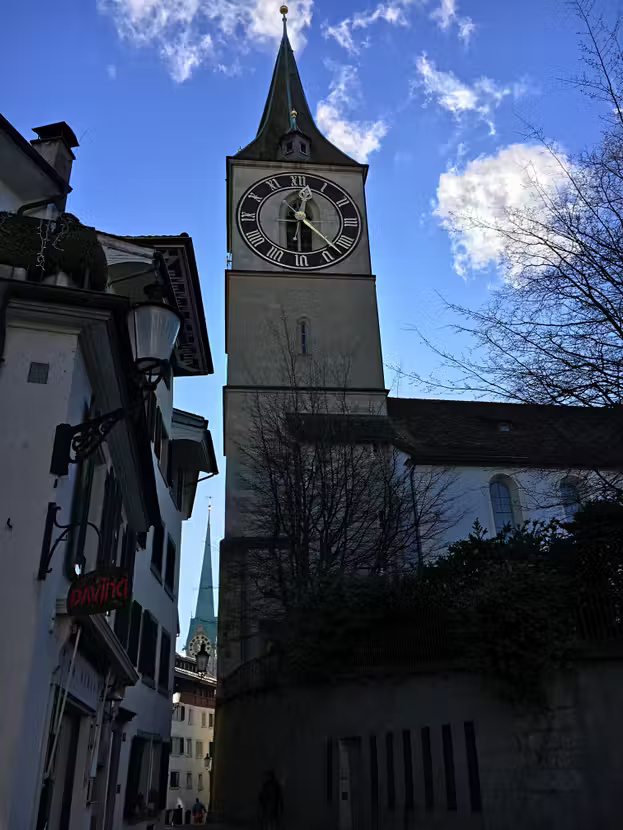
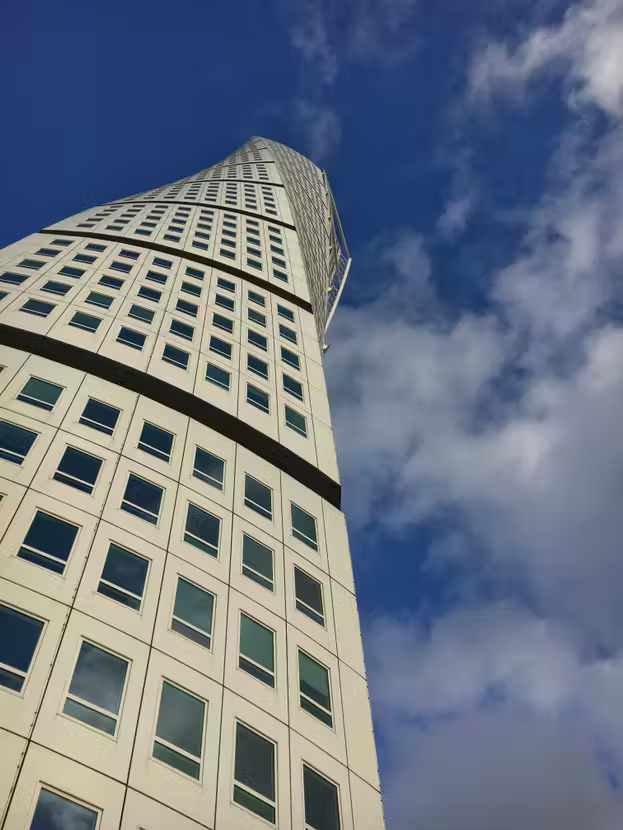
While the previous challenge only required taking photos every day for 90 days, Expert Photography takes a slightly different approach. Every day, you will have a new subject to photograph.
One of the best things about photography challenges that can be done using a DSLR is that they are more difficult when done with a smartphone. For this reason, you have plenty of space to grow. Many people don't like daily challenges, but at least you'll learn what you like and don't like. After completing this challenge, you'll also feel more able to think outside the box.
5. Contrastly's Natural Light Challenge
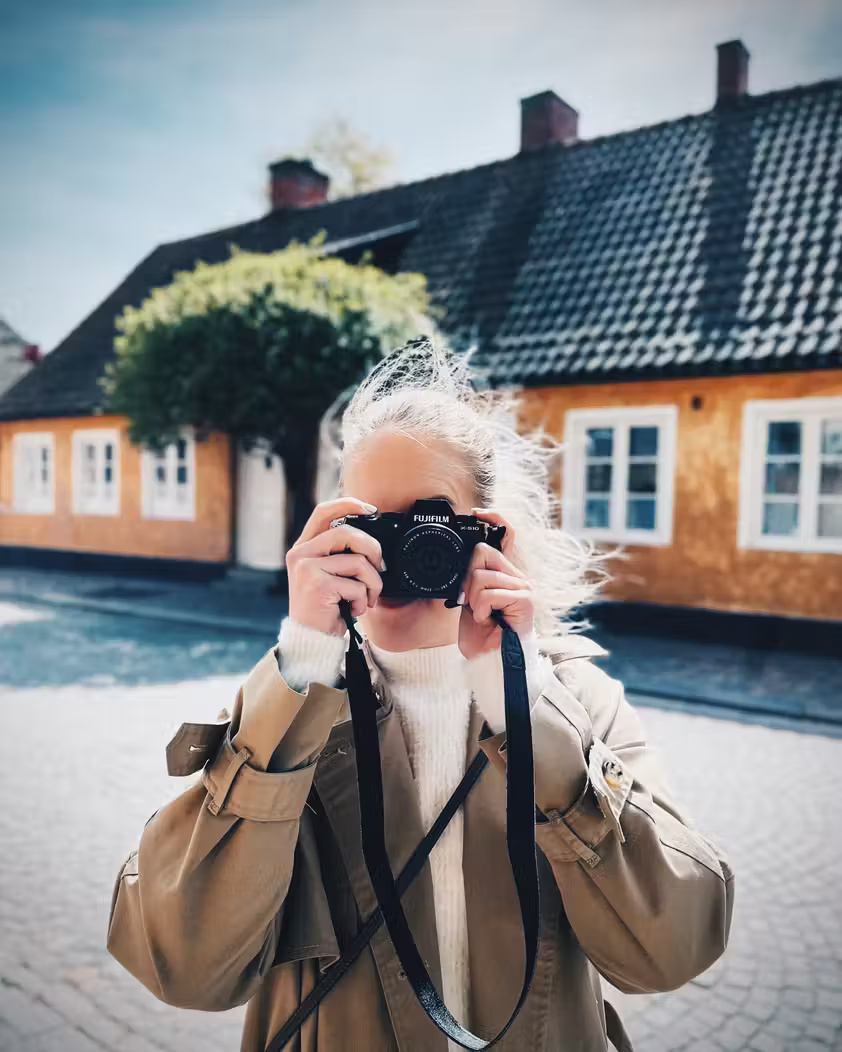
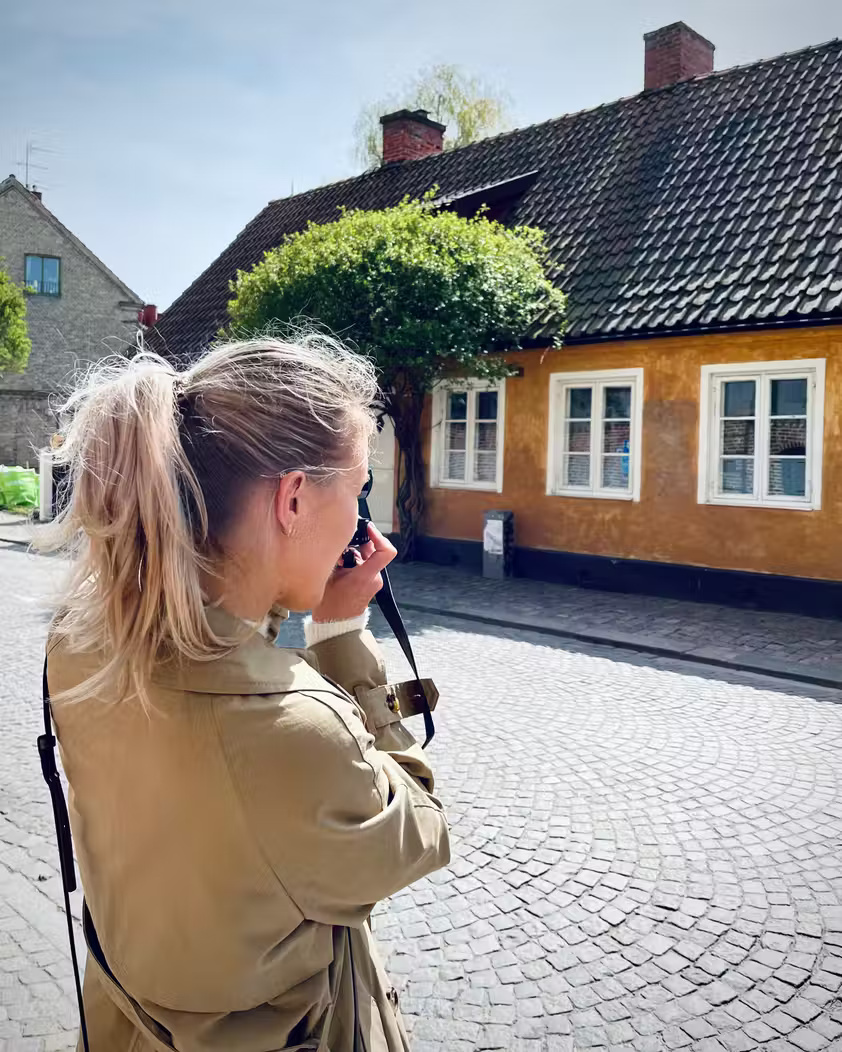
Compared to DSLR cameras, taking photos in natural light conditions is more difficult when using a smartphone. Interestingly, taking photos in unnatural lighting conditions with a smartphone is easier than using a DSLR camera. This natural light challenge from Contrastly focuses mainly on portrait photography.
The goal is simple: You need to take portrait photos in natural light. This challenge isn't just about taking photos of other people, you also need to think about what conditions will make your subject look best. For example, taking photos when it's too bright outside - like around noon in the summer - can create shadows that don't highlight the beauty of the person you're photographing.
If you don't have someone to take portraits with, you can always take photos of your pets. Doing so can also help you develop further, as you need to think more about texture and other aspects.
While you can do many of these challenges with a DSLR camera, it's better to try them with a smartphone. Of course things will be more difficult, but that will lead to more growth and becoming a better photographer in the long run. Take on these challenges in any order you like!
Final Thoughts
Use the instructions and checks above in order, verify the result after each major step, and keep a backup whenever the process changes important files or system settings.
FAQ
What is Take photos with a smartphone used for?
Free photography challenges are an option and they will bring you surprising results!
Who should consider Take photos with a smartphone?
It is most useful for readers who need the features, workflow, or problem-solving approach described in this guide.
What should I check before using it?
Review compatibility, current software requirements, privacy or security settings, costs, and any limitations that could affect your workflow.
Related Articles
 6 Effective Exercises to Build Your Photography Skills7 minutes read
 Here Are 5 Skills That the University Will Teach You6 minutes read
 Don't Buy These 5 Smartphone Photography Gadgets!5 minutes read
 3 Apps to Help You Learn to Take Photos With Your Smartphone5 minutes read
 5 'Very Toxic' Tips Help Improve Photography Skills in Just 1 Minute3 minutes read
 The Best Address to Learn Photography Skills2 minutes read
Reader Comments 0
Sign in with email or Google to join the discussion.