Table of Contents
If files disappear from a USB drive, start with File Explorer > View > Show > Hidden items. A hidden file can still be present. A deleted or corrupted file requires a different approach. If you see unexpected shortcuts or executables, leave them unopened and scan the drive first.
Show files and check for suspicious shortcuts
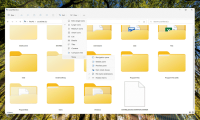
- Open the USB drive in File Explorer and show both Hidden items and File name extensions. An unfamiliar shortcut can use the same name and icon as a real folder.
- Scan the drive with your organization’s security tool or Windows Security, and follow its instructions if it detects malware. See how to scan an item in Windows.
- If your expected files appear and the scan is clear, copy known files to a separate drive and verify the copies. Leave unexpected shortcuts and programs behind.
See the guide to hidden USB files and suspicious shortcuts for more checks.
Use recovery software only for missing or deleted files
Stop saving to the USB. Install the recovery tool on a different drive and save recovered files to another location. If the USB stops responding, disconnects repeatedly or has important irreplaceable data, consider professional recovery before running multiple scans.
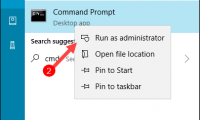
- Windows File Recovery: Microsoft’s command-line option supports external drives. Use the official instructions to choose the right mode and a separate destination.
- Recuva: A graphical option for scanning for deleted files on Windows. Preview what you can and verify the recovered files.
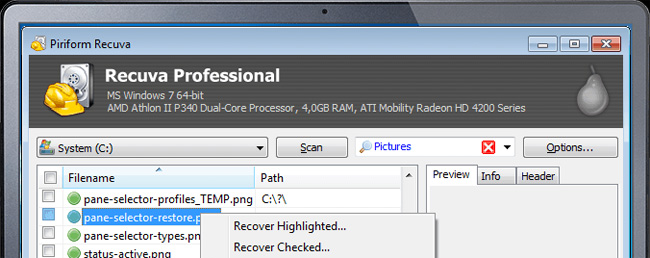
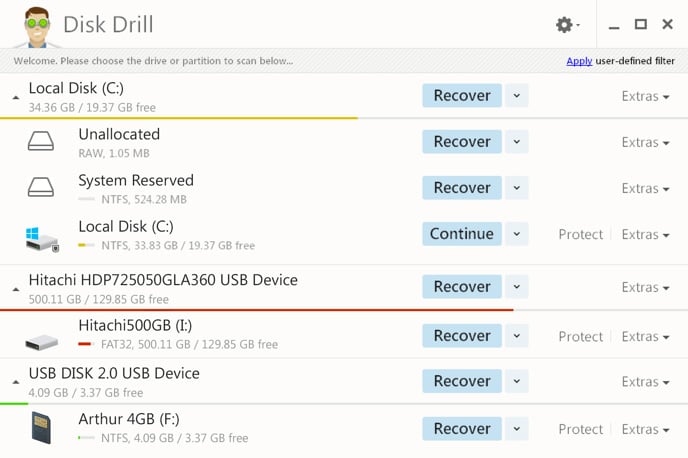
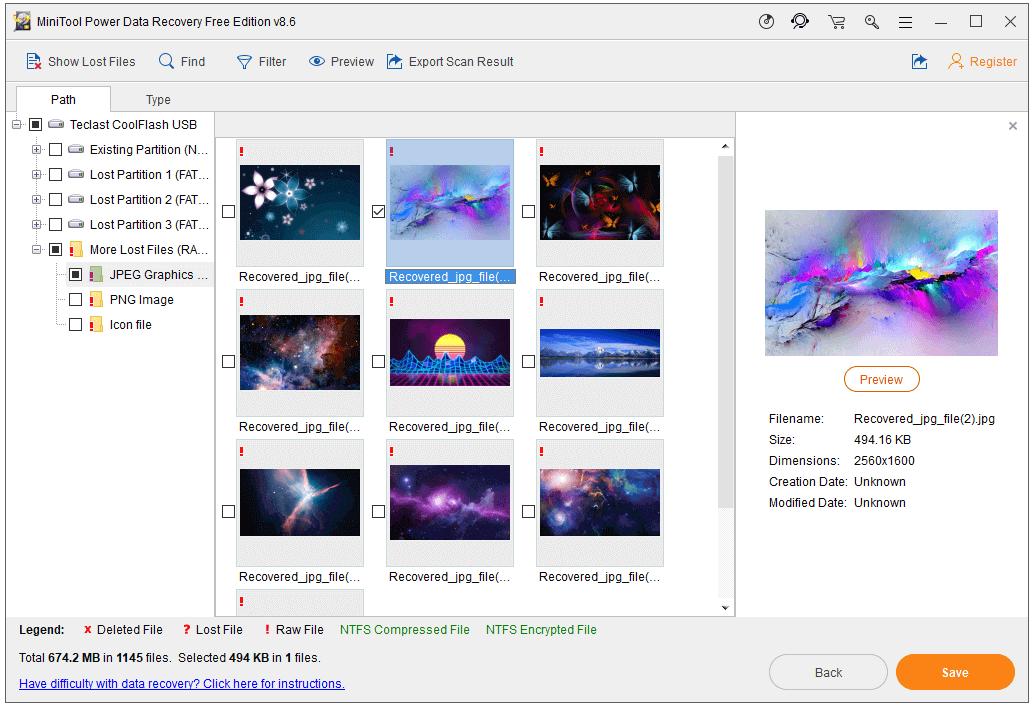
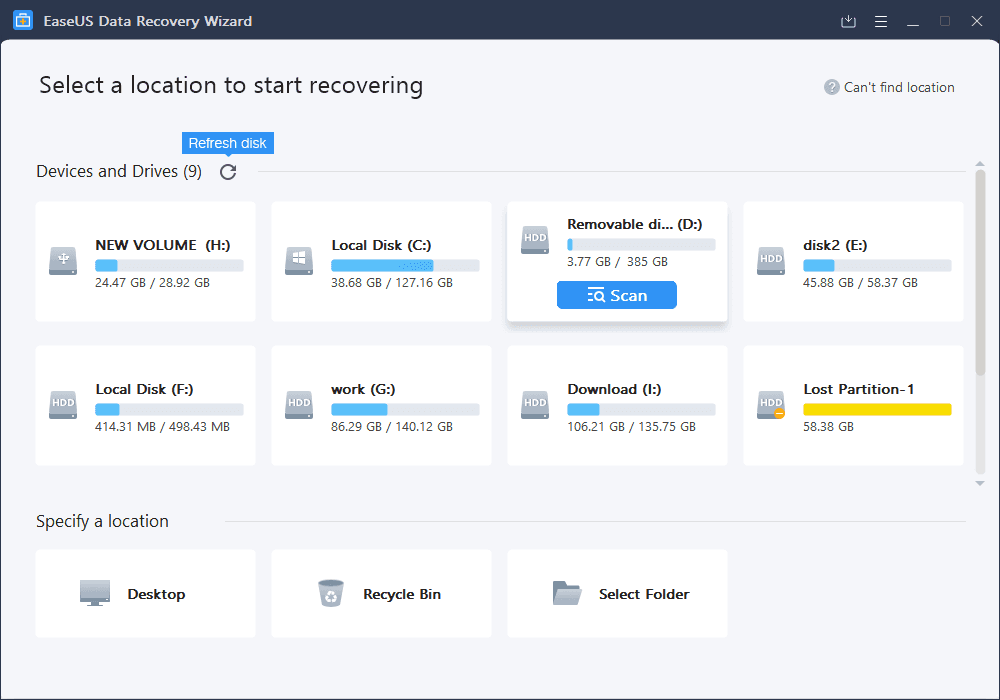
- Disk Drill, MiniTool Power Data Recovery and EaseUS Data Recovery Wizard: Other graphical tools that can scan and preview recoverable files. Check the current recovery limits and download only from the publisher if you choose one.
- PhotoRec: A file recovery option that can scan a drive or image. Recovered files may have generic names. See the PhotoRec guide.
What the older USB utilities did
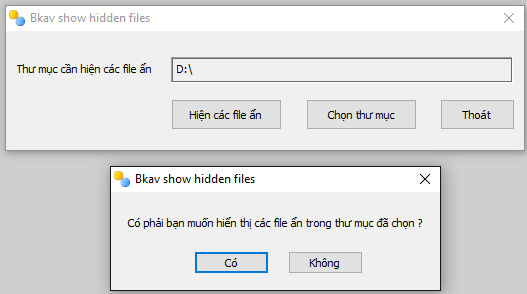
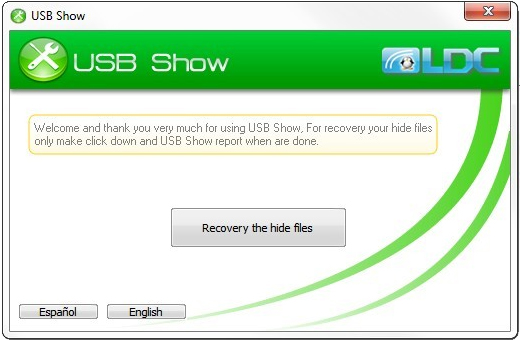
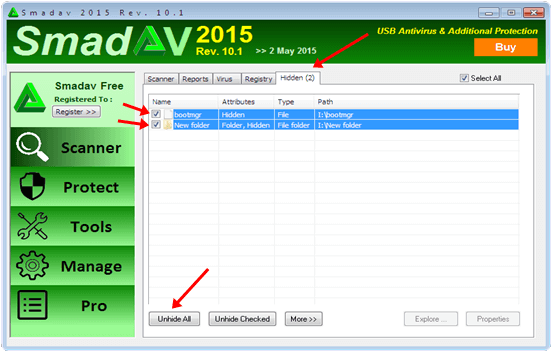
FixAttrb and USB Show were examples of tools designed to reveal files by changing attributes. Smadav was included as a USB-scanning tool. The screenshots show those older utilities. Start with the built-in Windows tools above. An attribute change cannot recover deleted files or establish that a drive is clean.
Reader Comments 0
Sign in with email or Google to join the discussion.