Table of Contents
Microsoft retired consumer Skype on May 5, 2025. Teams Free took its place for personal chats and video calls. Microsoft extended the Skype export window through June 2026. That published window has passed, so first check for a previously downloaded archive or data you already migrated to Teams.

Check Teams Free for migrated data
Sign in to Teams Free with the same personal Microsoft account you used for Skype. Search for a contact or a conversation you remember. If you are signed into a work or school account, switch to your personal account first. For exceptions and the details of the transition, see Microsoft’s Skype retirement notice.
Find a Skype archive you already downloaded
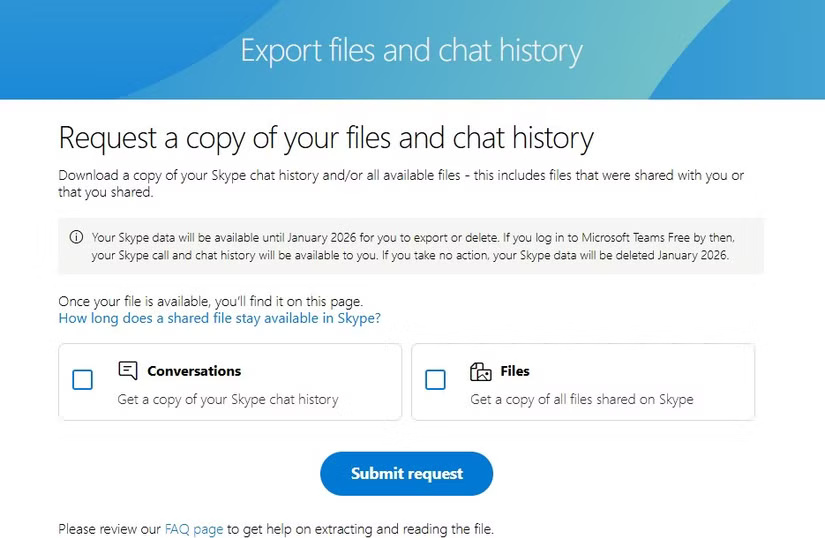
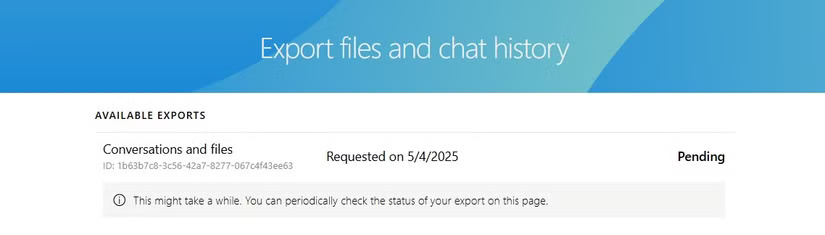
Check Downloads, an external drive, or a backup for the export archive. Make a copy before extracting it. Microsoft’s Skype export documentation explains how to open the saved archive and which media it can contain. These screenshots show the former request and download screens for reference.
Keep calling after Skype
For a video call, send your contacts a Teams meeting link or use a calling app you both have. See how to create and join a Teams meeting. If you used Skype to dial telephone numbers, confirm that the replacement supports those destinations and check its rates before signing up.
Microsoft Store screenshots from the original coverage
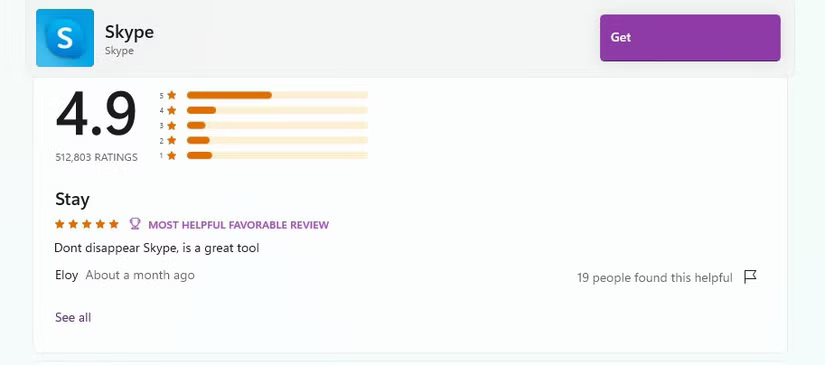
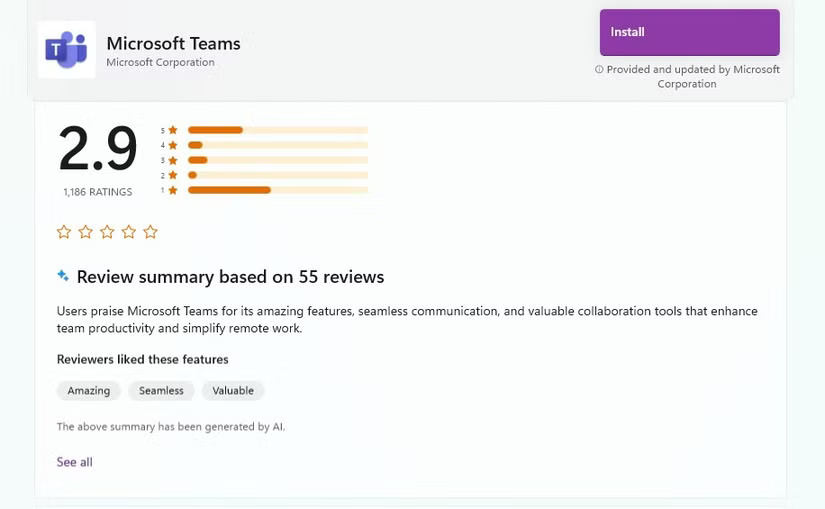
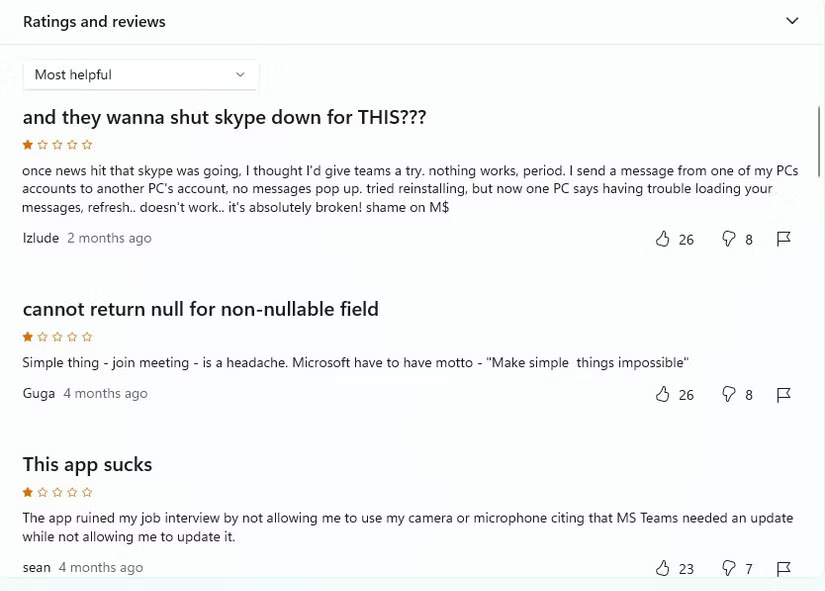
These screenshots capture the Store listings and reviews during the transition. They provide a record of how the apps appeared at the time.
Related Articles
 5 Best Skype Alternatives for International Calling
 Eliminate self-signed Skype in Outlook and OneDrive
 Microsoft launched Skype 8.0, Skype Classic will cease operation after September 1, 2018
 Instructions on how to write style letters on Skype
 Skype shortcut helps to work faster when chatting
 How to use Skype Web in the browser
Reader Comments 0
Sign in with email or Google to join the discussion.