Table of Contents
This guide provides a practical overview of Signs That Your Phone Is Infected with a Virus, including its main features, benefits, limitations, and important considerations.
1. Show ads on the desktop
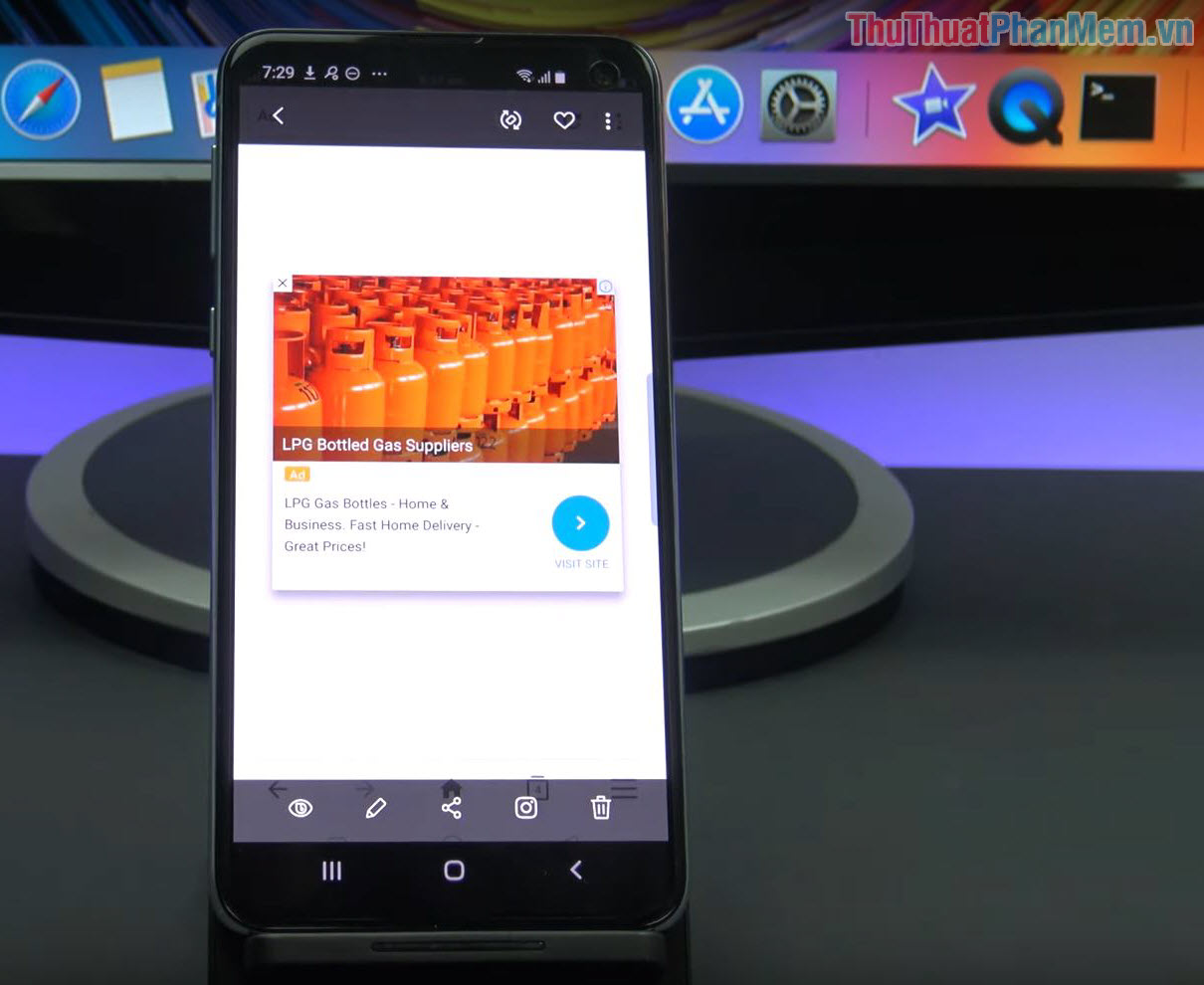
Typically, ads will only appear when you use social networking applications, photo editors, games. and they are not licensed to display ads on the desktop (Home). If you see your phone does not open any applications and ads still appear, then surely you have encountered the Underground Virus is exploiting inside the phone. In this case, the virus directly affects the user experience, sometimes even frustrating you by constantly pressing the wrong ads on the screen.
2. Application often crashes, freeze, reload

When applications and viruses have access to the phone, the first thing they do is to run in the background to exploit information. In the background, the virus will have a feature that does not automatically exit when the RAM overflows and they take up a large amount of resources on the device. At this time, you will feel your mobile device is slower, laggy, applications are thrown out and need to be restarted. The most noticeable point is that when playing games, you will see the familiar games you play everyday slow down significantly and jerky lag continuously.
3. Battery capacity decreases rapidly
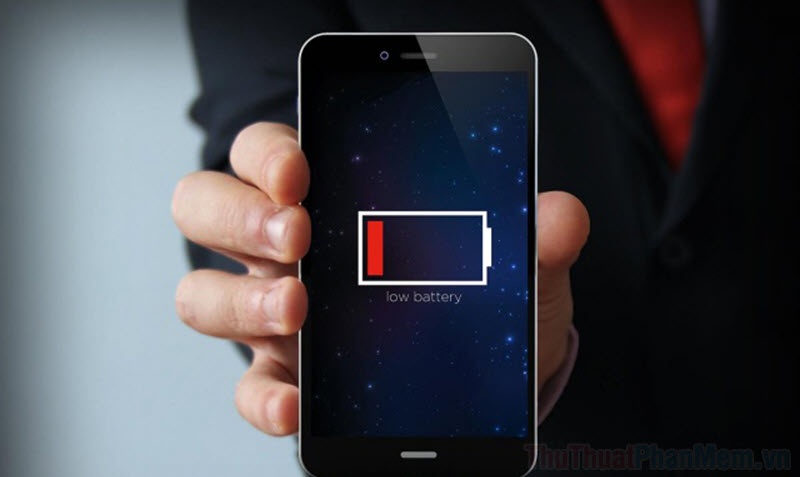
The continuous virus, Trojan running on the machine will cause your mobile device to drop battery quickly "no brake". However, this is not an effective way to detect Virus because the battery capacity is long or not, it depends on how you use and operate the phone. In the case of the virus consuming the battery, you will see this problem most clearly through the battery is always in a weak condition.
4. The emergence of a series of "strange applications"

Some types of Trojans and Viruses, when invading the phone, will silently install a variety of different applications on your phone, causing them to run out of space or virtual notifications appear more suddenly. If you encounter this situation, then removing the applications they install is not an effective solution because they are not radical. The best way is to use specialized software to detect the original Virus, Trojan and treat them as comprehensive as possible!
5. Unexplained money is deducted from the phone

Viruses are developed in many different directions and each virus has its own characteristics. A lot of viruses are built in the direction of mining money, the balance in your sim card by creating virtual messages sent to the call center, creating virtual calls. In this case you will see your phone is deduct money in an unclear manner, and especially for prepaid users who see it most clearly.
6. Image gallery appears "strange image"

To maximize spam and spam on your phone, the virus also has the ability to add images, logos, ads to the library as images. This problem is not too troublesome, they only take you time to delete images, clean the library constantly!
7. The good antivirus software on the phone
To solve the problem of viruses on phones today, manufacturers have deployed a variety of different software. In general, the software is equally effective and highly appreciated in handling malicious code, Trojan, Virus.
In general, getting Virus on your phone is a very annoying and annoying process during use, so you should find ways to handle them as effectively as possible.
FAQ
What should I know about Signs That Your Phone Is Infected with a Virus?
Focus on the key features, requirements, limitations, and practical use cases explained in this guide.
How do I get the best results with Signs That Your Phone Is Infected with a Virus?
Follow the recommended steps, use current software or information, confirm compatibility, and review settings before major changes.
Are there any risks or limitations?
Potential limitations depend on compatibility, data quality, cost, privacy, support, and how the product or method is used.
Related Articles
 Causes and Signs to Identify a Computer Infected with Virus7 minutes read
 How to Identify Computers Infected with Viruses with 1011 minutes read
 5 Ways to Tell If Your Mac Is Infected with a Virus15 minutes read
 3 Ways to Identify a Mac Infected with a Virus9 minutes read
 How to Fix Hacked / Infected Phone5 minutes read
 Can the Router Be Infected with a Virus?6 minutes read
Reader Comments 0
Sign in with email or Google to join the discussion.