Table of Contents
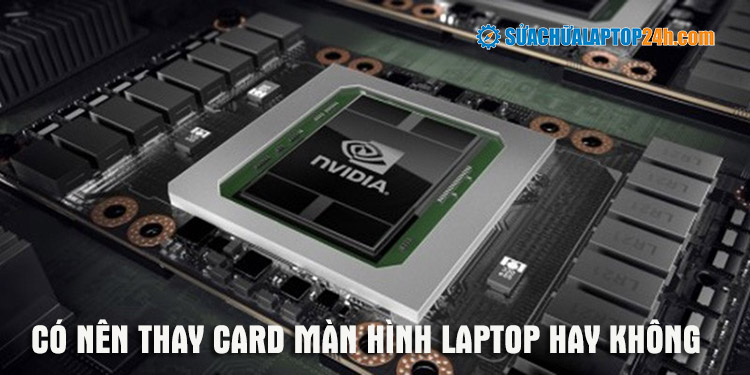
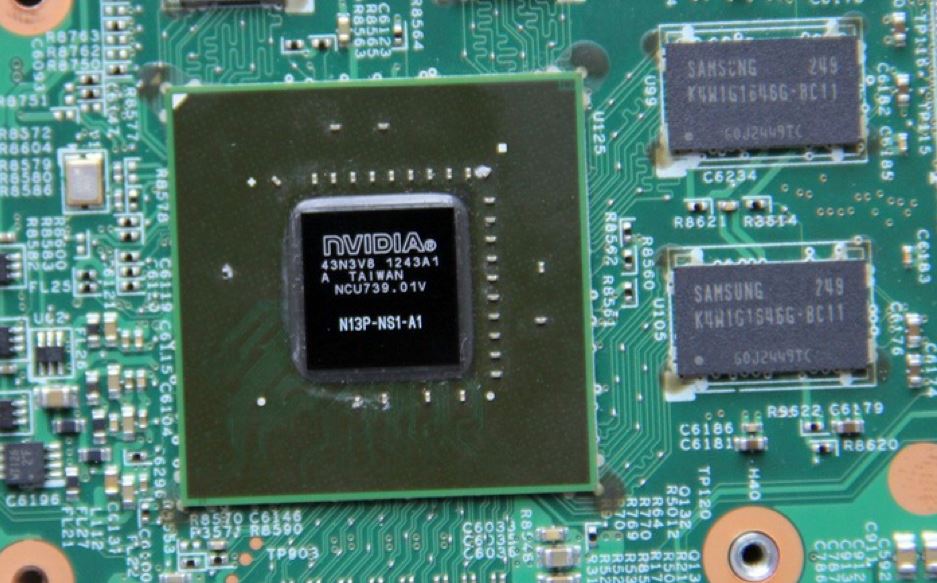
Replace a laptop GPU only after you confirm it failed and check how it is attached. Many discrete laptop GPUs are soldered to the motherboard. A technician may quote a board repair or replacement instead of a separate graphics card.

Check whether the GPU is actually failing
A blank screen, colored lines, or a crash under load can also come from the display cable, panel, cooling, power, or driver. Compare the built-in screen with a known-good external monitor. Note whether artifacts appear before Windows loads or only in one app. If the symptoms started after a driver update, check whether rolling it back changes the result.
Find out whether the GPU can be replaced
Look up the exact model and its service manual. Whether the processor is soldered is a separate question from whether the discrete GPU is removable. A few models use a replaceable graphics module. The module still has to match the laptop’s firmware, power, cooling, and supported-parts list.
Compare a repair quote with replacing the laptop
Ask what the shop has diagnosed, whether it will replace a module or the motherboard, whether the part is new or refurbished, and what warranty covers the repair. Prices vary with parts, labor, and location. Compare the total with the cost of a working replacement that meets your needs.
If the GPU still works but performance is poor, check which graphics hardware you have and whether the slow app uses it. If it gets the right GPU, compare your hardware with the app’s requirements before committing to a repair or upgrade.





Reader Comments 0
Sign in with email or Google to join the discussion.