Table of Contents
Explore sd maid se -- an open-source Android cleaning app, including the key concepts, practical examples, important considerations, and useful guidance.
Remember Clean Master? There's a reason that app stopped working. But even now, some apps really do wonders at cleaning up junk on your phone. Open-source apps have advanced a lot, and SD Maid SE has become one of many people's new favorites.
What is SD Maid SE?
SD Maid 2/SE is a file manager and application that specializes in identifying which applications created specific files on your device. SD Maid 2/SE searches your device and compares files with installed applications to offer options for safely freeing up storage space.
What does SD Maid SE do with the phone?
It inspects and cleans all the hard-to-reach places
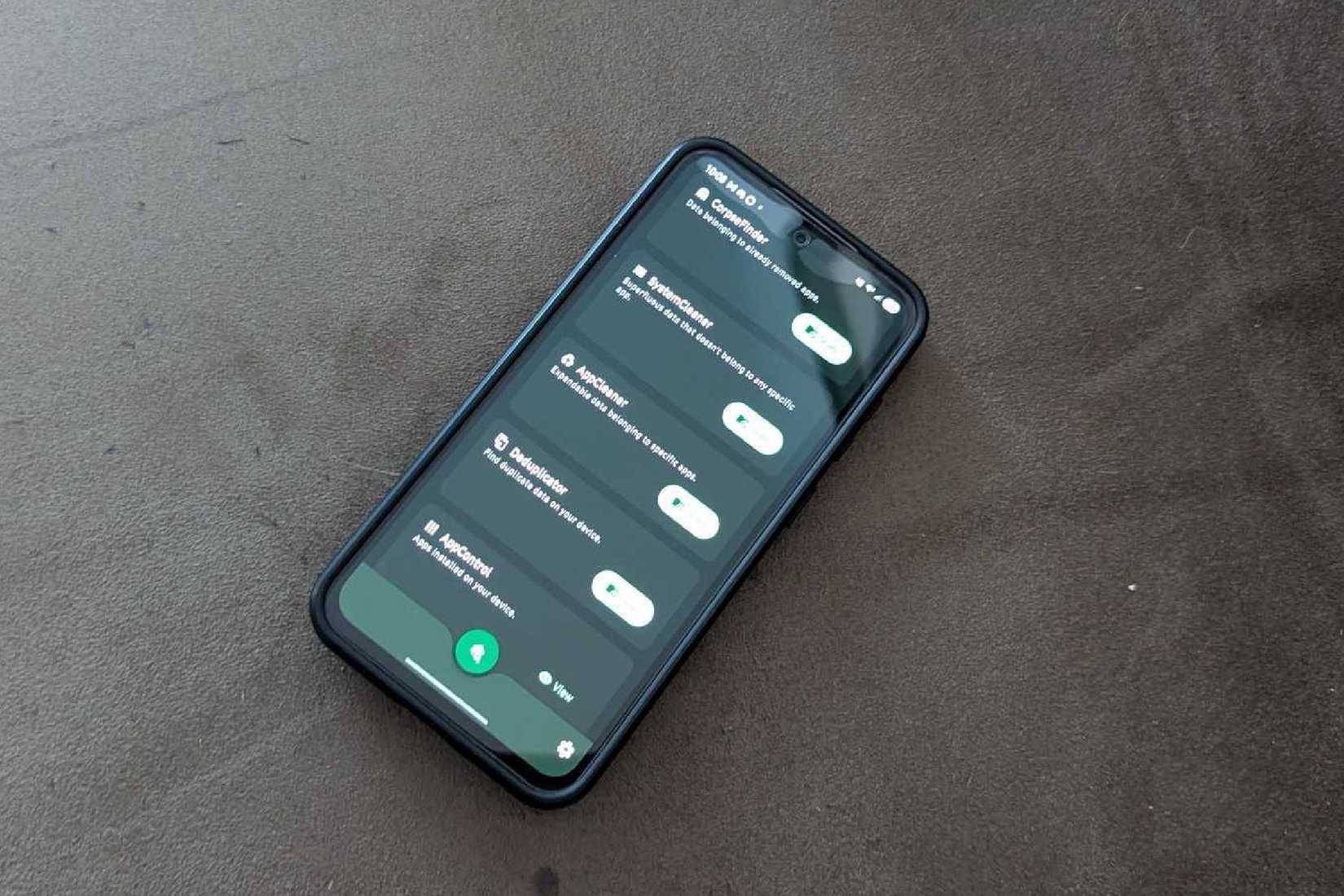
Apps like Clean Master trick users into downloading them, promising their phones will run faster, better, have longer battery life, and all sorts of other sweet talk. Meanwhile, they infect the phone with a bunch of junk software that automatically installs itself in the background. That's not good at all.
Having had negative experiences with other "cleaning" apps, many people were initially hesitant about SD Maid SE. But after researching and finding that it actually does a great job of removing unnecessary files, cleaning system junk, clearing app cache and duplicate files, many decided to try it for about a month. There were no downsides to using this app, and it cleaned up a significant amount of junk that you wouldn't even realize you had on your device.
You can set limits in SD Maid SE
Don't want a specific app or location to be cleaned? You can block it
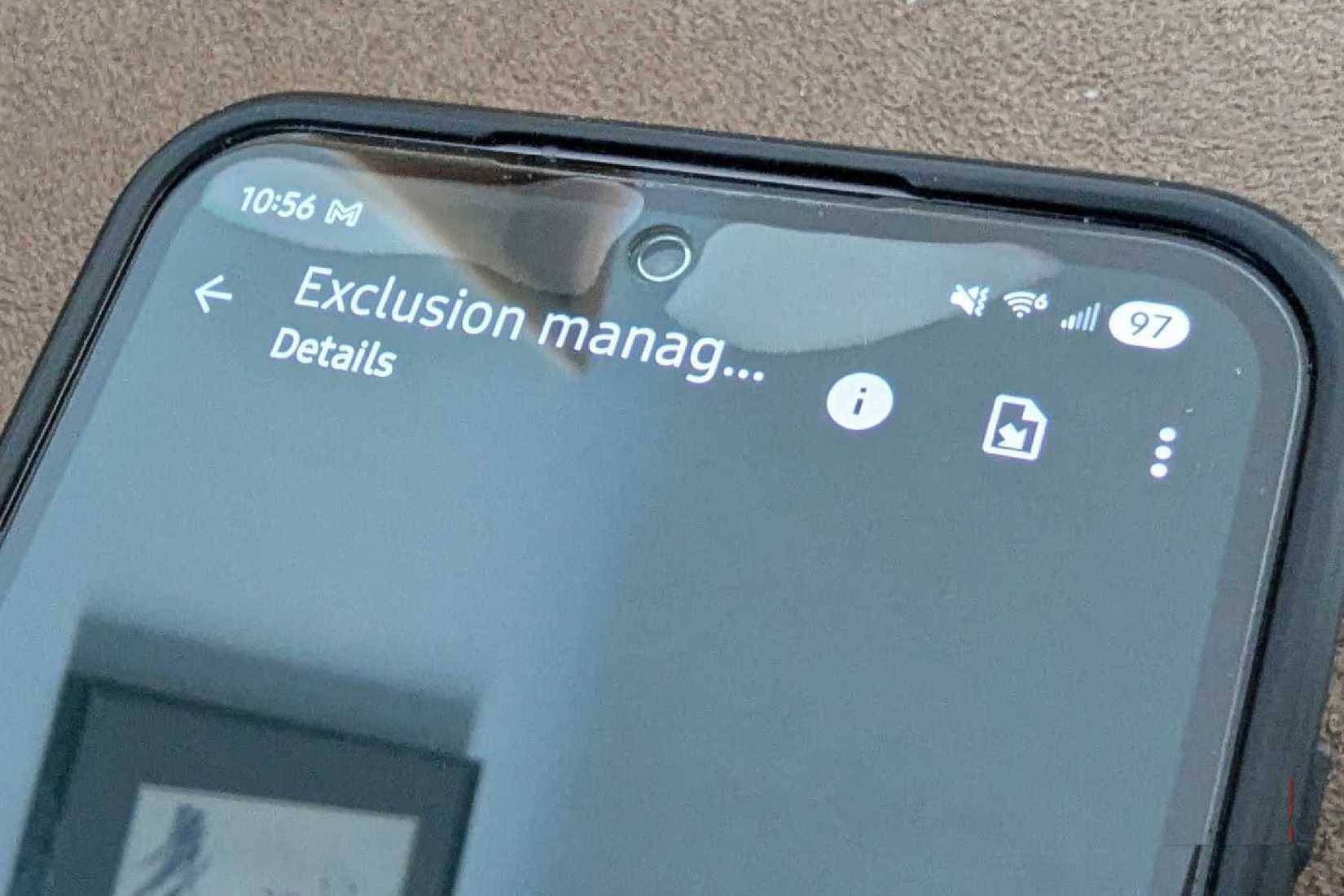
When first booting SD Maid SE after downloading it from the F-Droid store, many people quickly and eagerly start cleaning up as much junk as possible from their device. But this process will go into some folders they might not want to clean. All custom ringtones, mostly alarm ringtones, disappear. Now that you know you can set specific exceptions for apps, paths, or even device partitions, you can ensure they won't be lost in the future.
SD Maid SE requests several permissions when you launch it for the first time. These permissions allow it full access to your device, so it can find and remove as much junk as possible. If there are files you want to ensure remain unchanged, you should do this before running the application for the first time.
AppControl contains a lot of additional data
You might be surprised to learn how you installed an app for the first time
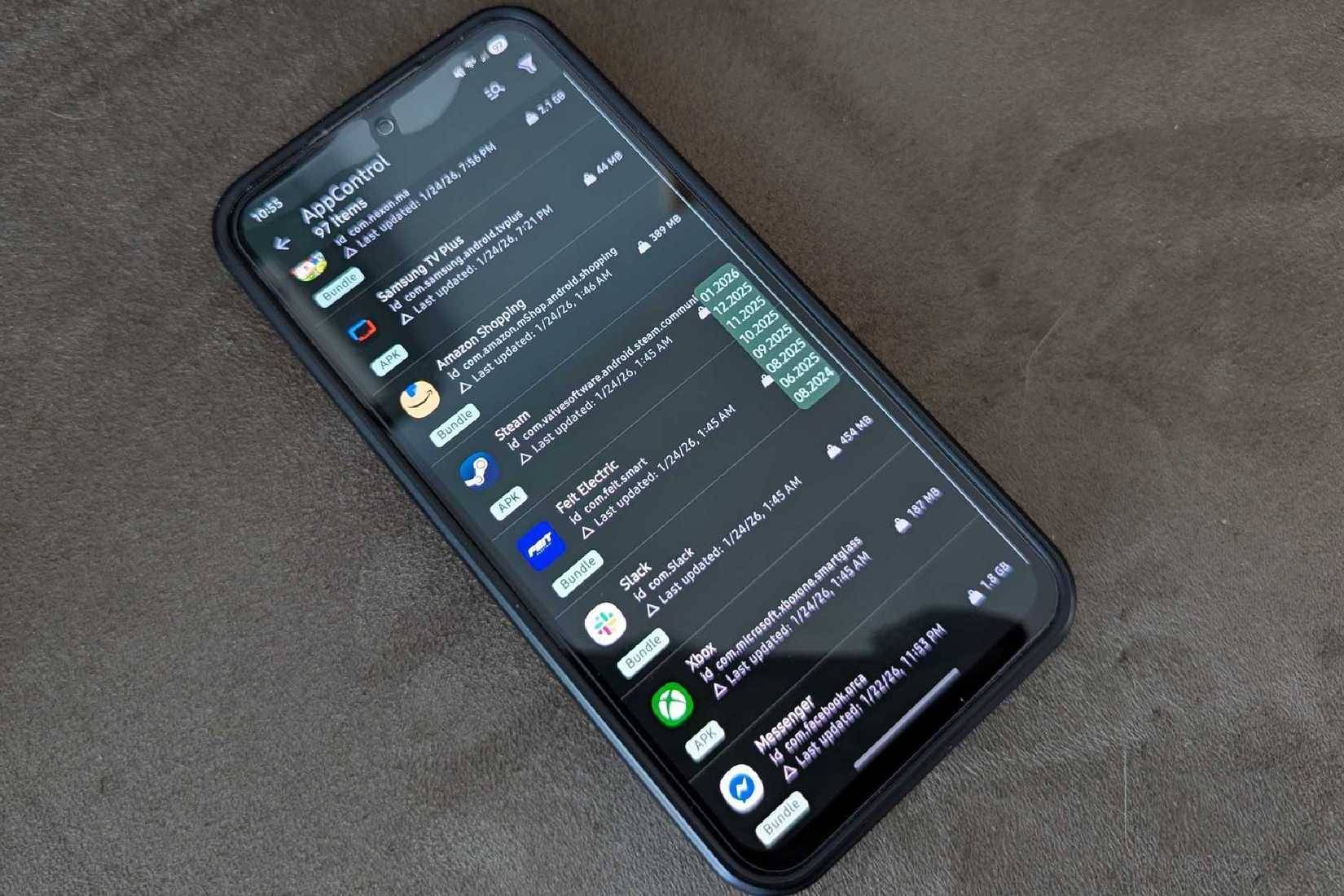
AppControl is one of the most beloved features on the SD Maid SE, primarily because it displays more data than initially expected. Many people like to keep track of everything on their device, but sometimes they hold onto apps they don't need for too long. AppControl shows the exact size of the app, when it was installed, and when it was last updated.
It works quite similarly to the built-in app manager on Android, but with more detail for the curious. You can also completely exclude an app from the built-in cleaner in this menu. Sort by size, installation date, or anything else to see what you can ultimately delete.
Final Thoughts
Understanding sd maid se -- an open-source android cleaning app makes it easier to evaluate the information and apply the most relevant recommendations. Focus on the key points above and verify details that may change over time.
FAQ
What is sd maid se -- an open-source android cleaning app?
Explore sd maid se -- an open-source Android cleaning app, including the key concepts, practical examples, important considerations, and useful guidance.
What key points does this article cover?
The article focuses on What is SD Maid SE?, What does SD Maid SE do with the phone?, It inspects and cleans all the hard-to-reach places, with practical explanations and examples.
How can you use this information in practice?
Use the explanations to compare options, verify important details, and make a more informed decision. Apply the recommendations that best match your goals and situation.
Related Articles
 10 Open Source Android Apps You Can't Live Without8 minutes read
 Okiaf, Maid Application: House Cleaning, Electricity and Water5 minutes read
 8 Best Best Garbage Cleaning Apps on Android5 minutes read
 Open Source Android Launcher: Best Options and Key Tips5 minutes read
 Can Open Source Technology Make Money?5 minutes read
 How to Clean Ps44 minutes read
Reader Comments 0
Sign in with email or Google to join the discussion.