Table of Contents
ASUS ROG (Republic of Gamers) is a gaming brand with monitors across different sizes and specifications. There is no single ROG display that suits every player: compare the exact model's resolution, refresh rate, panel type, ports, and price with your computer and the games you play.
What to compare before buying
Resolution and refresh rate
Higher resolutions show more detail but require more graphics performance. A higher refresh rate can make motion look smoother when your computer can produce enough frames. Choose a combination your graphics card can drive comfortably.

Panel type and screen size
ROG models may use different panel technologies, including IPS or OLED, depending on the product. Compare reviews and the manufacturer's specifications for the particular model; image quality, contrast, viewing angles, and other characteristics vary by display.

Adaptive sync and connections
Some models support NVIDIA G-SYNC, AMD FreeSync, or another adaptive-sync mode. These technologies can help reduce visible tearing when the monitor and graphics card work together, but support depends on the specific monitor, GPU, connection, and settings. Check the model's official specification sheet. Also make sure it has the inputs and stand adjustments you need.

Sound and extra features
Do not assume a monitor has speakers or a particular game mode. Check the model's specifications for built-in audio, ergonomic adjustments, eye-care options, and on-screen controls. Many gaming setups use a separate headset or speakers.

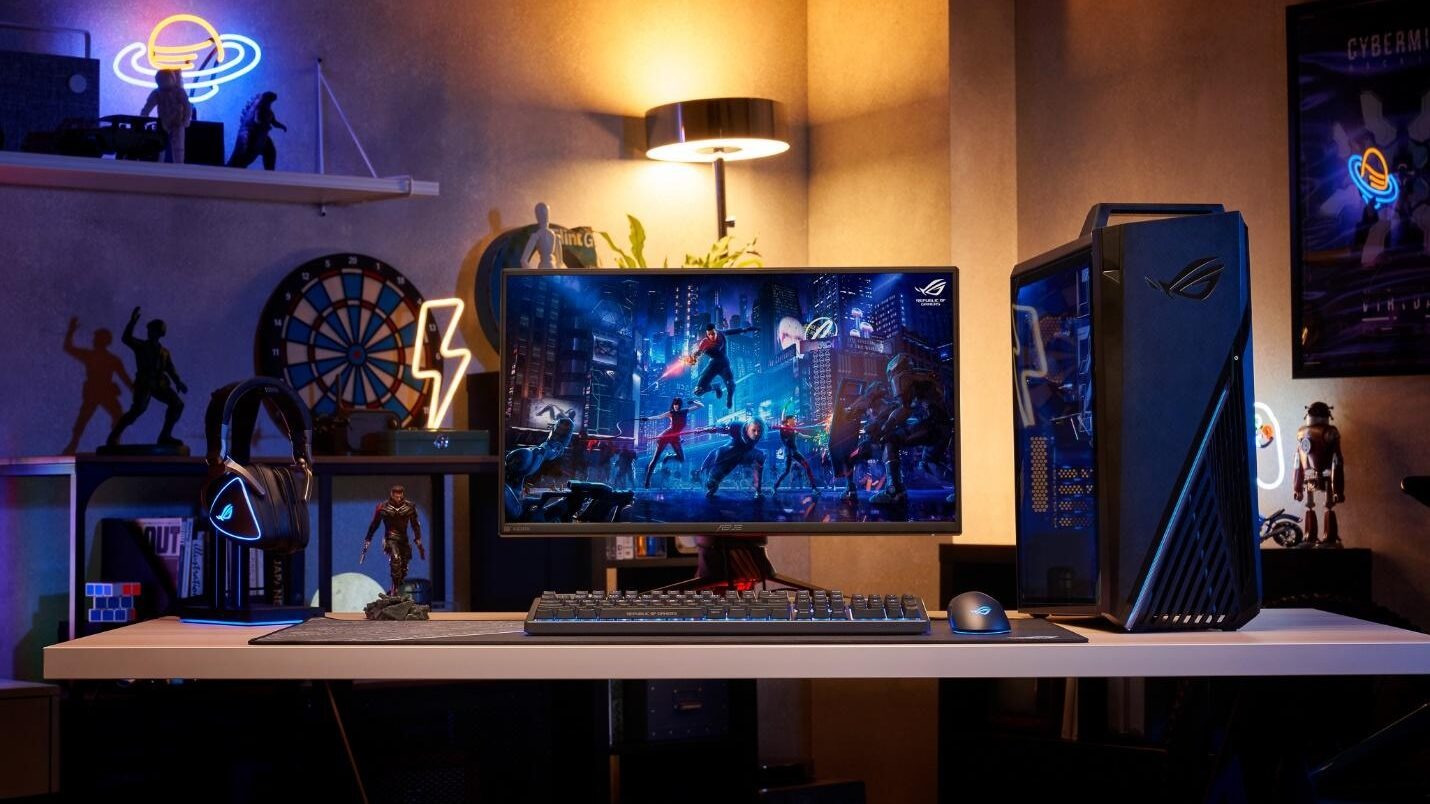
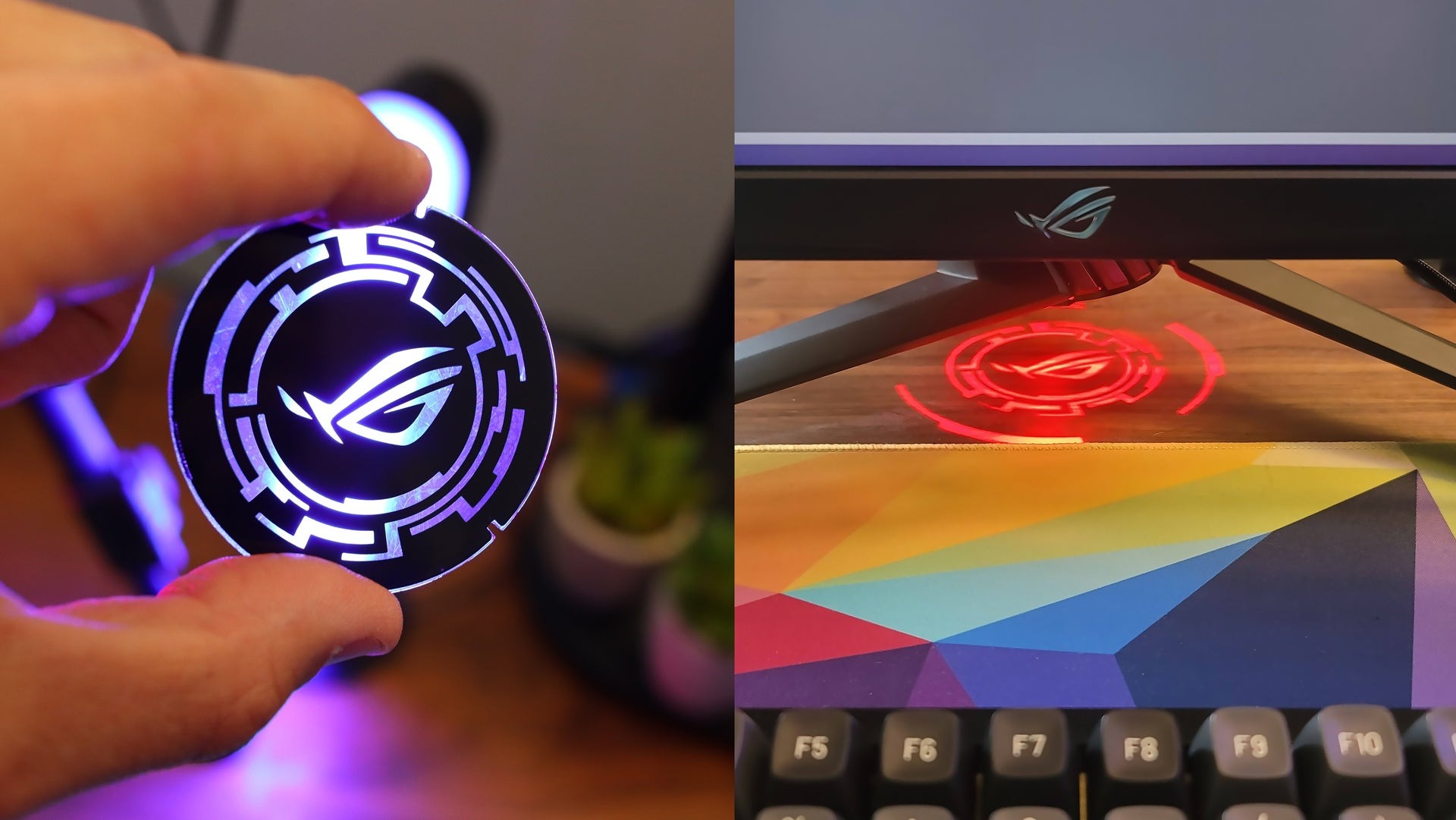
Before buying, compare the full model number and specifications rather than relying on brand-level claims. This helps ensure the display's capabilities match your games, hardware, desk, and budget.
Related Articles
 Hunting for Used Gaming Monitors and What You Should Know
 ASUS ROG Strix XG27JCG: 5K 180Hz and QHD 330Hz explained
 11 ways to start the Performance Monitor performance monitor in Windows
 How to work with Performance Monitor performance monitor in Windows
 4 checks before upgrading your gaming PC’s graphics card
 Does more RAM make a difference in gaming performance?
Reader Comments 0
Sign in with email or Google to join the discussion.