Table of Contents
Choose Pixlr for browser-based edits such as cropping, background cleanup and preparing a web image. Choose Photoshop desktop if you process RAW files, need precise masks or hand off complex PSDs to other editors. The best comparison is whether each app handles your typical input and exports the files you need.
Cost and platforms
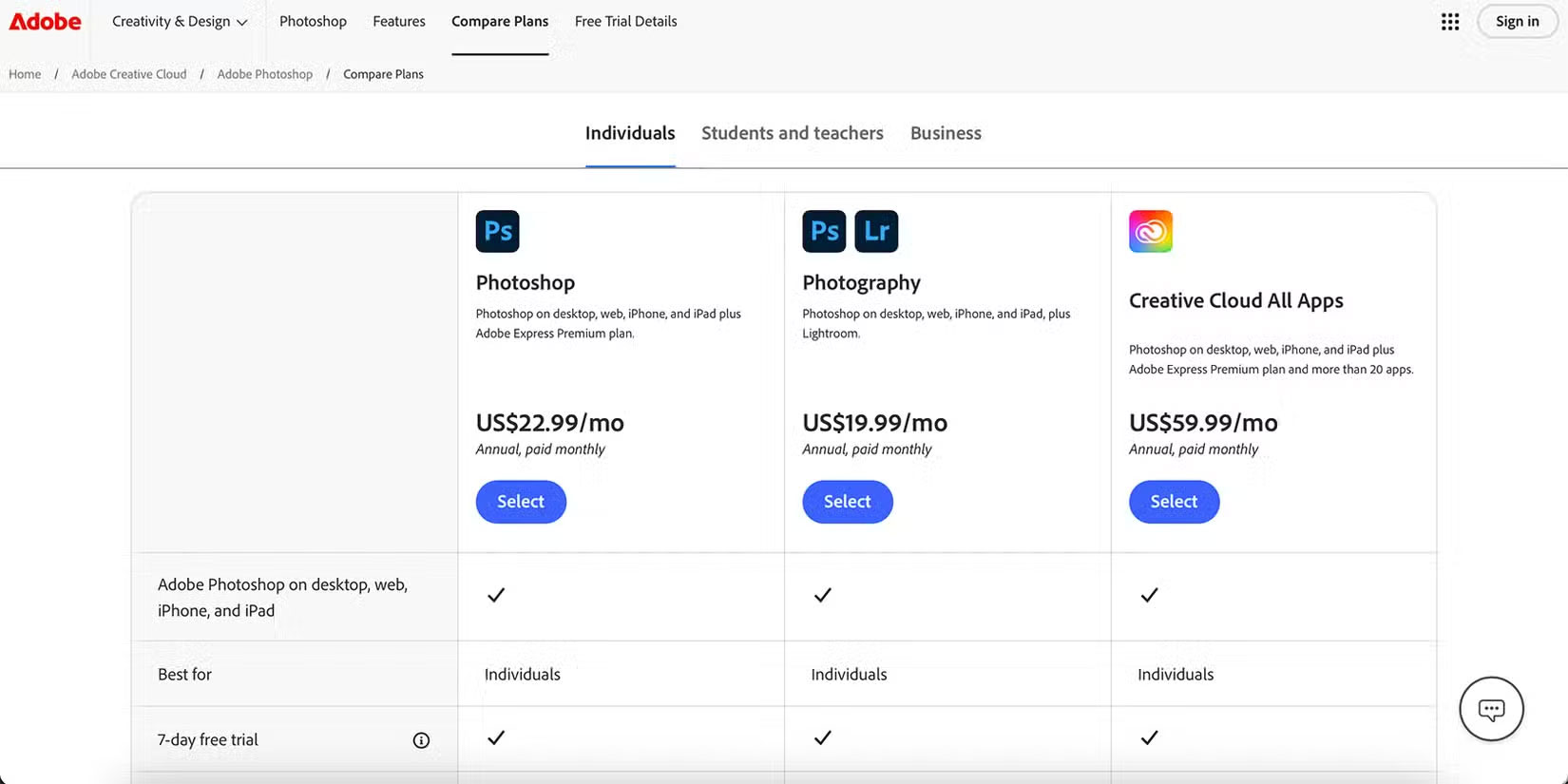
Pixlr provides free browser access with plan-dependent restrictions. Check Pixlr’s pricing page for limits on saves, ads and AI credits where you live. Photoshop has desktop, web and mobile versions with different features and entitlements. Check Adobe’s plan comparison before choosing a subscription, especially if you need the desktop editor.
Editing depth and repeatable work
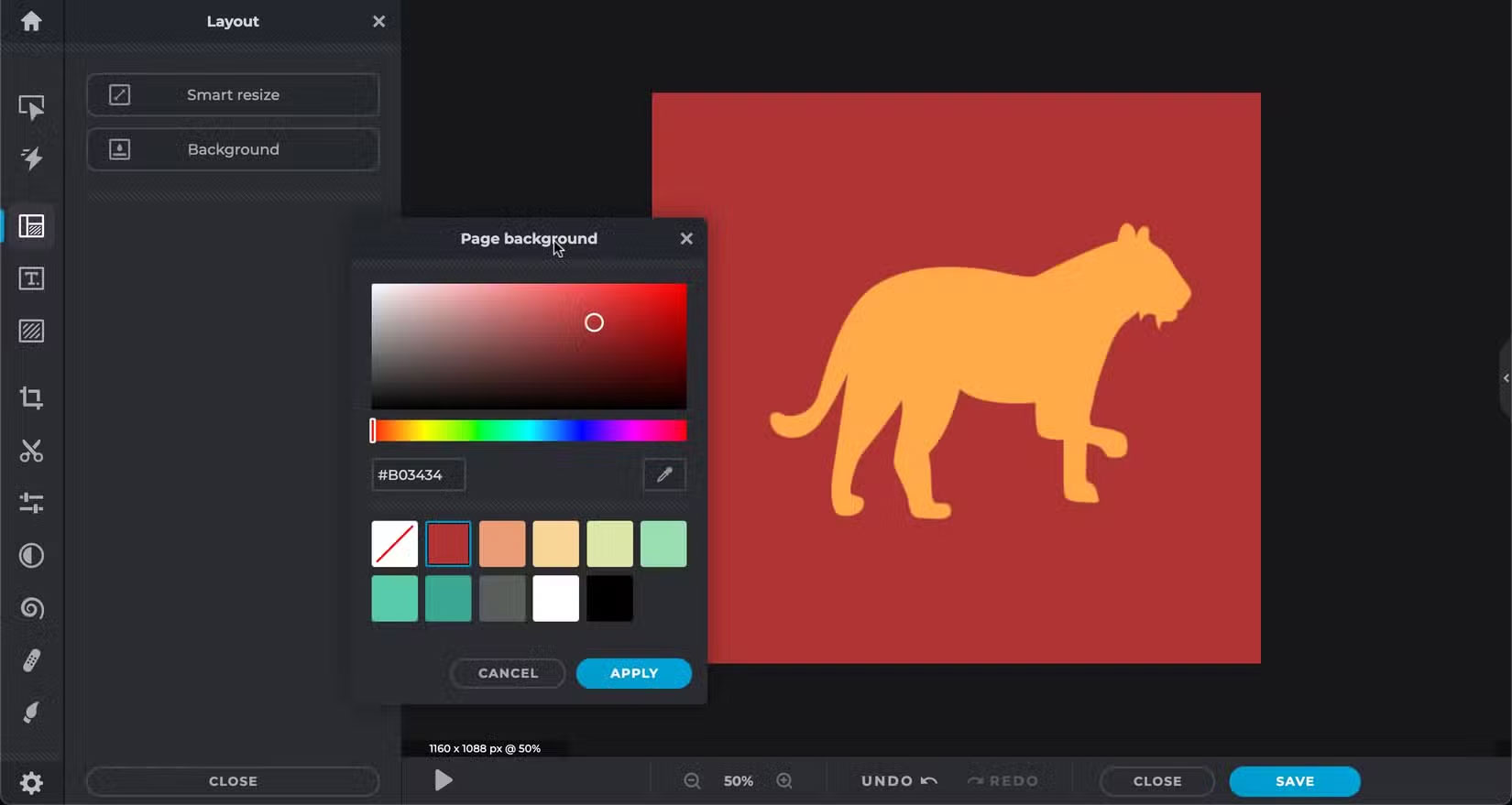
Pixlr Editor covers layers, selections, crops and common retouching. It is a practical choice for one-off web graphics and small edits without installing desktop software. See the Pixlr Editor overview for a tour of the browser tools.
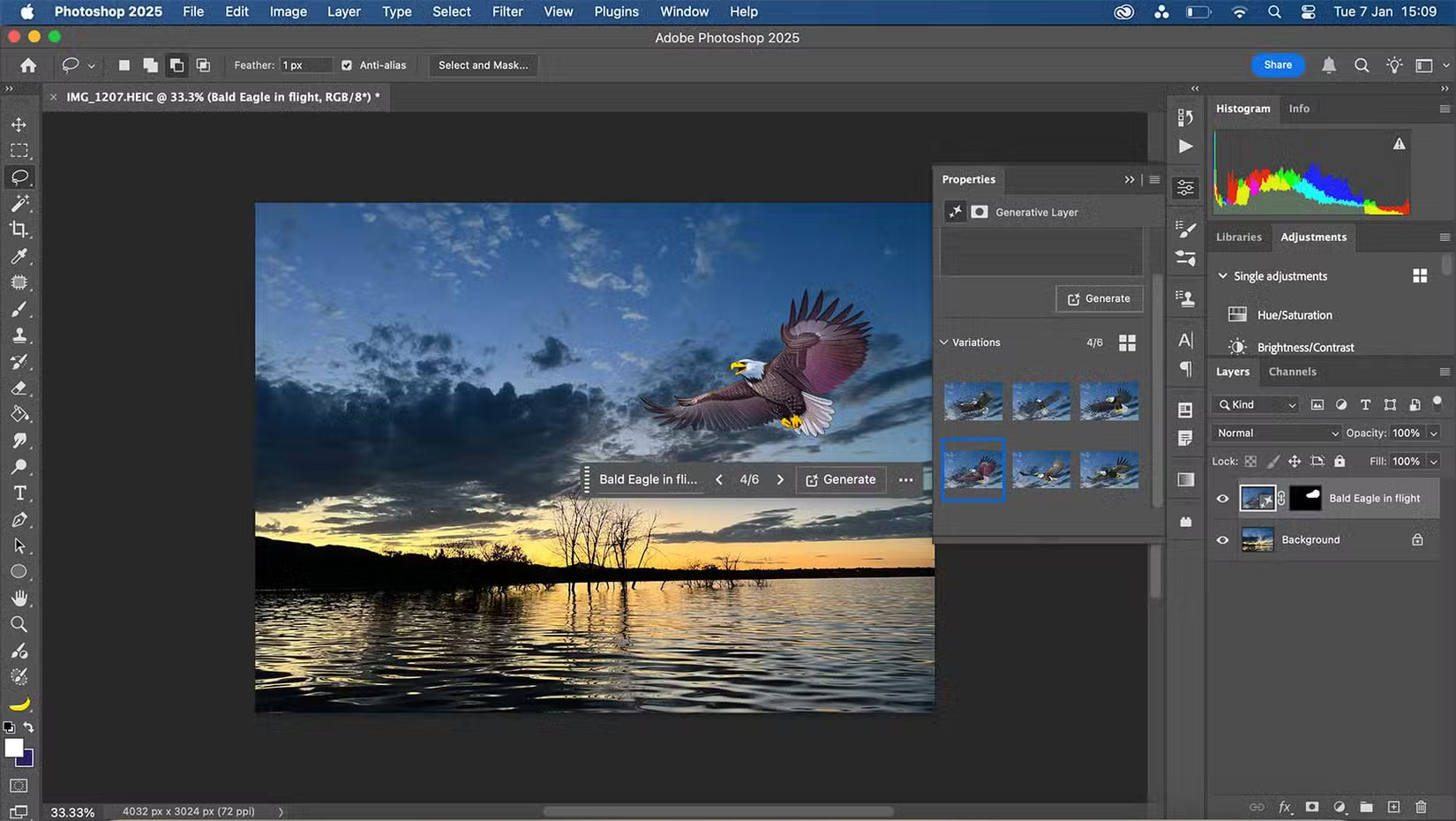
Photoshop desktop adds workflows for detailed masks, Smart Objects, batch Actions, plug-ins and Camera Raw. These matter when you repeat the same adjustments across many images or need a project someone else can reopen and refine.
AI tools and output
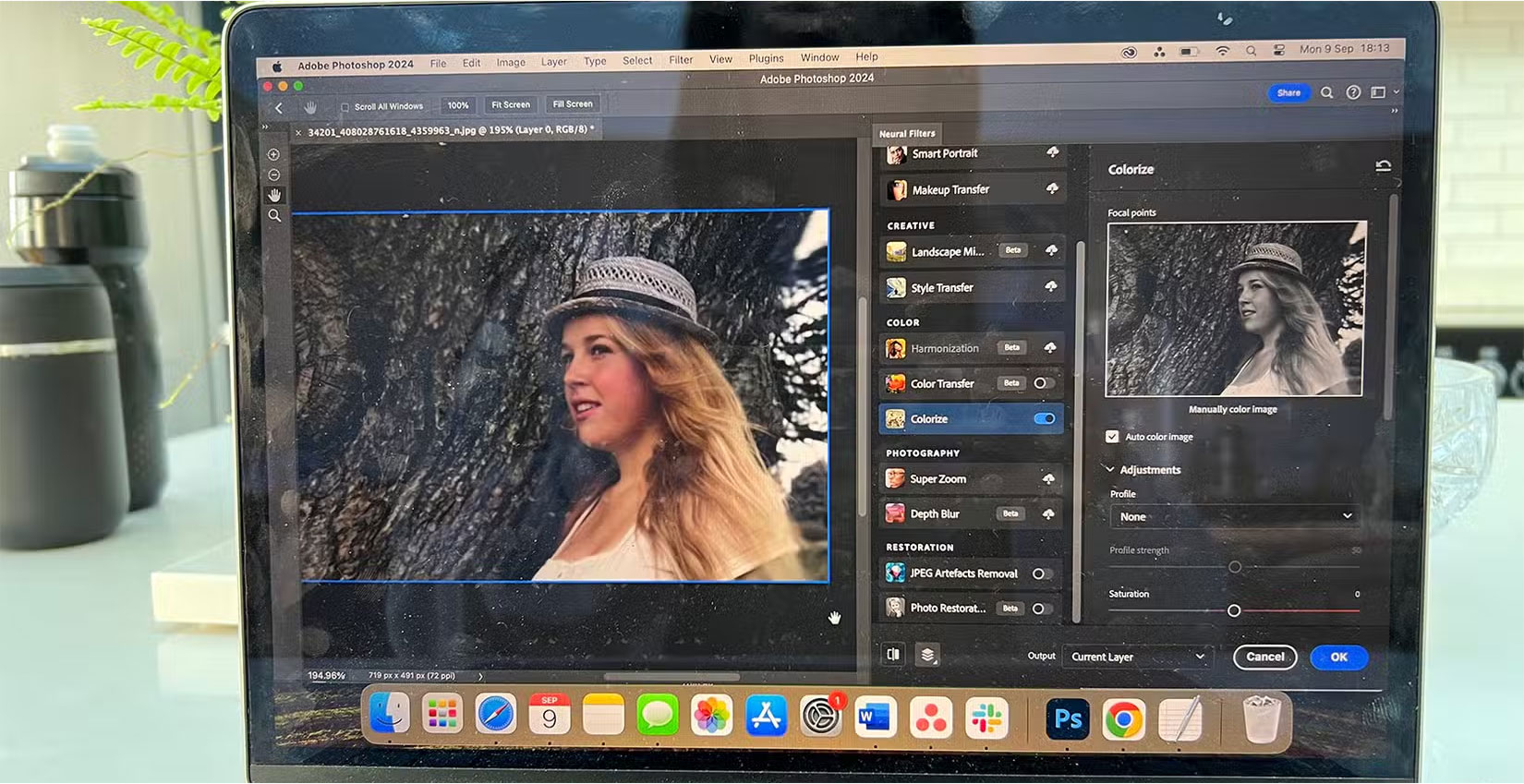
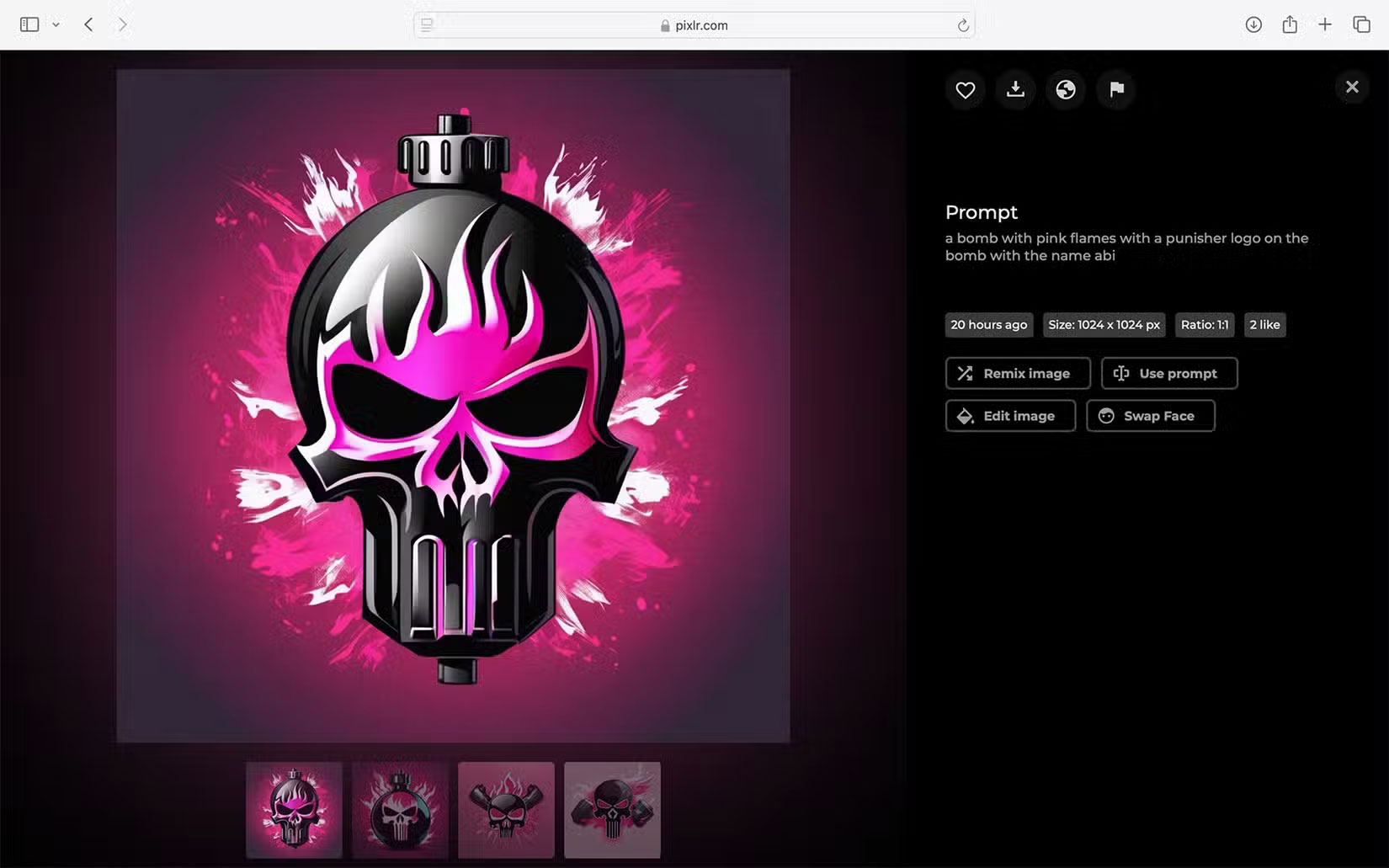
Both products offer automated selections or background removal as well as generative features. Check fine areas such as hair and transparent objects after using automatic tools. Evaluate the exported result at its intended size and read the plan’s credit limits if you use generative tools often.
File handoff and collaboration
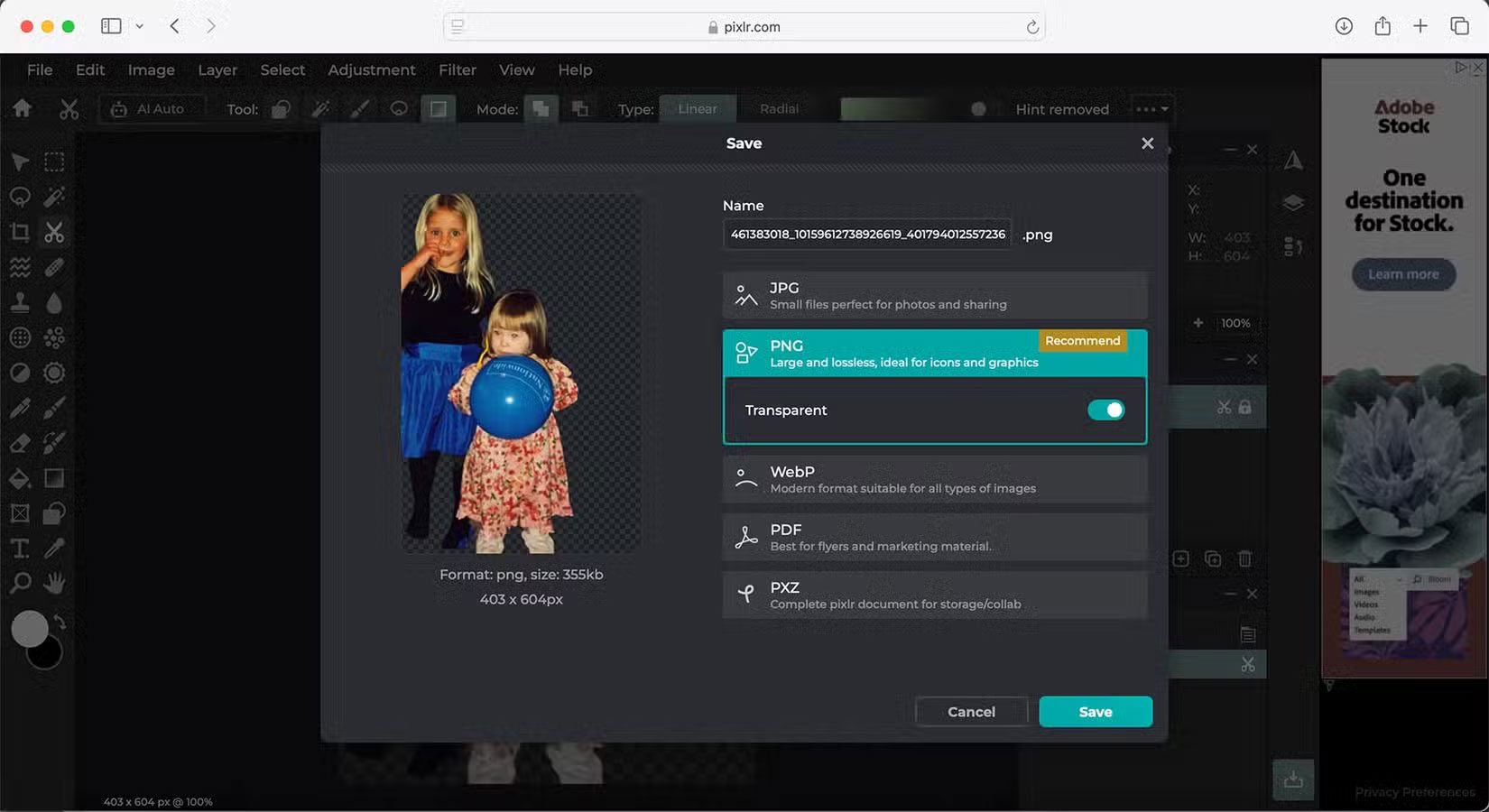
For a finished web image, PNG, JPEG and WebP cover common needs. For an editable handoff, open copies of your real files in both apps and check text, effects, masks and layer order. Pixlr can open PSD files but a complex file may not preserve every Photoshop feature. Keep the original before converting a working document.
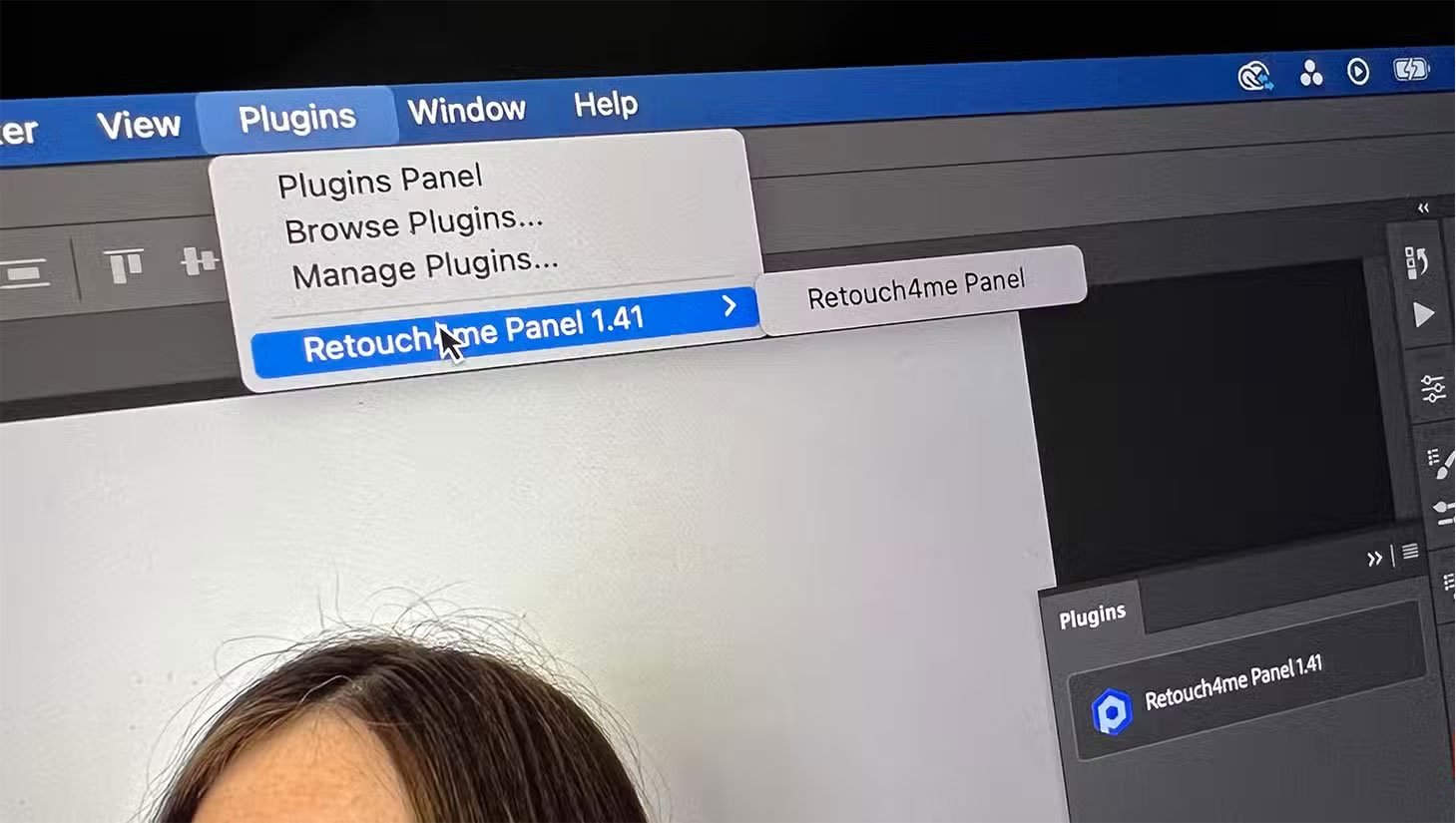
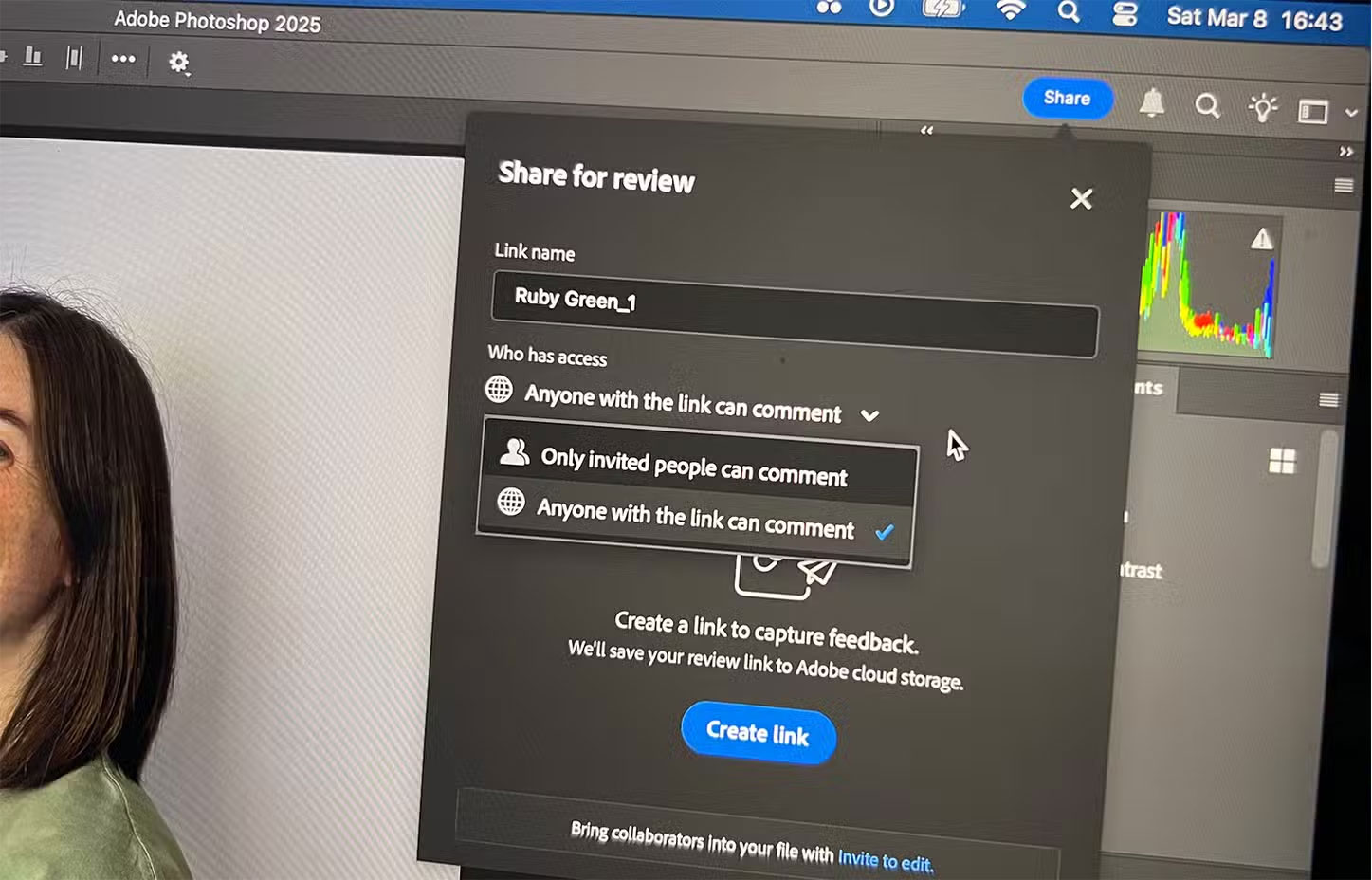
If you depend on plug-ins, test them in your installed Photoshop version. For team review, check whether colleagues can edit the same file or can only comment on a proof. Check permissions before sharing a client image through a link.
Try one representative job in each editor before paying. Time the edit, compare the exports and reopen the working files. If AI editing is your main requirement, see the AI photo editor comparison.
Related Articles
 Pixlr - Advanced photo editing tool
 Instructions for using Photoshop CS5 to edit photos in full set
 Free online photo editing services should not be missed!
 This tool will help you edit photos online, completely free
 Photoshop in ChatGPT: Useful Photo Edits and Practical Limits
 10 easiest photo editing software to use for beginners
Reader Comments 0
Sign in with email or Google to join the discussion.