Table of Contents
A TV can accept an HDR signal and still show weak highlights or gray-looking blacks. When comparing budget TVs, use format support to check compatibility, then use measured brightness, contrast, and color to judge picture quality.
What HDR labels tell you
HDR10, HDR10+, and Dolby Vision are signal formats. Support means a TV can handle that format. It tells you little about how bright a reflection can get, how dark the surrounding scene stays, or how well the TV adapts an HDR signal to the panel.

Compare brightness and contrast together
Check independent measurements for both small highlights and real scenes. A TV can make a tiny bright spot look good and still struggle with a large sunny scene. There is no single brightness cutoff that tells you whether HDR will look good in every room.
For LCD TVs, look at local dimming and how much light spills around bright objects on a dark background. OLED controls light per pixel. QLED describes a quantum-dot display and does not promise per-pixel dimming. See the guide to QLED, OLED, and UHD if you are comparing those labels.
Check color in bright scenes
Wide color gamut describes the range of colors a TV can show. Color volume also accounts for brightness. A TV that displays saturated colors in darker scenes may wash them out in bright ones. Look for measurements of both if vivid HDR color is important to you.
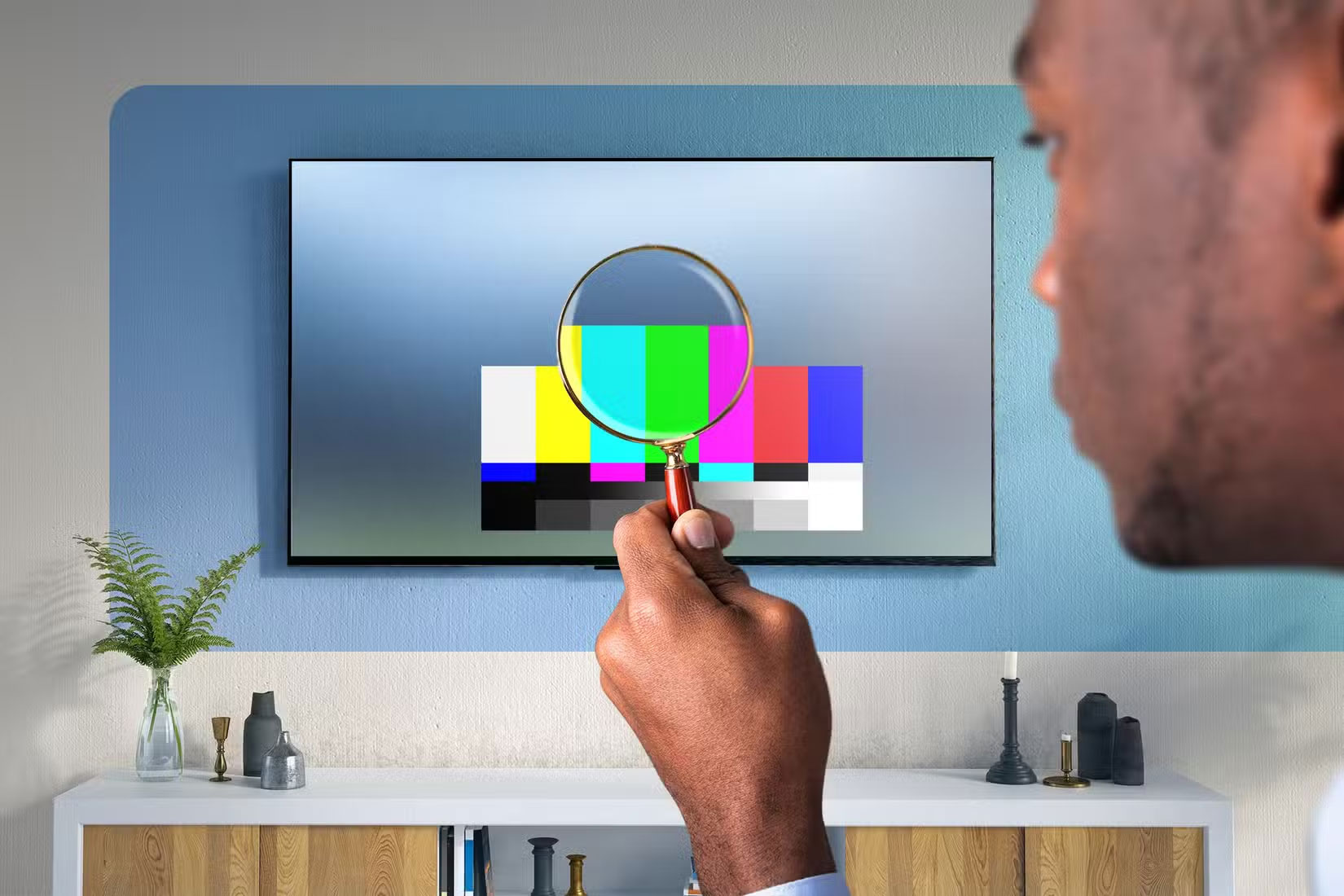
Test the TV with what you watch
- Compare reviews for the exact screen size and model. Configuration can vary within a series.
- Try a movie preset on a known HDR title. Check a dark scene with streetlights for halos and a bright outdoor scene for lost detail.
- If you play games, check HDR in Game Mode. Dimming and brightness can behave differently there.
- For a console or streaming box, confirm the TV indicates HDR playback and check whether that HDMI input needs an enhanced signal setting.
RTINGS explains how its HDR brightness tests capture different kinds of scenes, which can help you compare two models at the same price.






Reader Comments 0
Sign in with email or Google to join the discussion.