Table of Contents
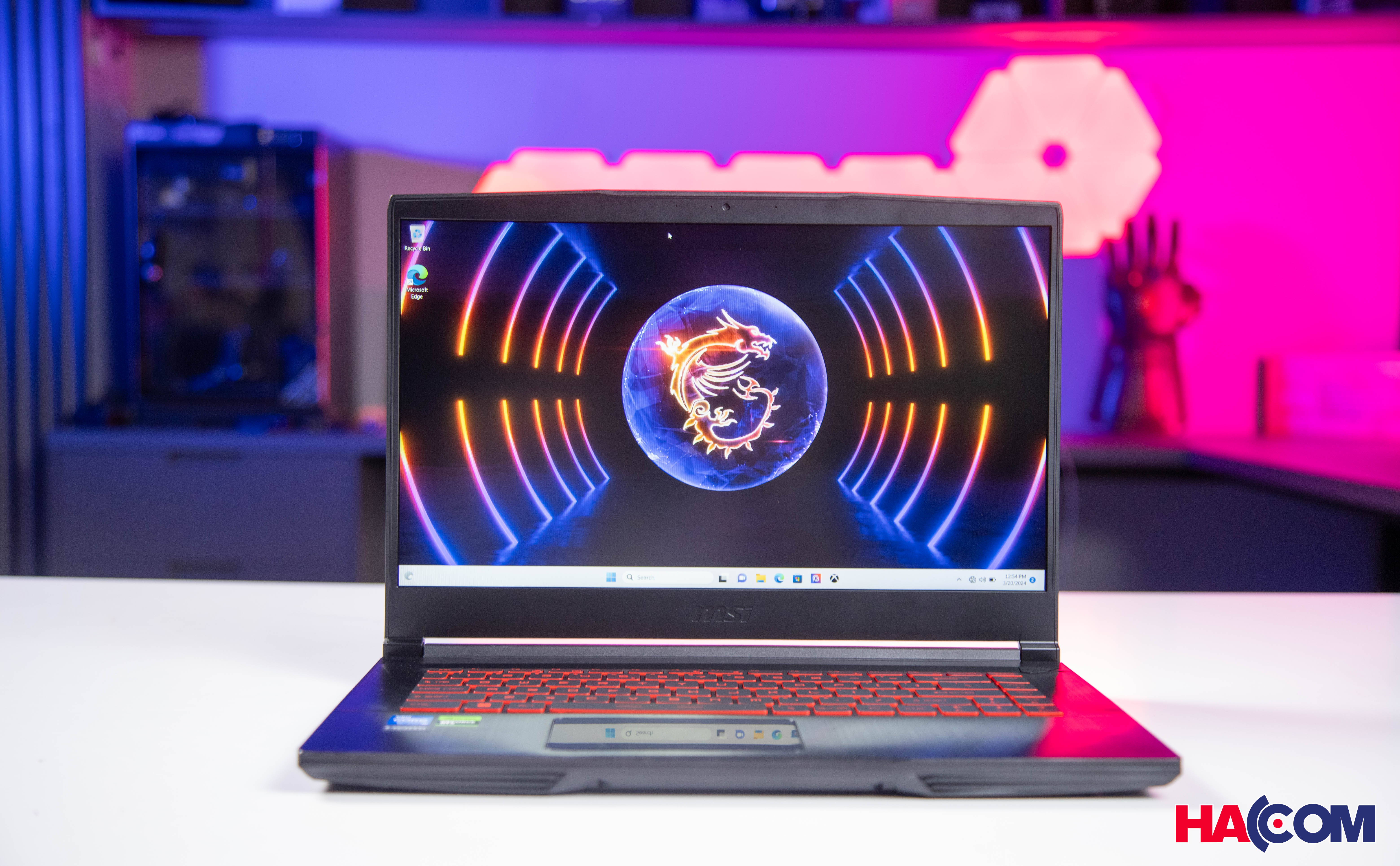
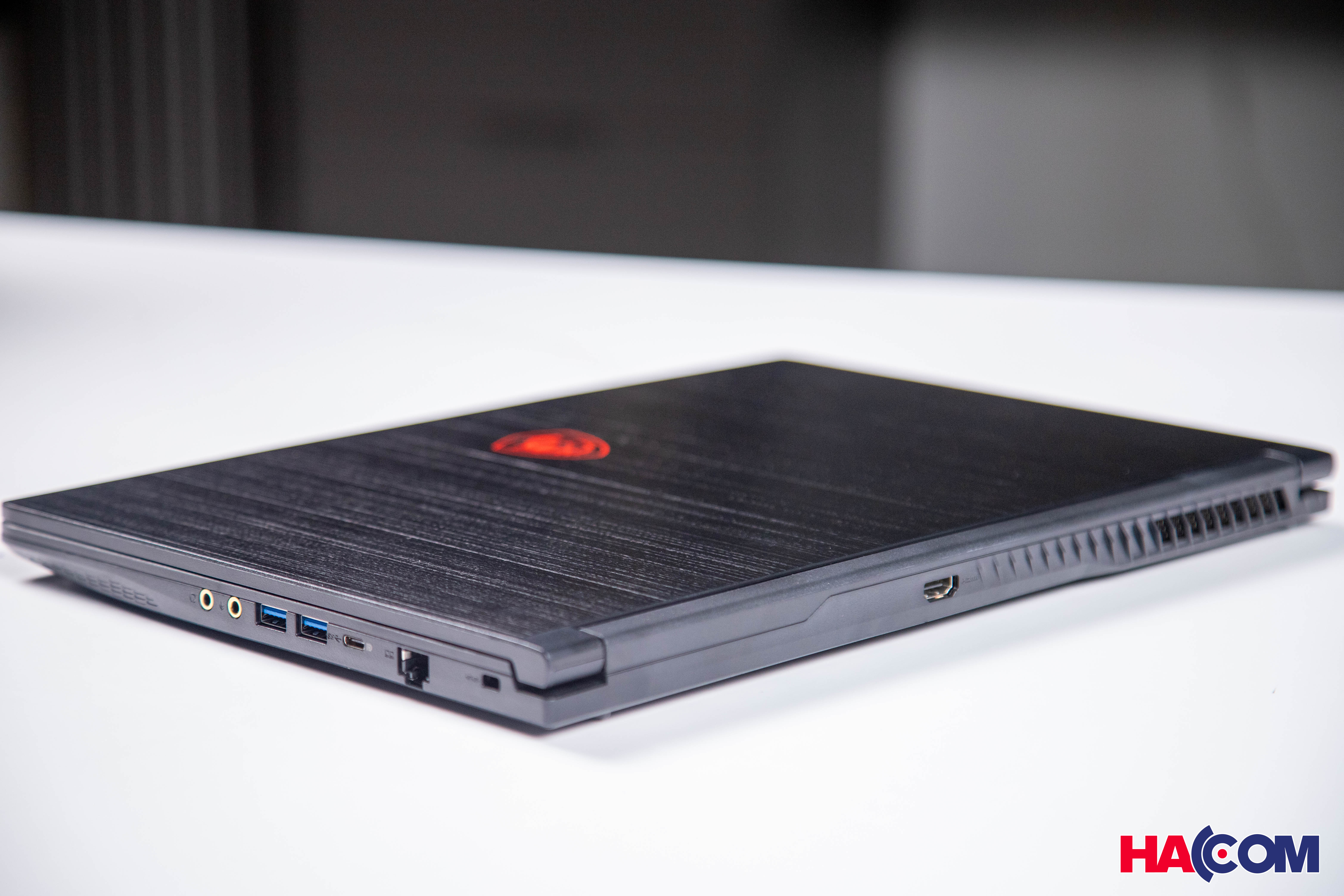
The MSI GF63 Thin 12VE 460VN is a relatively slim 15.6-inch gaming laptop. Its listed dimensions are about 359 × 254 × 21.7 mm and its weight about 1.86 kg, though configuration and measurement methods can affect the final figure. It is more portable than many bulky gaming systems, but the charger adds weight and gaming on battery reduces runtime.

Chassis and portability
The GF63 has a restrained black chassis with MSI branding and gaming-oriented styling. The outer lid uses metal on the described model; check the specific unit’s materials and condition if you are buying used. A thin chassis is convenient to carry, but it leaves less room for cooling than a larger design, so sustained workloads can bring fan noise and heat.
15.6-inch 144 Hz display
The listed configuration has a Full HD 1920 × 1080 display with a 144 Hz refresh rate. The higher refresh rate can make motion appear smoother when a game produces enough frames. It does not raise frame rates by itself, and panel color coverage is a separate specification. Check brightness and gamut before using it for color-sensitive work.
Keyboard and layout
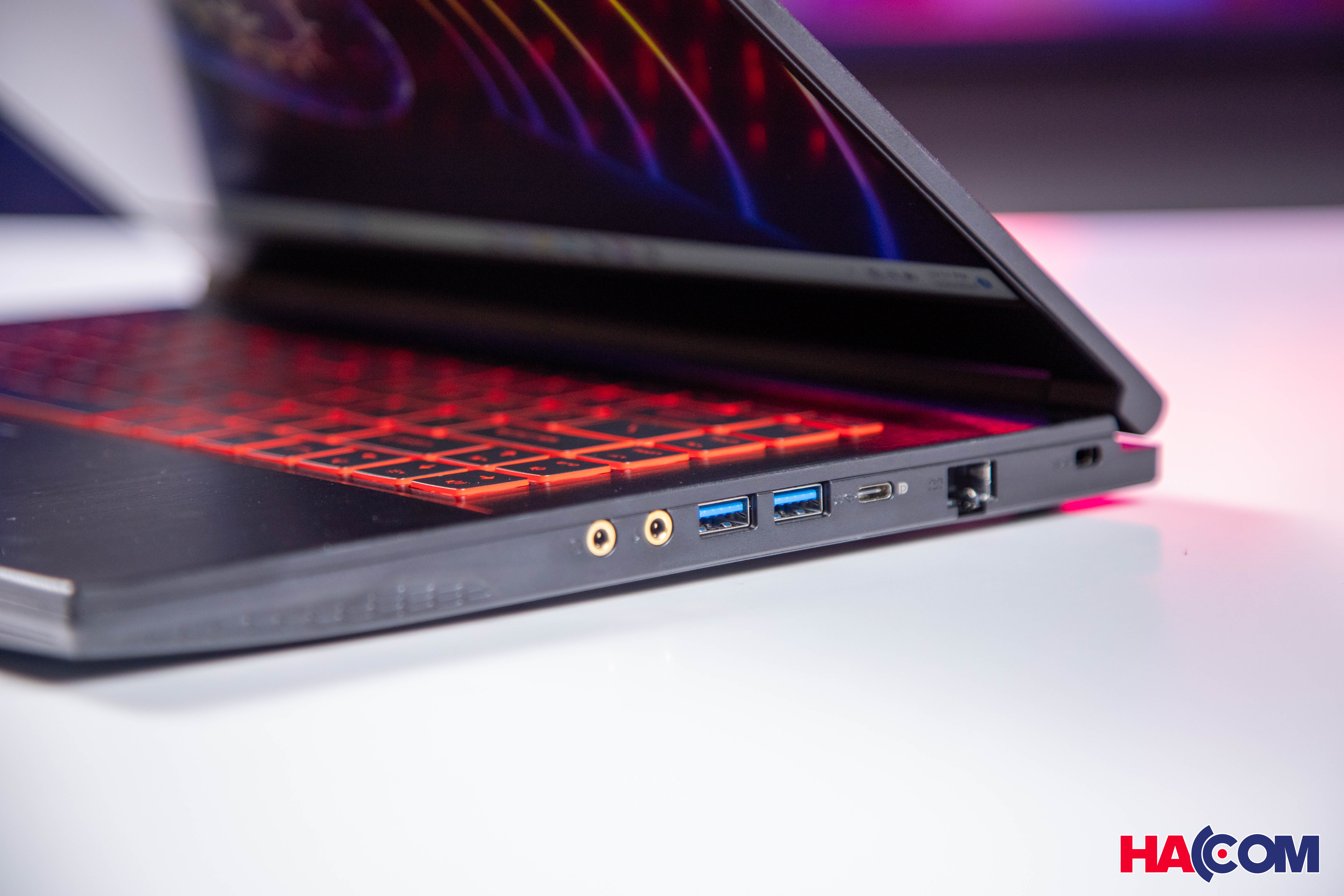
The GF63 uses a compact keyboard layout without a dedicated number pad on the configuration described. This leaves more space for the main keys, but may be inconvenient if you enter numbers frequently. Try the layout if keyboard feel and key spacing are important to your work or games.
Cooling and sustained performance
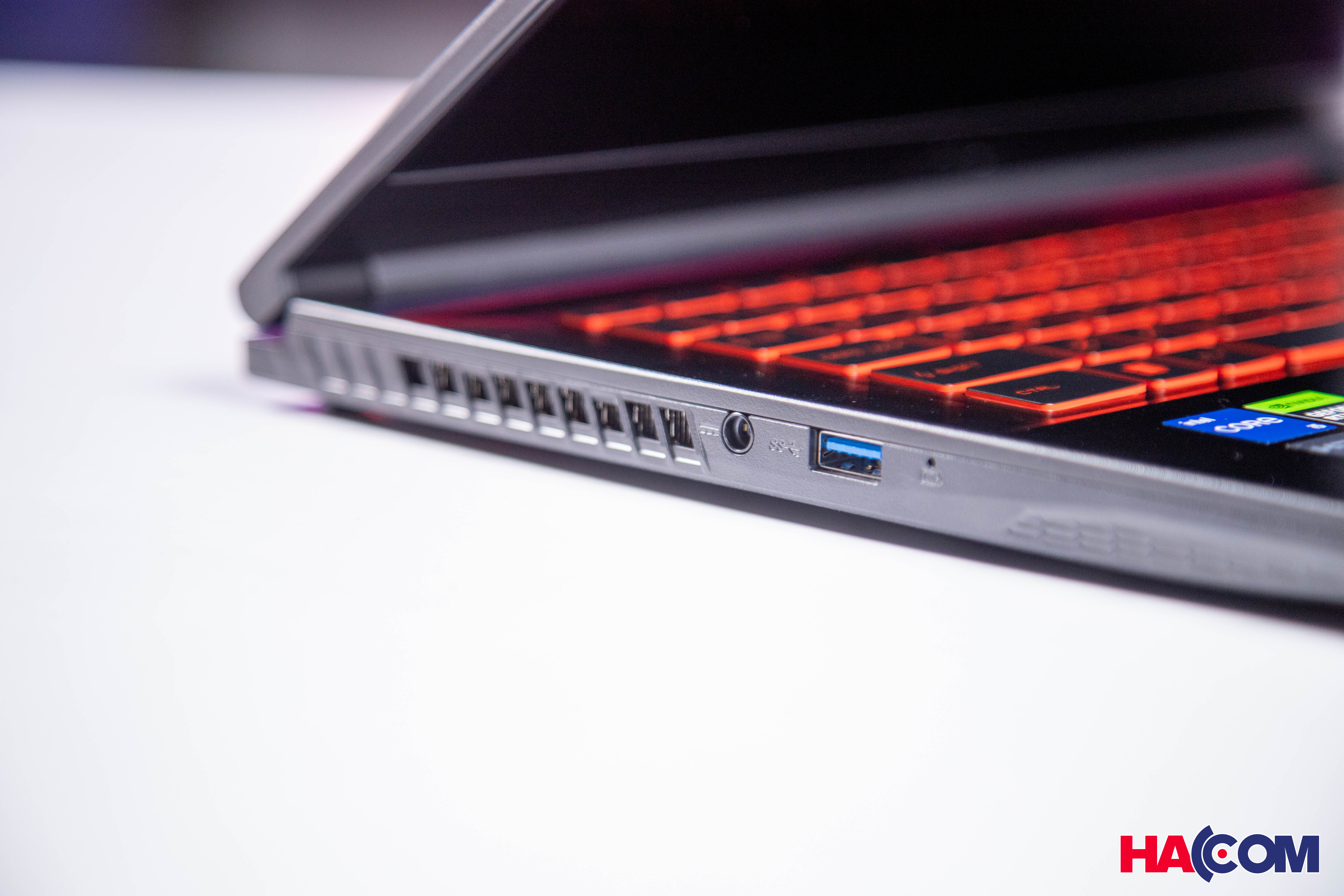
The Thin GF63 uses a compact cooling system. The original article refers to a different GF63 model when describing heat pipes and separate CPU and GPU heatsinks, so those details should not be assumed to describe this 12VE configuration. Keep the intake and exhaust unobstructed, use the manufacturer’s performance modes, and consult independent tests for temperatures and noise under sustained load.
What to verify before buying
GF63 family specifications vary by full model number. Confirm the processor, graphics card and power limit, memory, storage, display, ports, and warranty from the exact SKU’s documentation. The model name alone does not establish gaming performance, and older sale prices should not be used as current value comparisons.
Related Articles
 MSI Thin GF63 12VE 460VN - Compact and powerful for entertainment needs
 Acer Predator Triton Neo 16 - Powerful performance hidden in modern design
 Close up of the 'killer' of the MacBook Air
 Instructions for entering codes and the latest Modern Warships codes
 Detailed review of MSI Gaming GF63 laptop, should you buy it or not?
 Revealed design, configuration of Xiaomi Mi 10 and Mi 10 Pro, price from 599USD
Reader Comments 0
Sign in with email or Google to join the discussion.