Table of Contents
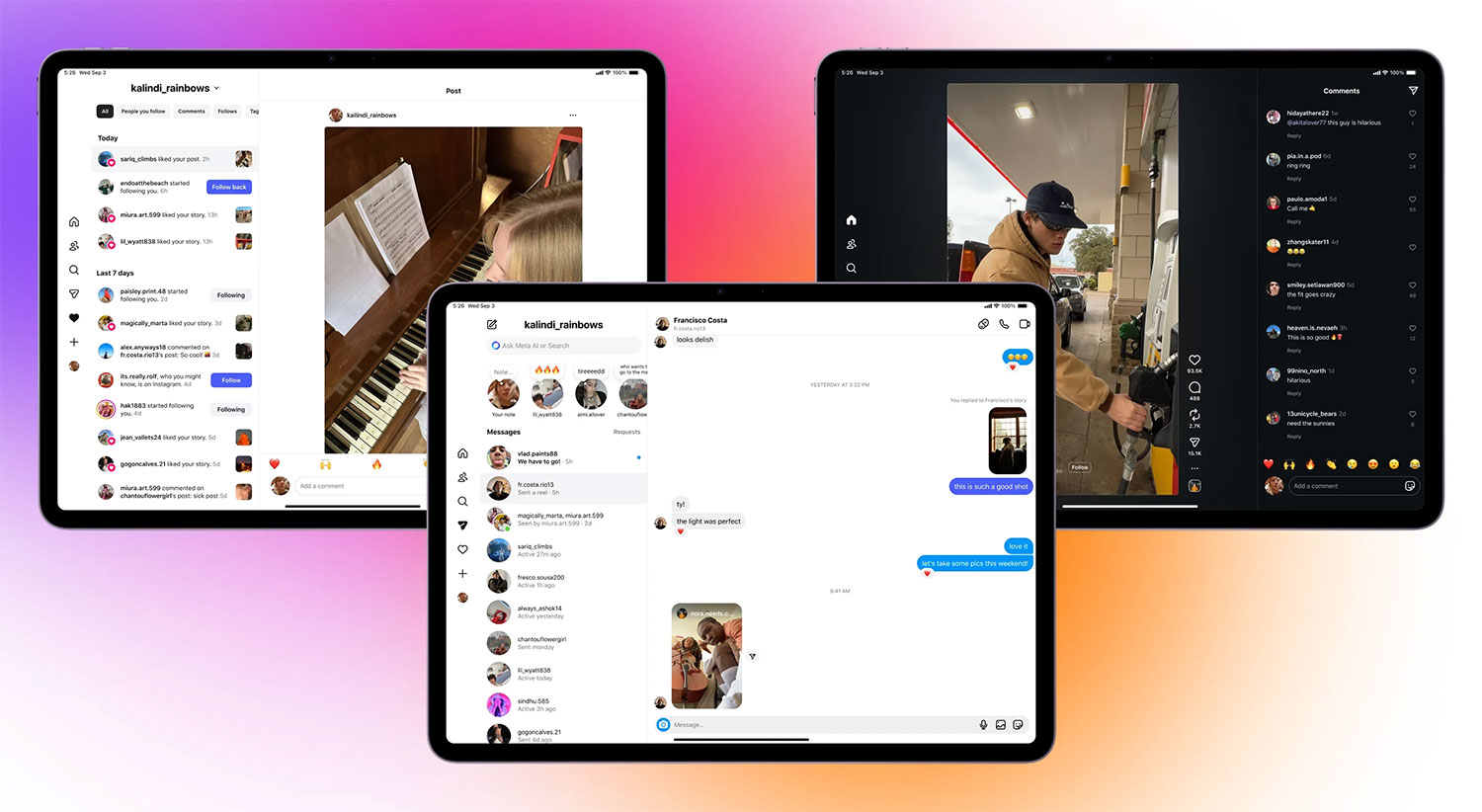
Instagram introduced its dedicated iPad experience in September 2025. The main change is a layout designed for a tablet’s larger screen, rather than simply an enlarged phone interface.
What the tablet layout offers
The launch design opens into Reels with Stories at the top. Messages can show a conversation list beside the selected chat, and Reels comments can appear alongside a playing video. These layouts make more information visible at once.
Choose a Following view
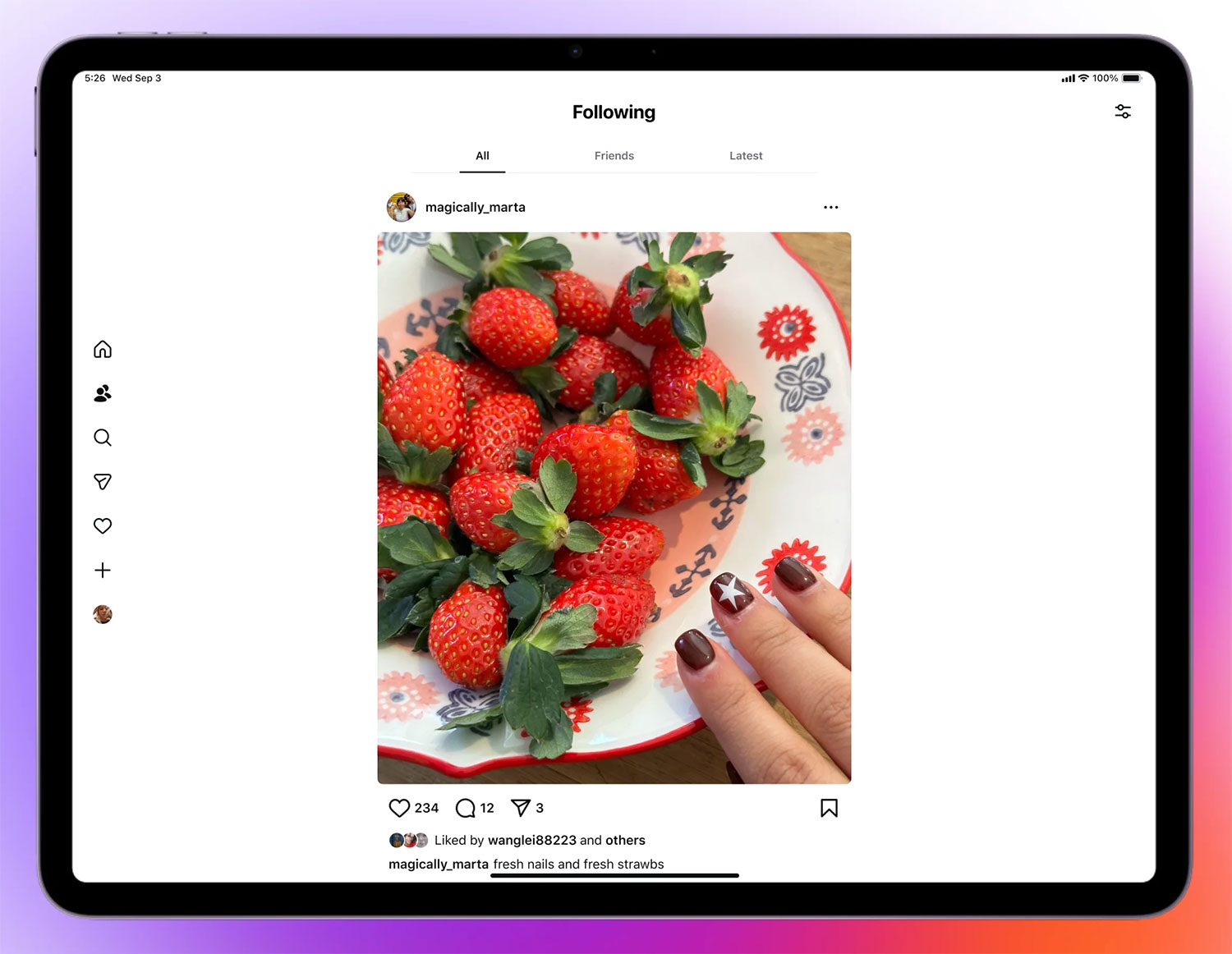
- All: recommended posts and Reels from accounts you follow.
- Friends: recommended posts and Reels from accounts you follow that also follow you back.
- Latest: posts and Reels from followed accounts in chronological order, newest first.
Friends does not mean every account that follows you. Latest is the useful choice when you want chronological content instead of the recommended ordering.
Install and check compatibility
Find the official Instagram listing in the iPad App Store and check its current device and iPadOS requirements. The launch requirement was iPadOS 15.1 or later, but a historical minimum does not guarantee support for the newest release.
Use your existing account and review camera, photo-library, and notification permissions according to the features you need. See app permissions explained. Layouts and available features can change after launch.
Source: Meta’s iPad launch announcement.
Related Articles
 Instagram hits 3 billion monthly users
 Meta AI makes Instagram fun again
 Meta stops NFT support for Facebook and Instagram
 How to turn off Meta AI on Facebook, Instagram
 Instagram launches TikTok-like feature
 Meta will use your chat data with AI to personalize ads and content on Facebook, Instagram, WhatsApp
Reader Comments 0
Sign in with email or Google to join the discussion.