Table of Contents
Meta AI's shopping mode helps users find and compare products through a conversation. An early US test showed product suggestions with images, prices and retailer links. Meta subsequently described a broader experience that can place nearby Facebook Marketplace listings beside products from across the web. Availability and the exact interface may vary by region and app.
What the shopping mode shows
In its May 2026 update, Meta said users could refine results by price, style and distance, view Marketplace listings on a map, and browse public content from a specific brand or creator. That makes a question such as “Find a used desk nearby under my budget” more specific than a general request for desk ideas.
The original test, reported in March, showed a carousel with product images, brand names, prices and links to retailers. Those links take a shopper to the seller; a product recommendation itself does not guarantee an in-chat checkout or a final price. Check shipping, taxes, stock and return terms on the retailer's page.
How it compares with other AI shopping tools
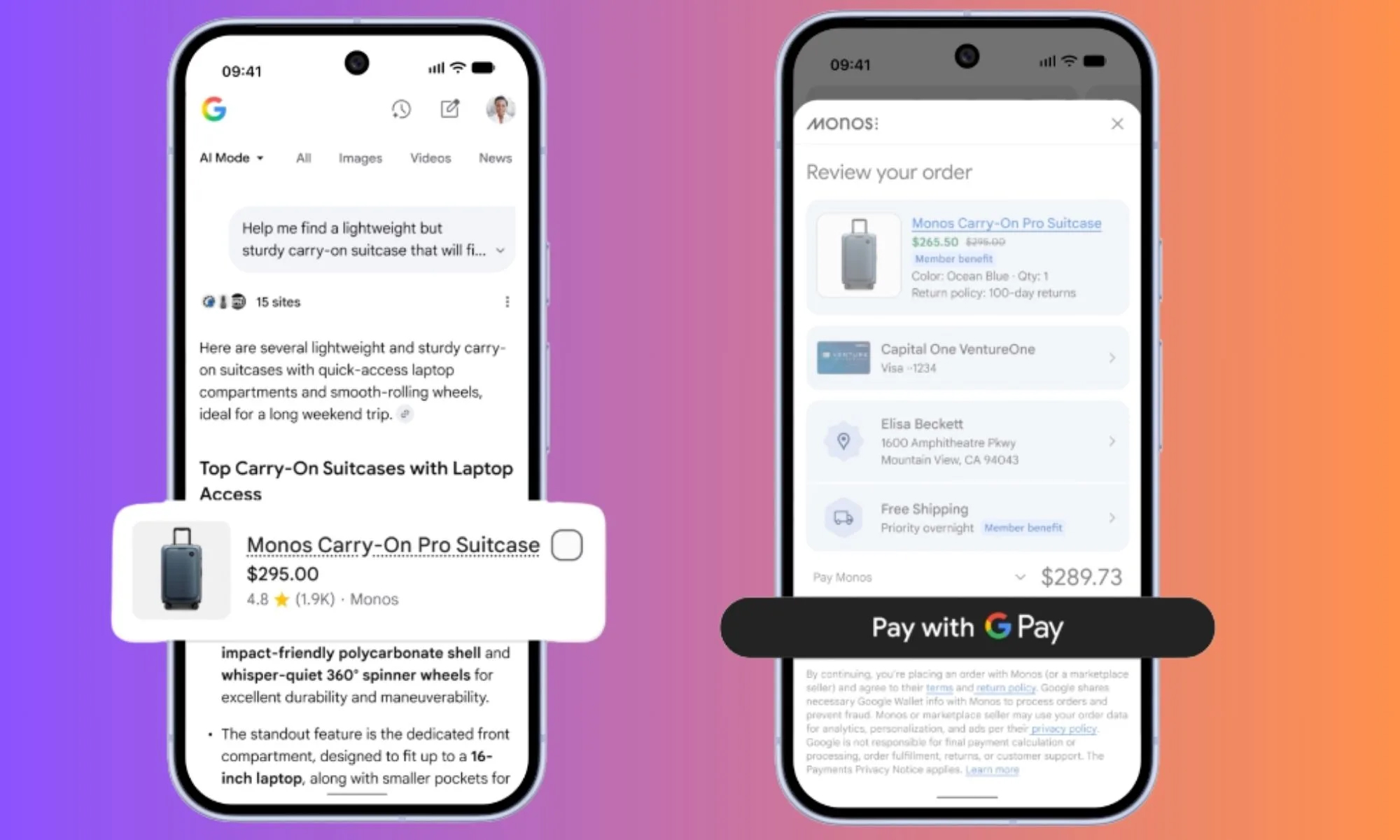
ChatGPT's shopping research helps narrow options through follow-up questions and comparisons. Google's Universal Cart announcement describes shopping across Search and Gemini with merchant checkout options. Meta's notable distinction is its use of Marketplace listings and public content from its social apps alongside broader web results. These services change frequently, so compare the options actually shown to you rather than assuming the same catalog or checkout method is available everywhere.
For more on a competing approach, see TipsMake's article on ChatGPT shopping research and its earlier account of ChatGPT as a shopping assistant.
How to evaluate a recommendation
- State your budget, location and non-negotiable requirements. Ask why each option matches them.
- Open the seller listing to confirm the current price, model, condition and delivery cost. Marketplace listings need extra attention to condition and pickup arrangements.
- Compare at least two retailers or listings; an AI result is a starting point, not a complete inventory of the market.
- Consider what personal details you share in a shopping prompt, especially if the recommendation is location based.
Meta has not explained a universal ranking formula for these recommendations in the cited product update. Shoppers should not assume a result is exhaustive, unbiased or sponsored without checking the presentation and the seller information.
Related Articles
 ChatGPT Turns into a Shopping Assistant4 minutes read
 Meta AI vs ChatGPT (2026): Which Assistant Is Better?17 minutes read
 The Difference Between Gemini and ChatGPT13 minutes read
 minutes read
 Which Is Better, Meta AI or ChatGPT?12 minutes read
 How to Use ChatGPT to Compare and Shop for Products Directly Within the App7 minutes read
Reader Comments 0
Sign in with email or Google to join the discussion.