Table of Contents
Subframe is a code-oriented interface design tool for teams building React applications with Tailwind CSS. It combines a visual editor, reusable components and themes, AI-assisted generation, and a workflow for syncing front-end code into a project.
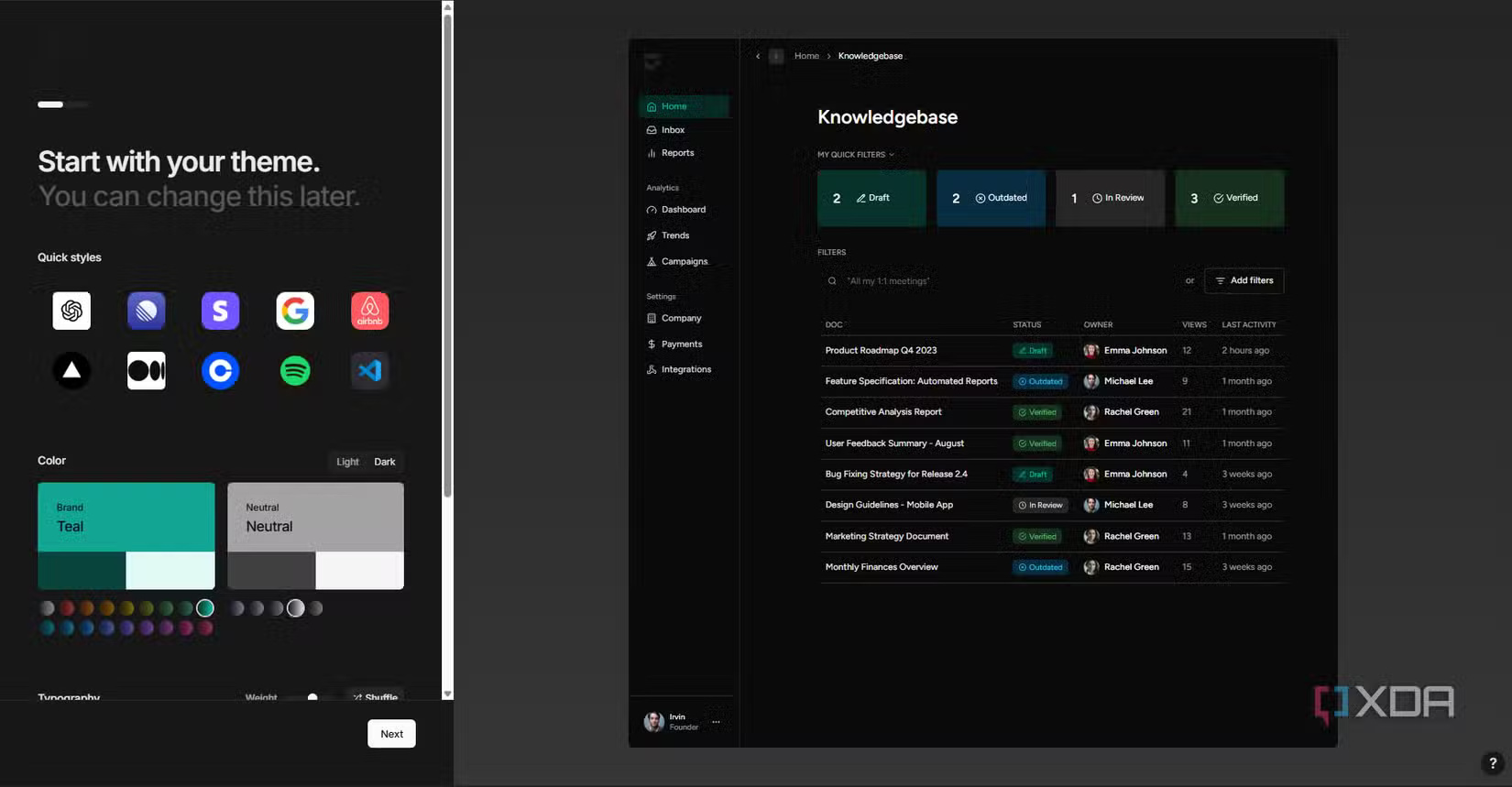
It is better described as a bridge between design systems and front-end implementation than as a replacement for Figma, Claude, Replit, or every prompt-to-app builder. Subframe concentrates on interface design and front-end components; application logic, data, authentication, testing, and deployment still need a development workflow.
What makes Subframe different
The central idea is that elements on the canvas map to real interface structure rather than remaining a presentation-only mockup. Teams can create components, properties, slots, variants, and design tokens, then use those same concepts when code is synchronized.
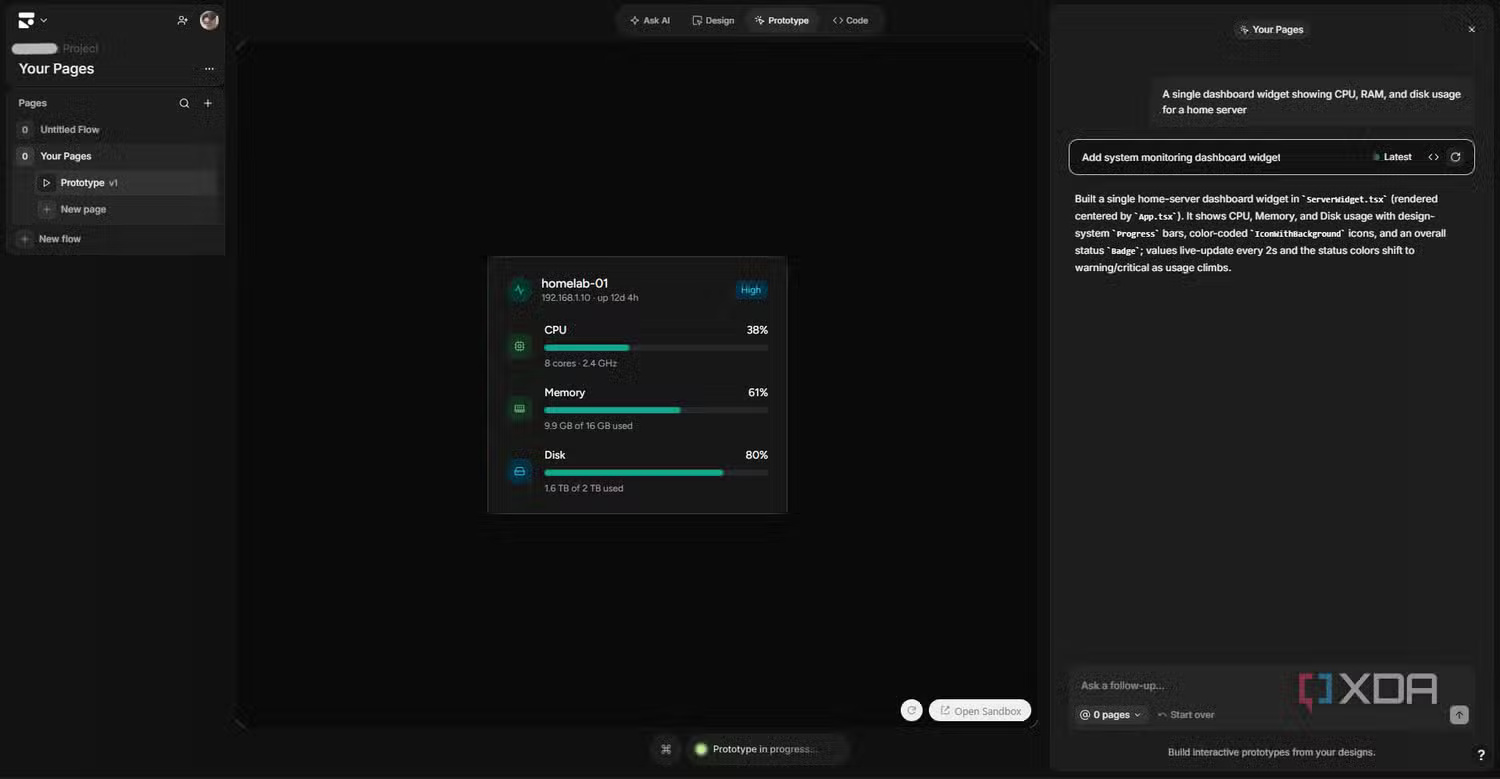
Subframe’s official materials describe generated front-end output as React and Tailwind CSS. Code export is designed to be predictable rather than regenerated by a language model each time. The code remains available for developers to edit in their own repository.
Visual design and code synchronization
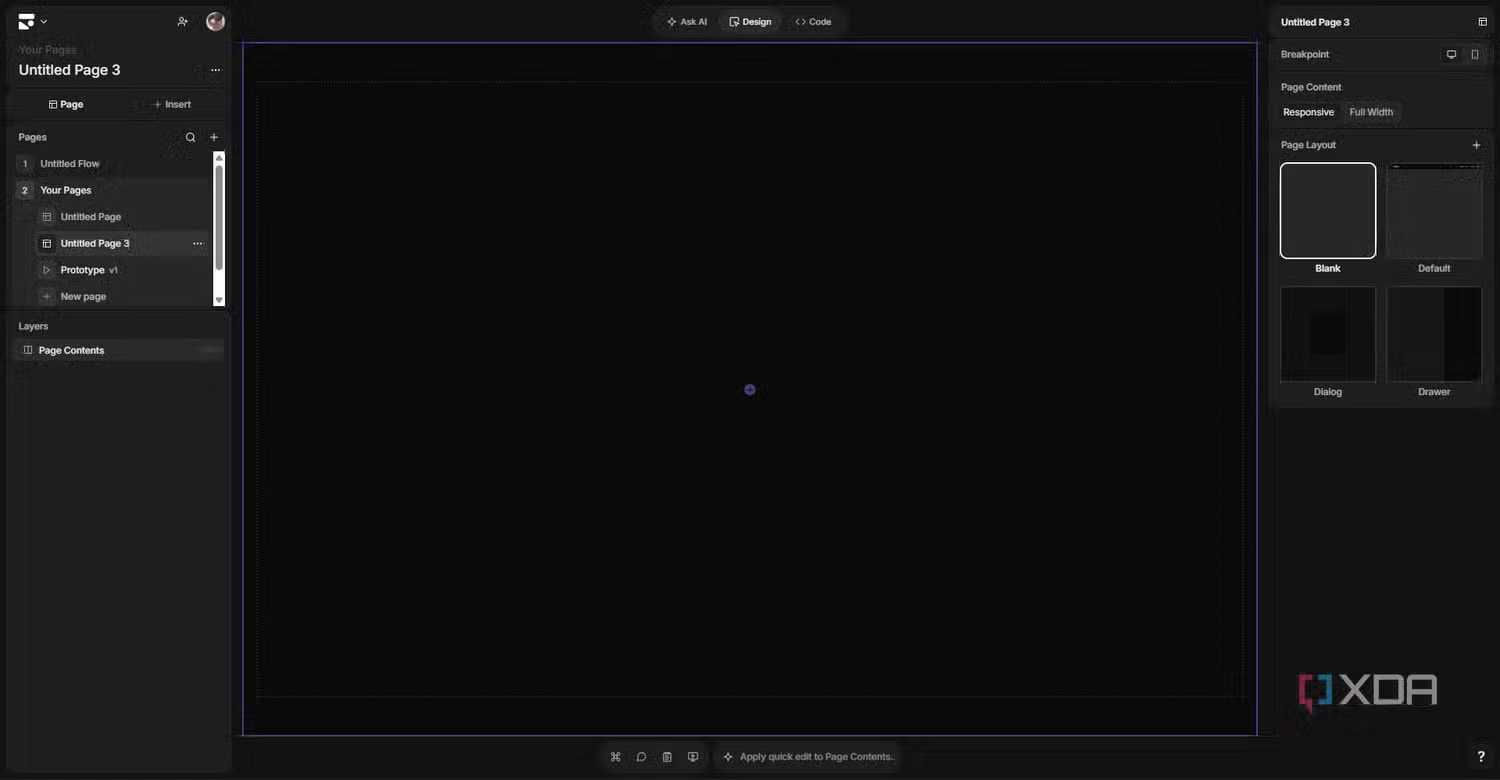
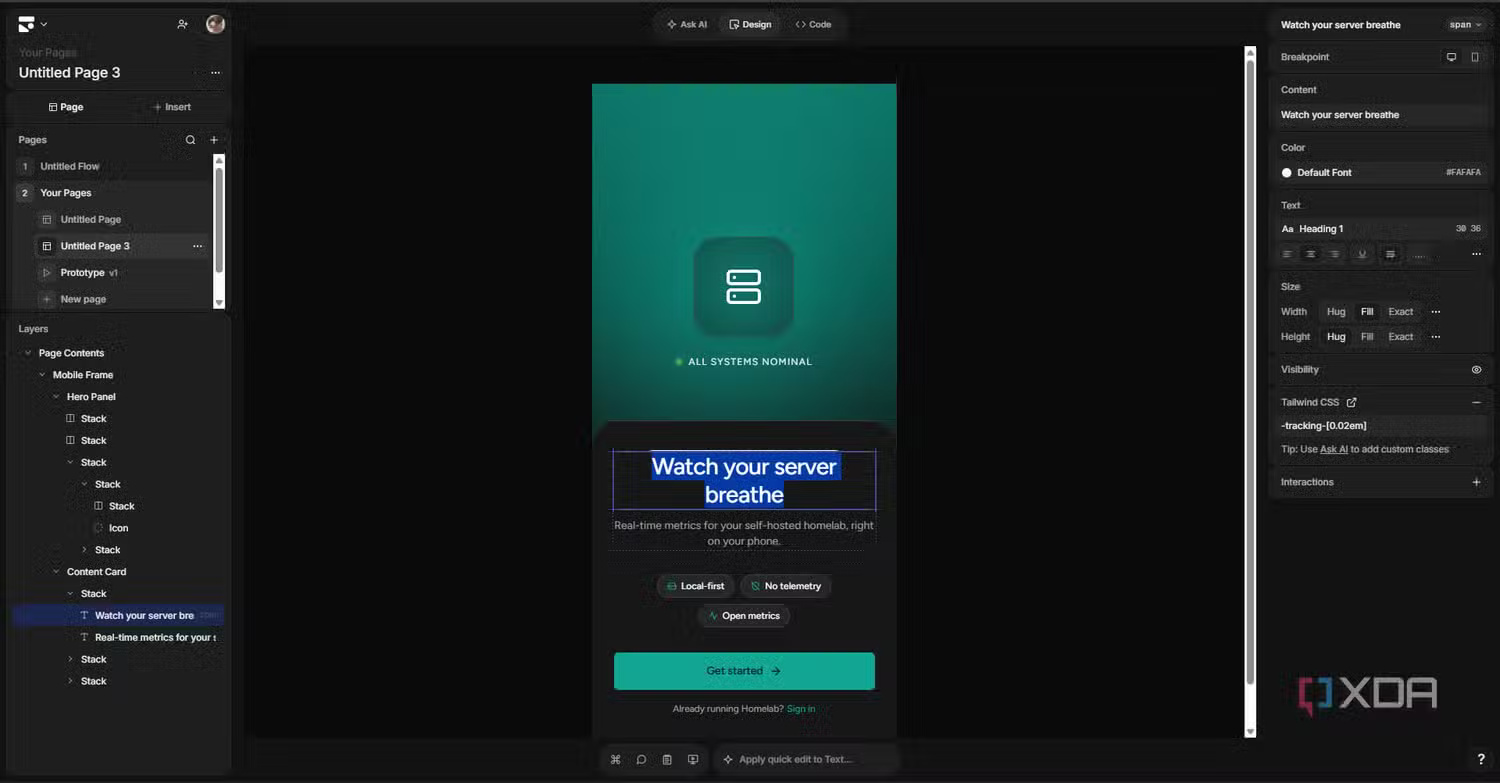
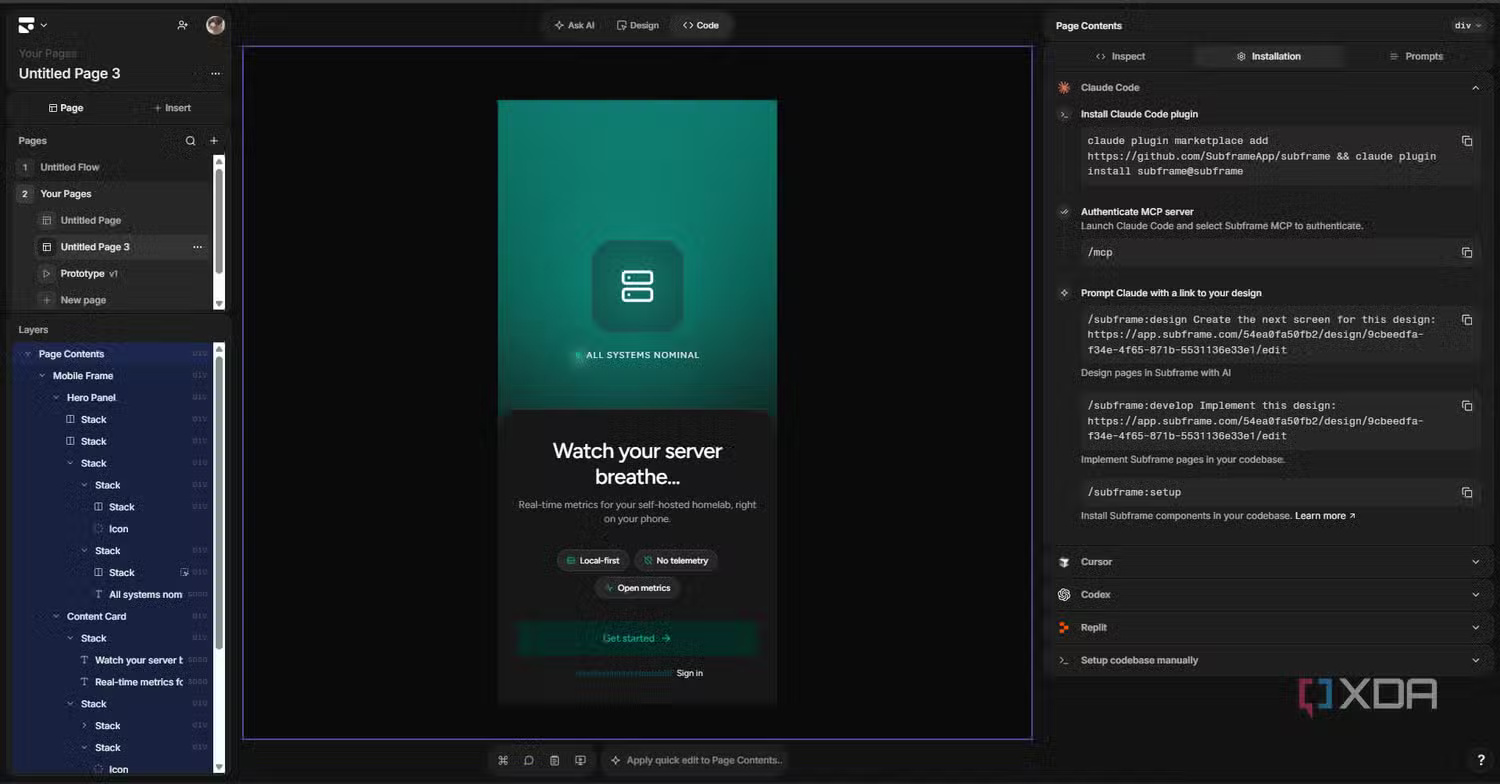
Designers work in a conventional visual environment: select elements, adjust size and spacing, arrange stacks, edit typography, and manage borders, colors, radii, and shadows. The layer tree shows the nesting that will matter when the interface becomes code.
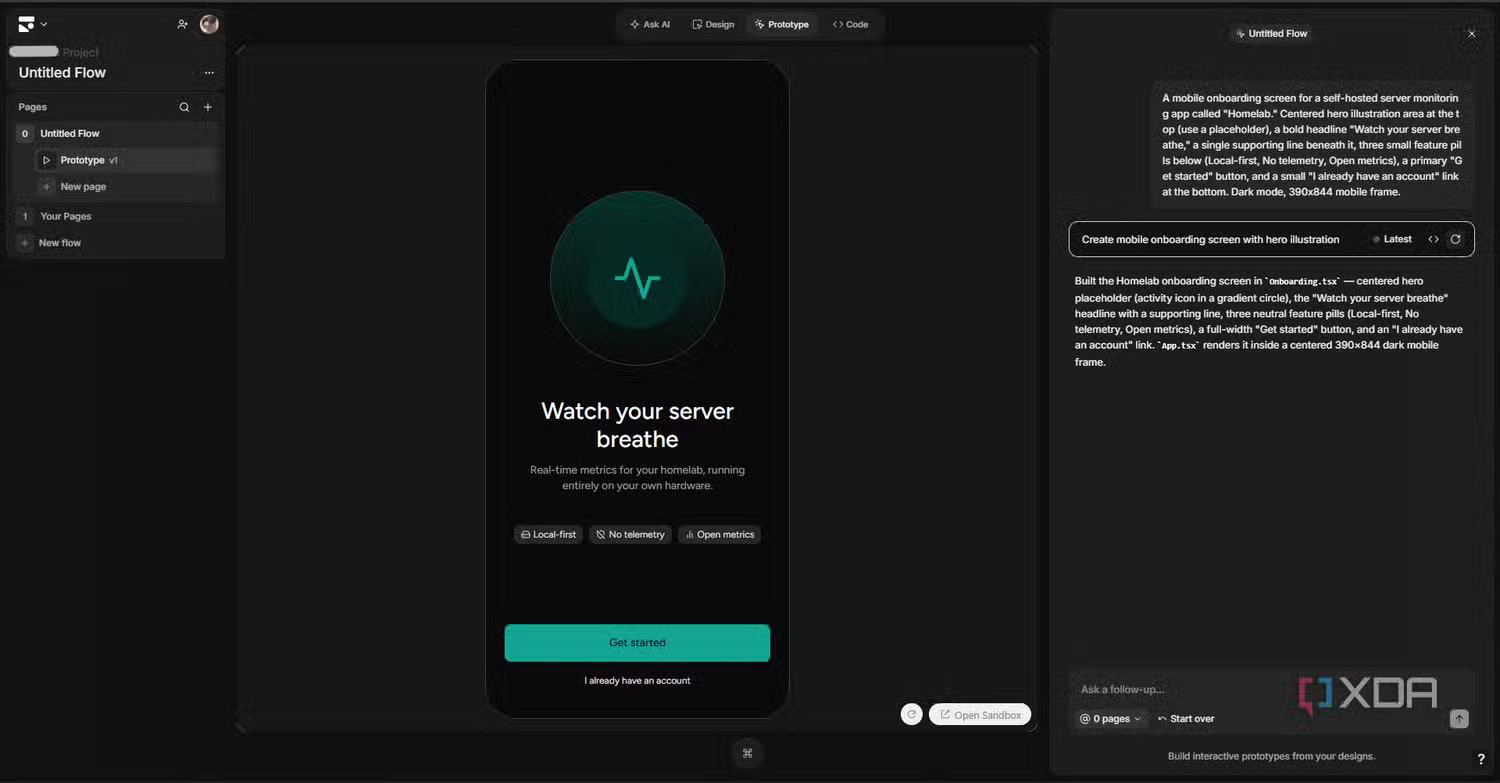
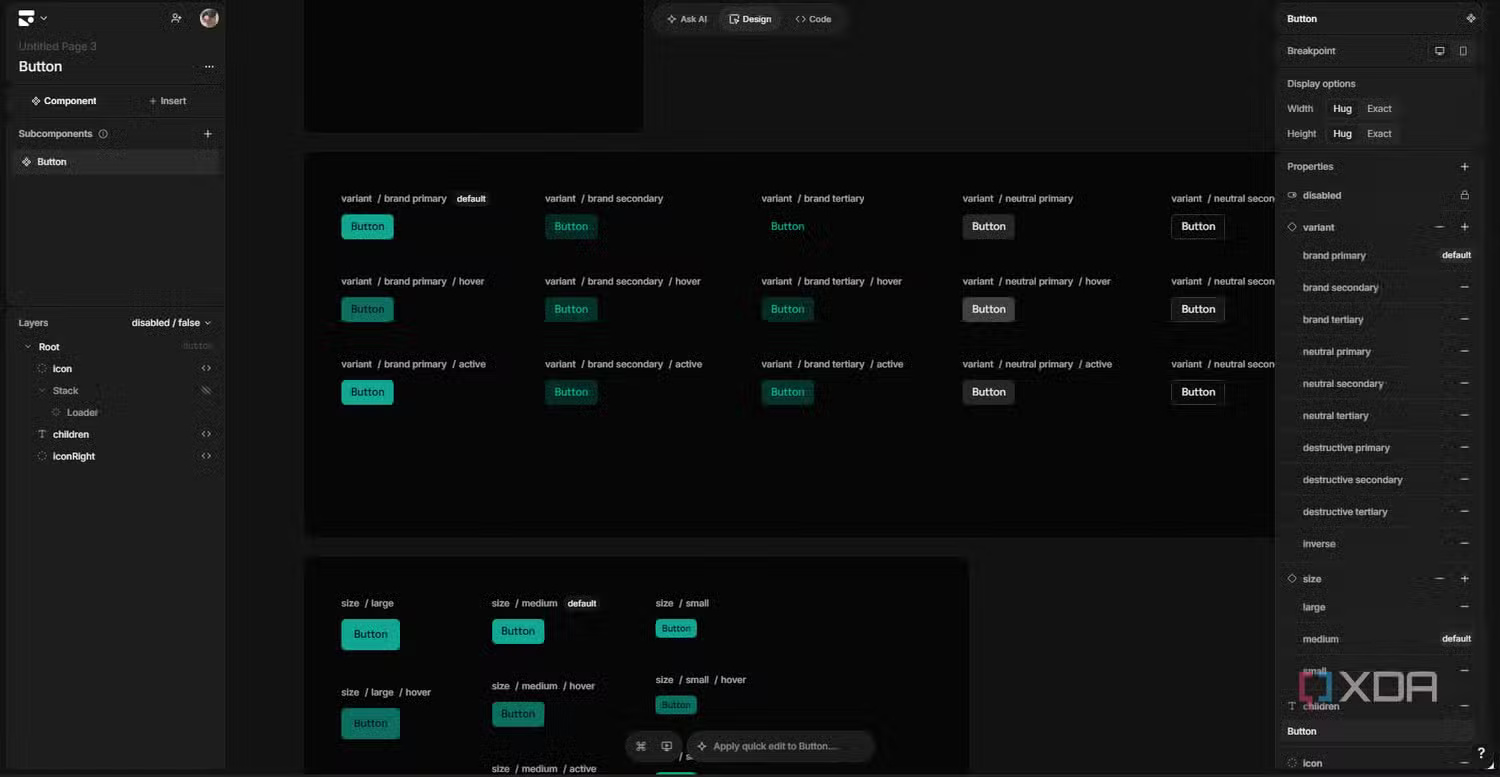
Components can expose props and slots, while variants represent states or styles such as primary, destructive, or disabled. A shared theme keeps colors, typography, shadows, borders, and other tokens consistent across pages.
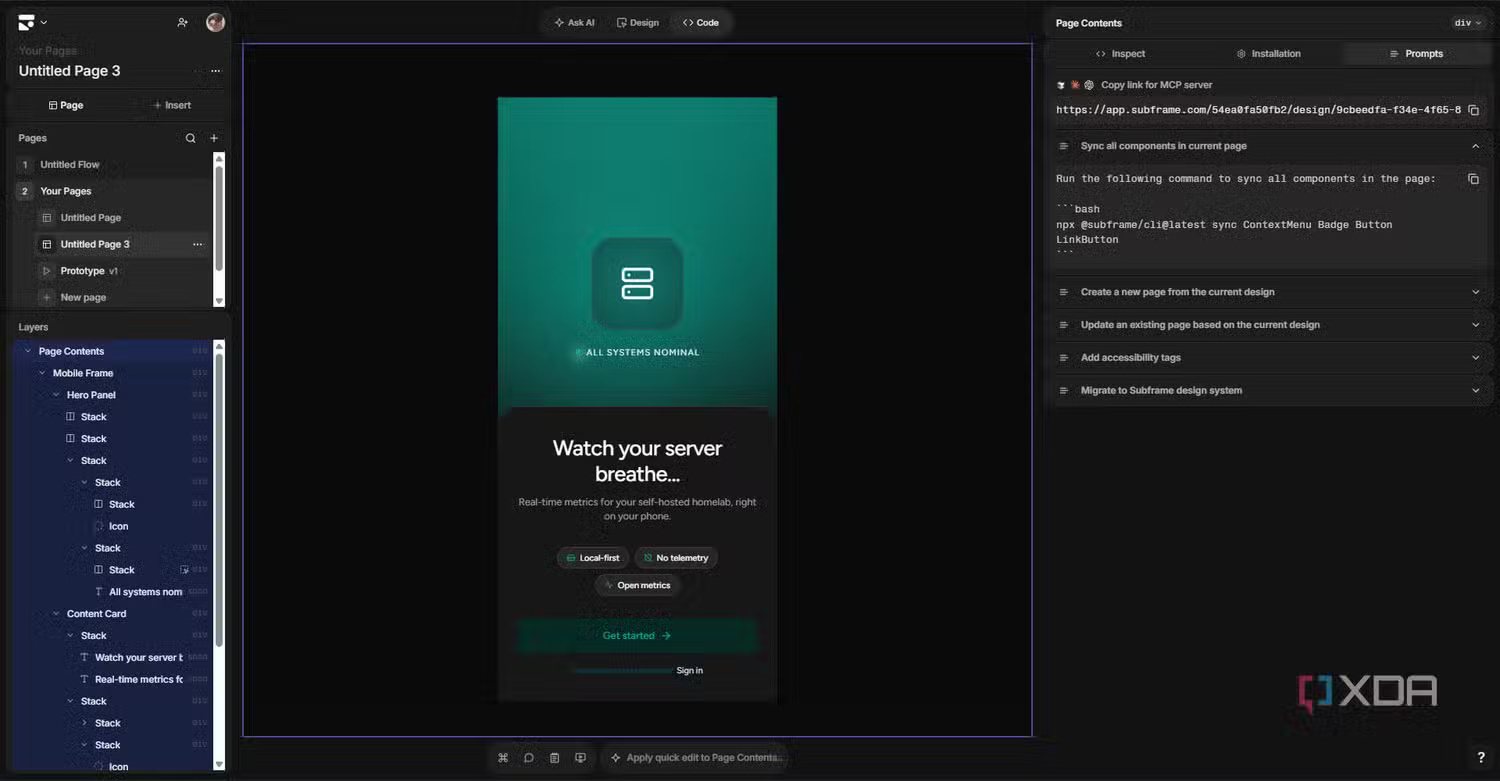
For a codebase, the documented CLI workflow includes the following command:
npx @subframe/cli syncThis pulls Subframe components into the local project. Developers can then connect real data and behavior, review the diff, run tests, and commit the code normally. Treat synchronization like any code-generation step: work on a branch, inspect changes, and avoid overwriting manual edits without a backup.
How Ask AI fits into the editor
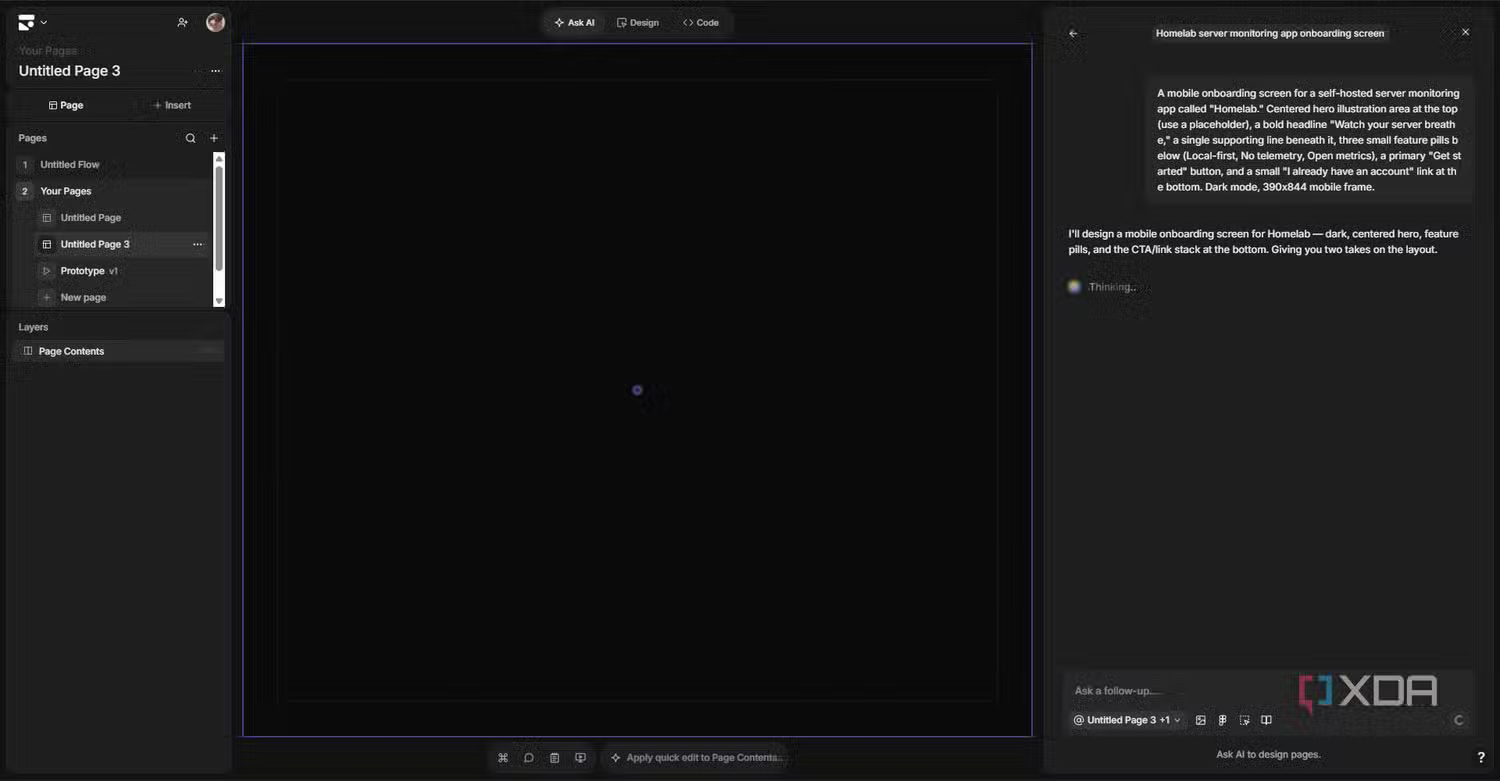
Ask AI can generate pages, components, snippets, and theme changes from a prompt. It can also work from an uploaded image, a copied Figma frame image, or a referenced web page. Depending on the task, it may return several variations or make a direct edit.
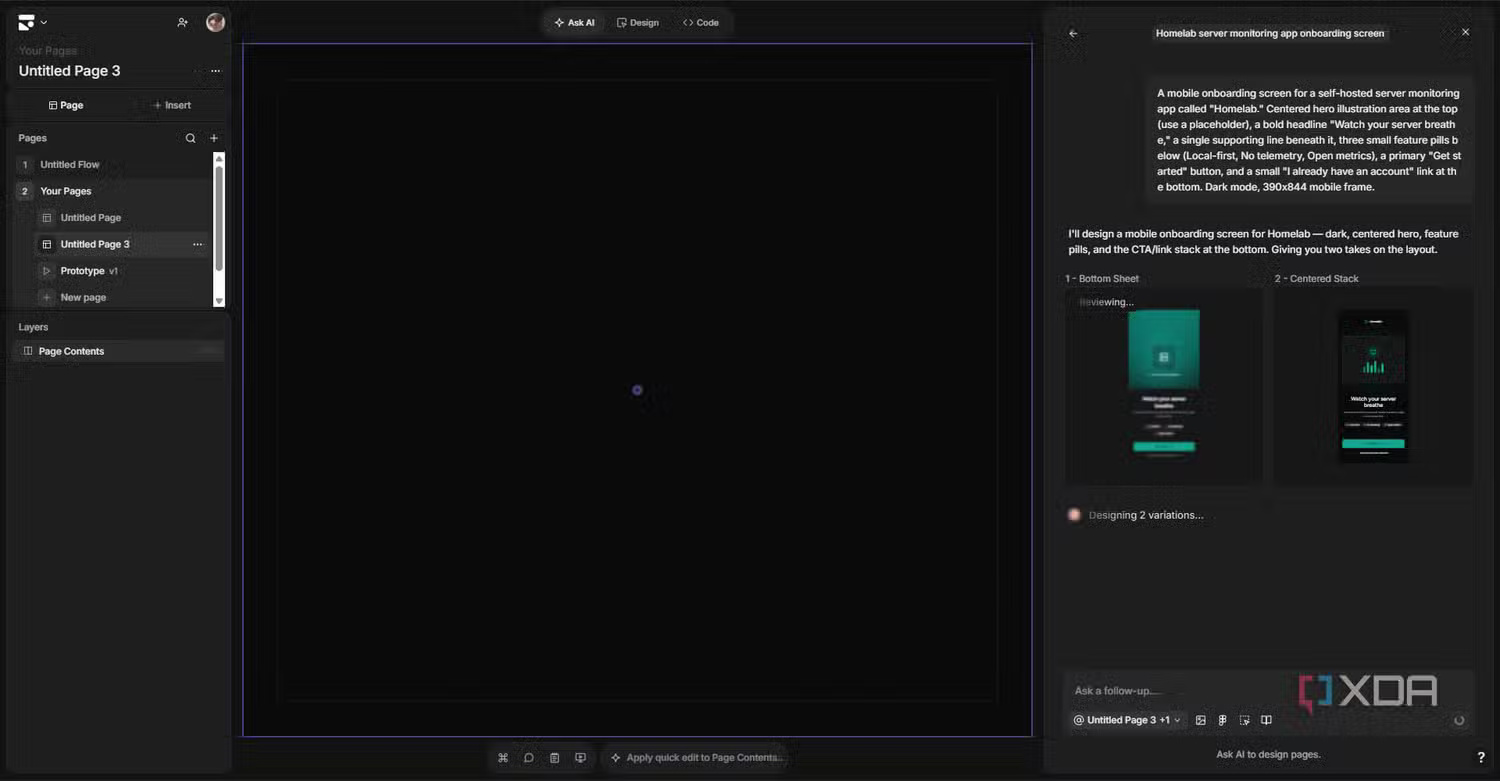
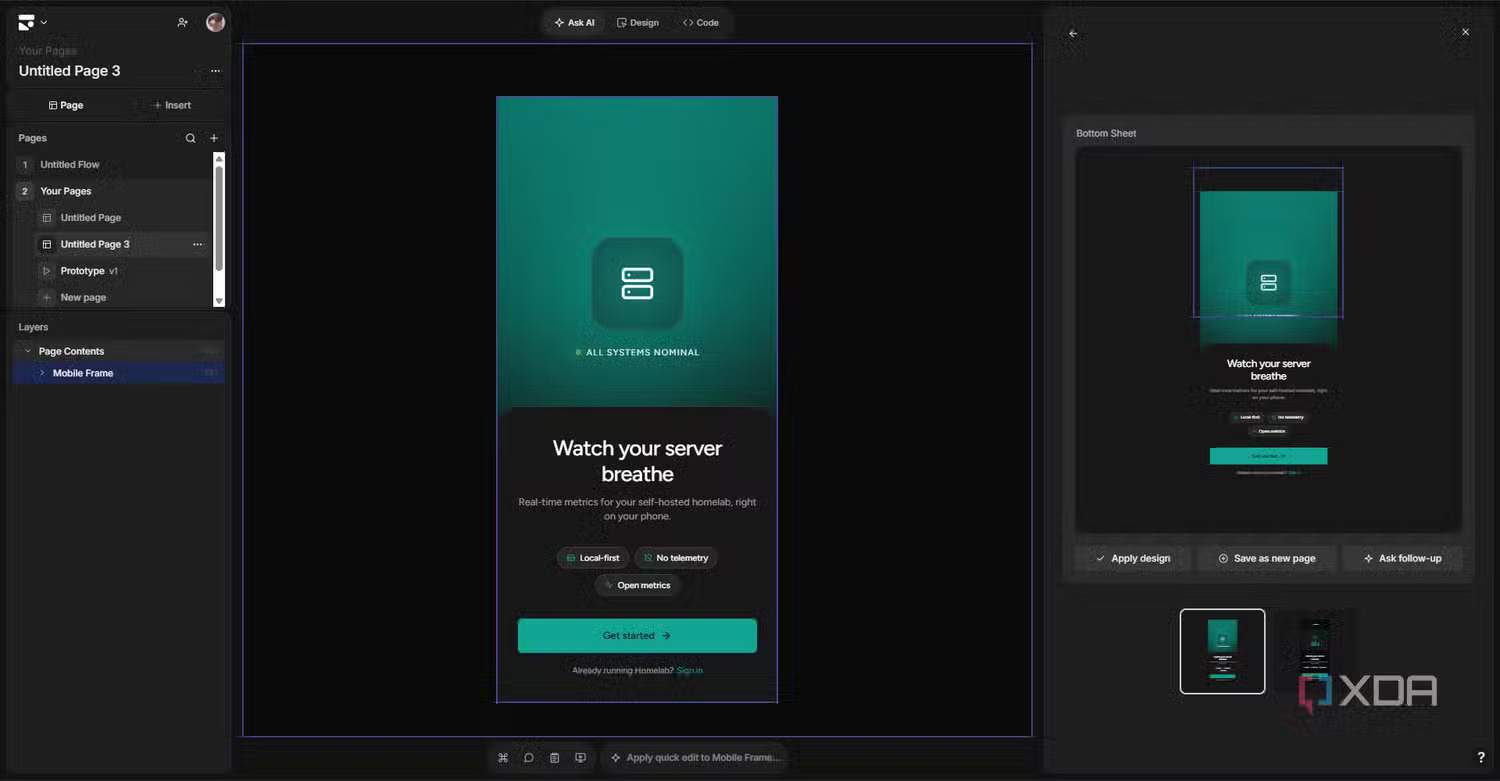
The useful part is that generation does not end the workflow. A result lands on the canvas as an editable design. You can refine it visually, ask for a follow-up, or combine ideas from different variations.
Quick edits and targeted changes
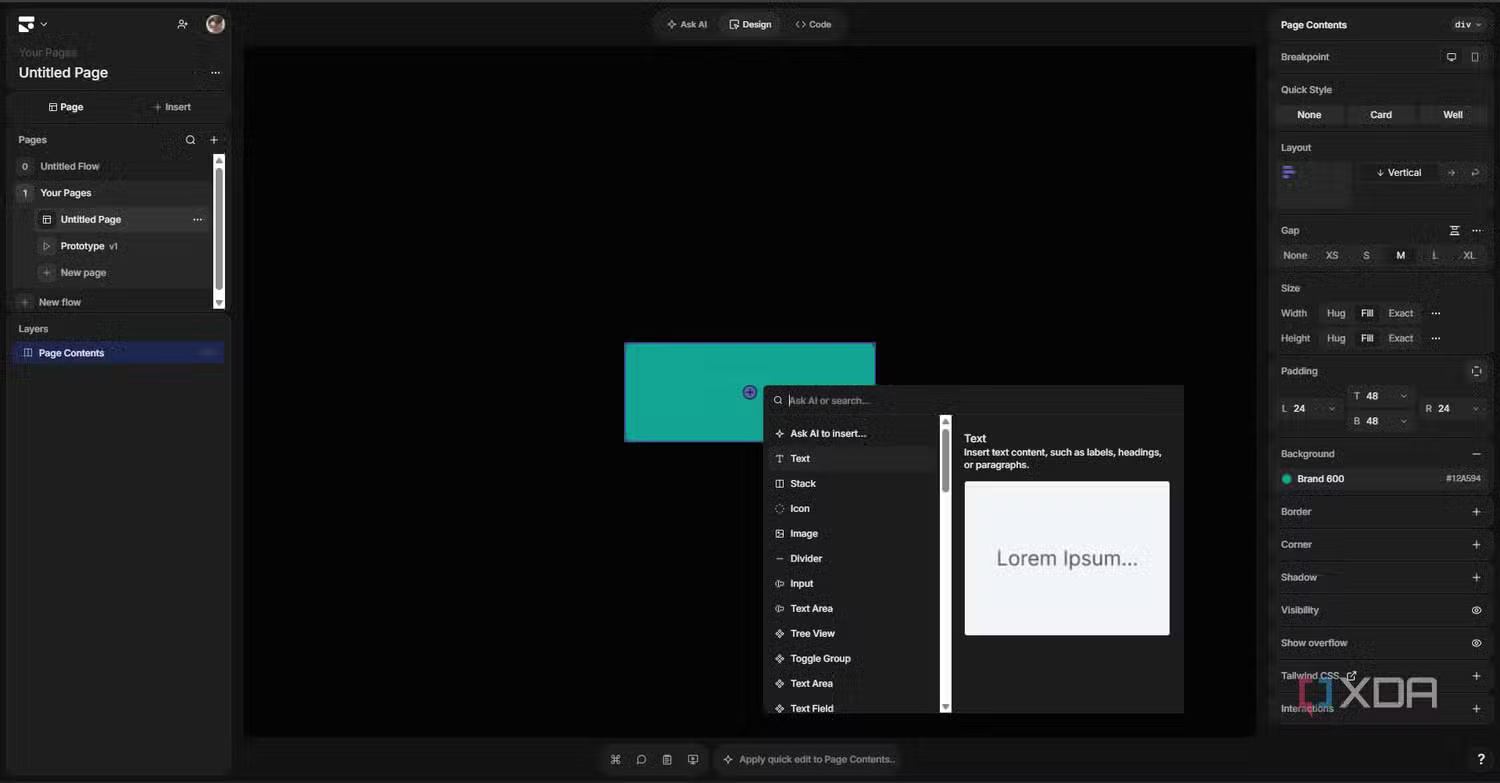
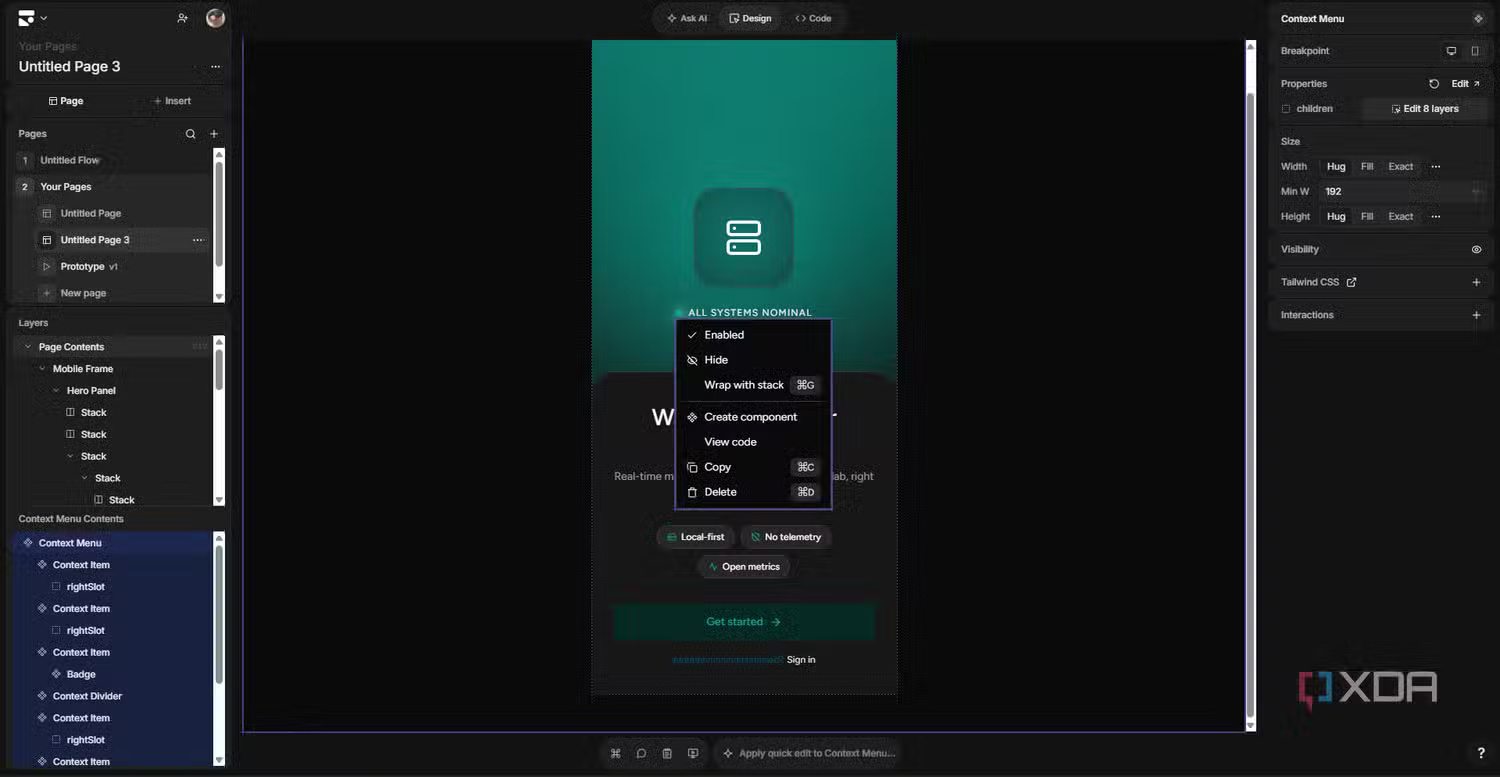
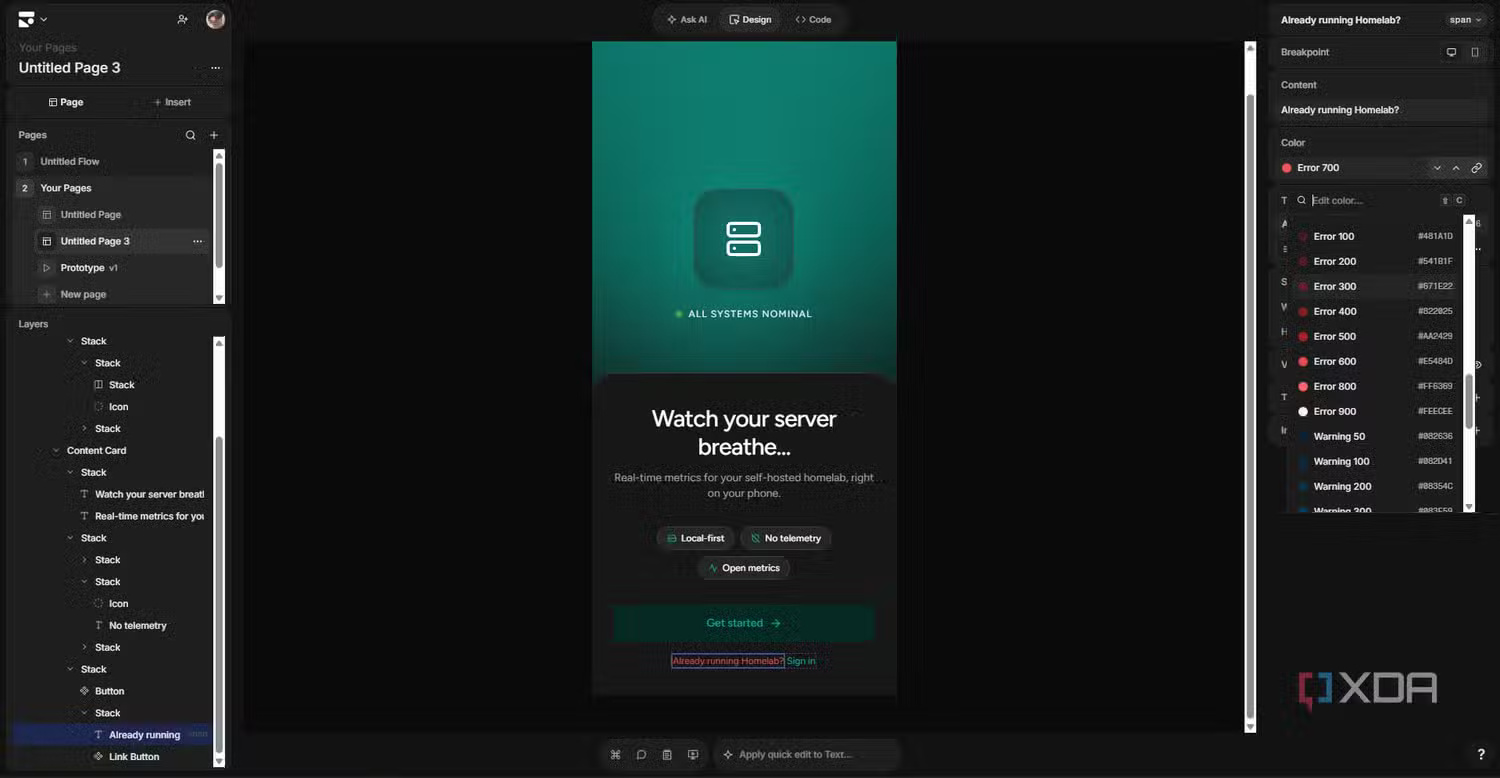
For a selected element, quick edits can change a focused property or insert an adjacent element. A deterministic request such as changing a button color may produce one result, while an open-ended design request can produce alternatives. This reduces the need to regenerate an entire page for a small correction.
Prototype mode and production boundaries
Subframe also supports interactive prototypes. Designers can annotate pages and use AI to add prototype behavior, then share or download the result. This is useful for demonstrating flows and clarifying intended interactions.
A prototype is not automatically a complete production application. Before release, developers still need to implement or validate business logic, accessibility, responsive behavior, data loading, error states, security, analytics, and tests.
Working with AI coding tools
Subframe provides an MCP server and agent skills that can connect supported coding assistants to projects. According to the official MCP documentation, connected tools can read and work with pages, components, snippets, themes, prototypes, and related design information.
This can reduce manual handoff, but it also grants an automation tool access to project resources. Review the requested permissions, use the correct project and account, and inspect generated or deleted design changes before accepting them.
A practical Subframe workflow
- Define the system first. Add core colors, typography, spacing, and a small set of reusable components.
- Generate directions, not final truth. Prompt for a page or component, then compare the variations against product requirements.
- Edit on the canvas. Correct hierarchy, spacing, copy, states, and responsive layouts manually.
- Turn repetition into components. Create props, slots, and variants rather than duplicating nearly identical frames.
- Prototype the flow. Test navigation and interaction with stakeholders before implementation.
- Sync on a branch. Pull code, inspect the diff, connect application logic, and run accessibility and regression checks.
Subframe compared with adjacent tools
| Tool category | Primary strength | Where Subframe fits |
|---|---|---|
| General interface design tools | Broad visual design, prototyping, collaboration, and ecosystems | More narrowly focused on code-oriented web UI and React/Tailwind handoff |
| Prompt-to-app builders | Generating and deploying broader application prototypes | Stronger emphasis on design systems and editable front-end components |
| AI coding assistants | Editing an existing codebase and application logic | Provides structured design context and components those assistants can use |
| Static mockup generators | Rapid visual concepts | Adds manual editing, reusable systems, prototypes, and code synchronization |
Choose Subframe when a React/Tailwind team wants designers and developers to share a component-based workflow. A team using another framework, building a native mobile app, or needing a broad illustration and brand-design suite should verify fit before migrating.
What to test before adopting it
- Whether synchronized code matches your repository structure and Tailwind setup.
- How existing components and tokens can be represented without duplication.
- Responsive behavior across real breakpoints, not only the canvas preview.
- Keyboard navigation, focus states, labels, semantic HTML, and contrast.
- How sync handles local code changes and future component updates.
- Which project data AI integrations can read or modify.
- Current plan limits, collaboration features, and export terms on the official pricing page.
Subframe’s value is not that AI replaces design or development. It gives a product team one environment for exploring interfaces, refining them visually, expressing a component system, and moving the front end into code with less translation.
Related Articles
 What Is Claude Design?10 minutes read
 Figma - Free Multimedia Design Tool8 minutes read
 What Is Vibe Coding? Benefits, Risks, and Developer Roles8 minutes read
 What Is Decomposition and Why Does AI Need You to Do It?21 minutes read
 What Is Vibe Engineering?: What You Need to Know10 minutes read
 11 Useful Figma Shortcuts to Work Faster7 minutes read
Reader Comments 0
Sign in with email or Google to join the discussion.