Table of Contents
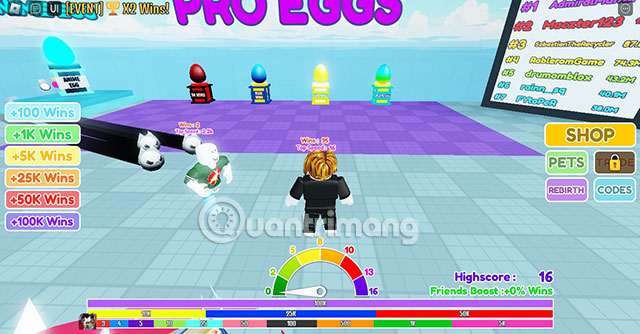
Open the Codes menu inside Roblox Race Clicker to claim boosts and other rewards. Enter the code exactly as shown, including capitalization and punctuation. Codes can expire without notice.
Recently reported Race Clicker codes
Roblox Den’s November 20, 2026 list reported the following codes as active. The game may reject a code if it has expired since then or you’ve already used it.
| Code | Reported reward |
|---|---|
Easter! | Boost bundle |
Fantasy | Boosts |
Season14 | In-game rewards |
NewPotion | Potion bundle |
Ninja | Boost bundle |
RaceTrack | Boost bundle |
How to redeem a code in Race Clicker
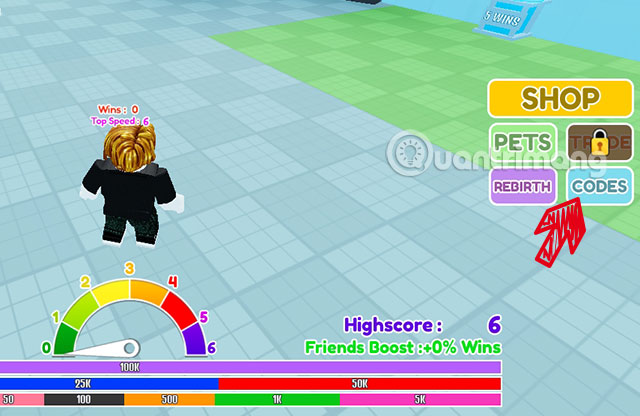
- Launch Race Clicker by 48h Games and select Codes in the game.
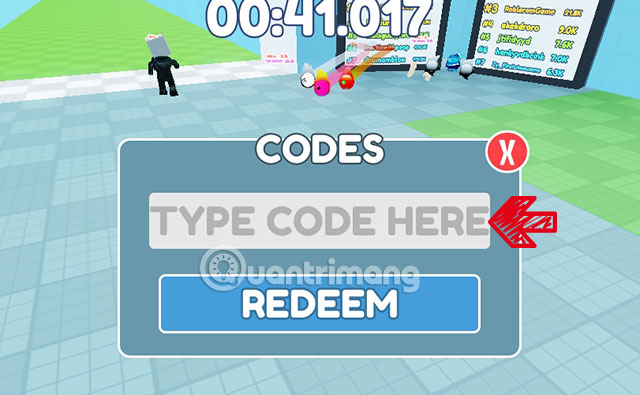
- Paste the code into the text box. Remove any spaces before or after it.
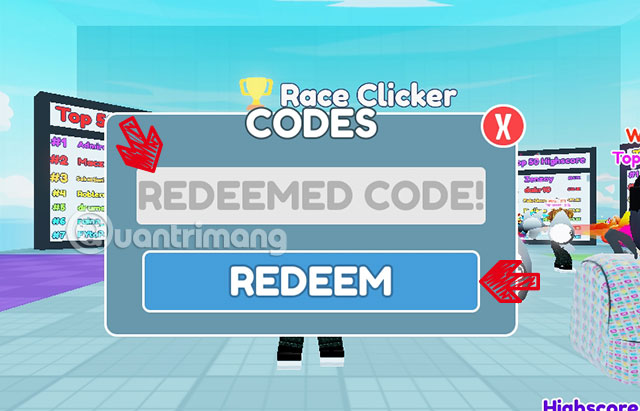
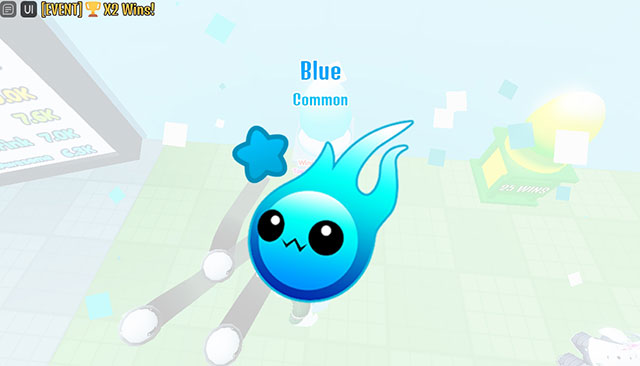
- Select Redeem and check the confirmation. The reward may appear in your inventory or be added to your Wins.
Older codes
Codes such as 500KLikes, Almost100MVisits, and Thankyou50M come from older milestone lists. Try the recently reported codes first.
Where to look for new codes
Start with the official game page and the developer’s announcements linked from the experience. You only need the in-game Codes menu to redeem a code. Skip any website that asks for your Roblox password in exchange for rewards.
If a code fails
Check spelling and punctuation first, then confirm you opened the correct Roblox experience. If the code still fails, it may have expired or already been redeemed on your account. If the game describes an eligibility requirement, follow that message before retrying.
When to use a boost
If a reward gives you a timed boost you can activate from your inventory, check its duration and wait until you’re ready to race. A boost is more useful when you can play for most of its duration.



Reader Comments 0
Sign in with email or Google to join the discussion.