Table of Contents
In other words, data is information that is processed or stored on a computer, enabling the computer to perform its core functions.
When using a laptop or PC, have you ever wondered what form the computer stores data in? Understanding the true nature of data will help you better understand computers and how they operate. This article will help you understand what computer data is, bits, the binary system, and how data is encoded within the hardware.
What is data on a computer?
On a computer, data includes information that the device can receive, process, and store to serve various tasks. This can include text, images, videos, or even commands to control the operating system.
In other words, data is information that is processed or stored on a computer, enabling the computer to perform its core functions.

Data is stored by the computer in a special format.
Data doesn't exist in the form of text or images as we see it. Computers only understand electrical signals, so all data must be converted into a format that hardware can work with. This is fundamental to understanding how computers store data and why bits, bytes, or the binary system are so important.
Why data must be encoded
Computers cannot store data directly because hardware components such as memory chips or hard drives only maintain two physical states: Off (0) or On (1). Therefore, data is stored by the computer in binary states, which helps the hardware process accurately, stably, and saves production costs. Abstract forms of information such as text, images, or sound must be converted to a suitable form before being stored on the computer.
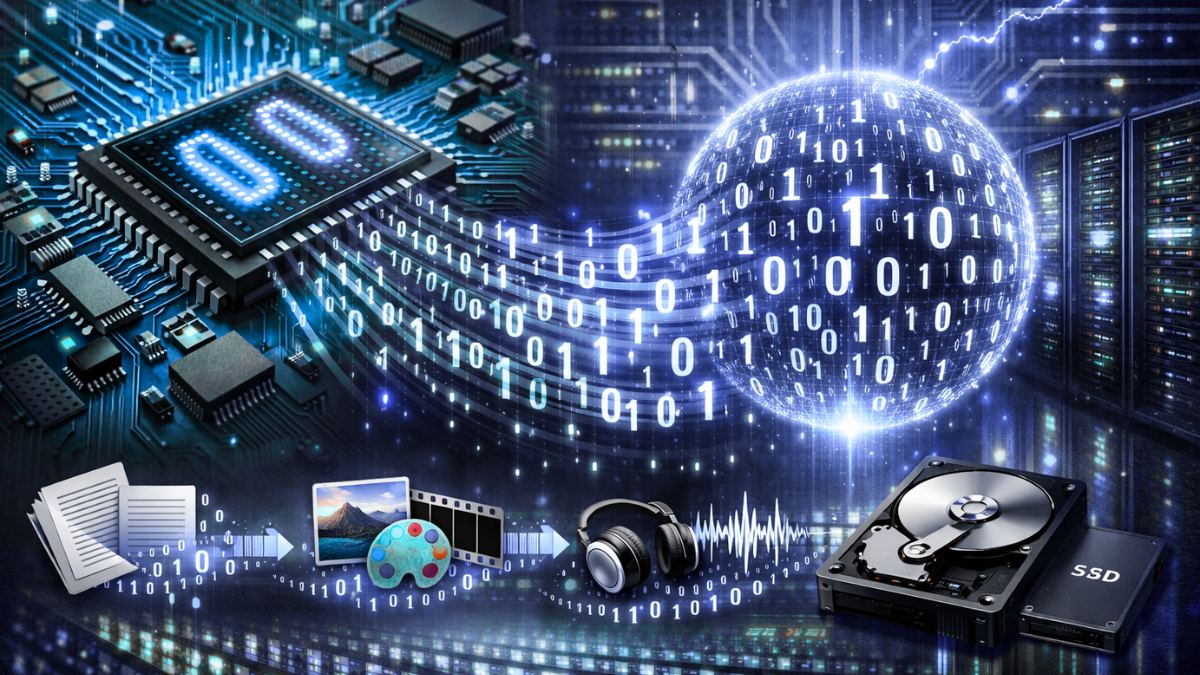
Binary data storage helps computers operate stably, accurately, and minimizes errors caused by electrical signal interference. This encoding process creates a single, common language, allowing hardware to easily and sustainably store vast amounts of human data.
In what form is data stored by a computer?
Data is stored in the form of bits and bytes, operating on the binary system with two values, 0 and 1. To understand this mechanism, let's explore the concept of bits and how bits store data in a computer.
What is a bit?
In computers, a bit is the smallest unit of data, derived from the concept of a 'binary digit,' where each bit represents only one of two states: 0 or 1. These two values represent the two physical states of an electrical current in an electronic circuit: on and off.
A bit consists of two values, 0 and 1.
Once you understand what bits are in computing, you'll see that they are the foundation of all modern computer systems. All complex data, such as 4K video or 3D games, is built from billions of bits combined according to strict rules.
If you need a powerful laptop for studying, storage, and smooth multitasking, visit [Store Name]. The store offers a wide range of genuine laptops from ASUS, Dell, and HP with large RAM, reliable warranties, and great prices. Check prices and place your order now!
Why do bits only have two states, 0 and 1?
A bit has only two states because computer hardware operates on the on/off principle of transistors. Therefore, data is stored by the computer as 0 and 1, corresponding to the presence and absence of power. This design ensures stable system operation and minimizes errors, whereas using more states would make signals difficult to distinguish and prone to inaccuracies.
How do bits store data?
Each bit is stored as a physical state in hardware such as a hard drive, SSD, or RAM. With modern SSDs, bits are stored in NAND Flash memory cells, where an electrical charge represents a value of 0 or 1.
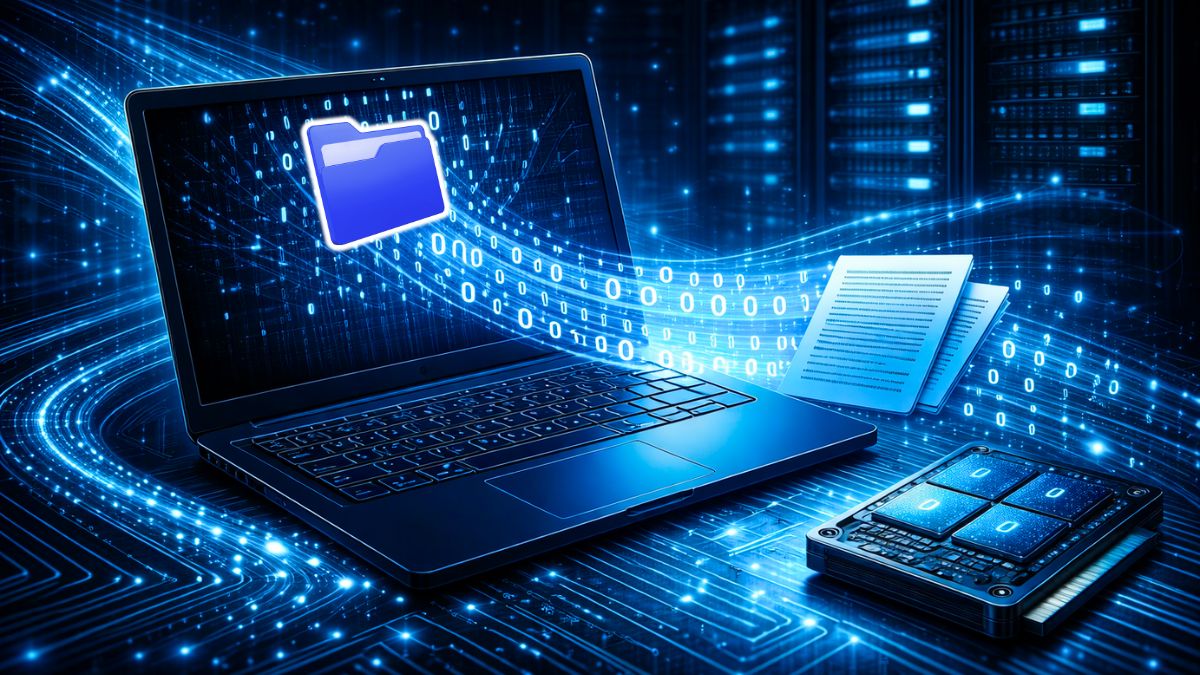
When you save a text file, the computer converts each character into a string of bits. This string is then written to the storage device. When you reopen the file, the computer reads the string of bits and decodes it back into the content you see on the screen.
The relationship between bits and bytes
According to a common convention agreed upon by technology companies, a byte consists of 8 bits. For example, the letter 'A' in the ASCII character set is represented by 1 byte, corresponding to the bit sequence 01000001. Thanks to the combination of multiple bytes, computers can store long texts, high-resolution images, and other complex data.
Binary system
Data is stored by computers as binary values, reflecting how the hardware recognizes information. Let's explore what the binary system is and why computers don't use the decimal system below.
What is the binary system?
The binary system is a counting system consisting of only two digits, 0 and 1, which is suitable for the operating principles of electronic circuits. Meanwhile, the familiar decimal system uses digits from 0 to 9. Thanks to the binary system, the Windows operating system and new software can run stably on computers. All calculations, comparisons, and data processing are converted to 0 and 1 before the CPU executes them.
Why do computers use the binary system to process data?
The use of the binary system in computers stems from its advantages of simplicity, reduced error, and accuracy and stability in data encoding. Data is stored in a simple form, making it easy for hardware to recognize and process signals without confusion. Furthermore, this system contributes to reduced production costs and increased durability of hardware components.
How computers encode data
Data encoding is the process of converting information familiar to humans, such as text, images, or sound, into binary sequences of numbers that computers can understand and process. To understand what data encoding is, please follow the encoding steps below:
- Input data such as text, images, or audio is received by the software.
- The data is converted to standard encoding formats such as ASCII, Unicode, JPEG, or MP3.
- The standard code is then further converted into a bit string.
- A sequence of bits is stored in memory or a storage device.
Thanks to this process, data is stored by the computer in a unified format and can be shared between many different devices.
The types of data stored by computers
Computers not only process but also store a wide variety of data, from text and images to sound. Despite the diverse forms of representation, all data is encoded using bits and the binary system.
Text and character data
Text data is stored using character encoding schemes such as ASCII or Unicode so that computers can understand and process it. Each character, when encoded, occupies a certain amount of memory, depending on the encoding standard the system uses.
Unicode supports the storage of multiple languages, including Vietnamese, ensuring that all characters with diacritics are displayed correctly.
Image data
In the case of images, data is stored by computers as pixels. These pixels carry data about color and brightness, which the computer encodes for storage and processing. Some common image formats include JPEG, PNG, HEIC, etc.
Audio data
Sound is converted by computers from continuous sound waves into digital signals through a sampling process. Each sound sample is represented and stored using binary bits. Thanks to this process, computers can store, process, and play audio in familiar formats such as MP3, WAV, or AAC.
Video data
Video is a complex data format, combining images and sound. In video, data is stored by a computer as a series of consecutive frames accompanied by a digital audio signal. Due to its large file size, video is often compressed using common standards such as H.264, H.265, or AV1 and H.266 (VVC) to limit storage space.
Where is the data stored on the computer?
Data can be stored on various types of devices such as HDDs, SSDs, RAM, or cloud storage systems. Each type of storage has different access speeds and purposes, suitable for specific needs.
Whether data is stored by a computer in bits or bytes, the storage location directly affects processing speed, accessibility, and data security.
In particular, modern SSDs developed by companies like Samsung and Western Digital offer significantly faster access speeds. Compared to traditional HDDs, SSDs are also more energy-efficient and durable.
Why are bits and the binary system so important in computers?
Bits and the binary system play a crucial role because they are the simplest and most stable way for computers to store and process data. Computer hardware only needs to distinguish between two states—on and off, corresponding to 1 and 0—which reduces errors and increases accuracy.
Thanks to this, computers can operate quickly, reliably, and process large amounts of data efficiently. Without bits and the binary system, data could not be stored, transmitted, or secured effectively. This is why all digital devices today adhere to this principle.
Through this article, you have gained a clear understanding of what data is stored in computers and why bits, bytes, and the binary system are important. This foundational knowledge will help you learn better and use technology effectively in today's digital world. Read more about other fascinating technology and computer terminology on our website.
Related Articles
 SEO Terms: The Terms Need to Know in SEO7 minutes read
 What Is a Folder the Concept of a File (File) and a Folder (Folder) in a5 minutes read
 Appears New Term Brontobyte, Super Large Data Unit3 minutes read
 Network 5g: 5g Network Terminology You Should Know9 minutes read
 The Terms You Need to Know When Buying a Motherboard24 minutes read
 Instructions for Editing Data in Form of PDF File: Technical2 minutes read
Reader Comments 0
Sign in with email or Google to join the discussion.