Table of Contents
Zperiod can balance a chemical equation after you enter the reactants and products. It calculates the smallest whole-number coefficients and shows a visual atom count, but it does not replace choosing the correct formulas or confirming that the proposed reaction is chemically possible.
Open Zperiod in a desktop browser for the full interface. The site also works on mobile, although its interactive tools and 3D models are easier to use on a larger screen.
Set the interface language and open the periodic table
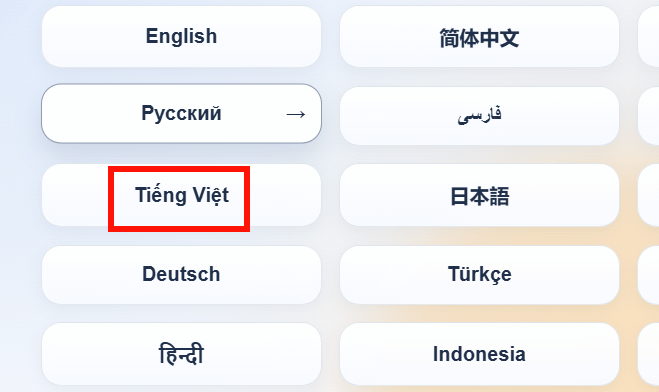
Use the language selector to choose English, Vietnamese, or another supported language.
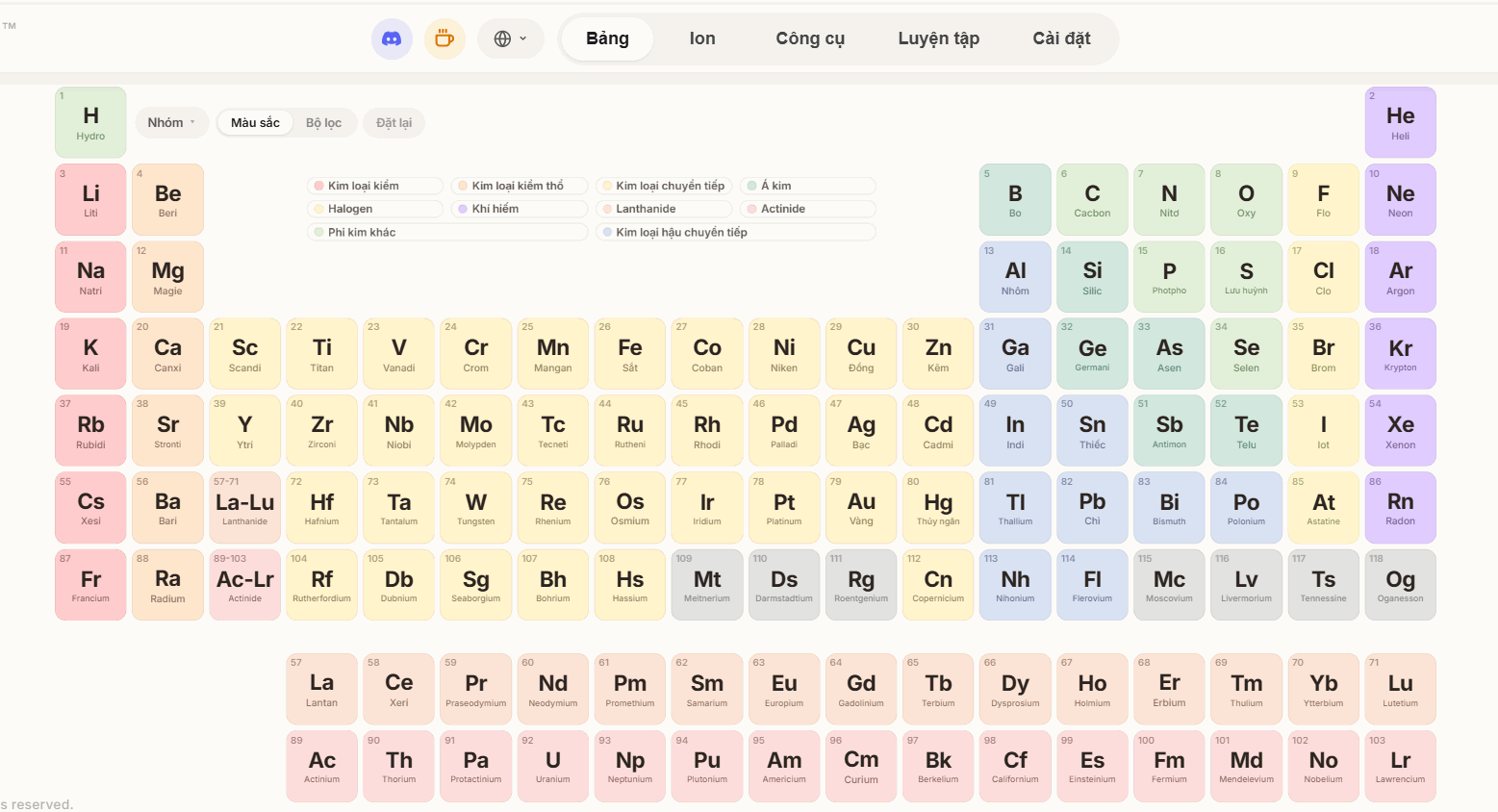
The main Table view displays all 118 elements with category colors and property information.
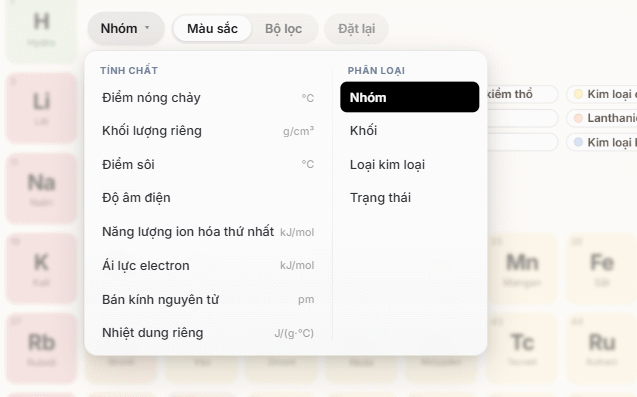
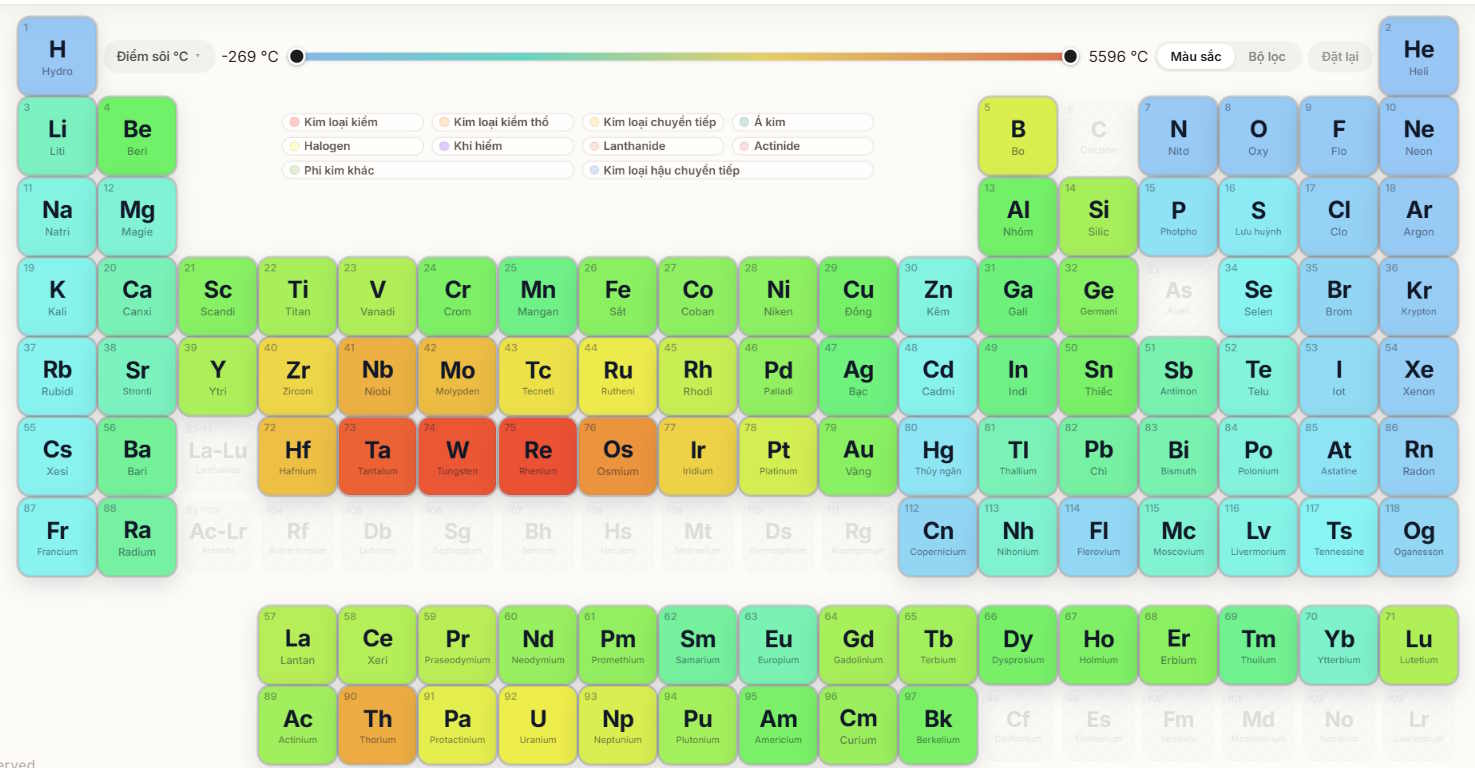
You can change the table's classification or display options to emphasize element categories, phases, blocks, or other available properties.
Check an element or 3D atomic model
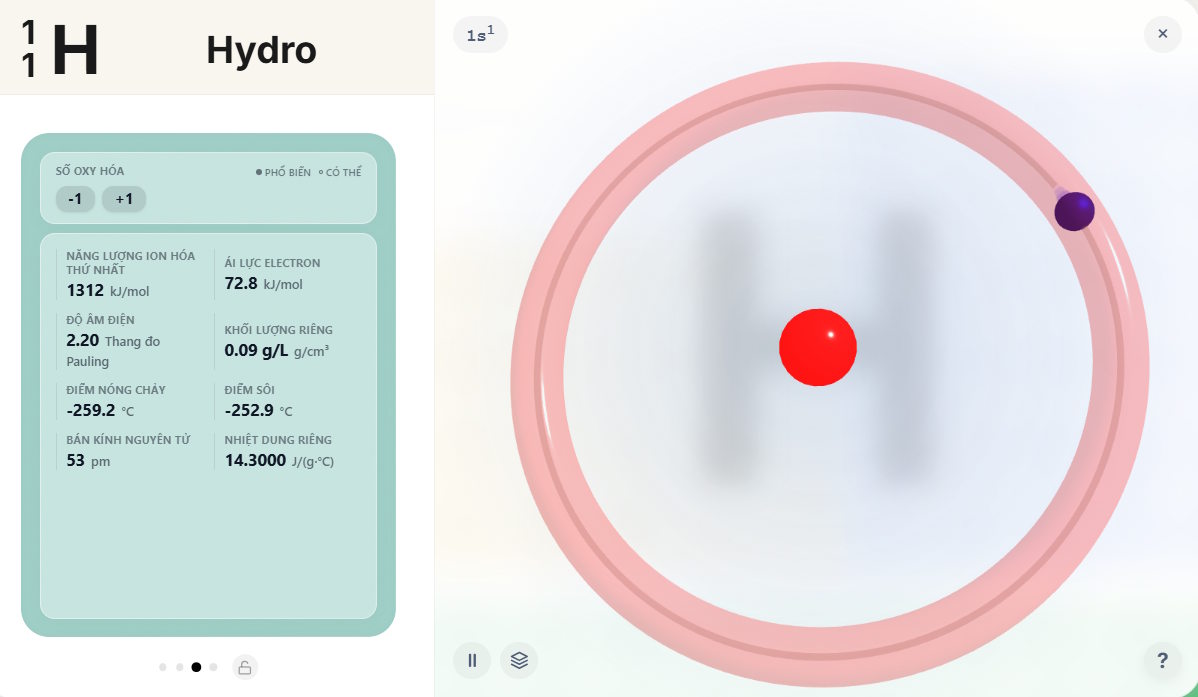
Select an element to see its symbol, atomic number, average atomic mass, electron information, physical properties, common oxidation states, and other reference data available in the current version.
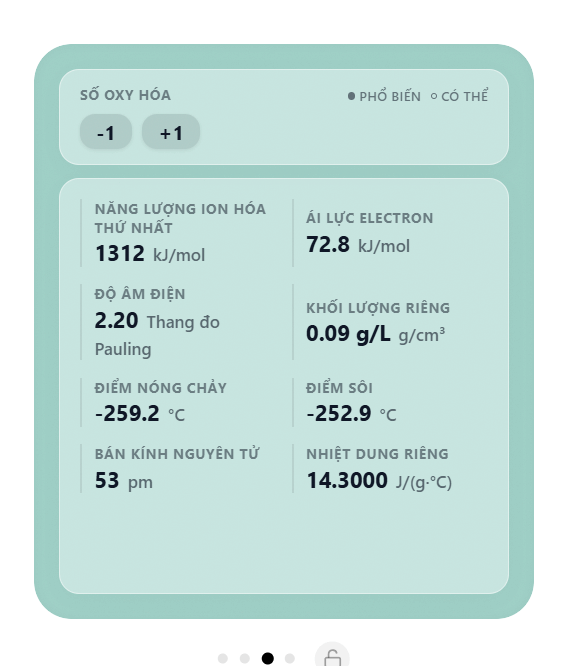
The element panel also provides an interactive atomic visualization. Use it as a learning aid: a simplified shell or orbital model is not a literal picture of an atom.
Balance a chemical equation automatically
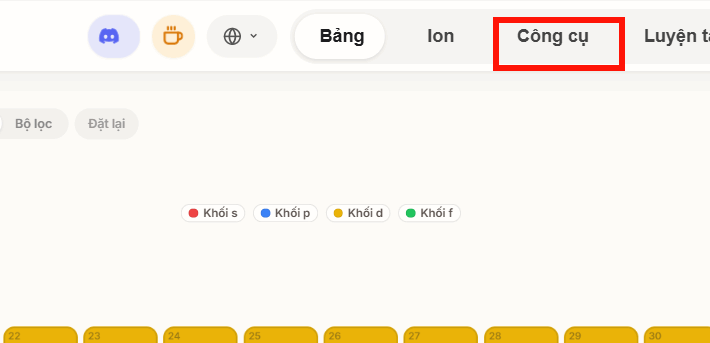
- Open Tools from the main navigation.
- Select Equation Balancer or Balance Equation, depending on the interface version.
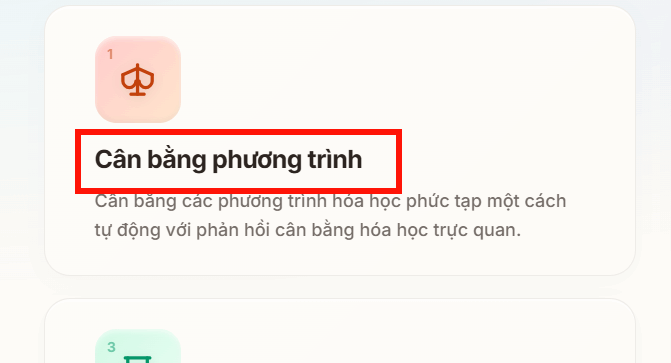
- Enter the complete unbalanced equation, including both reactants and products.
- Use correct element capitalization:
Nameans sodium, whileNAis not a valid element symbol. - Separate compounds with a plus sign and use the reaction arrow accepted by the input field.
- Select Auto-Balance.
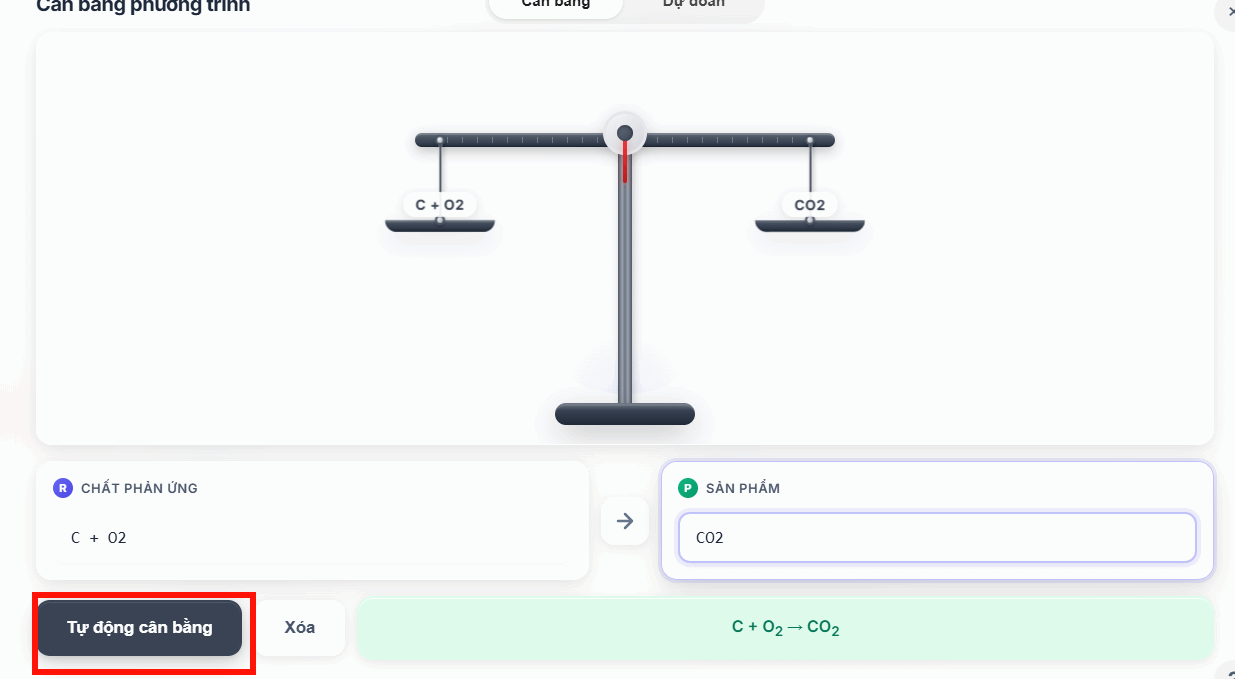
Example
Enter:
Fe + O2 → Fe2O3A balanced result is:
4Fe + 3O2 → 2Fe2O3Verify it by counting atoms on each side:
| Element | Reactant side | Product side |
|---|---|---|
| Fe | 4 | 4 |
| O | 6 | 6 |
The coefficients multiply entire formulas. Do not change O2 to O3 or alter the subscript in Fe2O3; that would describe a different substance rather than balance the equation.
Use reaction prediction carefully
If the current Zperiod interface offers a reaction-prediction option, enter the known reactants and choose the appropriate reaction type before selecting Predict Product.
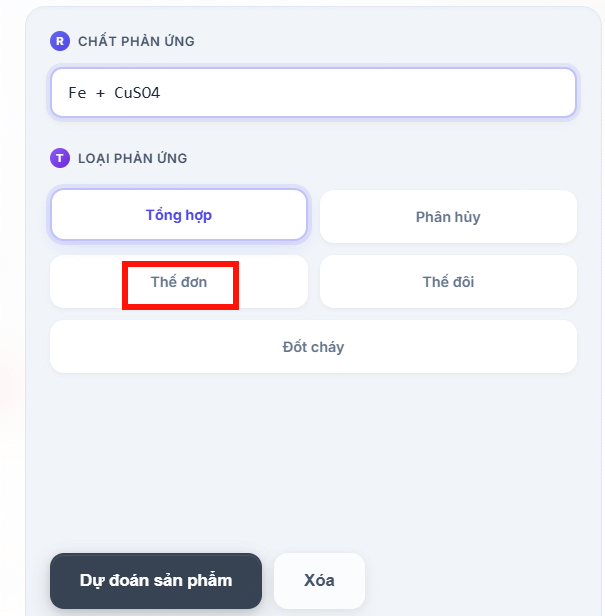
The tool may propose products and then balance the resulting equation.
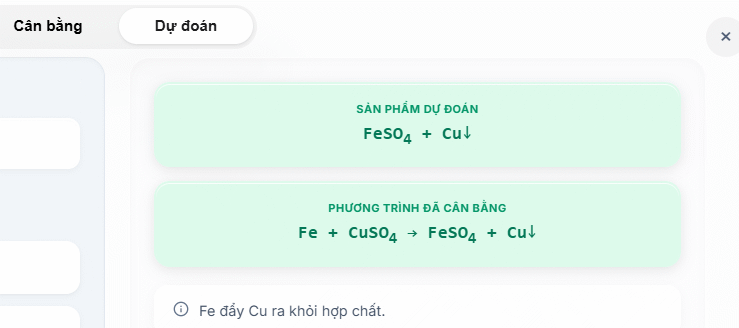
A mathematically balanced equation is not automatically a valid real-world reaction. Check reaction conditions, solubility rules, oxidation states, and your course material. Do not mix chemicals solely because a website predicts a product.
Explore the Virtual Lab
Open Tools and select Virtual Lab to explore the site's visual simulations.
Choose only the options provided by the simulation and observe the displayed particle or reaction behavior.
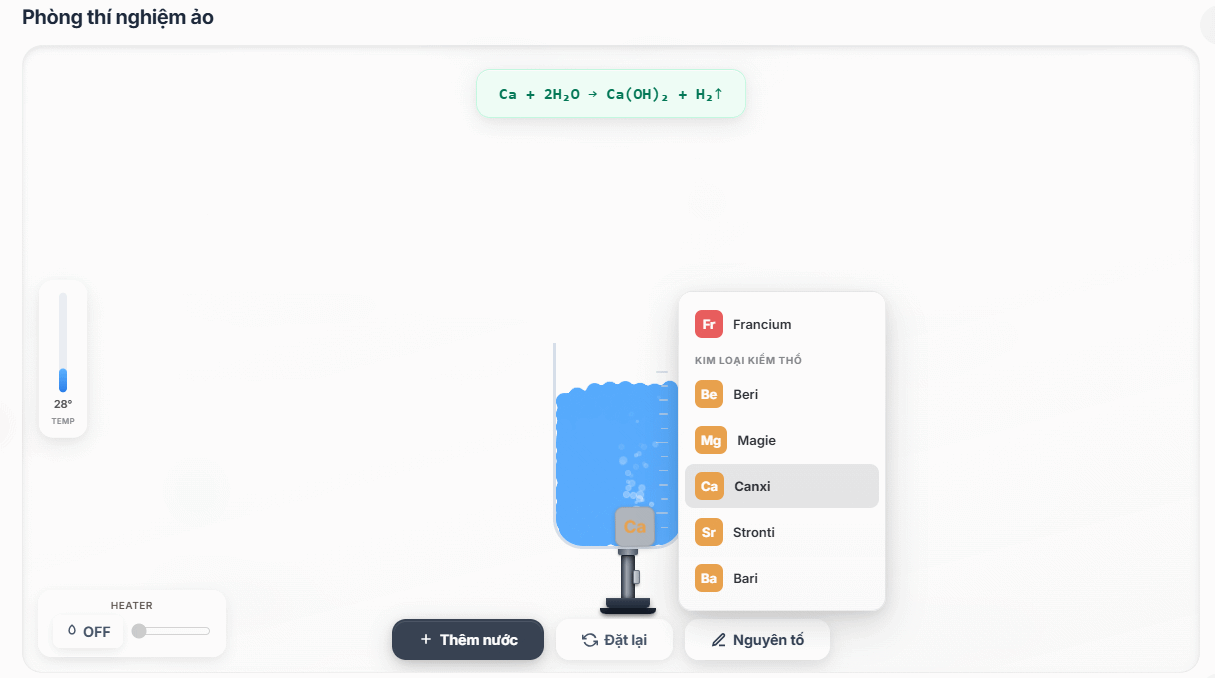
The Virtual Lab is an educational model, not a safety guide for physical experiments. Real reactions may require protective equipment, ventilation, controlled quantities, and trained supervision.
If Zperiod cannot parse the equation
- Check element capitalization and every chemical formula.
- Include both sides of the equation; a balancer cannot determine missing products from coefficients alone.
- Remove descriptive words and enter formulas only.
- Use plain numbers for subscripts if formatted subscripts are rejected.
- Try a standard arrow or the separator shown in the tool's example.
- Balance one reaction at a time rather than pasting several equations.
How to verify any automatic result
- Count each element on both sides.
- For ionic equations, check that total charge is also balanced.
- Reduce coefficients to the smallest whole-number ratio unless the task specifies otherwise.
- Confirm that formulas and states came from the problem, not from an accidental input change.
Zperiod is most useful as a checker and visualization tool. Work through the atom count yourself first, then use the automatic result to locate mistakes.
Related Articles
 Learning Chemistry Will Become Very Interesting with the Chemical5 minutes read
 Things to Know About Equivalent Equations in Algebra8 minutes read
 Three Mathematical Equations Change the World4 minutes read
 How to Indexing on the Index on the Index in Word3 minutes read
 How to Insert Equations in Microsoft Word: Practical Guide12 minutes read
 How to Check the ACB Account Balance on Phones and Computers7 minutes read
Reader Comments 0
Sign in with email or Google to join the discussion.