Table of Contents
Windows 10 version 1809 is an obsolete release. This archived guide explains the three upgrade methods that were available when the October 2018 Update was current. Microsoft’s tools no longer offer version 1809 to ordinary users, so these steps should not be used to put an unsupported operating system on a production PC.
If your goal is to update a computer you still use, follow the current Windows 10 update guide instead. Back up important files before any operating-system upgrade.
Before using this archived guide
- Version 1809 is no longer a suitable target for an internet-connected PC.
- The screenshots show the Windows 10 interface as it appeared in 2018; current menus and prompts may differ.
- Windows Update, Update Assistant, and Media Creation Tool normally install the newest version they support, not a user-selected historical release.
- For installation, recovery, and backup options, see the Windows installation and recovery guides.
Method 1: Windows Update
Windows Update was the simplest way to receive version 1809 when Microsoft offered it to a compatible device. It also installed outstanding security and quality updates.
Step 1: Press Windows + I, then open Update & Security.
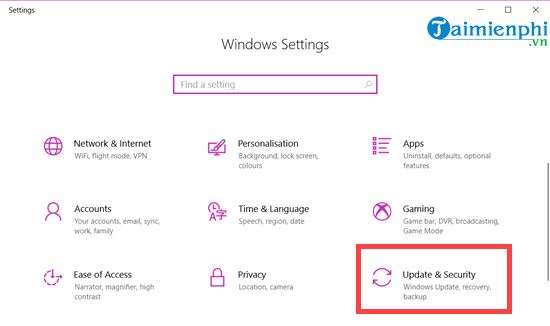
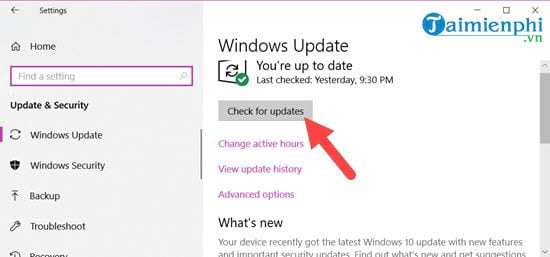
Step 2: Select Check for updates. Windows searches for updates approved for the device.
Step 3: Allow available updates to download. The exact items shown depend on the computer and the date of the check.
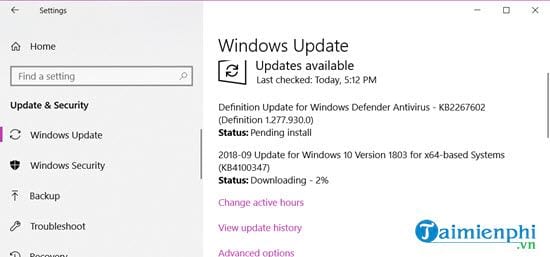
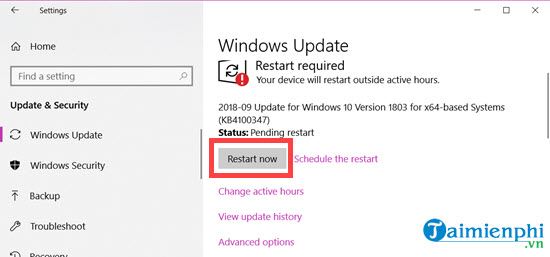
Step 4: Save your work and restart when prompted. Keep the computer connected to power while the installation finishes.
Method 2: Media Creation Tool
Microsoft’s Media Creation Tool could either upgrade the current PC or create installation media. When version 1809 was current, choosing an in-place upgrade downloaded that release. A current copy of the tool will not reproduce that historical behavior.
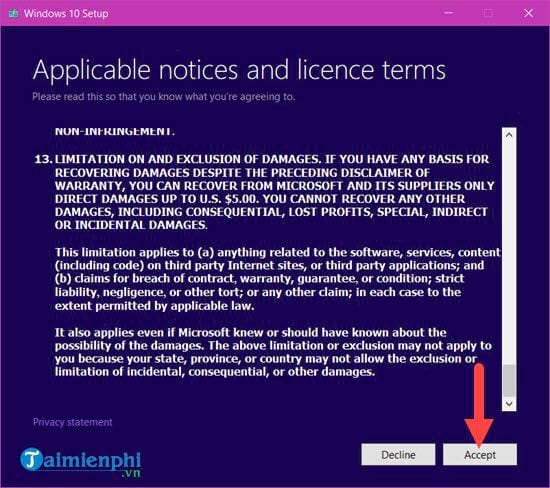
Step 1: Run the tool and review the license terms. Select Accept only if you agree.
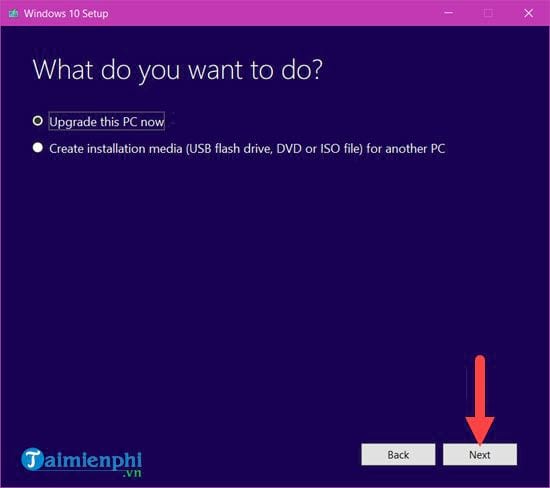
Step 2: Choose Upgrade this PC now for an in-place upgrade. The alternative creates USB or ISO installation media for another installation.
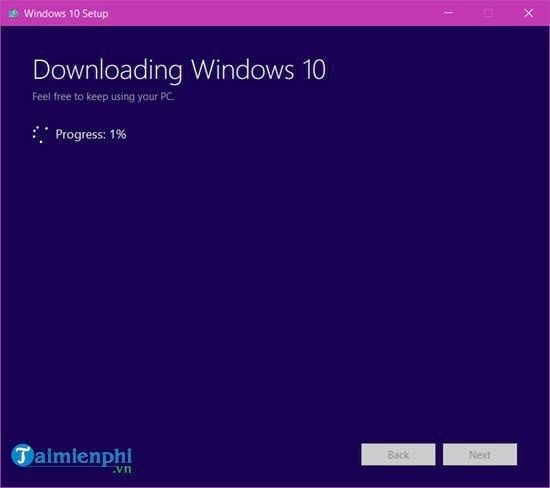
Step 3: Wait for the download and compatibility checks. Review what the installer will keep before selecting Install; do not proceed if the summary would remove files or apps you intend to retain.
Method 3: Windows Update Assistant
Update Assistant was another Microsoft utility for moving a compatible PC to the feature release offered at the time. It did not provide a permanent menu of older Windows versions.
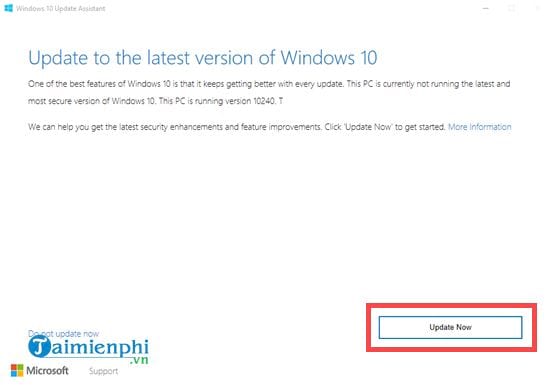
Step 1: Launch Update Assistant. It checks the installed Windows version and identifies the update then available for the PC.
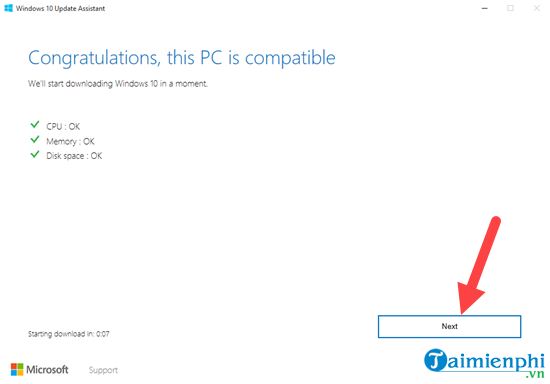
Step 2: Review the processor, memory, and disk-space checks. Continue only if all requirements pass.
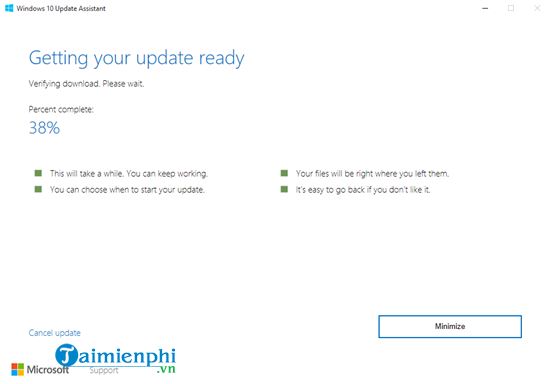
Step 3: Let the download finish, save open work, and follow the restart prompts to complete installation.
What to do today
Use Windows Update or Microsoft’s current installation media for a supported release rather than searching for an unofficial version 1809 download. Historical installation images from unknown websites can be modified or unsafe. If an old business application requires 1809, isolate the machine from untrusted networks and plan a migration with the software vendor or an IT administrator.
Related Articles
 Windows 10 1803 Is Still the King of Microsoft Castle4 minutes read
 The Latest Windows 10 October Update Has a Serious Error, Microsoft Must Cooperate with Apple to Fix7 minutes read
 Windows 10 October 2018 Update and New Highlights Will Appear5 minutes read
 The Official ISO Windows 10 October (1809) Is Available from Microsoft, Please Download4 minutes read
 Download Links for Windows 10 October 2018 Version 1809 ISO: Complete List4 minutes read
 Windows 10 October 2018 Update, Version 1809 Is the Official Name of the Major Update4 minutes read
Reader Comments 0
Sign in with email or Google to join the discussion.