Table of Contents
ChatGPT plugins can add reusable skills and connections to external services. After installing a plugin, you can ask for an outcome in natural language or explicitly invoke the plugin with @. Some connections can retrieve information, while others can take actions only within the permissions you grant.
How ChatGPT plugins work
A plugin can bundle instructions, connectors, MCP tools, or an optional interface. A connector is what lets ChatGPT work with an external service such as a file store, messaging system, or project tracker. Installing a plugin does not automatically grant unlimited access to that service.
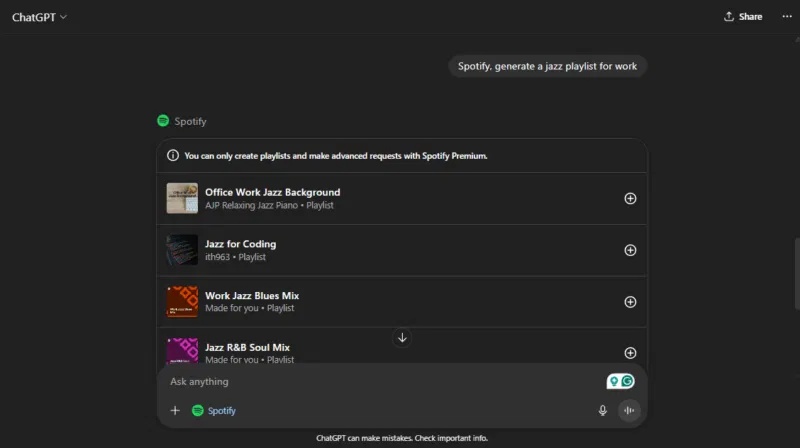
Install a plugin
- Open the Plugins tab on a supported ChatGPT surface.
- Browse or search the plugin directory and open the plugin's details.
- Review the publisher, included capabilities, requested connection, and any workspace restrictions.
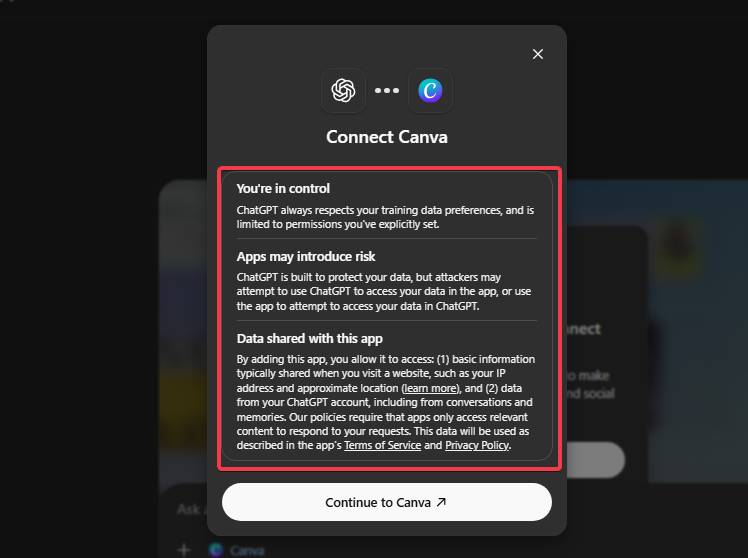
- Select the plus or install control.
- If prompted, connect the external service and approve only the access required for your task.
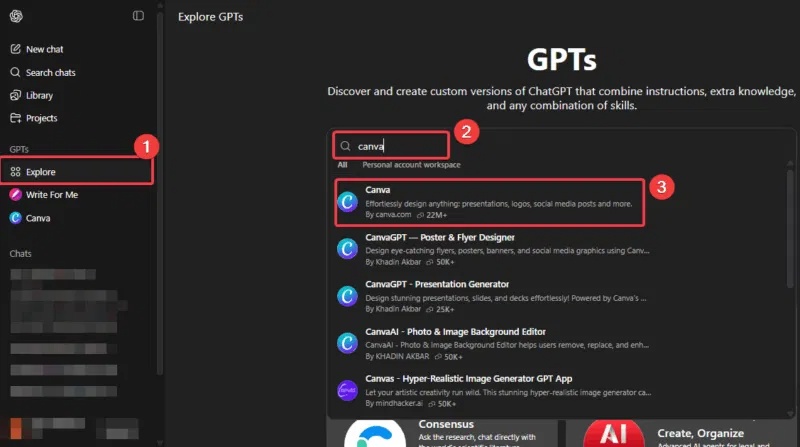
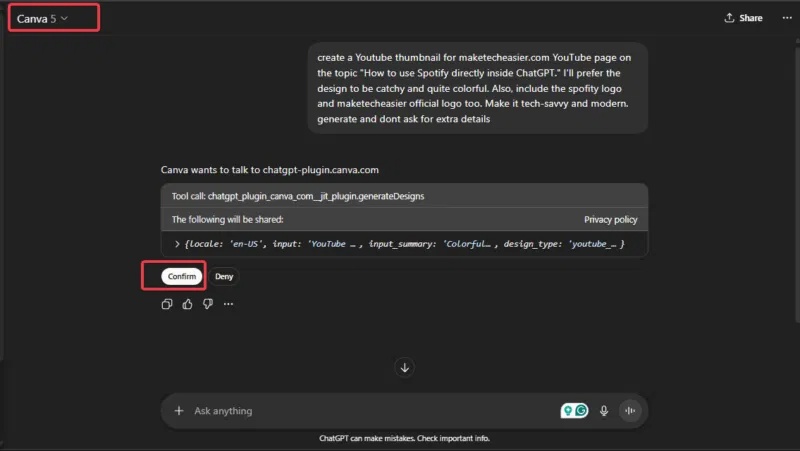
Some plugins request authentication during installation; others wait until the first use. Workspace administrators may limit which plugins or connector capabilities are available.
Use a plugin in a chat
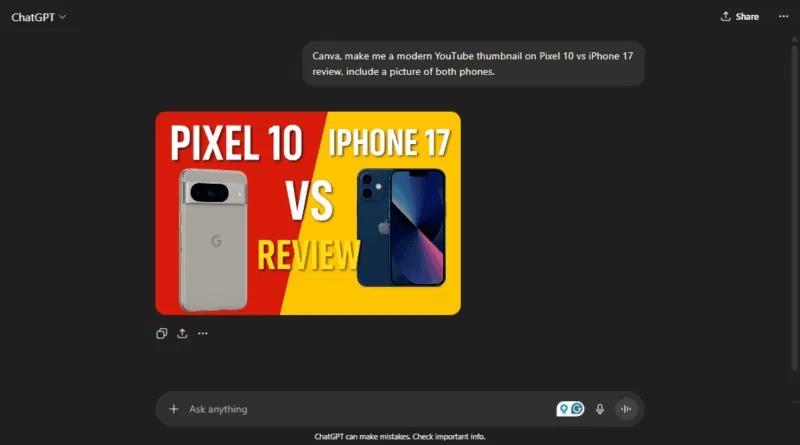
Start a new chat after installation so the plugin's capabilities are available. You can then describe the desired outcome directly:
Summarize the project notes I specify and list unresolved decisions. Do not edit any files.
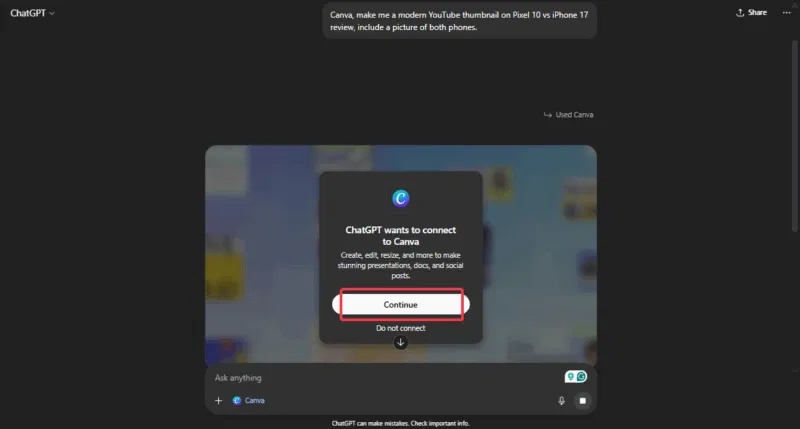
To choose a particular plugin or bundled skill, type @ and select it, then write a scoped request. This is useful when several installed plugins could handle similar data.
Write a request the plugin can execute safely
- Name the source, account, folder, project, or date range.
- State whether the task is read-only or may change external data.
- Specify the expected output, such as a summary, draft, table, or updated record.
- For consequential changes, ask to review the proposed action before it is submitted.
Permissions and privacy
External services keep their own authentication and access controls. When ChatGPT sends data through a connector, the connected service's terms and privacy policy also apply. Review the permission screen, avoid connecting an account with broader access than necessary, and do not include confidential data unless the task and destination are authorized.
Removing a plugin may not disconnect a connector that was authorized separately. Manage or revoke the external connection from the relevant ChatGPT or service settings when you no longer need it.
If a plugin is unavailable or does not run
- Confirm that the plugin is installed and that you started a new chat afterward.
- Check whether the connector still needs sign-in or authorization.
- Verify that your plan, device, and workspace policy support the plugin.
- Make the request more specific and explicitly select the plugin with
@. - Ask for a read-only result first if the requested action requires extra approval.
Plugin names, interfaces, and availability can change. See the official ChatGPT plugin documentation for the current installation and permission model.
Related Articles
 How to Use the ChatGPT API: a Complete Guide from a to Z12 minutes read
 Learn About ChatGPT-4o: Features, Benefits and How to Use It: Complete Guide7 minutes read
 ChatGPT's New App Integrations Will Change the Way You Use It: What to Know7 minutes read
 OpenAI Enables ChatGPT to Chat Directly with Apps: Complete Guide4 minutes read
 minutes read
 What Is ChatGPT Pro? Is It Worth It in 2026?8 minutes read
Reader Comments 0
Sign in with email or Google to join the discussion.