Table of Contents
ChatGPT for Excel is a spreadsheet-native assistant that works from a sidebar in a workbook. You can describe a task in plain language, ask it to inspect formulas or data, and review proposed workbook changes without manually building every step.
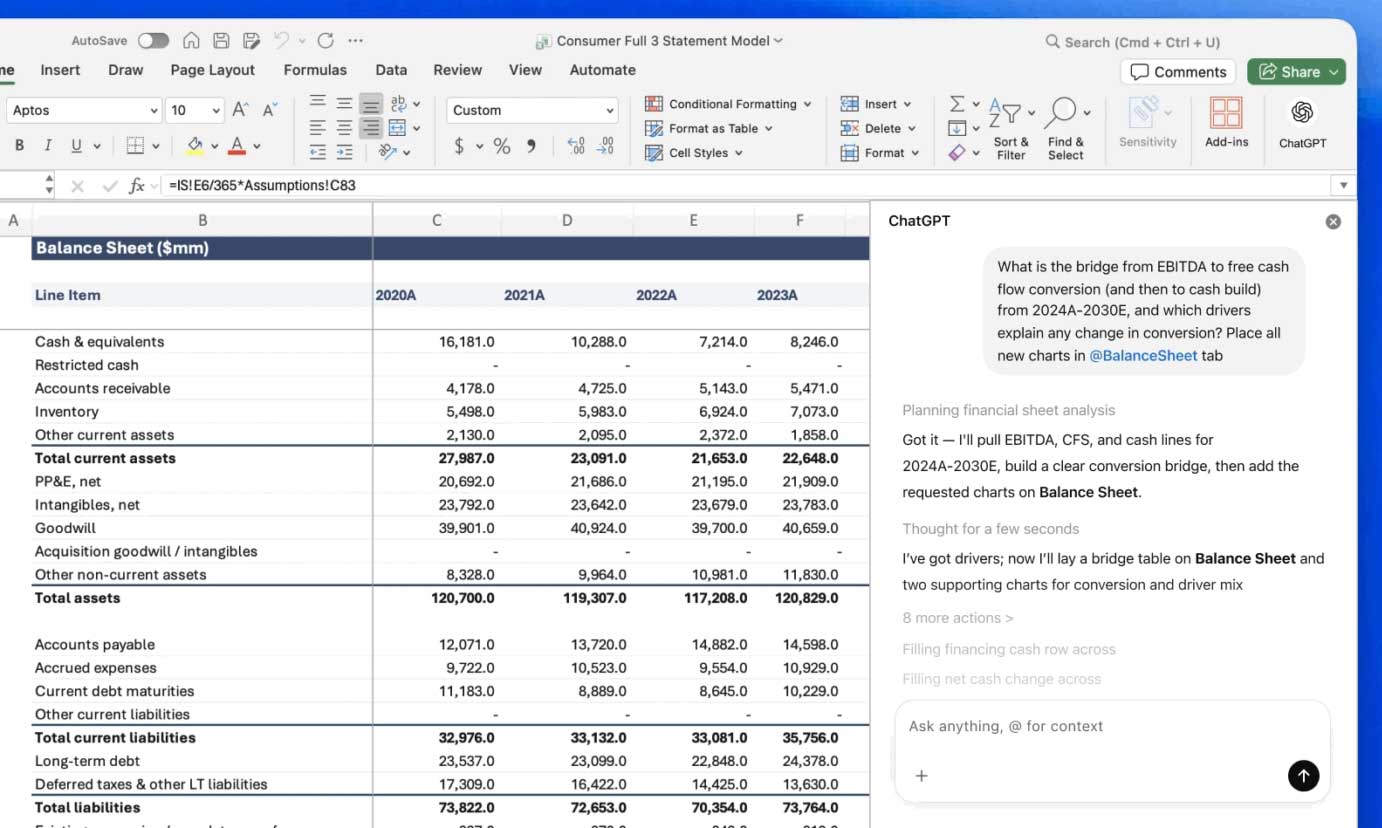
What ChatGPT for Excel can do
Build workbook structures
Give it a specific outcome—such as a monthly budget, KPI tracker, project plan, or scenario model—and describe the required columns, assumptions, totals, and formatting. It can create a starting structure and formulas that you can inspect and refine.
Create a monthly budget with separate Planned and Actual columns, category subtotals, a monthly variance formula, and an assumptions section. Do not overwrite existing sheets.
Update an existing workbook
The assistant can work across large, multi-tab files and help modify formulas, references, labels, and formatting. State which sheets or ranges are in scope and which source cells must remain unchanged.
Explain and troubleshoot formulas
You can ask why a formula returns an error, what a nested formula does, or how references flow between sheets. A useful request includes the expected result and asks the assistant to explain the proposed correction before applying it.
Clean and organize data
Typical tasks include finding duplicates, standardizing labels, identifying missing values, normalizing dates, and sorting a table. Cleaning rules should be explicit; similar-looking records are not always true duplicates.
Summarize and analyze data
ChatGPT can calculate first-pass summaries, compare segments, identify outliers, and help create reviewable tables or charts. For important analysis, ask it to document filters, joins, exclusions, and assumptions rather than returning only a conclusion.
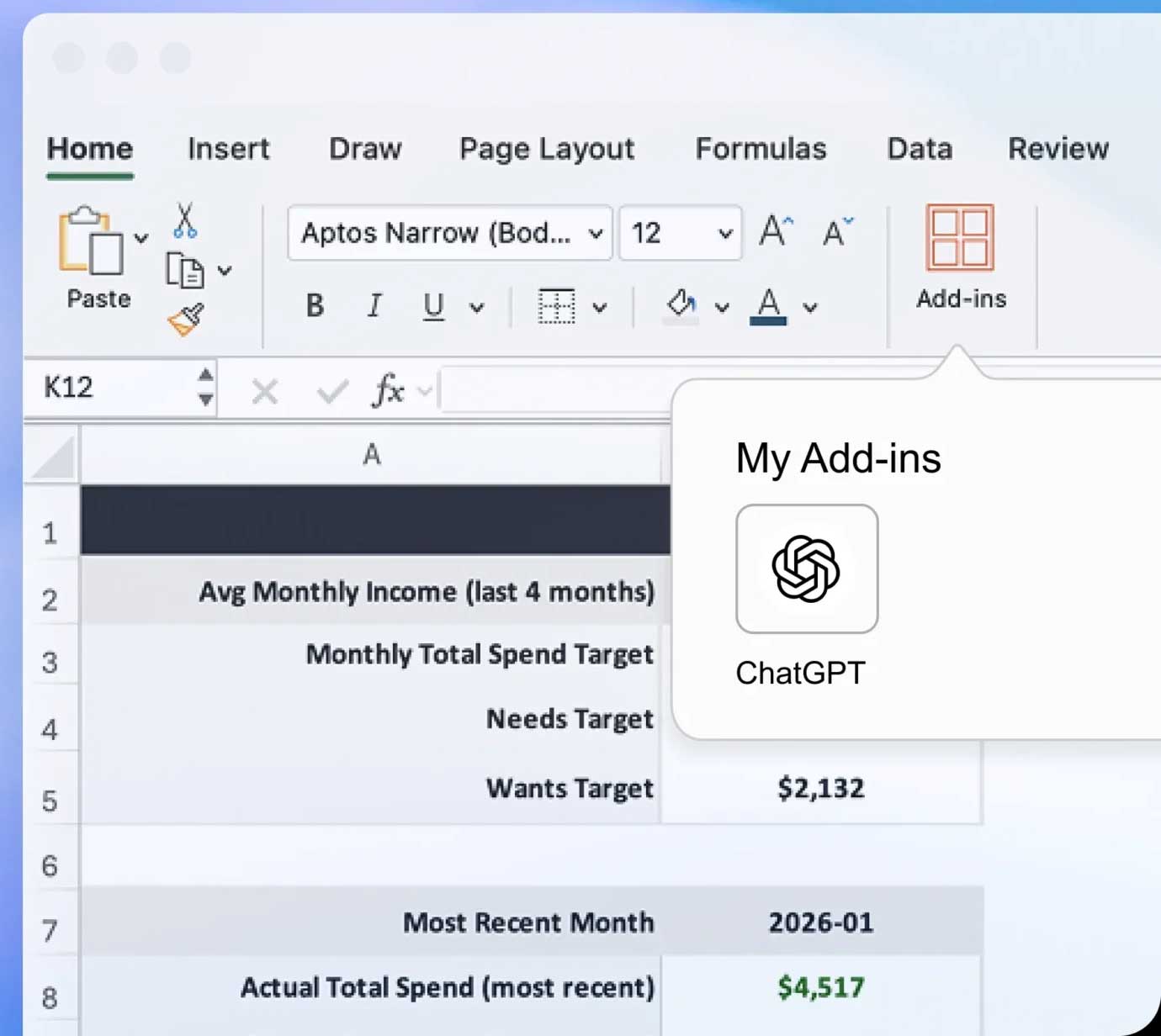
A safer workflow for workbook changes
- Define the scope: name the sheets, ranges, source data, and desired output.
- Ask for an inventory: have the assistant explain the workbook and flag missing data or ambiguous fields before editing.
- Request a plan: for a large change, review the proposed formulas, joins, and affected cells.
- Stage the edit: preserve source tabs and place derived work in clearly labeled output areas when possible.
- Validate: recalculate totals, compare row counts, inspect a sample of formulas, and check edge cases.
OpenAI's data-analysis guidance similarly emphasizes checking inputs, joins, missing values, assumptions, and caveats before treating an analysis as trustworthy.
Important limitations
- AI-generated formulas and conclusions can be wrong, even when they look plausible.
- Ambiguous instructions may produce technically valid changes that do not match the business rule.
- Large workbooks, unsupported features, protected sheets, external connections, or unusual formulas may require manual work.
- Availability, limits, and setup depend on the current ChatGPT plan, workspace policy, and spreadsheet environment.
Do you still need to learn Excel?
Basic spreadsheet knowledge remains valuable. Understanding references, tables, filters, aggregation, and data types makes it easier to specify a task and catch mistakes. The strongest use of ChatGPT is as a collaborator that accelerates building and explanation while leaving important results open to human review.
Related Articles
 Effective Ways to Use ChatGPT in Excel8 minutes read
 ChatGPT Has Many Features in 2026: Here Are 3 Features You Might Have Missed7 minutes read
 ChatGPT Has Many Features in 2026: Here Are 5 Features You Might Have Missed!8 minutes read
 How to Use ChatGPT to Write Excel Formulas9 minutes read
 Hidden Features of ChatGPT That You Might Not Know About4 minutes read
 Learn About ChatGPT-4o: Features, Benefits and How to Use It: Complete Guide7 minutes read
Reader Comments 0
Sign in with email or Google to join the discussion.