Table of Contents
This updated guide explains how to download black beacon PC with clear steps, practical tips, and useful context. Black Beacon brings a breath of fresh air to the action RPG genre thanks to its deep interactive gameplay and highly tactical combat mechanics. If you have ever loved games like Wuthering Waves, you will surely recognize many similarities in graphic quality and eye-catching art.
How to Download Black Beacon on PC
While Black Beacon is currently a mobile-only game, you can still enjoy it on PC with a few tips. Whether you're a veteran or new to the genre, there are ways to optimize your PC experience.
Here are two of the most popular and effective methods you can try:
1. Download via Google Play Beta
- Step 1: First, check if your computer configuration meets the Google Play Beta system requirements.
- Step 2: Download and install Google Play Beta for PC from the link above.
- Step 3: Create a Google Play account or log in to the Google account you already have, making sure your PC is recognized as a device associated with that account.
- Step 4: After installation is complete, open Google Play Beta, search for Black Beacon in the search bar and install.
Note that Windows 10/11 is the most compatible and stable operating system with this method.
2. Use Android Emulators
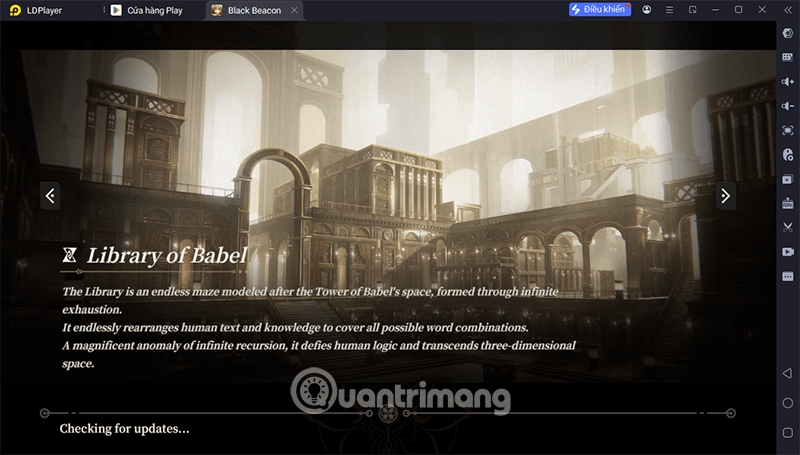
If you cannot use Google Play Beta, you can choose Android emulators like LDPlayer.
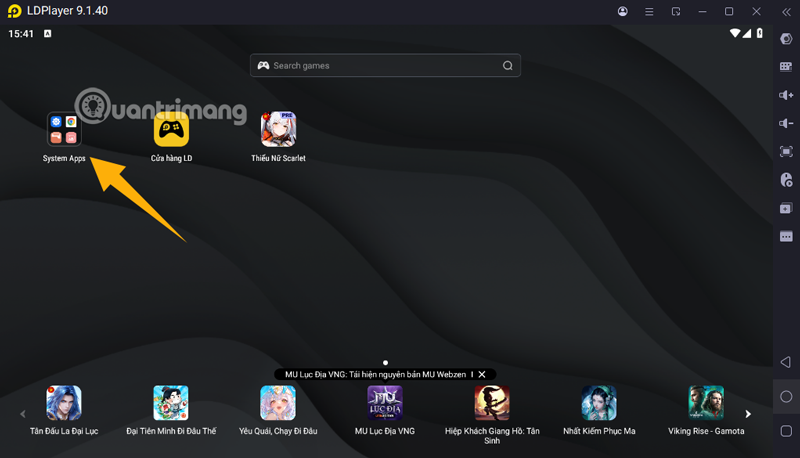
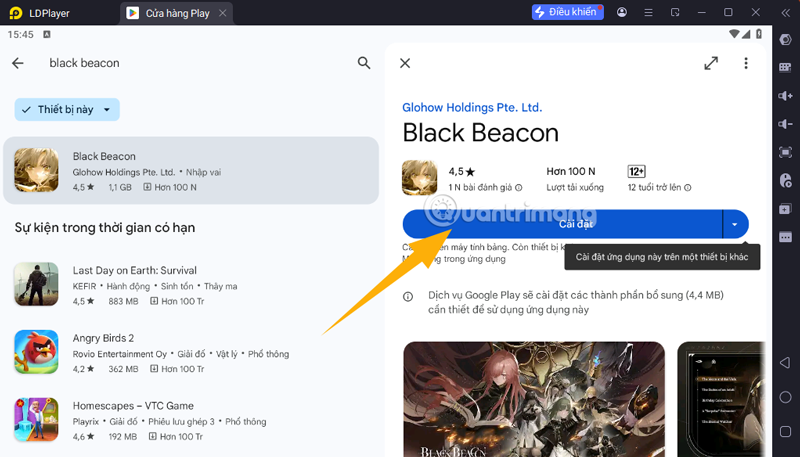
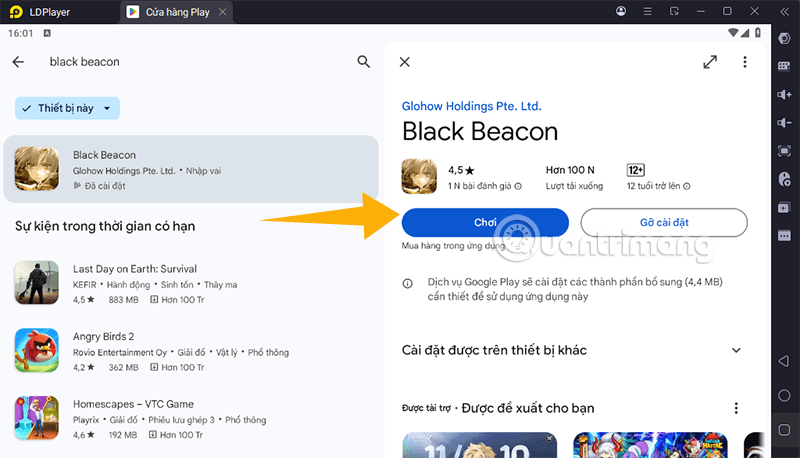
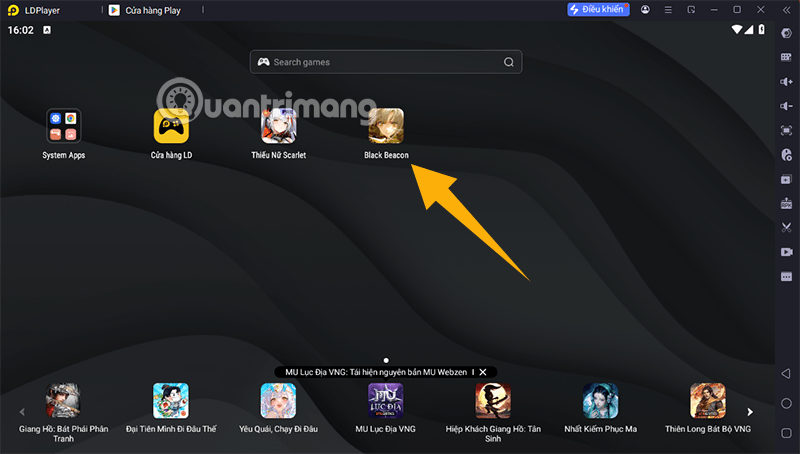
- Step 1: Download LDPlayer below, install and launch it.
LDPlayer Black Beacon
- Step 2: Sign in to your Google Play account on the emulator.
- Step 3: Search for Black Beacon and install.
- Step 4: Customize the control keys to suit your PC gaming habits.
Limitations When Playing Black Beacon on PC
While it is entirely possible to experience Black Beacon on PC, the game is not officially optimized for this platform at this time.
The limitation is that the control system on PC is still messy, the mouse does not support smooth movement like on mobile, this greatly affects action role-playing games that require quick reflexes.
Combat 3D is quite difficult to calibrate on PC, so It is best to temporarily switch to top-down view mode for easier manipulation.
Currently, GlowHow - the developer of Black Beacon has not announced any official optimization plans for PC or console. Therefore, the safest and most convenient option at this time is to still play the game on mobile as originally designed.
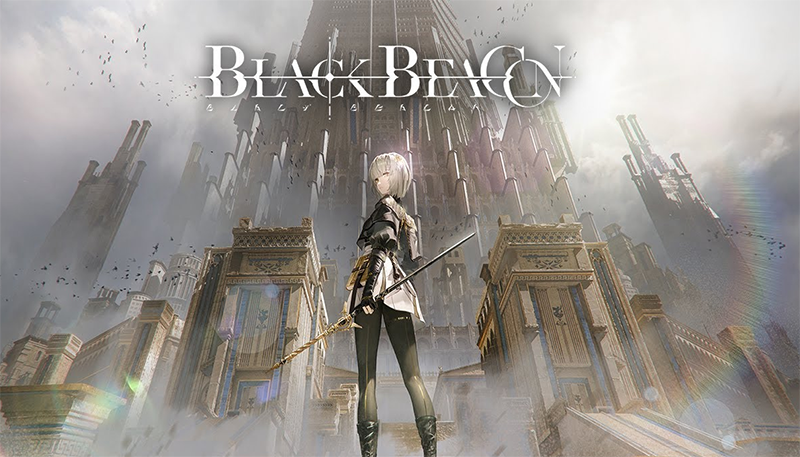
If you really want to try the experience on PC, you can still apply the 2 methods above. But if you want the smoothest, most stable experience, mobile is still the best.
FAQ
What should I prepare before I download black beacon pc?
Review the requirements and options in the guide first. Having the correct device, app version, account access, or materials ready helps prevent avoidable errors.
How long does it take to download black beacon pc?
The time depends on the task and your setup. Most basic steps can be completed quickly, while downloads, updates, scans, or troubleshooting may take longer.
What should I do if the steps do not work?
Repeat the instructions in order, confirm that your software or device is supported, and check permissions, connectivity, and available updates before trying again.
Related Articles
 Black Beacon: Beginner's Guide10 minutes read
 How to Craft a Beacon in Minecraft: Practical Guide9 minutes read
 Top Best Black and White Wallpaper for Phones3 minutes read
 Interesting Facts About the Black Sea: Explained7 minutes read
 Collection of More Than 90 Black Wallpapers for Computers and3 minutes read
 10 Interesting Facts About Black Holes in the Universe (part 1)7 minutes read
Reader Comments 0
Sign in with email or Google to join the discussion.