Table of Contents
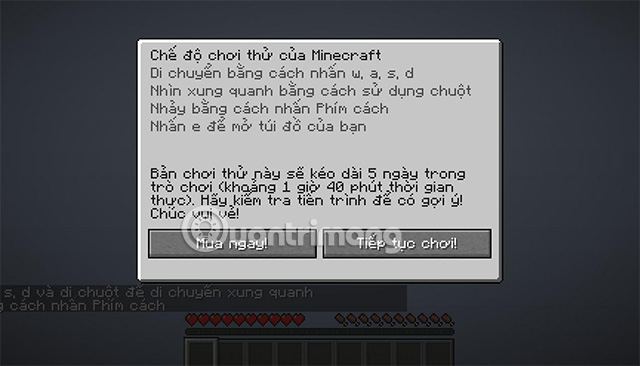
You can try Minecraft on a PC legally through Mojang's official free trial. The Java Edition demo is available after signing in to Minecraft Launcher with a Microsoft account that does not own the game. It lasts about 100 minutes of in-game time, or five Minecraft days; online public servers are not available in the trial.
Download the official Minecraft free trial
- Open the official Minecraft free-trial page.
- Choose Java Edition or Bedrock Edition and select the download for your operating system. Java Edition supports Windows, macOS and Linux; the options shown by Mojang can vary by device.
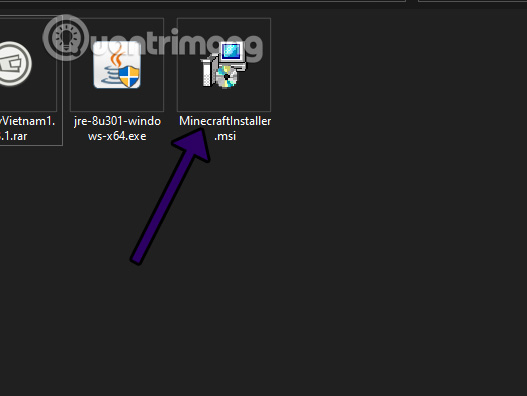
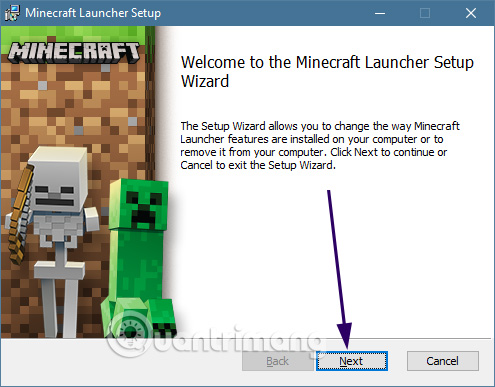
- Install Minecraft Launcher from the downloaded installer or the Microsoft Store when directed.
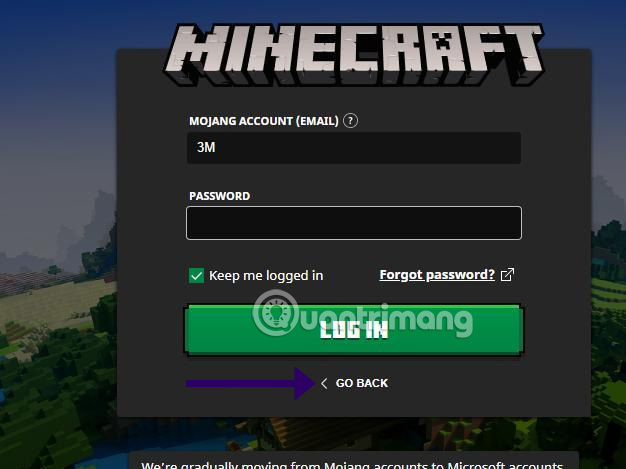
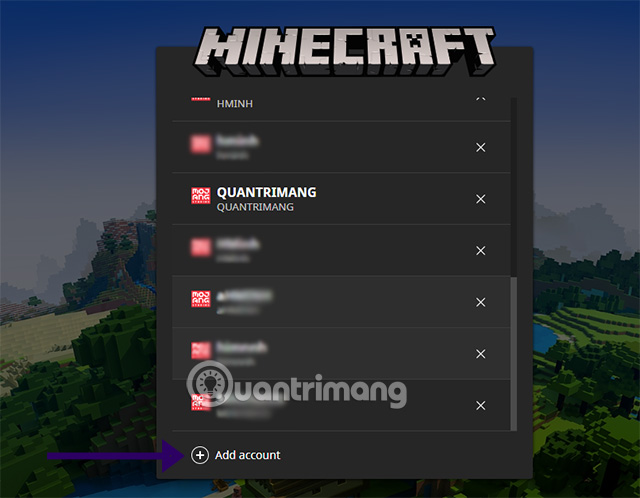
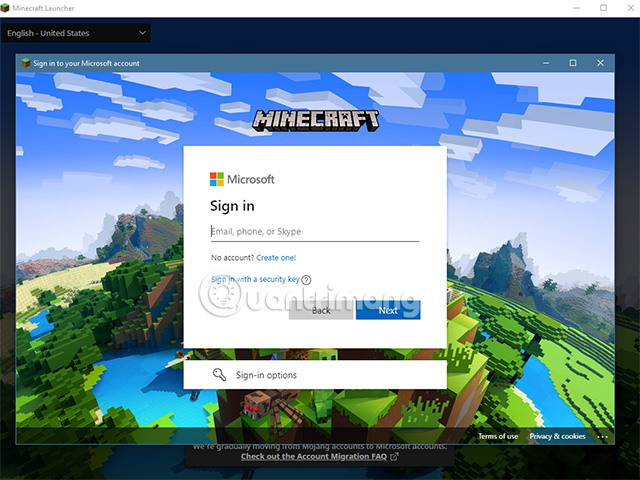
- Open the launcher and sign in with a Microsoft account. Mojang-account login instructions in older guides are obsolete.
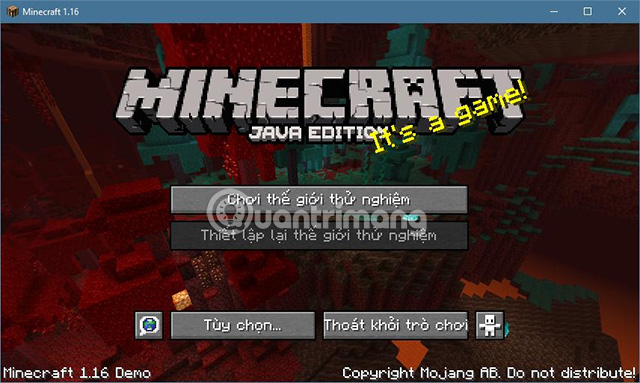
- Select Minecraft: Java Edition and choose Play Demo. For a Bedrock trial, open the trial entry offered for the supported device.
- Create the demo world and start playing. When the trial ends, the launcher offers the option to purchase the game.
Use only Minecraft.net, the Microsoft Store or a platform's official app store. Unofficial “cracked” launchers can violate the game's terms and may bundle malware or steal account credentials.
Java or Bedrock: which trial should you choose?
| Edition | Best fit | Important difference |
|---|---|---|
| Java Edition | PC players interested in Java servers, mods and the traditional desktop edition | Available on Windows, macOS and Linux. |
| Bedrock Edition | Players who want cross-device play with supported Bedrock platforms | Device availability and trial delivery differ by platform. |
The editions do not use every server, mod or world format interchangeably. See TipsMake's comparison of Minecraft editions before choosing, or follow the dedicated Bedrock Edition PC guide.
What you can do in the trial
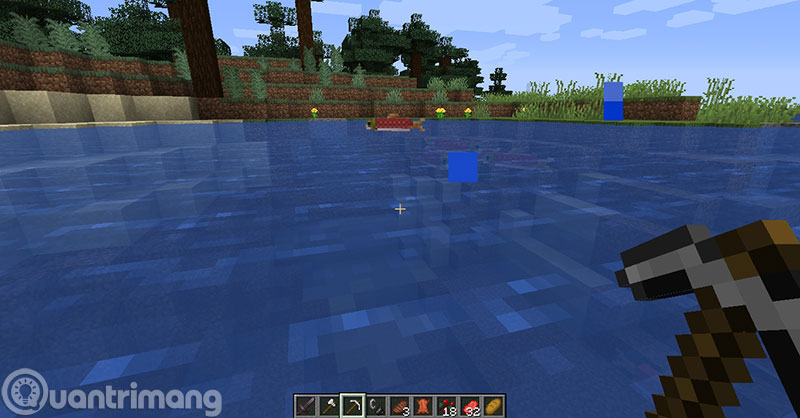
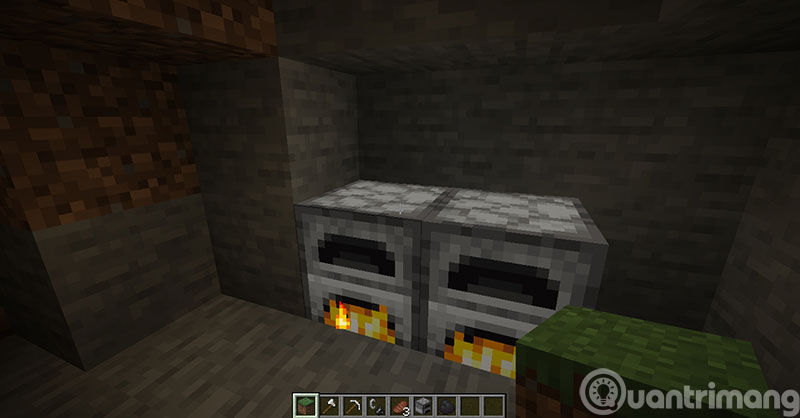
The trial provides the core Survival experience: collect resources, craft tools, build shelter and defend yourself from hostile mobs. The time limit makes it suitable for checking the controls and performance, but not for a long-term world.
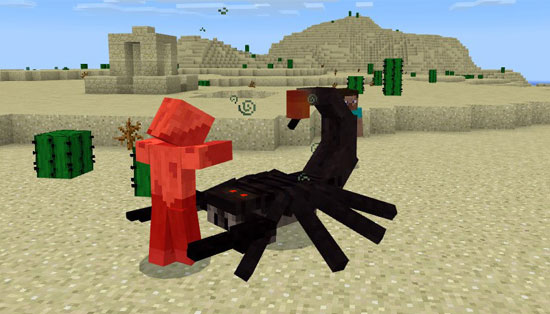
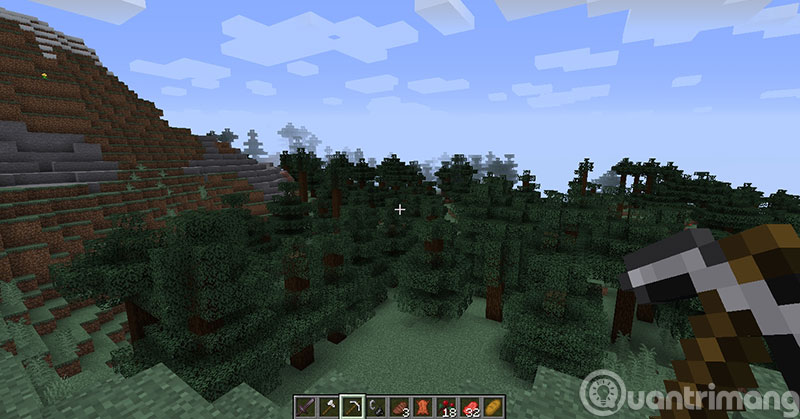
Creative mode focuses on unrestricted building rather than health and resource management. Its availability in a trial can differ from the paid game, so treat Survival as the reliable demo experience. The full game adds normal access to supported multiplayer, persistent play and the other features included with the edition you buy.
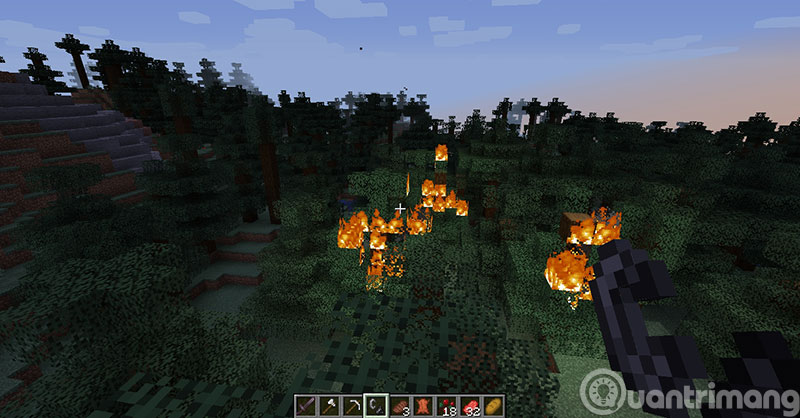
Minecraft's block-based graphics
Minecraft uses a deliberately blocky visual style that keeps terrain and construction easy to read. The paid Java Edition can be customized with community resource packs and shaders, but install only files compatible with your game version and back up important worlds first. Performance-heavy visual packs can reduce frame rate on lower-end computers.
If Play Demo does not appear
- Confirm that the launcher is signed in with the intended Microsoft account.
- Update Minecraft Launcher, then close and reopen it.
- Check whether the account already owns Java & Bedrock for PC or has access through an active subscription; the button may show Play instead.
- On Windows, verify the same account in both Microsoft Store and Minecraft Launcher.
- Use Mojang's Java Edition demo help page if the option is still missing.
Related Articles
 How to Download Minecraft for Free: Practical Guide6 minutes read
 minutes read
 Download Minecraft Map: How to Download and Install Map Minecraft5 minutes read
 TOP Free Minecraft Server Creation Tools12 minutes read
 TOP the Best Seeds in Minecraft 1.18 PE8 minutes read
 Instructions to Download Minecraft for Free on iPhone5 minutes read
Reader Comments 0
Sign in with email or Google to join the discussion.