Table of Contents
The safest way to obtain a Windows 10 ISO is Microsoft’s official Windows 10 download page. On a Windows PC, Microsoft normally offers Media Creation Tool, which can save an ISO or write a bootable USB. You do not need to bypass an authorization system or use a third-party downloader.

Before downloading
- Confirm that you have a valid Windows license for the target PC.
- Check the existing Windows edition, language, and system type under Settings > System > About.
- Make sure the destination drive has enough free space.
- Understand that Microsoft’s tool provides the Windows 10 release it currently offers; it is not an archive of every older build.
Download the ISO with Media Creation Tool
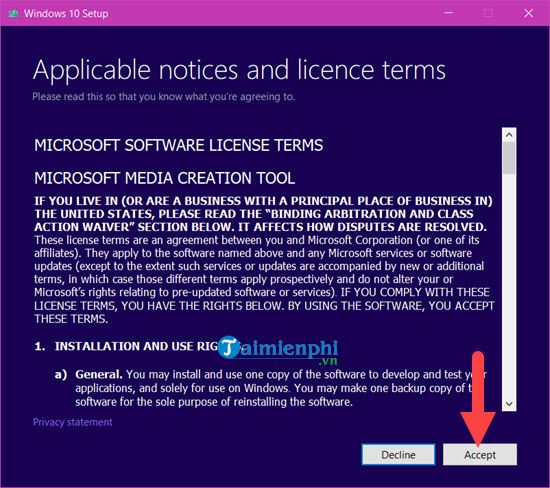
Step 1: Download Media Creation Tool only from Microsoft, run it as an administrator, and wait for setup to initialize. Read the license terms and select Accept if you agree.
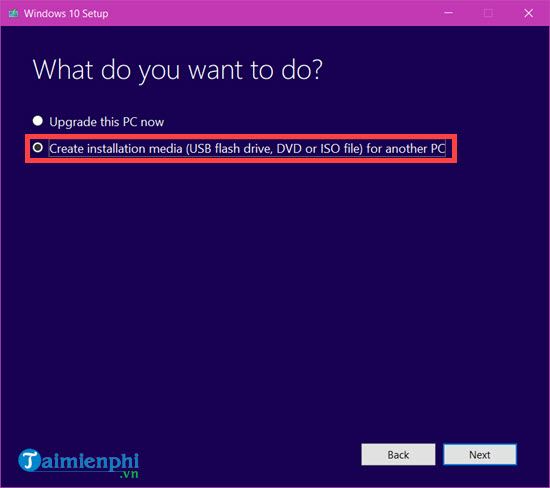
Step 2: Choose Create installation media (USB flash drive, DVD, or ISO file) for another PC, then select Next.
Step 3: Media Creation Tool proposes options for the current PC. Clear Use the recommended options for this PC only when you need to change the language, edition, or architecture for another device.
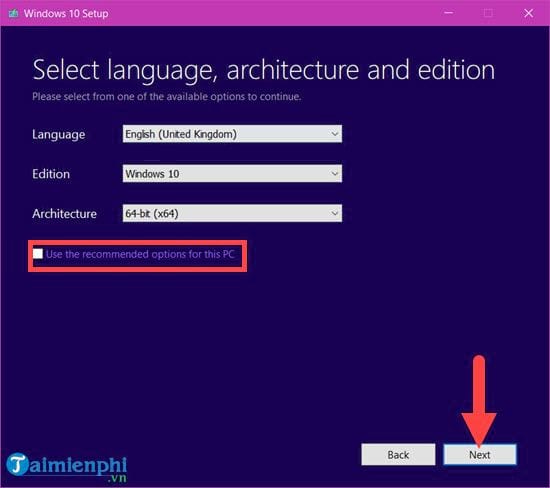
Select the same language and edition covered by the target PC’s license. A 64-bit image is appropriate for most compatible PCs; use 32-bit only for a documented legacy requirement.
Step 4: Select ISO file. Choosing USB flash drive writes the installer directly to a USB and erases that drive.
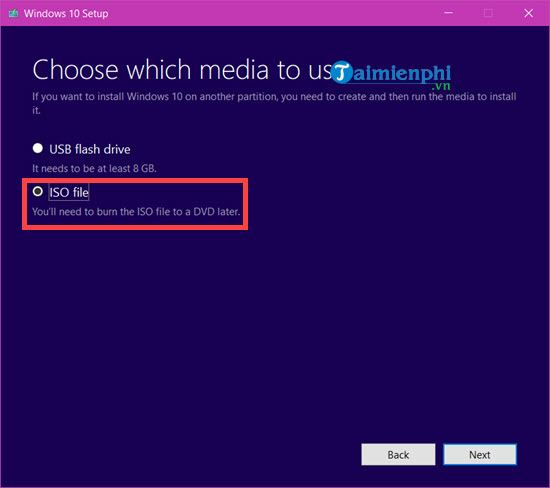
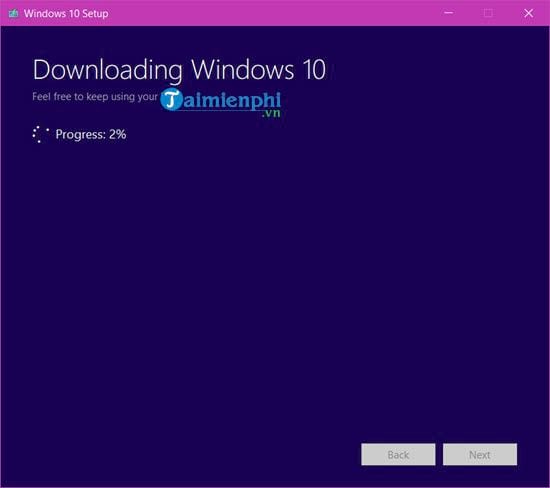
Choose a clear filename and save location. The tool downloads and verifies the image.
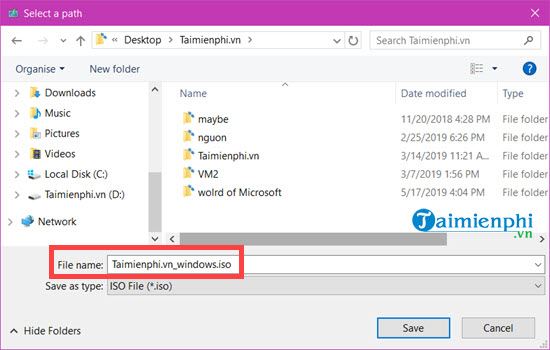
Keep the computer awake and connected until the process finishes. Download time depends on connection speed and Microsoft’s servers.
What to do with the ISO
You can mount the ISO in Windows and run setup.exe for an in-place installation, burn it to a suitable DVD, or write it to a bootable USB. Back up important files before any upgrade or clean installation.
See how to create a Windows 10 bootable USB for UEFI or legacy BIOS and the detailed Windows 10 USB installation guide.
Legacy Windows ISO Downloader method
The older article recommended a third-party utility called Windows ISO Downloader. The following screenshots are retained so readers can recognize that method, but it is no longer recommended. A third-party interface can change ownership, bundle unwanted software, stop working, or request data that is unnecessary for downloading Windows.
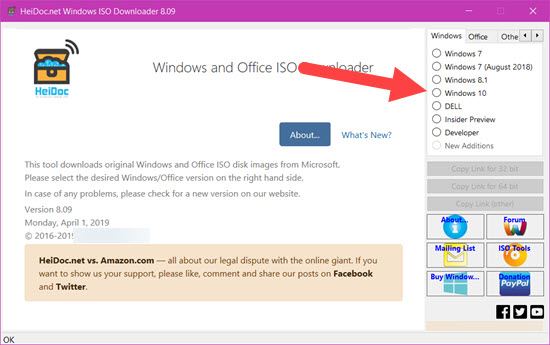
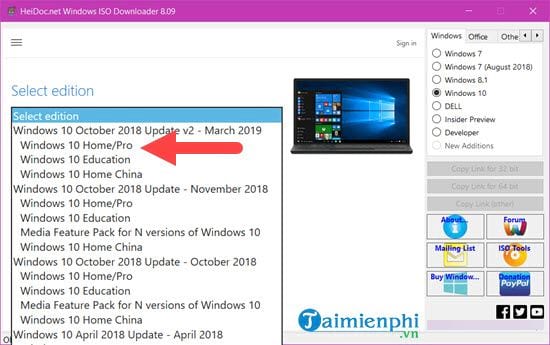
The old workflow began by opening the utility and selecting Windows 10.
It then presented an edition selector populated from the releases available at that time.
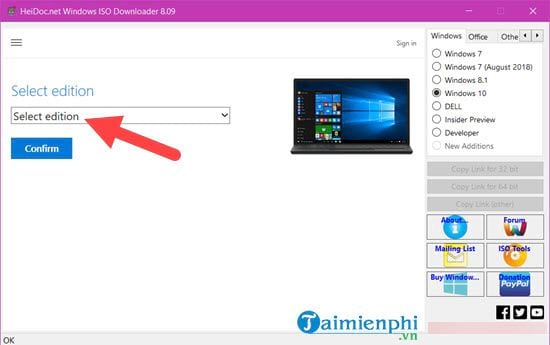
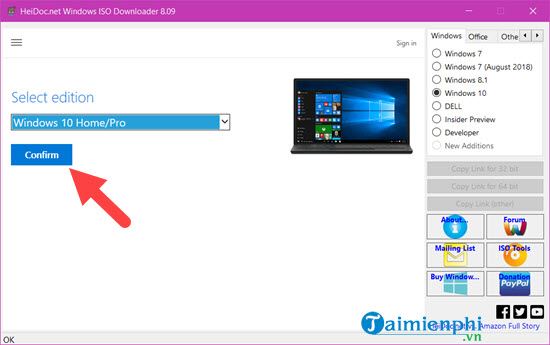
The March 2019 Home/Pro option shown below is obsolete and should not be installed on a normal PC today.
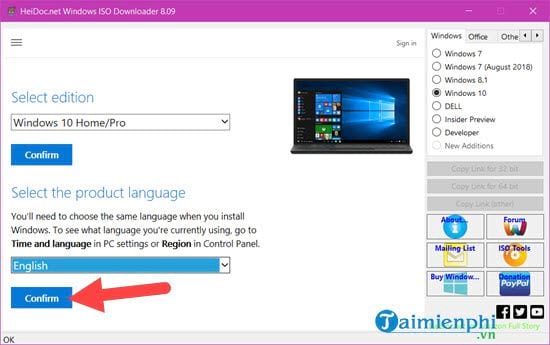
After confirmation, the tool requested a product language.
Choose the actual language required by the license and users; English is not inherently more genuine than another Microsoft-provided language.
The next screen offered 64-bit and 32-bit links.
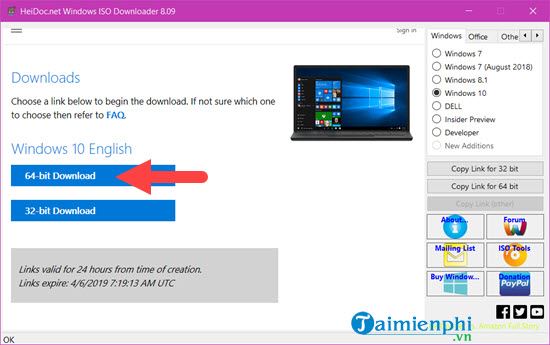
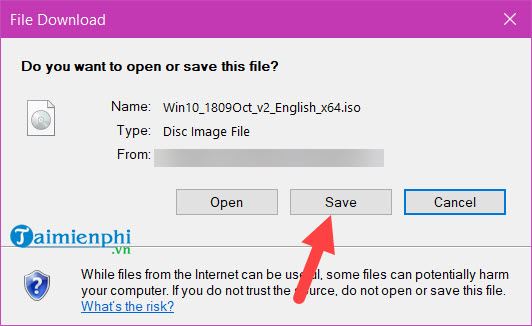
The final Save prompt did not by itself prove that a file was authentic.
How to avoid unsafe ISO files
- Start from Microsoft’s official download page rather than a search-advertising link.
- Do not install a downloader merely to reach a public Microsoft page.
- A filename or Windows logo is not an integrity check.
- Do not use unsupported historical builds for sensitive or internet-connected work.
- Keep installation media and license information separate from your only backup.
Related Articles
 How to Download Original Windows 7 ISO from Microsoft5 minutes read
 How to Download a Windows Installer, Office Directly from8 minutes read
 How to Download the Original Windows 11 ISO from Microsoft6 minutes read
 How to Download Windows 10, Download Windows 10 ISO File from12 minutes read
 Link to Download the ISO File Windows 10 20H1 Directly from4 minutes read
 Please Download the ISO File Windows 10 Build 16232 Directly from3 minutes read
Reader Comments 0
Sign in with email or Google to join the discussion.