Table of Contents
This updated guide explains how to Create a Facebook Avatar Wearing a Covid-19 Season through clear steps, practical examples, and important checks that help prevent common errors.
How to Create an Avatar Wearing a Mask on Facebook
Step 1:
Users access the homepage of Social Distancing Works by following the link below.
https://socialdistancing.works/
At the first interface, click Upload Profile Pic to upload the image you may need to choose as your personal account avatar.
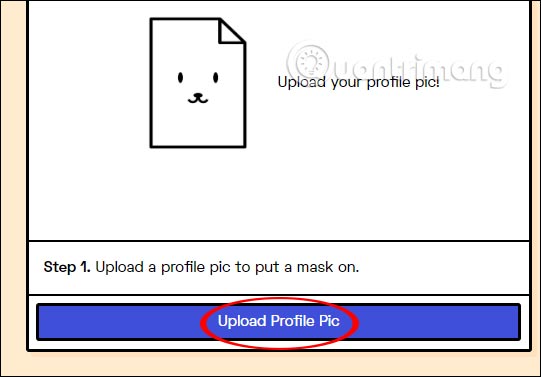
Step 2:
Then move on to the next step and you'll see there are several types of masks to use . Social Distancing Works does not restrict the use of masks to stitch into avatars. You can match 2, or 3 as you like.
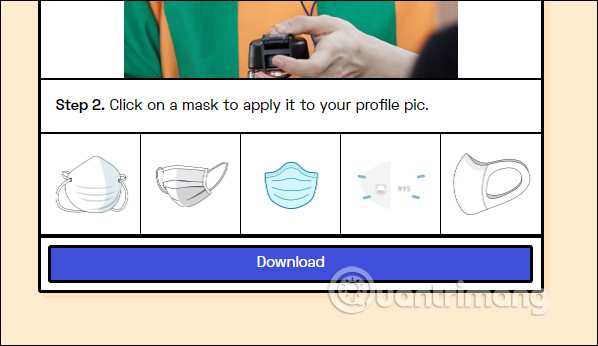
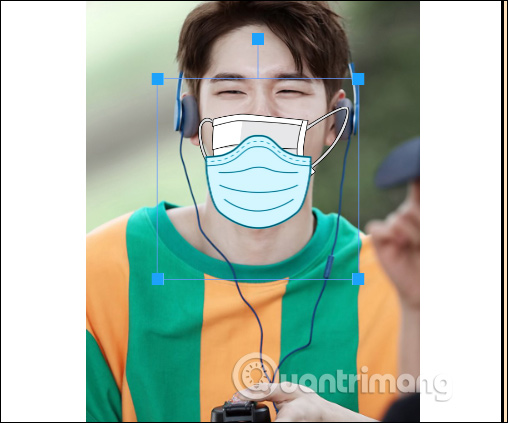
click the type of mask you may need to use and then edit the mask to suit your avatar . If you may need to delete the old mask to switch to the new one, click the mask when the blue frame is displayed, then press Delete. Click Download below to download the complete image.
Step 3:
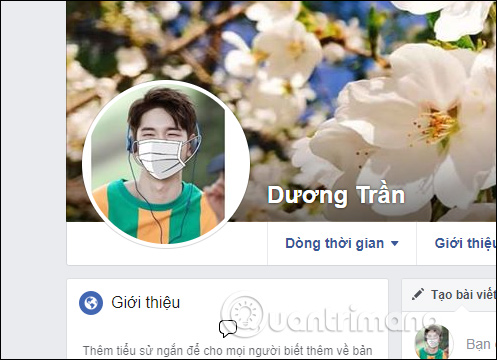
After you have the avatar wearing a complete mask, the last thing that is used for your Facebook account or any of your personal accounts.
Wishing you and your family healthy and safe!
FAQ
What is the easiest way to Create a Facebook Avatar Wearing a Covid-19 Season?
Start with the requirements in this guide, then follow each step in order. Check the result after every major change so problems are easier to identify.
Can beginners follow these instructions?
Yes. The process is organized into practical steps, and you can repeat any step before moving forward.
What should I check if the method does not work?
Confirm your software or device version, permissions, settings, file format, and internet connection when the task depends on online services.
Related Articles
 Create Style for Facebook Avatar with Two Attractive Features6 minutes read
 Manually Create a Facebook Avatar Image with 5 Online Applications5 minutes read
 How to Make Facebook Avatars of Black and Yellow Letters Strange4 minutes read
 How to Create an Avatar Chibi Facebook with Unnie Doll5 minutes read
 How to Create an Avatar Facebook Tết Hoi Hoi 20196 minutes read
 Create the Avatar 'Run Now' in the Poster Style of Son Tung M-TP4 minutes read
Reader Comments 0
Sign in with email or Google to join the discussion.