Table of Contents
The timer trend is all the rage. There are tons of apps built around strict work sessions, breaks, and reminders. Today, let's take a look at Focus Friend, the new focus timer app that's gaining attention!
Focus Friend is a cute, friendly app
Bean is a great mascot for productivity
Featuring a cute cartoon character, Focus Friend is the latest focus timer app that everyone is talking about. It was developed with Hank Green — a YouTuber, author, and biologist — and is set to launch in August 2025. The app is free and available for both iOS and Android.
Many people have successfully used apps to reduce screen time, but are always looking for other options to help them focus. Focus Friend attracts them with its friendly, gentle interface and cute, rounded illustrations on the interface.
How Focus Friend Works
A simple concept
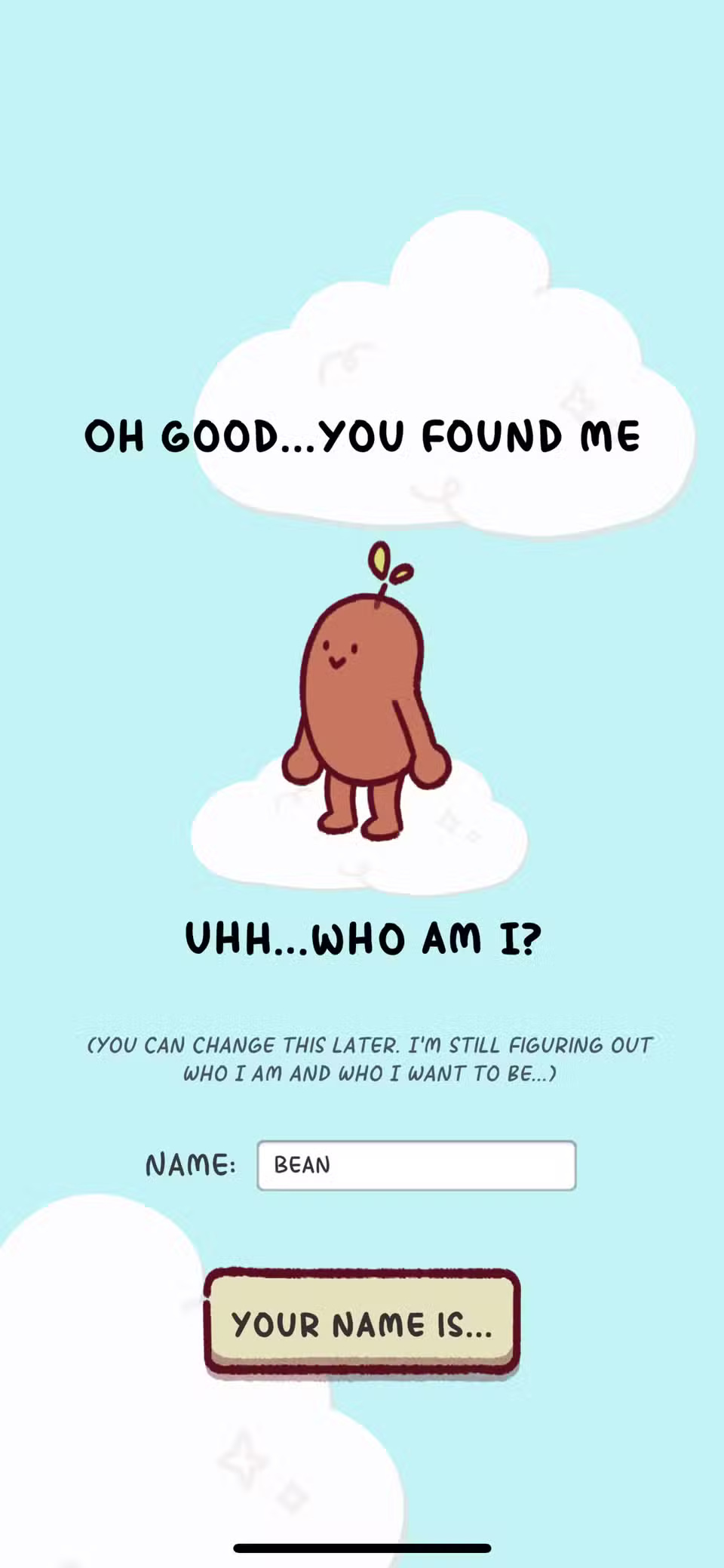
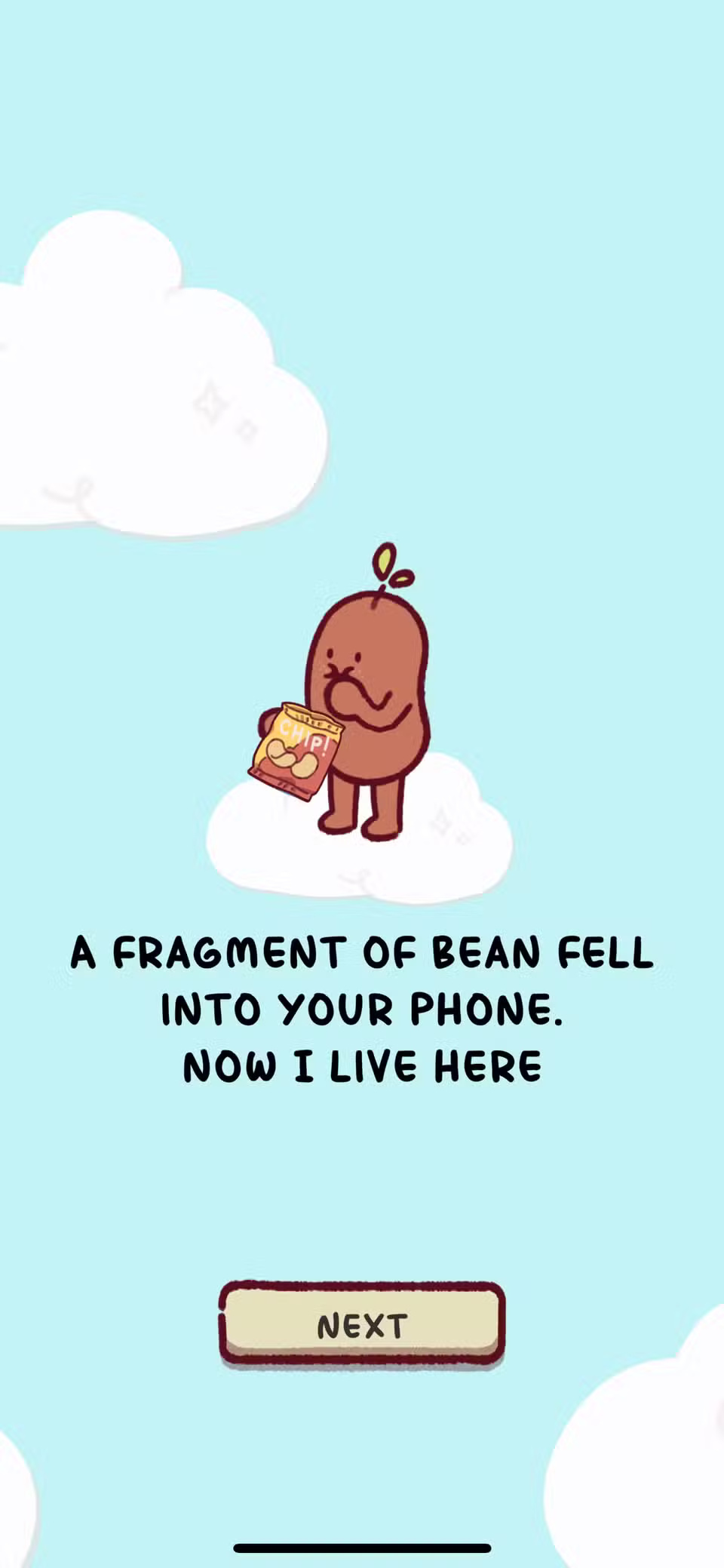
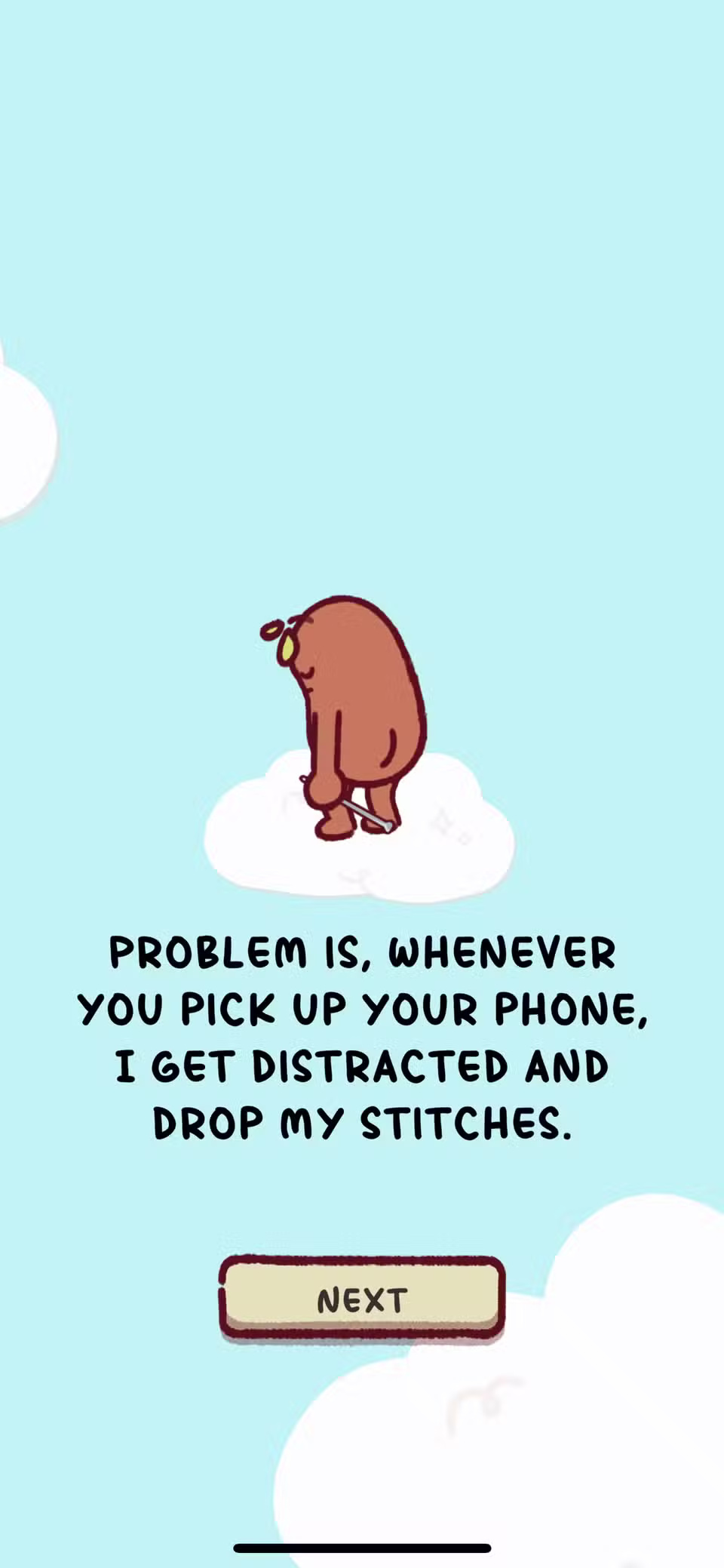
You can name your bean character or keep the default 'Bean.' This instantly turns your Focus Friend into a modern-day Tamagotchi. It's like naming a pet that lives on your phone.
While Focus Friend is free, there are options to purchase other Bean character skins like 'Hank Bean', 'Jelly Bean Pack', or 'Kitt-ney Bean'. You can also purchase Focus Friend Pro for more advanced knitwear or decorations – although this certainly won't help your focus.
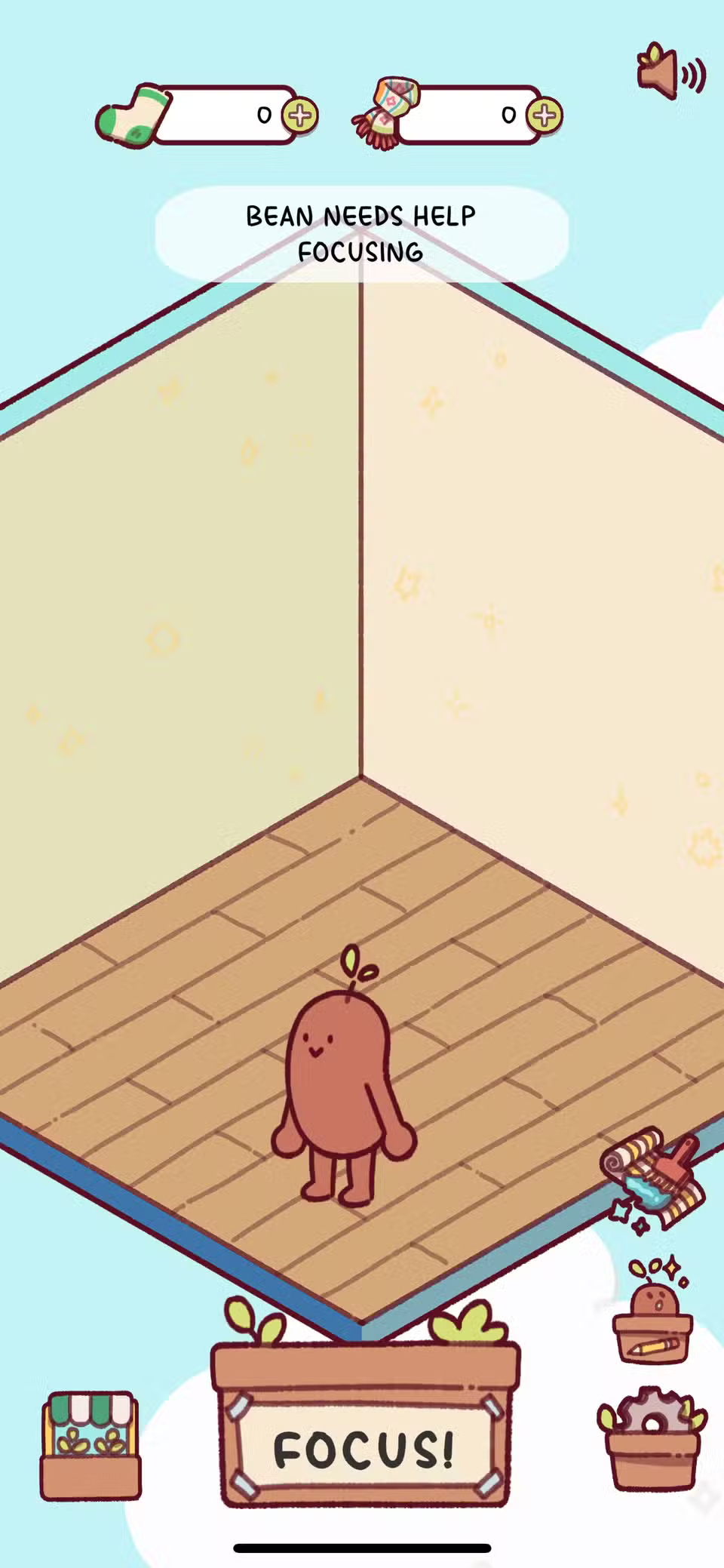
The home screen displays a message that says 'Bean needs help focusing' and uses a similar technique to body doubles to encourage Bean to focus, and when Bean focuses, you should do the same. Selecting Focus allows you to choose how long you want to focus in 5 minute increments. Body doubles are a popular focus trick, similar to creating time-lapse videos for self-accountability.
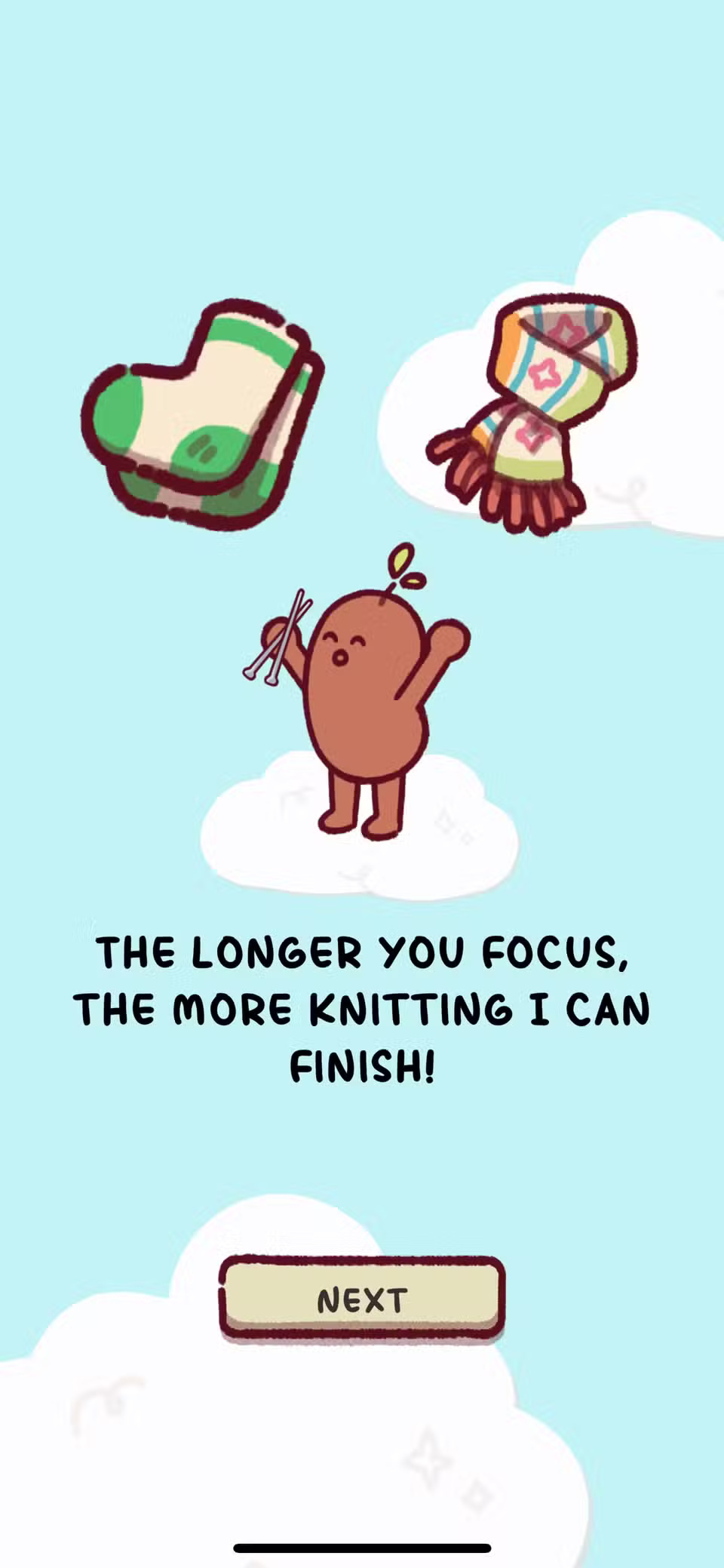
What is Bean focused on? You might ask… Knitting socks or scarves, of course.
When you turn on Focus mode, you'll just see Bean knitting, facing away from the screen so you can see his cute illustration. Turn up the volume on your phone and you'll also hear relaxing lo-fi music.
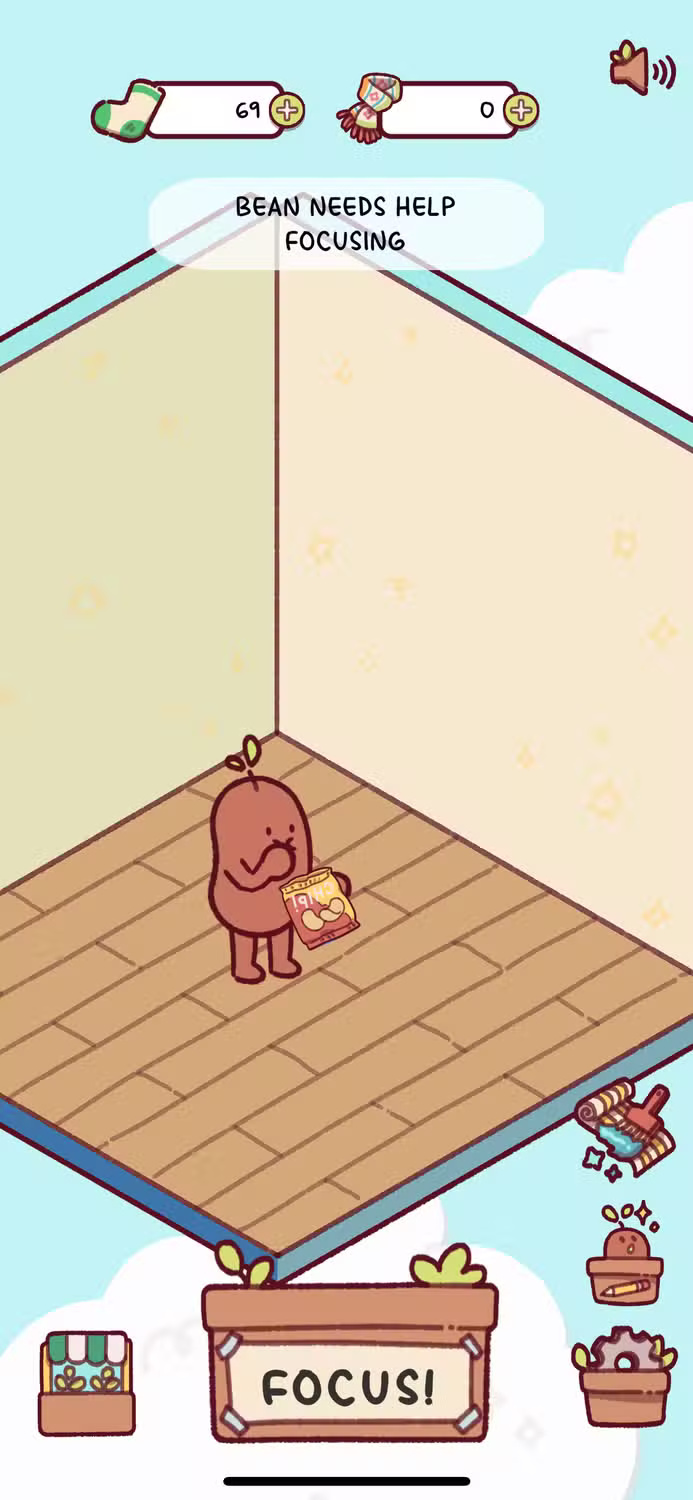
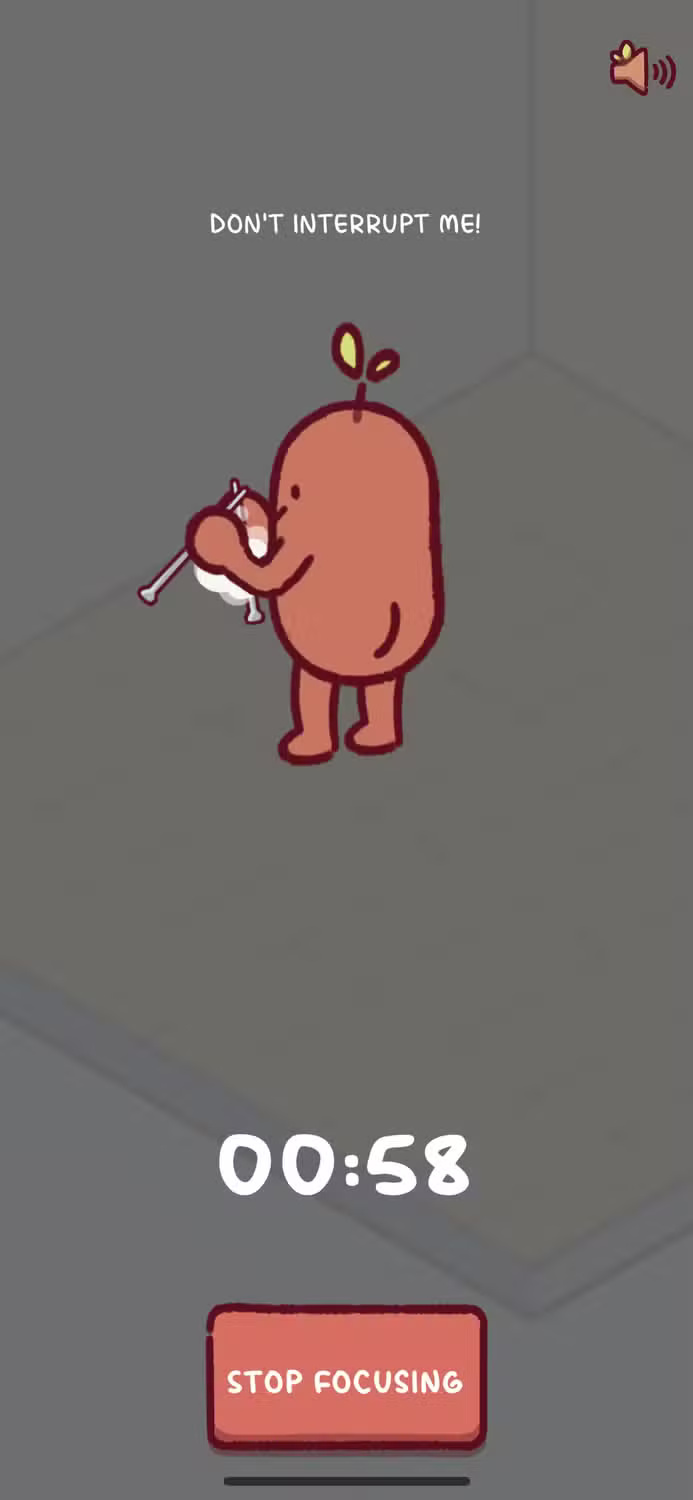
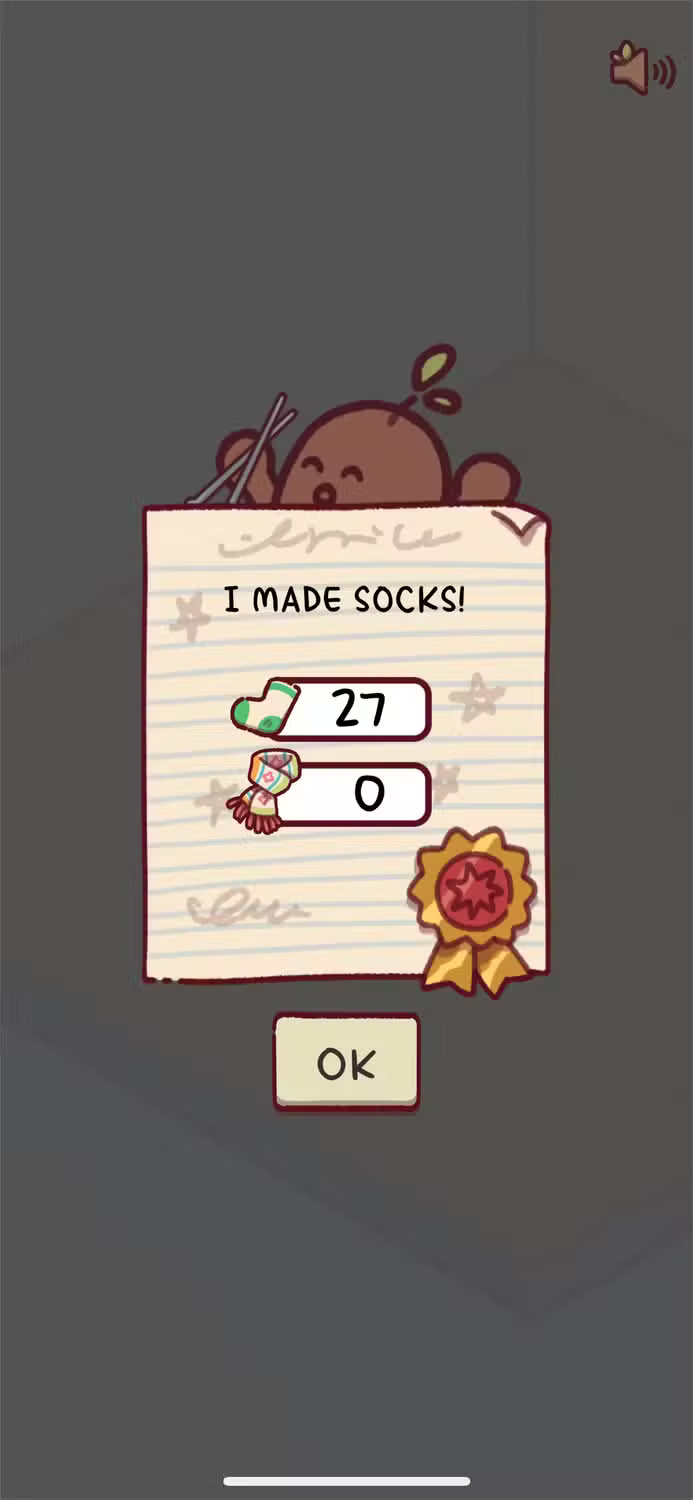
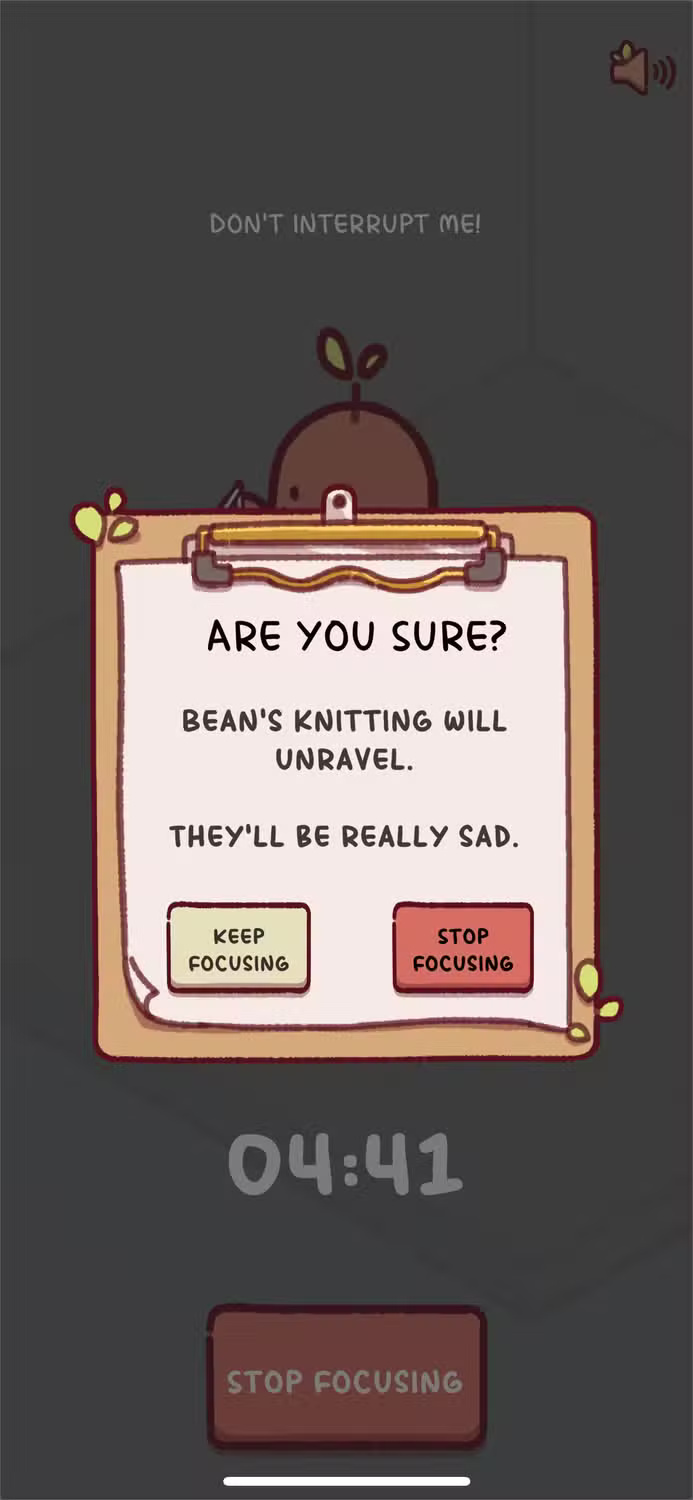

Bean will continue knitting as long as you concentrate. The longer you concentrate, the more knitted items you will get - socks or scarves. Stopping concentration means Bean's knitting will go to waste.
Bean's knitting can be used to "purchase" decorations for Bean's room/house with items such as floor paint, trash cans, wall hangings, tables, etc.
The reward for focusing is being able to turn your digital pet's house into a game. While cute and fun, this can make you use your phone more and forget the main purpose of Focus Friend.
Deep or soft focus mode options
Focus Friend for your choice
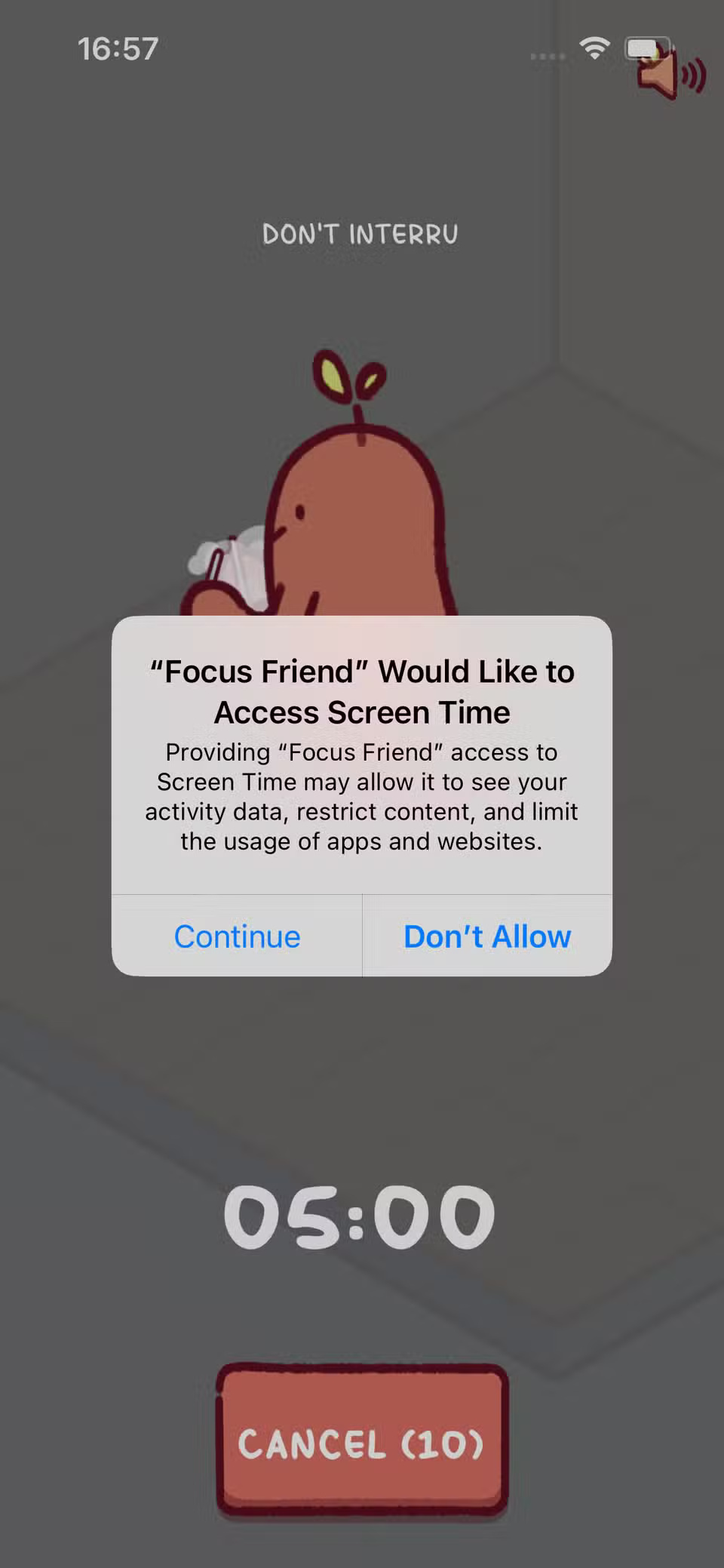
When Focus Mode is on, Bean will knit. That's all that's displayed on your screen during this time. It's a looping knitting animation, rather than a progression animation showing how much Bean has knitted, so it's not interesting to watch and won't distract you.
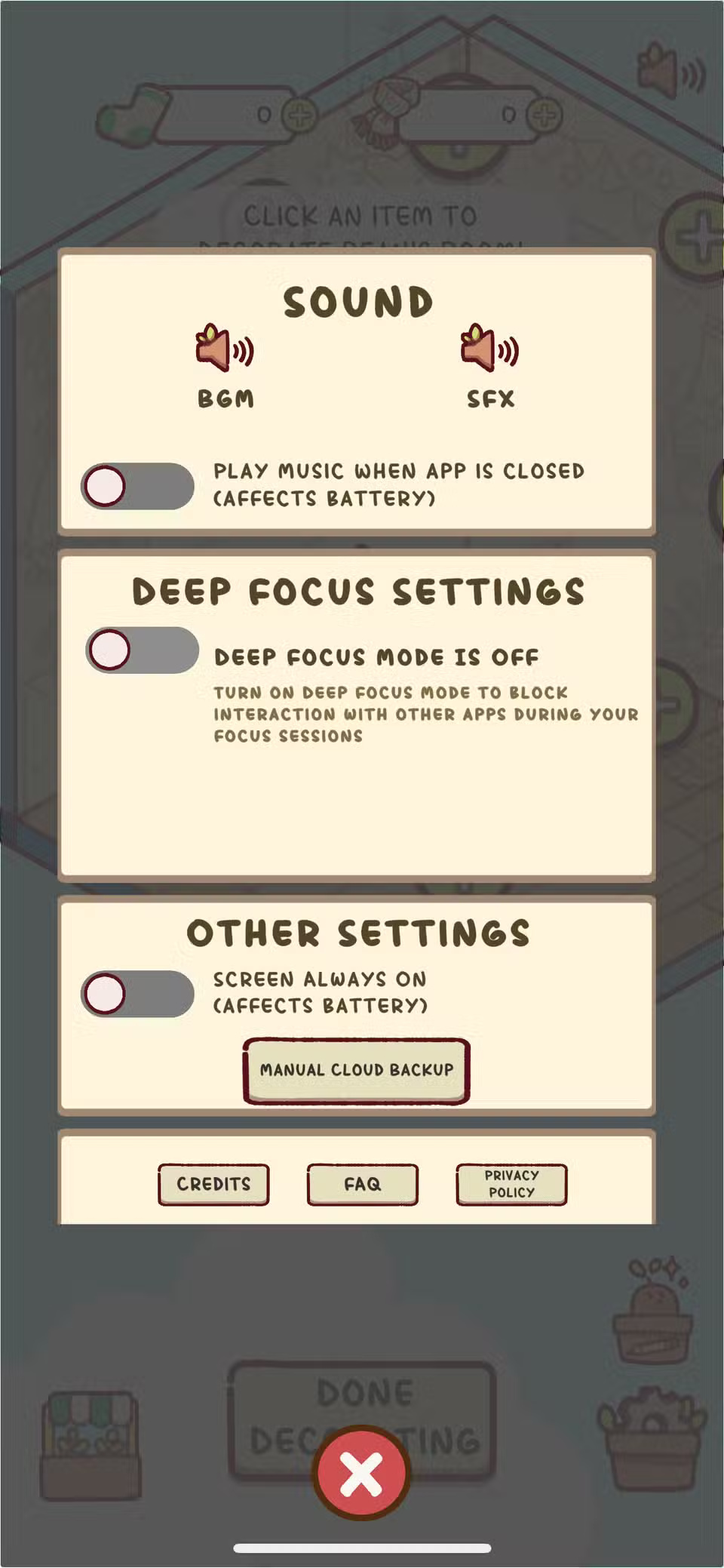
While the screen won't show anything distracting in Focus Mode, you can still get notifications on your phone from other apps. Luckily, there's an option to switch to Deep Focus Mode, which blocks out external notifications during your focus time.
Tip : You can also set up different Focus Modes on your iPhone to avoid notifications.
You can toggle these modes in the settings tab on Focus Friend's home screen. Deep Focus also lets you choose whether or not specific apps are allowed to show notifications, so you don't have to completely block yourself from the digital world.
In the settings, you can also choose to listen to soothing music when you're not using the app, although this will drain your phone's battery significantly faster. The option to listen to music while using Focus Friend is pretty good, although the music doesn't change, so it can get distracting after a while.
Final Thoughts
Overall, Focus Friend is best understood by considering the main facts, practical context, and limitations together. Use the details above as a clear starting point and confirm time-sensitive information when necessary.
FAQ
What does this article explain about Focus Friend?
The timer trend is all the rage. There are tons of apps built around strict work sessions, breaks, and reminders. Today, let's take a look at Focus Friend, the new focus timer app that's gaining attention!
What should you know about Bean is a great mascot for productivity?
Featuring a cute cartoon character, Focus Friend is the latest focus timer app that everyone is talking about. It was developed with Hank Green — a YouTuber, author, and biologist — and is set to launch in August 2025.
Should time-sensitive details be verified?
Yes. Software features, game codes, product specifications, prices, and research findings can change. Confirm important details with an official or primary source when accuracy affects your decision.
Related Articles
 Friend Function in C ++: What You Need to Know2 minutes read
 How to Use Your Phone's Focus Mode to Focus More on What You're Doing8 minutes read
 How to Use Firefox Focus: Private Browser6 minutes read
 How to Cancel Your Facebook Batch with Friend Remover Pro5 minutes read
 Focus Mode Is Ready with Many New Features Worth Experiencing3 minutes read
 The Meaning of Friend Emoji on Snapchat4 minutes read
Reader Comments 0
Sign in with email or Google to join the discussion.