Table of Contents
This updated guide examines Download Maki Plus, Facebook Lite Version That Supports Ad and organizes the essential facts, background, and practical takeaways in clear American English.
- Get the license for the Win X HD Video Converter Deluxe video converter software, priced at 59.95USD, which is free
Maki Plus features:
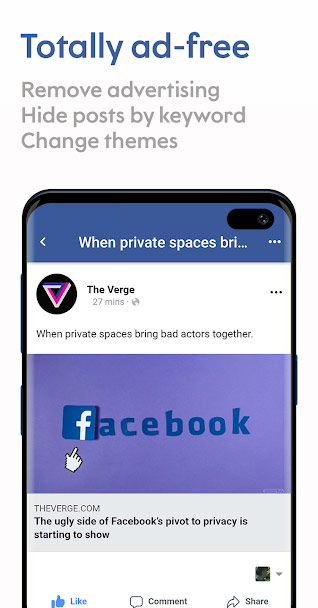
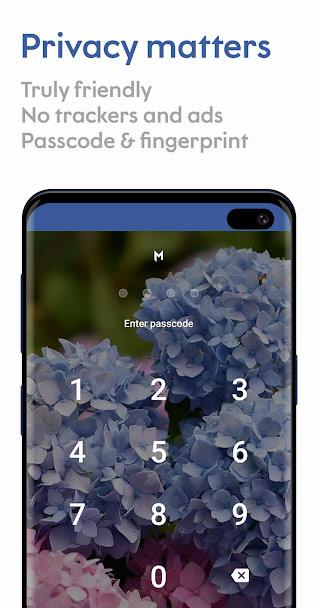
- Support blocking ads to target, block collection of personal information, hide links from other social applications shared on Facebook, tasks performed from accounts.
- Combining both Facebook and Messenger platforms into the same user interface allows users to reply to messages from friends faster and still keep track of News Feed content.
- Support deleting posts from news feeds through filtering.
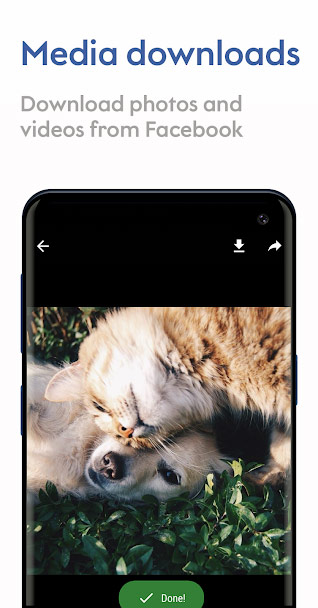
- Support download shared photos, music, videos on Facebook social network.
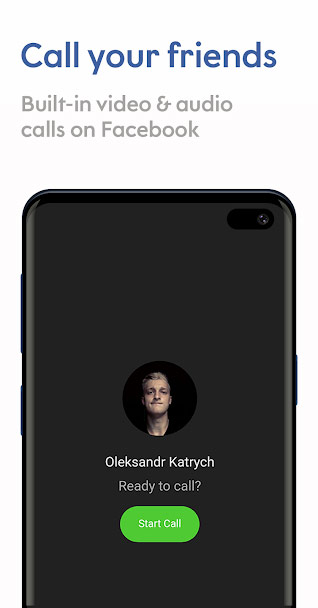
- Support audio and video calls on Facebook Messenger application.
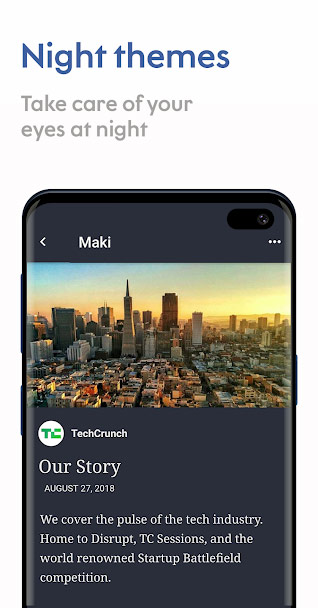
- Allow users to change themes according to their preferences, including dark background mode and the interface of other apps like WhatsApp, Twitter, Instagram, Telegram.
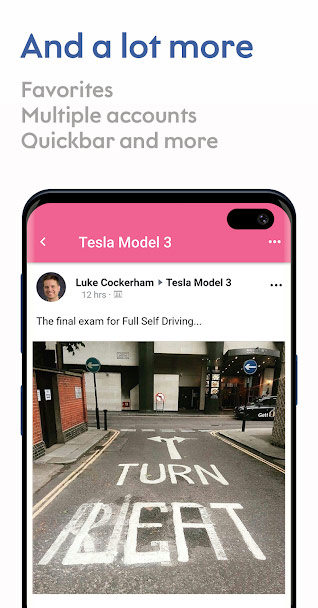
- And many other useful features that Facebook Lite or Messenger Lite do not have.

Note:
- Maki Plus application is not managed by Facebook Inc but all content shown on Maki Plus is owned by Facebook social network.
- When experiencing on Maki Plus, users can set (enable / disable) the required permissions from devices such as Location, Memory Access, Contacts, Call Management and some system settings. other.

Currently the Maki Plus for Facebook and Messenger application is being downloaded for free from the Google Play store until the end of July 30, 2019. If you are interested in this application, you can download and experience.
- Maki Plus: Facebook and Messenger in a single app - Apps on Google Play
FAQ
What is Download Maki Plus, Facebook Lite Version That Supports Ad about?
It provides a structured overview of Maki Plus, explains the main context, and highlights practical takeaways for readers.
Why does this topic matter?
Understanding the main concepts helps readers evaluate the issue, avoid common mistakes, and make better-informed decisions.
How should readers use this information?
Use the guidance as a practical starting point, confirm details that may have changed, and follow current product, safety, or security recommendations.
Related Articles
 All About How to Use Facebook Messenger Lite4 minutes read
 Dark Background Facebook Mode: Turn on Dark Mode on Facebook Lite3 minutes read
 There Is Facebook Lite for iOS, Inviting Experience4 minutes read
 10 Sets of Dark Theme Dark Colors for Samsung Smartphones6 minutes read
 The Difference Between Facebook and Facebook Lite4 minutes read
 How to Download and Install PUBG LITE on Your Computer5 minutes read
Reader Comments 0
Sign in with email or Google to join the discussion.