Table of Contents
Free stock-photo sites can save time and money, but “free,” “royalty-free,” and “CC0” do not mean the same thing. The license shown on the individual asset page is what matters. Before using any image in advertising, merchandise, client work, or a public website, check its current terms and keep a record of where and when you downloaded it.
Check these points before downloading
- Open the image’s own page and note the creator, source URL, license, and download date.
- Confirm whether commercial use, modification, and attribution are allowed.
- Look for restrictions on resale, templates, print-on-demand products, logos, and competing stock libraries.
- Check recognizable people, private property, artwork, and trademarks. A copyright license does not automatically provide a model, property, or trademark release.
- Do not imply that a person or brand endorses your product.
If you need to identify the original source of an image, see TipsMake’s guide to searching by image. After choosing a licensed photo, these free photo editors can help with cropping, color correction, and export.
1. Unsplash
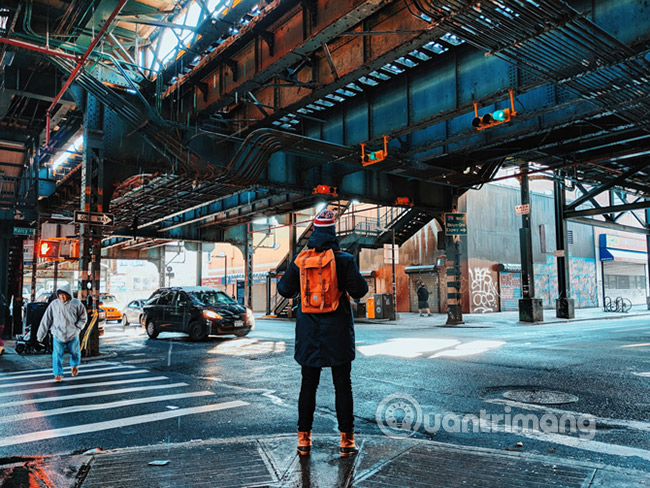
Unsplash has a large, searchable collection suited to editorial layouts, websites, presentations, and social posts. Its custom license allows broad personal and commercial use without mandatory attribution, but it does not permit selling an unchanged photo or compiling the images into a competing service. Check the current Unsplash license before publishing.
2. Pexels
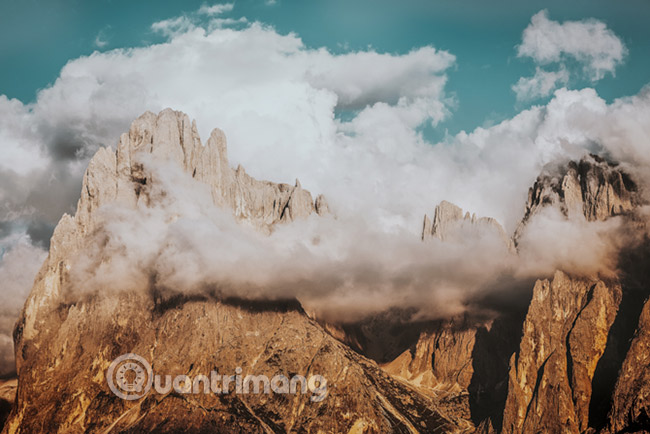
Pexels offers photos and video clips with filters for orientation, size, and color. Attribution is optional under the Pexels license, and editing is allowed. Restrictions include selling unaltered copies, implying endorsement, and redistributing the files on another stock or wallpaper platform. Review the Pexels license for the full conditions.
3. Flickr
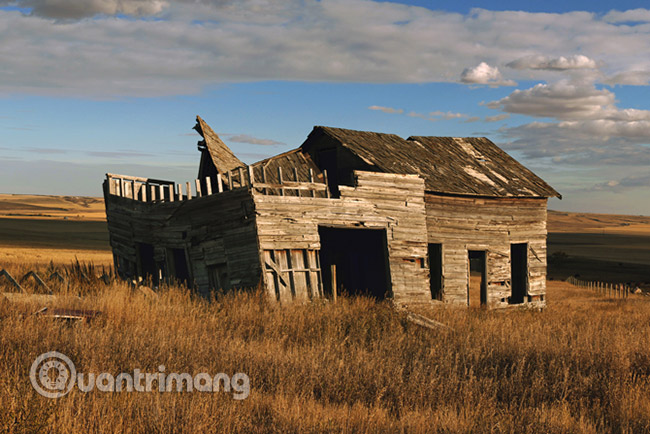
Flickr is a photo-sharing platform, not a single-license stock library. Search results may include all-rights-reserved work, public-domain items, and several Creative Commons licenses. Filter by permitted use, then verify the license on the individual photo. Some licenses require attribution, share-alike distribution, prohibit commercial use, or prohibit adaptations. Flickr’s Creative Commons overview explains the available filters.
4. Pixabay
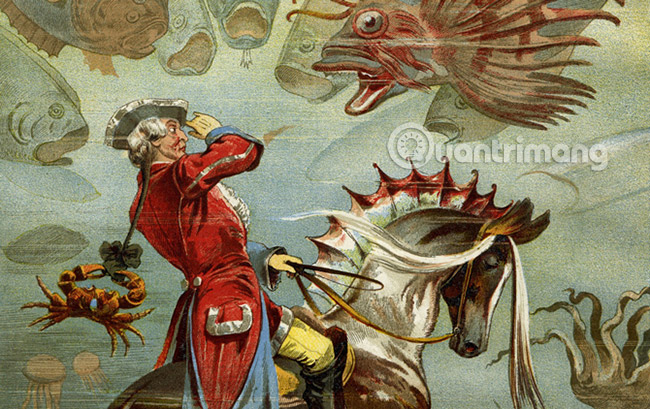
Pixabay combines photos, illustrations, vectors, video, and other media. Its content license generally allows free use and modification without attribution, but prohibits standalone resale and places limits on recognizable trademarks and certain commercial uses. Always check the item page and the Pixabay license summary.
5. Wikimedia Commons
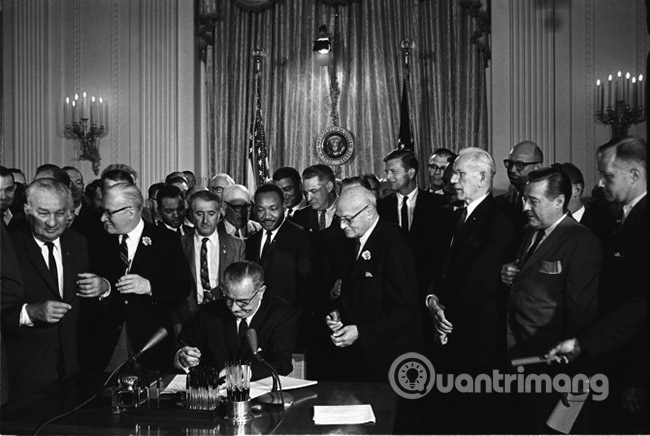
Wikimedia Commons is especially useful for historical, scientific, geographic, and public-interest images. Each file has its own licensing and attribution requirements. Read the file page, copy the required credit, and note any share-alike terms. Wikimedia also warns that personality, privacy, trademark, and other non-copyright restrictions may still apply; its reuse guide is a good starting point.
6. Vecteezy
Vecteezy includes photos, vectors, templates, and video. Free assets typically require attribution and have tighter limits than Pro assets, including restrictions on resale and production quantities. Check the license label on the exact download and read the Vecteezy licensing agreement.
7. Openverse
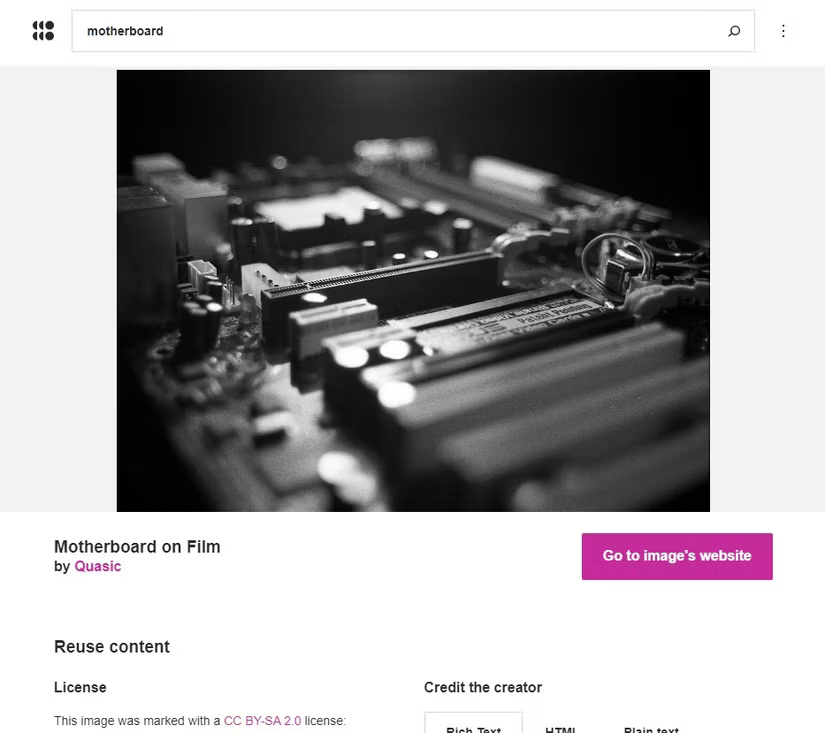
Openverse searches openly licensed media from many sources. It is a discovery tool, not the owner or verifier of every asset. Follow the result to its source page, confirm the license there, and create the required attribution yourself. Openverse explicitly recommends verifying license information before use.
8. Adobe Stock Free Collection

Adobe Stock’s free collection includes selected photos, vectors, illustrations, video, and templates. Free assets are licensed under Adobe’s terms rather than released into the public domain. Sign in, license the chosen asset, and retain the license record in your account. Editorial assets and extended-use scenarios can have different rules.
9. Freerange Stock

Freerange Stock provides free photos and illustrations under its Equalicense terms. The license supports many personal and commercial projects without required attribution, but does not permit selling or redistributing substantially unchanged files. Review the license page for the intended use.
10. Life of Pix
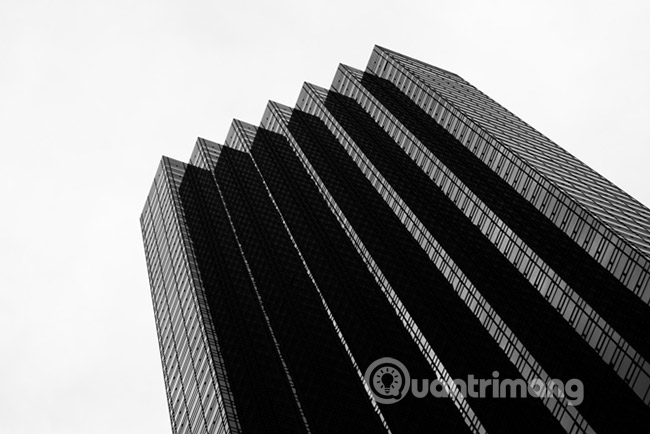
Life of Pix is a curated source for high-resolution photography, with a related collection of free video clips. Its license permits broad use but includes conditions and distribution limits, so do not rely on an old claim that every file is simply “copyright-free.” Check the site’s current license.
11. StockSnap

StockSnap offers searchable high-resolution photos released under CC0, so attribution is not required. Even with CC0, avoid implying endorsement and examine photos containing people, brands, artwork, or private property. The StockSnap license page explains these practical limits.
12. Burst by Shopify
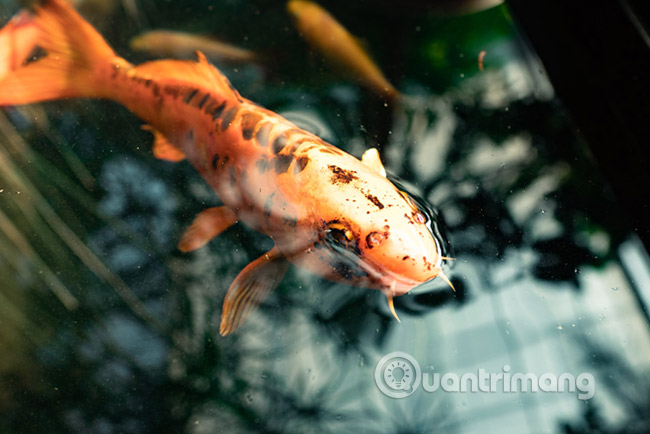
Burst focuses on business, ecommerce, lifestyle, and product-related photography. Its catalog can contain assets under Shopify’s photo license as well as CC0 items, so use the license attached to the selected image. Shopify allows many commercial uses but restricts selling digital originals and building a competing service.
13. Kaboompics
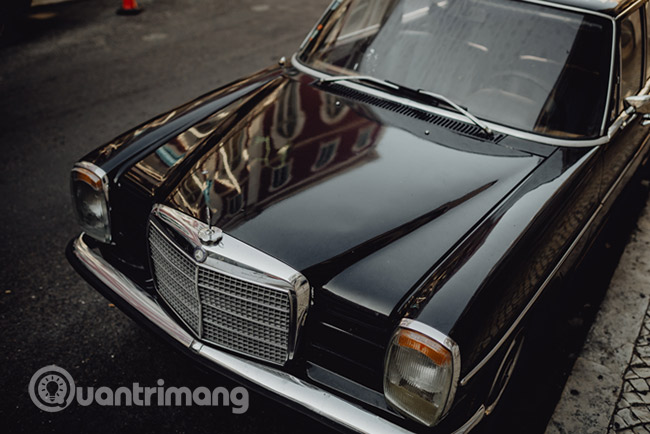
Kaboompics is useful when you need coordinated photos from the same shoot, particularly for interiors, food, and lifestyle layouts. Images may use a Standard License or be marked Editorial Use Only. The standard license permits broad personal and commercial use without mandatory attribution, but not standalone resale, AI training, or a competing library. Check the label and license details for each photo.
14. Gratisography

Gratisography specializes in unusual, playful images rather than conventional corporate stock. Its custom license supports personal and commercial projects and allows modification, but it is not identical to CC0 and restricts republishing the images on other stock sites. Read the Gratisography license.
15. LibreShot
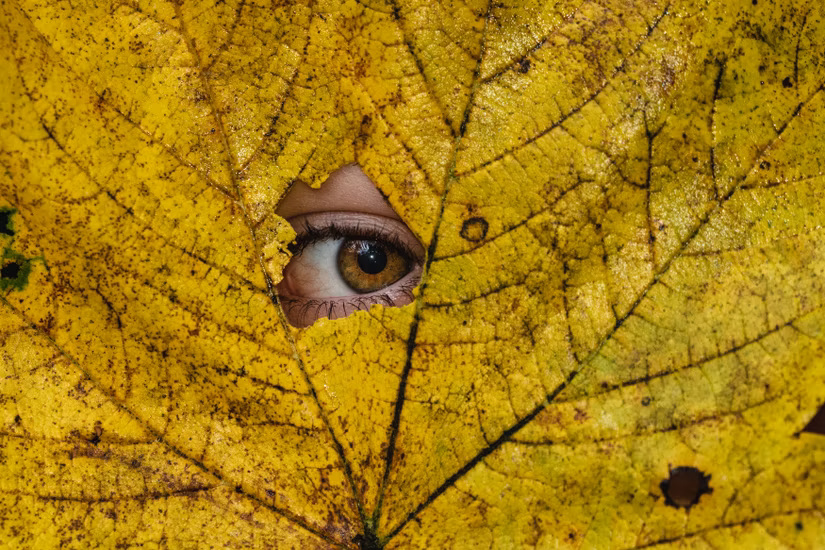
LibreShot is a one-photographer collection covering travel, architecture, nature, and everyday subjects. The site states that its images are offered under CC0 without required attribution, while prohibiting mass download and reuse as a competing stock service. Trademarks and personality rights still require attention. See the license information.
16. Negative Space
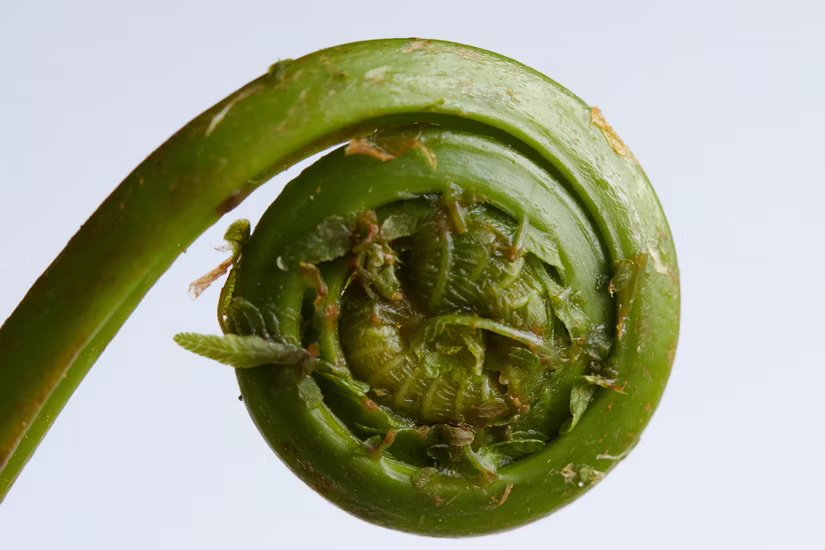
Negative Space provides photos under CC0 for personal and commercial use without required attribution. Search by category or color, then inspect the image for protected logos, artwork, or identifiable people. The site’s CC0 license page describes the permitted uses.
17. Reshot
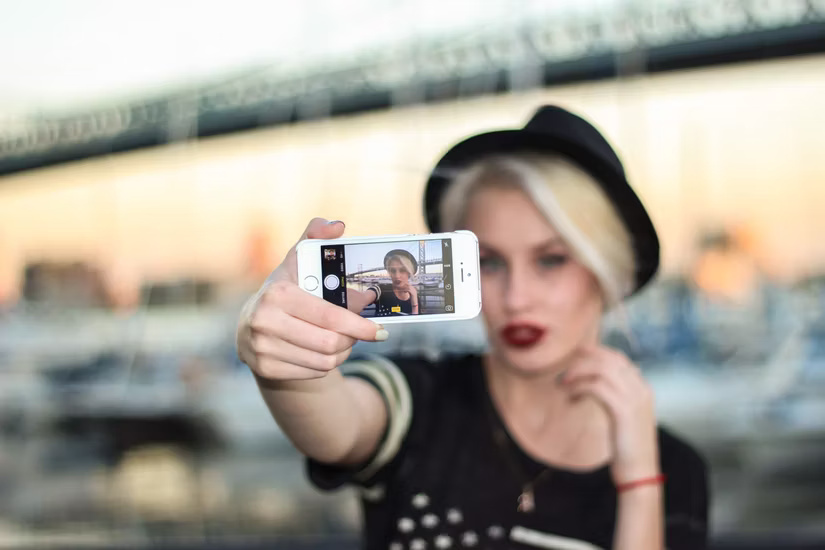
Reshot previously offered free photos, icons, and illustrations, but the service was retired in January 2026 and its former domain now directs users to Envato. It should no longer be treated as an active free stock-photo source. If you previously downloaded an asset, keep the original license record; do not assume the current destination’s terms are the same.
A practical licensing workflow
- Choose the asset and open its individual detail page.
- Confirm the license matches your exact use, especially for advertising, resale, templates, and merchandise.
- Download from the official source rather than copying a preview from search results.
- Save the source URL, creator name, license text or screenshot, and download date with the project files.
- Add attribution exactly as required and recheck the license before reusing the asset in a different context.
This process takes a few minutes and is more reliable than assuming every image on a “free” website has identical permissions.
Related Articles
 10 Websites to Find High Quality Photos, Without Copyright9 minutes read
 45+ Websites Download Free, High Quality Images for Graphic Design8 minutes read
 Software and Applications Download High Quality Wallpapers7 minutes read
 Want to Find Stock Stock Images for Free? Do Not Ignore These9 minutes read
 How to Find Unlicensed Images on the Internet3 minutes read
 Top 10 Sites That Provide Free High-quality Photos3 minutes read
Reader Comments 0
Sign in with email or Google to join the discussion.