Table of Contents
This updated overview organizes the essential information about Do Not Click on Strange Links or Your Phone Will Be Hijacked, including practical uses, key features, setup considerations, and common questions.
What This Guide Covers
- Sophisticated "zero click"
- Preventing zero-click attacks
Many people believe that there is nothing to worry about malware infection without clicking on dangerous links, opening suspicious files, or installing programs from untrusted sources. However, the truth is not as it appears to be.
Sophisticated "zero click"
In fact, there is an exploit called "zero-click", which does not require any action on the part of the target user (clicking on the mouse or clicking on the message) and yet the scammer can still take control of it. device.
Specifically, scammers took advantage of message vulnerabilities to take control of the device without the victim needing to click on the sent link. Users just need to open and view the message to be infected with malicious code.
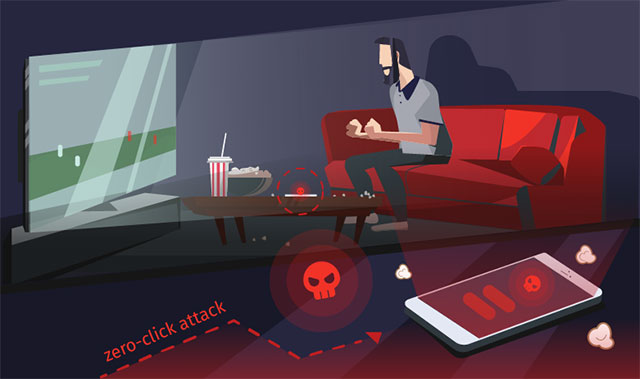
To be able to use this difficult and complex technique, hackers need to invest a lot and research zero-click security vulnerabilities.
These vulnerabilities are very dangerous and highly effective in financial fraud attacks, so they are often sold on the black market for prices that can even reach millions of dollars.
Information about security vulnerabilities (including those suitable for creating zero-click exploits) is also often posted by leading security companies.
So, cybercriminals can follow news in the security world for information and exploit this vulnerability in their malware.
Preventing zero-click attacks
Software developers try to fix vulnerabilities in their products as soon as possible. However, not all users install and upgrade updates to fix security vulnerabilities.
This is extremely dangerous because bad guys do not need to be professional hackers to create malicious code based on zero-click vulnerabilities to directly attack a series of users who do not update patches. So users, update your devices and applications regularly, including web browsers.
Final Thoughts
Use the instructions and checks above in order, verify the result after each major step, and keep a backup whenever the process changes important files or system settings.
FAQ
What is Do Not Click on Strange Links or Your Phone Will Be Hijacked used for?
Many people believe that there is nothing to worry about malware infection without clicking on dangerous links, opening suspicious files, or installing programs from untrusted sources.
Who should consider Do Not Click on Strange Links or Your Phone Will Be Hijacked?
It is most useful for readers who need the features, workflow, or problem-solving approach described in this guide.
What should I check before using it?
Review compatibility, current software requirements, privacy or security settings, costs, and any limitations that could affect your workflow.
Related Articles
 10 Useful Links to Help You Dominate the Web World with Just One5 minutes read
 Do Not Select Any Shortened Link Until You Are Sure It Is Safe!6 minutes read
 Ignore Ads of Shortened Links to Directly Access the Original4 minutes read
 Check and Detect Broken Links on Any Website6 minutes read
 How to Insert Links, Links, Hyperlinks in Gmail3 minutes read
 Warning: the YouTube URL Shared on Facebook May Be Deceptive5 minutes read
Reader Comments 0
Sign in with email or Google to join the discussion.